Onboard a new customer
An implementation partner puts a new customer on Dazr in one go: the company, its admins and the plan. Dazr checks the company in the business register (or VIES) and against sanctions lists, then creates its organisation.
- 1
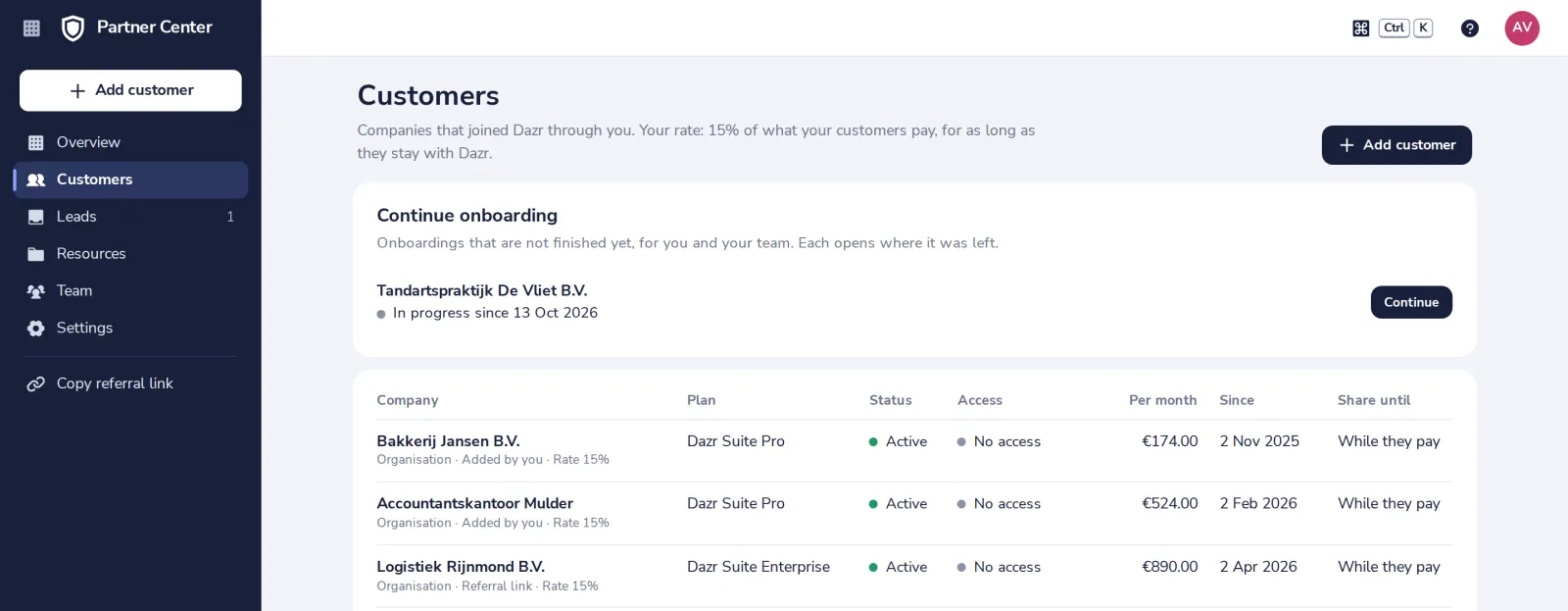
Press Add customer
At the top of the side panel, or in Customers.
- 2
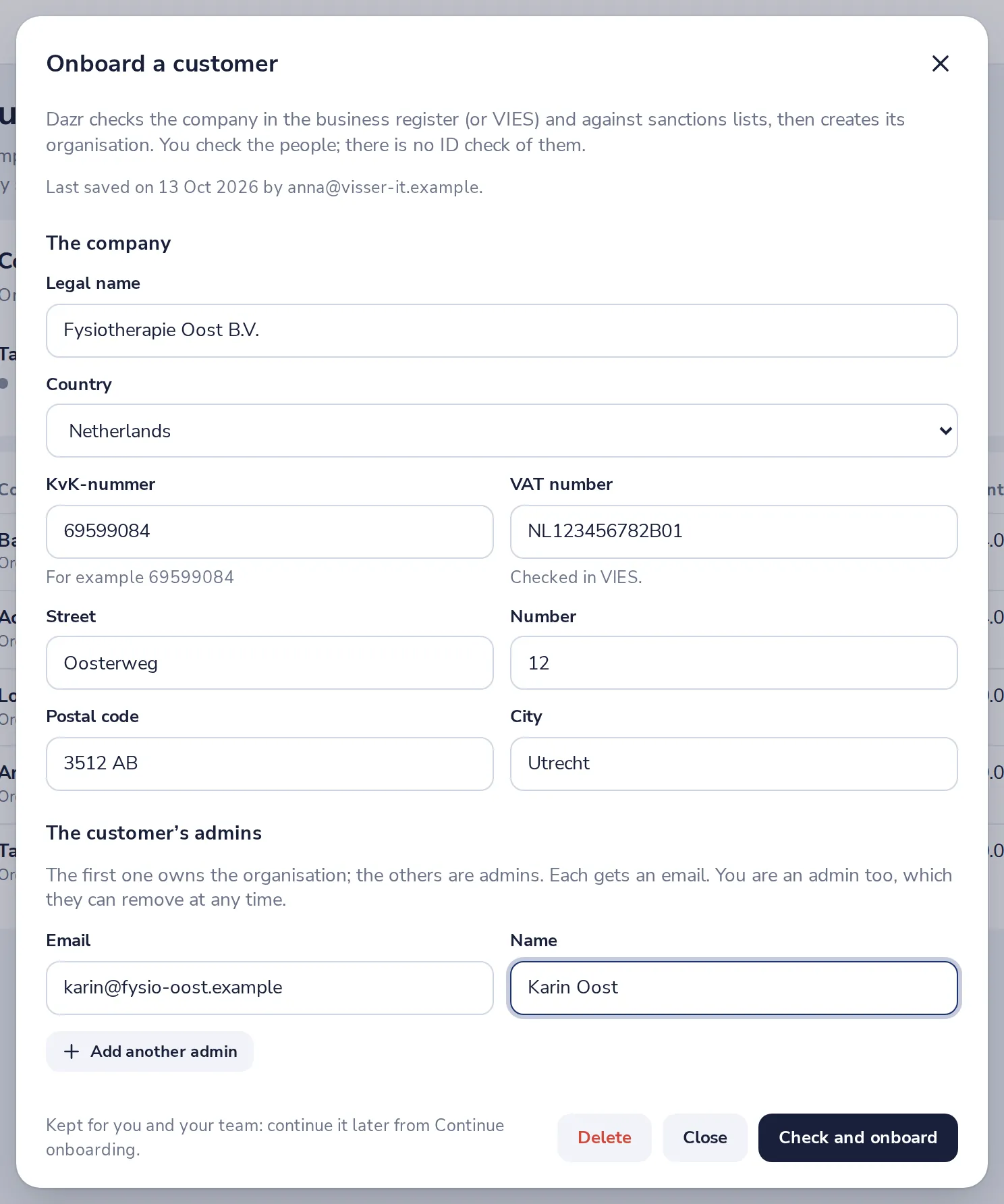
Fill in the company
Its legal name, country, registration number, VAT number and address.
- 3
Add the customer's admins and the plan
The first admin owns the organisation. Choose the 14-day Pro trial, a paid plan the owner confirms and pays, or Dazr Free.
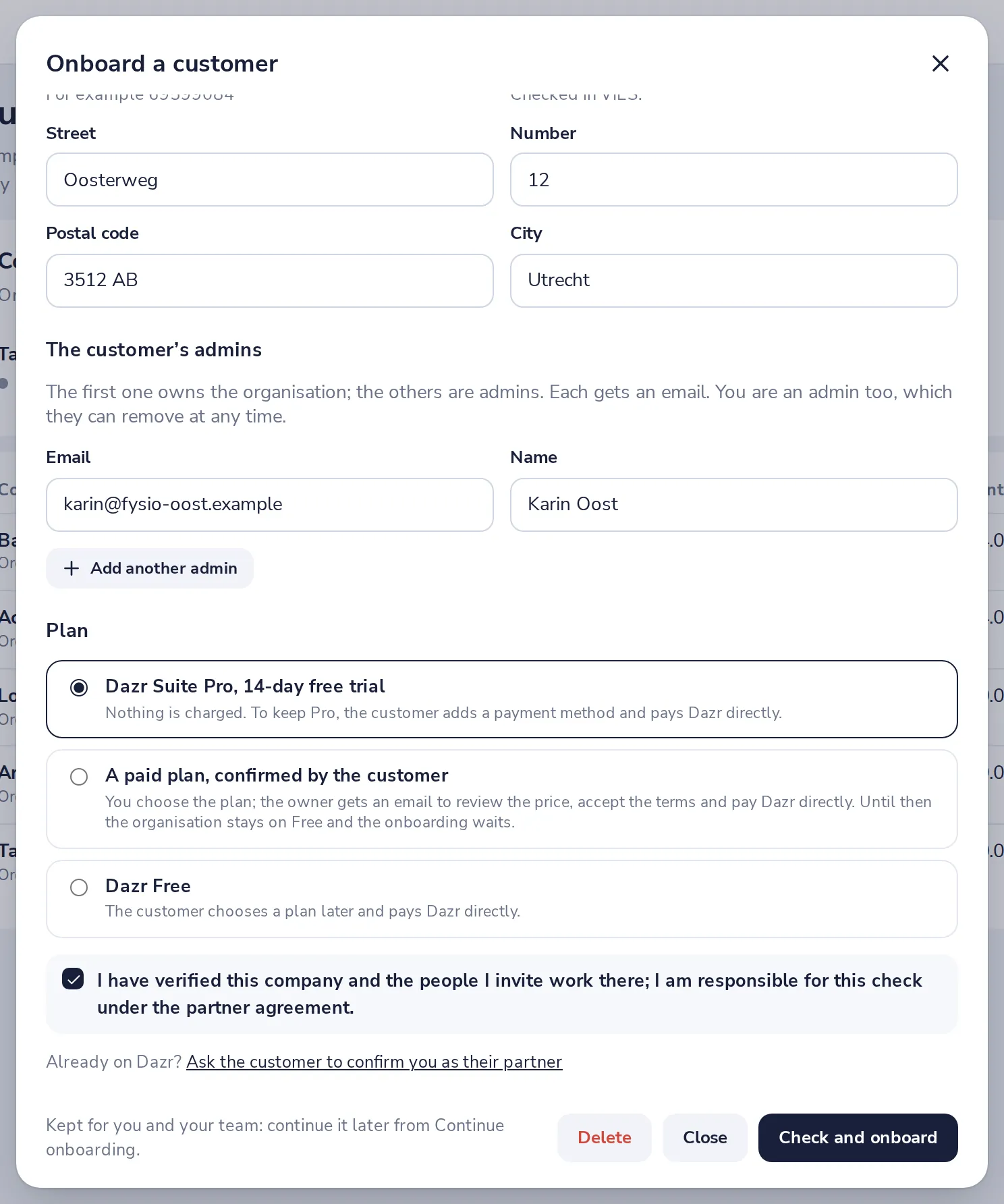
The customer always pays Dazr directly; you never see their payment details. You are an admin of the organisation too, which they can remove.
- 4
Tick the statement and press Check and onboard
You confirm you checked the company and its people. Its admins get an email. With a paid plan, the onboarding waits until the owner has paid.
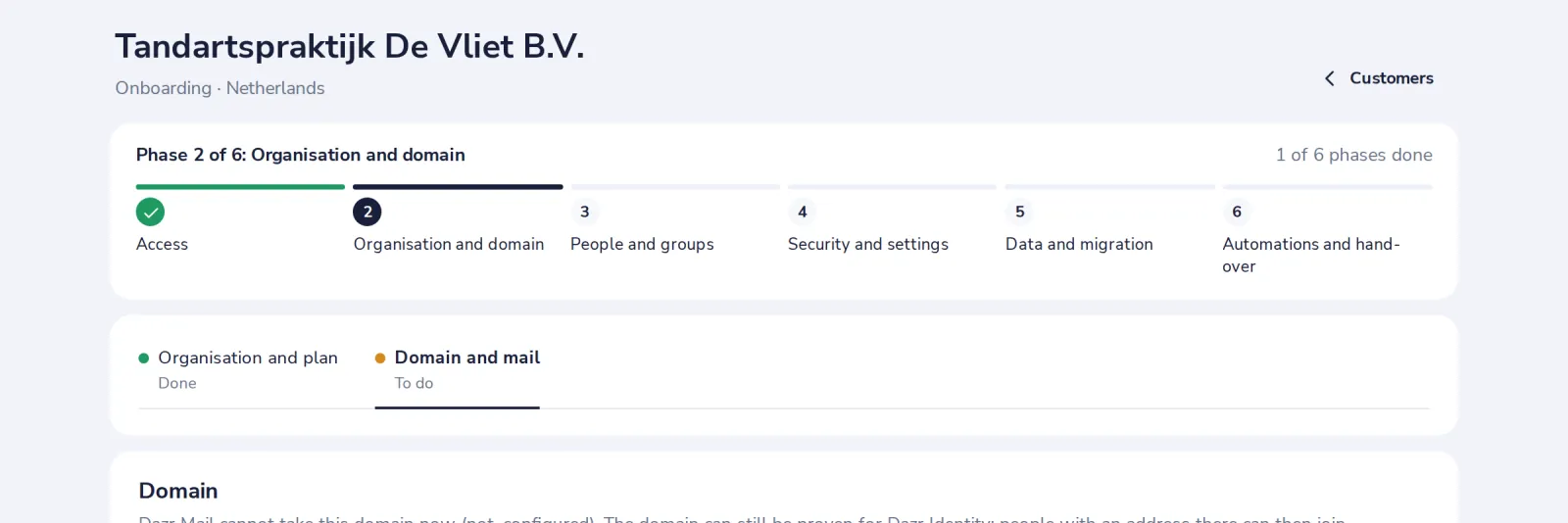
A company that is already on Dazr, or a customer of a sales partner, is added with Ask the customer to confirm you as their partner. They confirm by email, and only then they count as your customer.
Was this helpful?
What was missing?
Thank you.
We count yes and no per article. Nothing about you is stored.