Create a project
A project has a key, a board with your columns, a backlog and, if you like, sprints. Everyone in your organisation with Dazr Projects can create one.
- 1
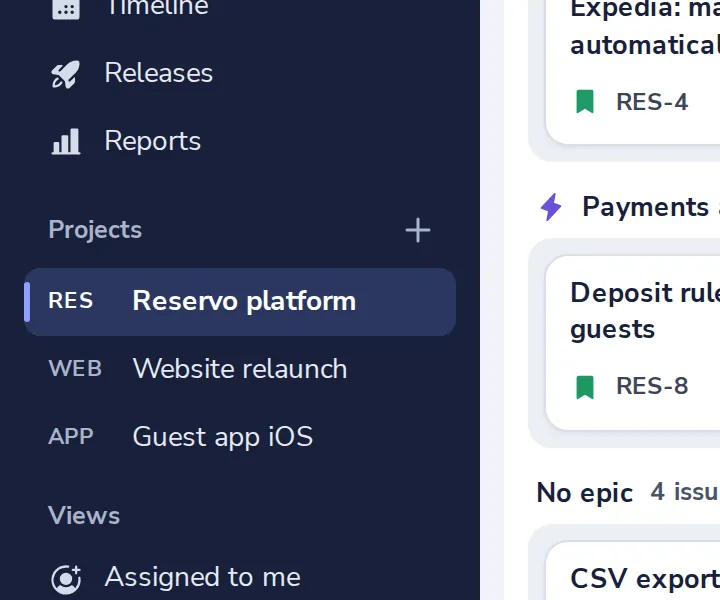
Press + next to Projects
Under the project's views.
- 2
Name it and check the key
Issues are named after the key, like PP-1 for Partner portal.
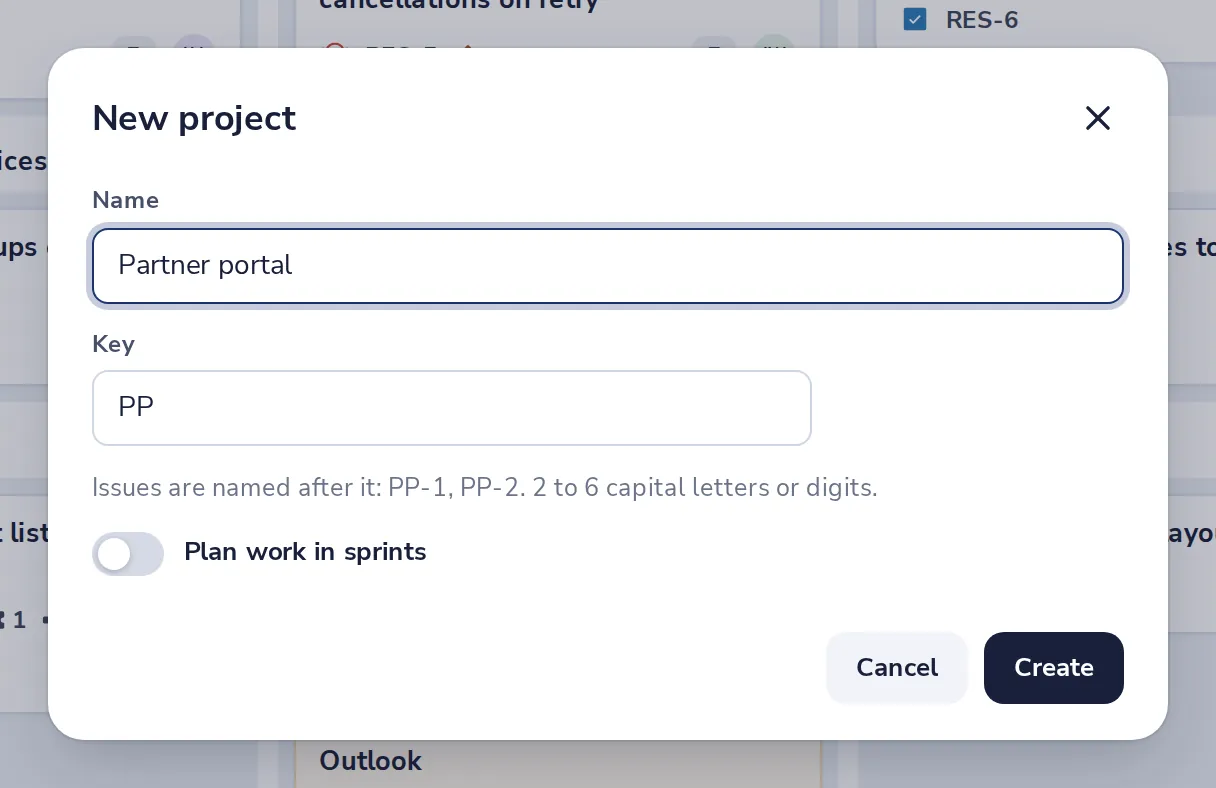
Turn on Plan work in sprints for a backlog with sprints.
- 3
Press Create
The new board opens. Add the first issue with New issue.
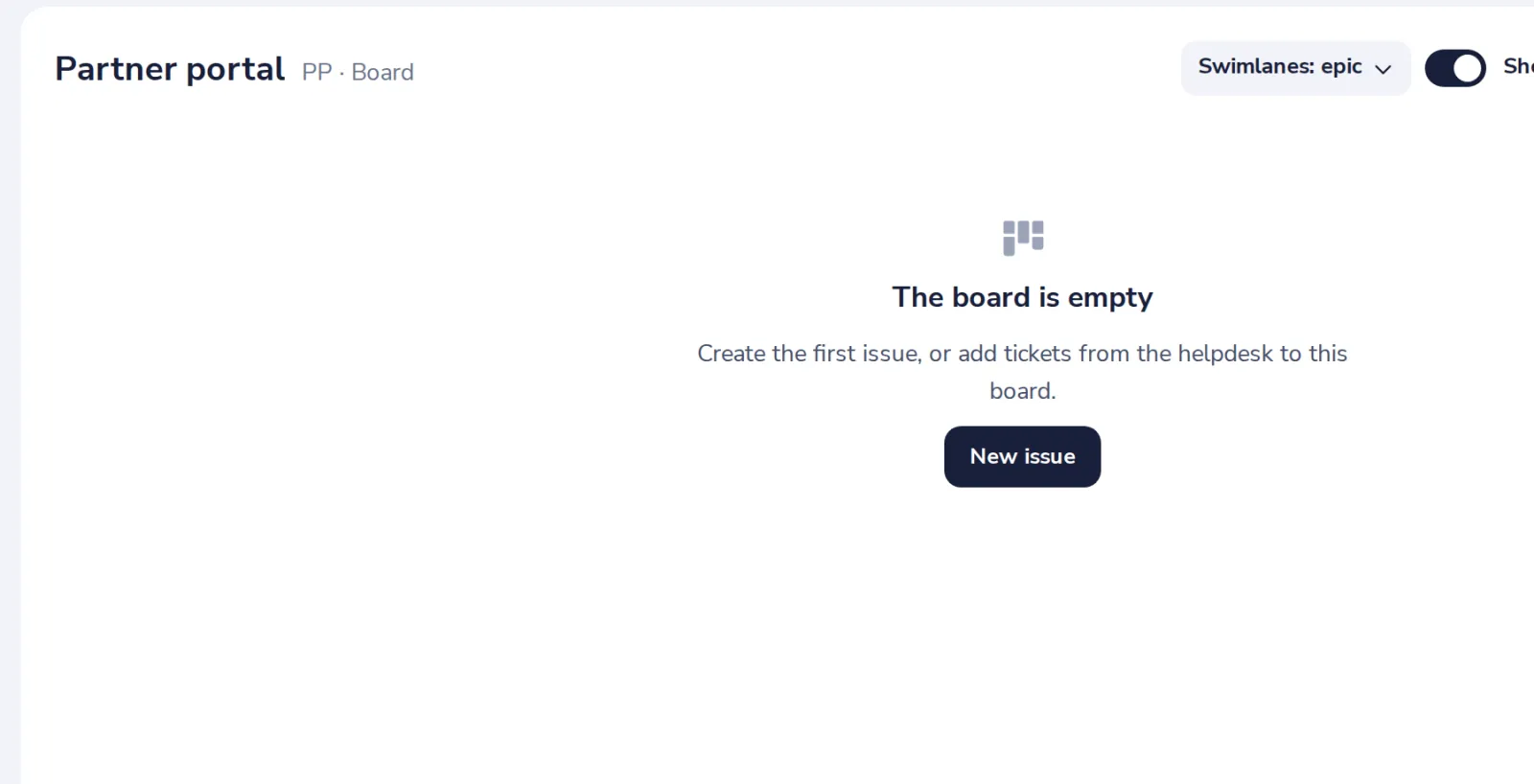
The columns are To do, In progress, In review and Done. Change them in the project settings.
Was this helpful?
What was missing?
Thank you.
We count yes and no per article. Nothing about you is stored.