Plan a sprint
The backlog lists the issues of a project in order. With sprints on, you plan some of them into a sprint and start it.
- 1
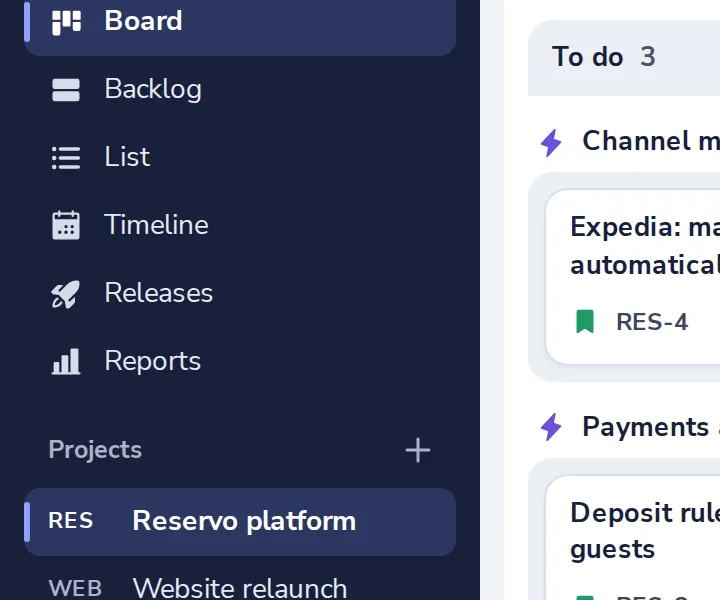
Open the backlog
In the side panel of the project.
- 2
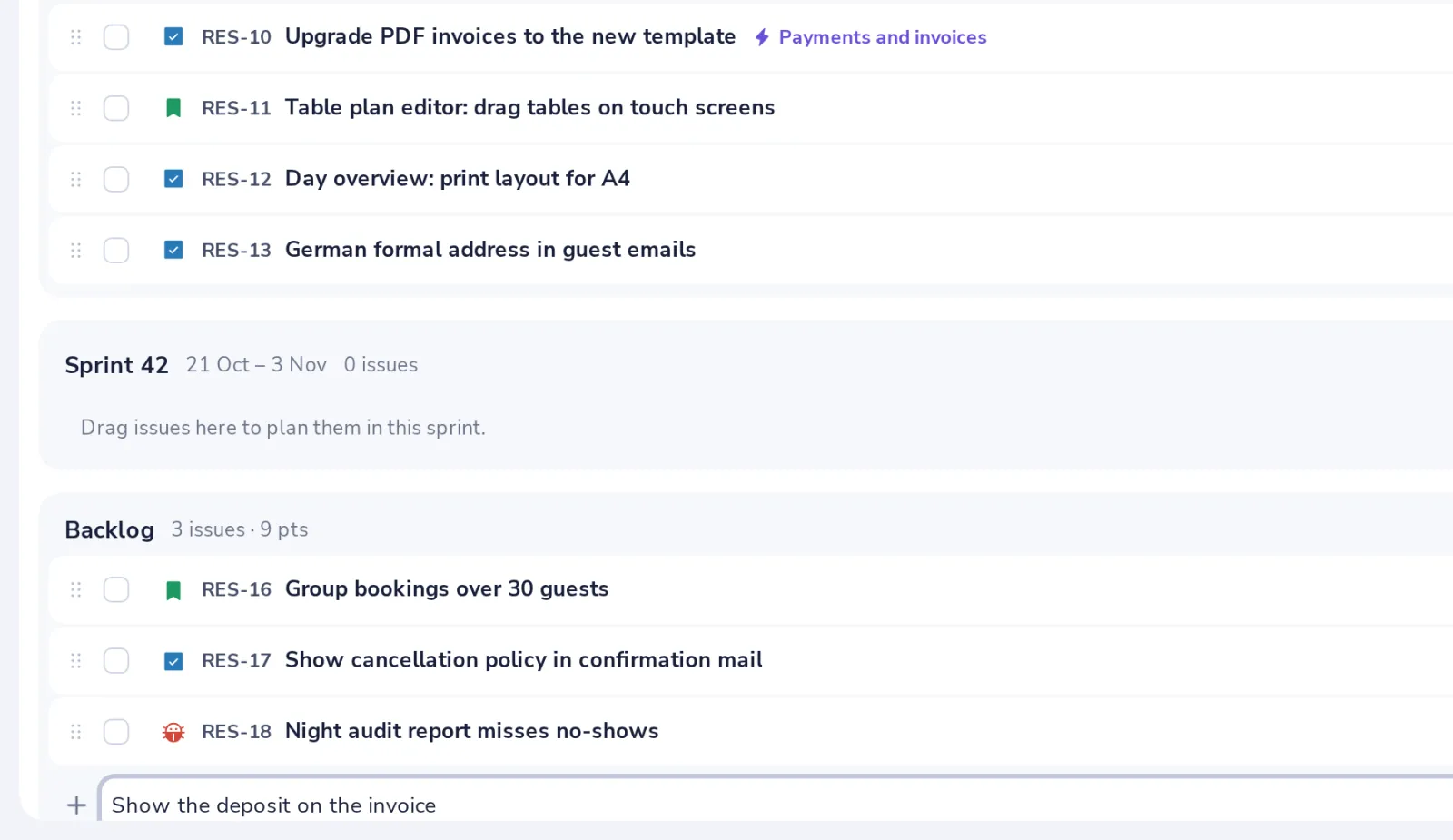
Add an issue
Type a title under Backlog and press Enter.
- 3
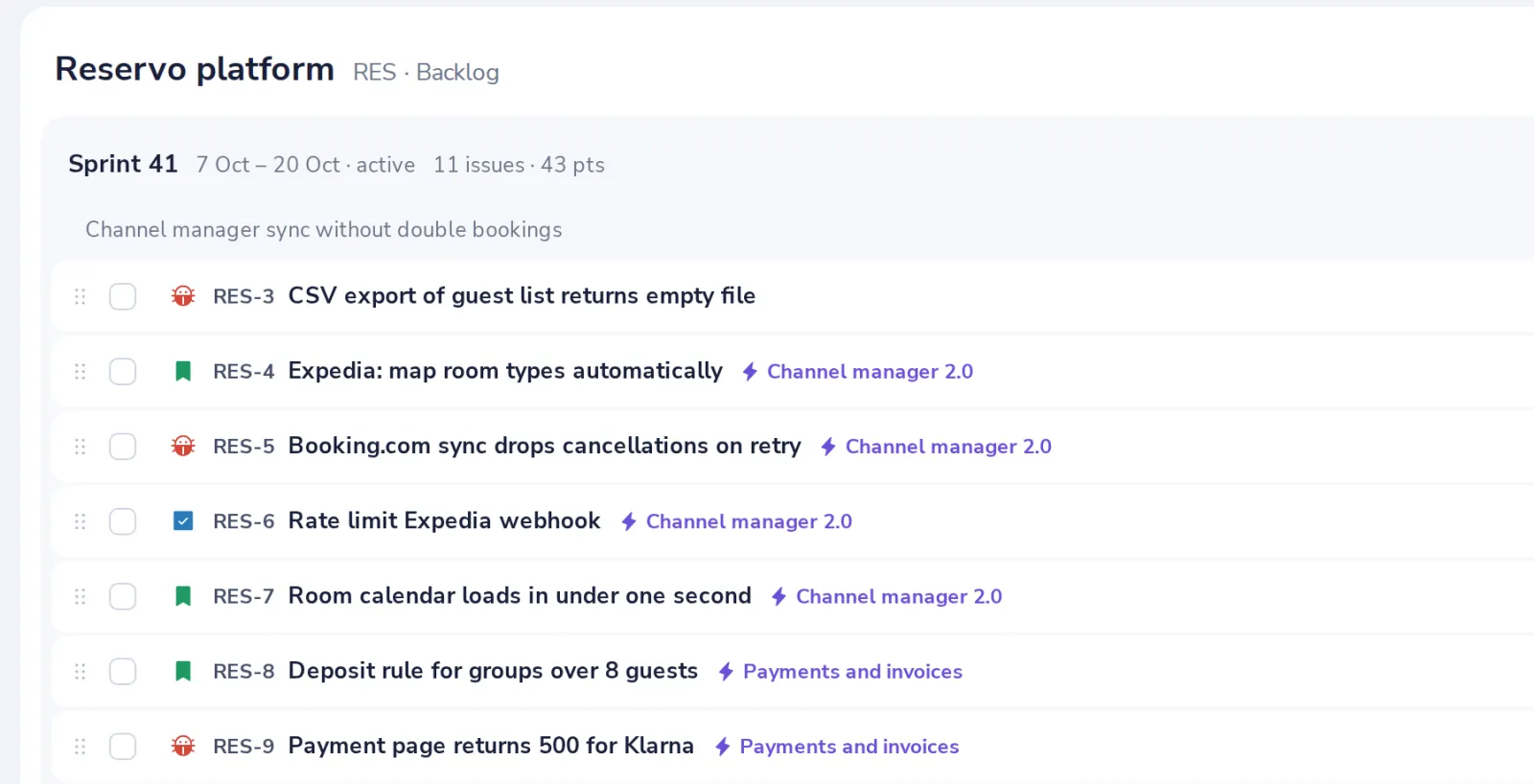
Drag issues into the sprint
Or tick them and choose Sprint at the top.
- 4
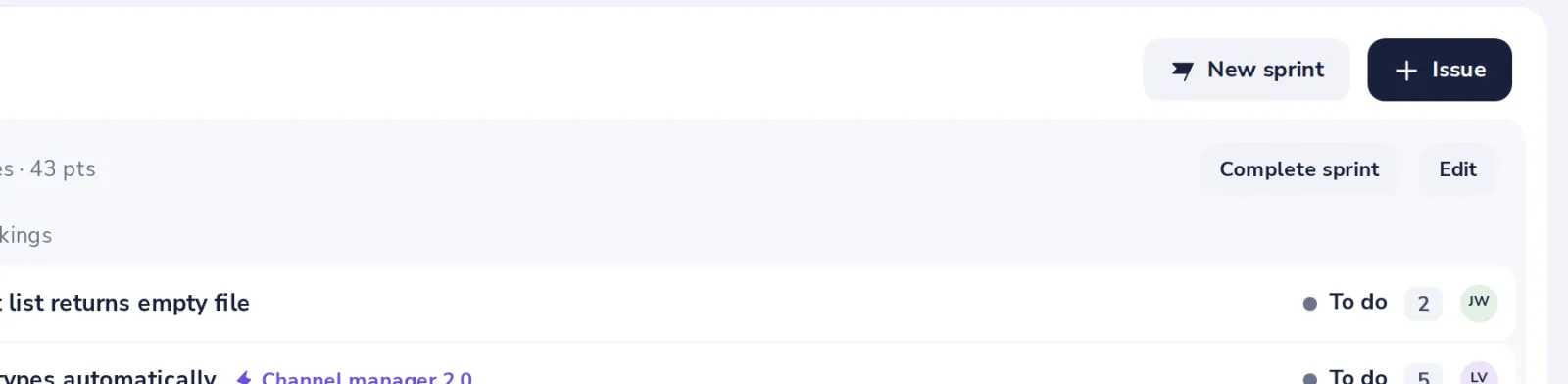
Start and complete the sprint
Start sprint begins it. Complete sprint moves what is not done back to the backlog.
Was this helpful?
What was missing?
Thank you.
We count yes and no per article. Nothing about you is stored.