Move work on the board
The board shows the issues of a project in its columns. Swimlanes by epic or by person keep it readable.
- 1
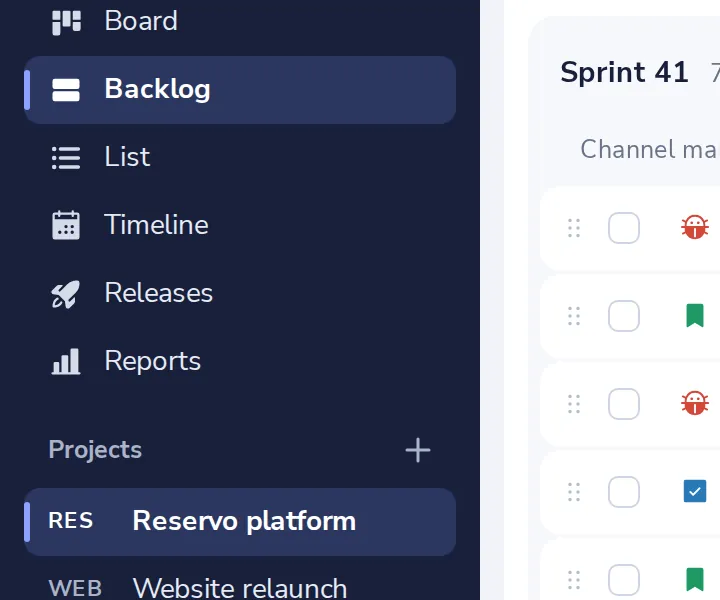
Open the board
In the side panel of the project.
- 2
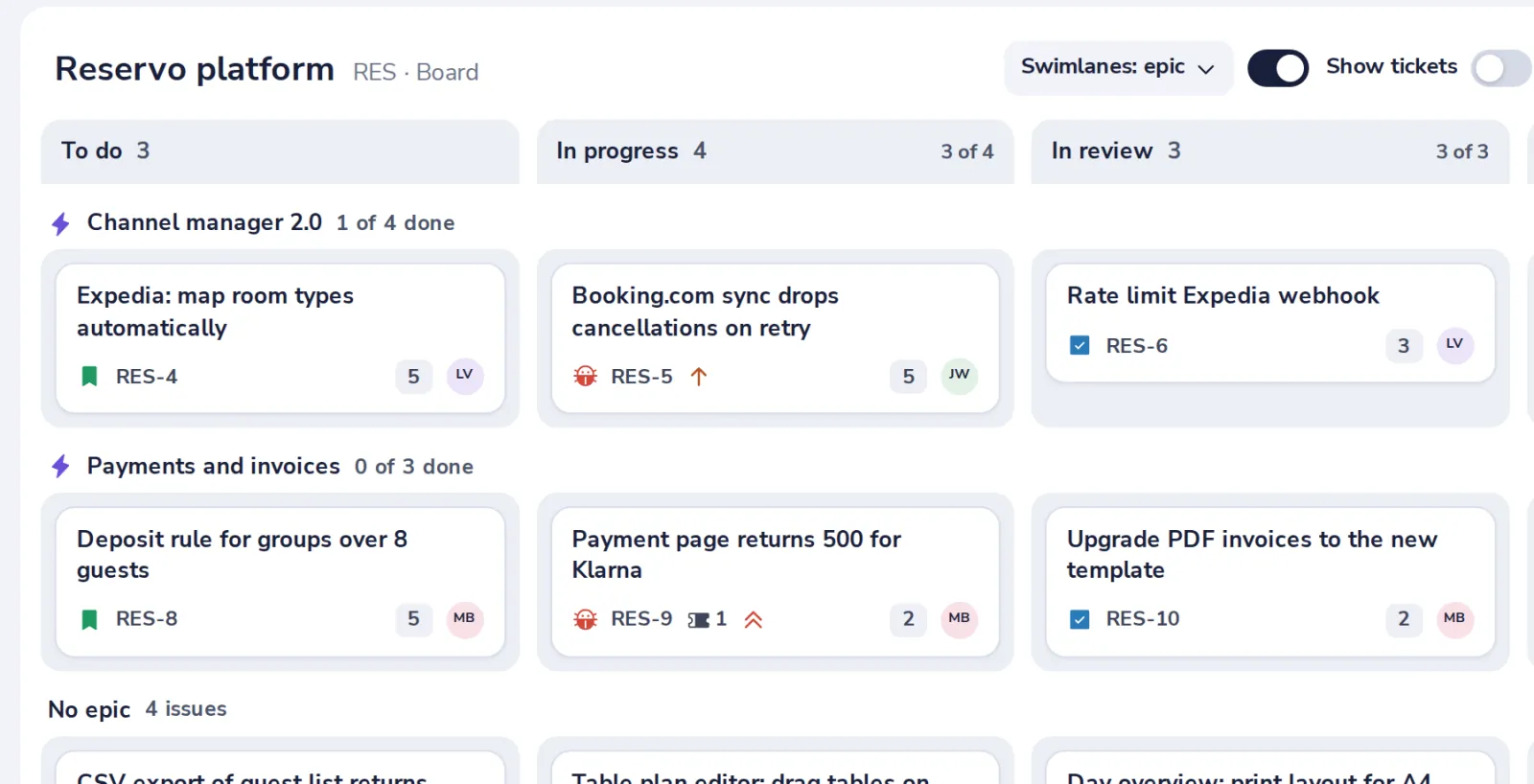
Drag a card to another column
A column with a limit shows how full it is, such as 4 of 4.
- 3
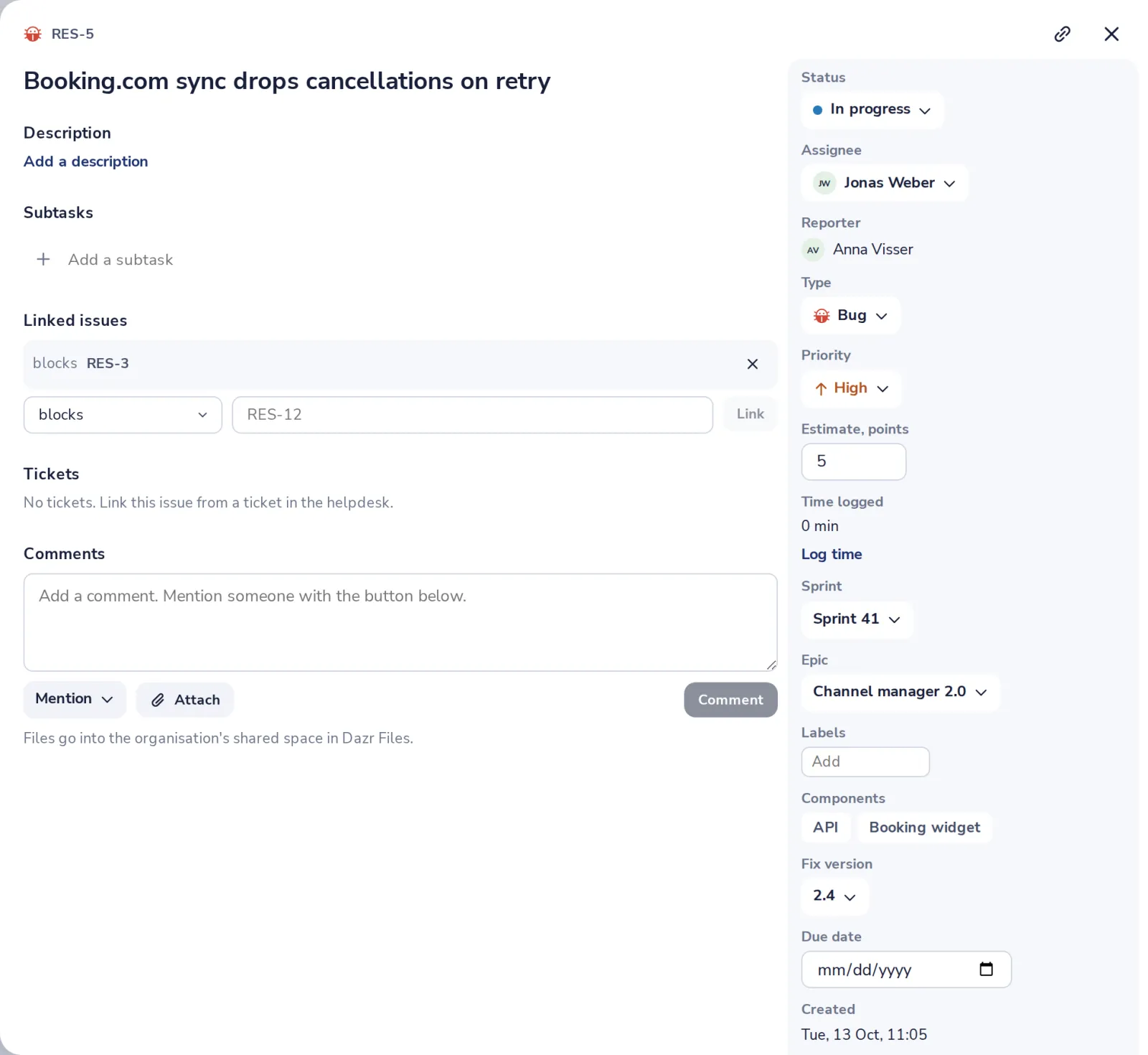
Open a card for the details
Status, assignee, comments, time spent and links, in one panel.
Was this helpful?
What was missing?
Thank you.
We count yes and no per article. Nothing about you is stored.