Sign a document yourself
Choose Only me, upload the PDF and sign it right away. You keep the signed copy, with proof, under Documents.
- 1
Choose Only me
Press New document, then choose Only me under Who signs.
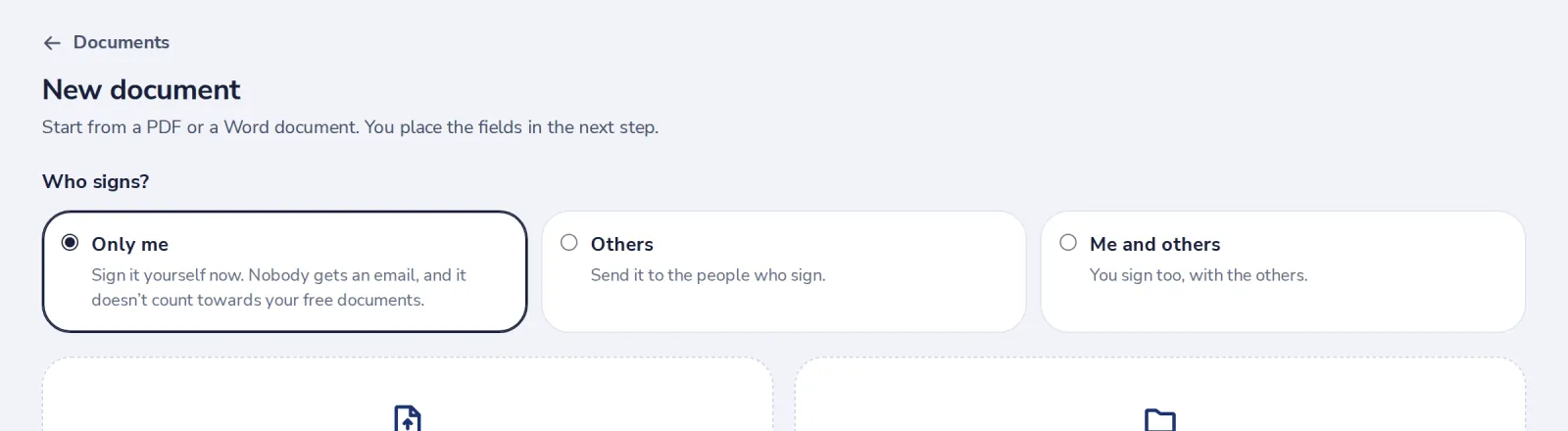
Signing only yourself does not count towards your free documents.
- 2
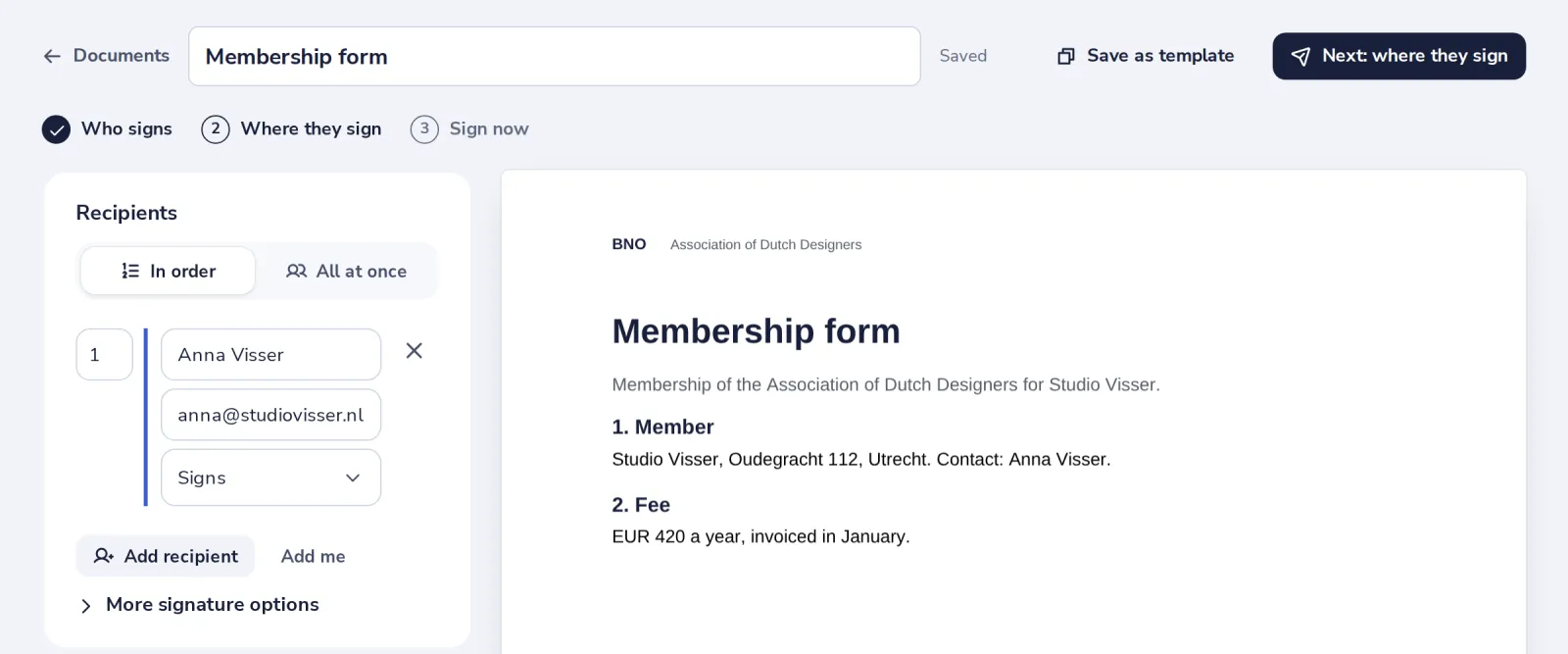
Upload your file
Drop a PDF or Word file, or pick one from Dazr Files. You are already filled in as the signer.
- 3
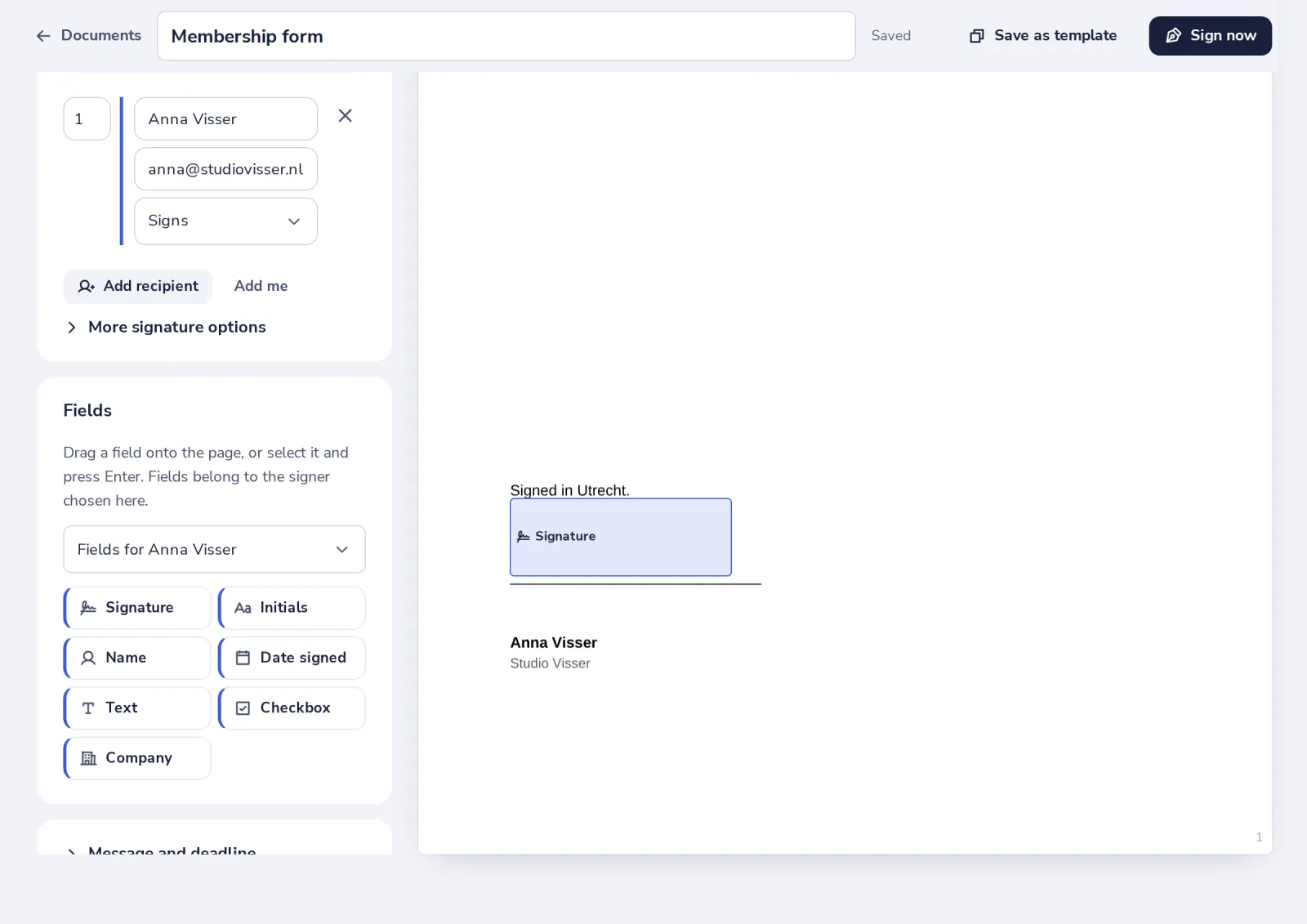
Add your signature field
Press Signature. It lands on the signature line; drag it to adjust.
- 4
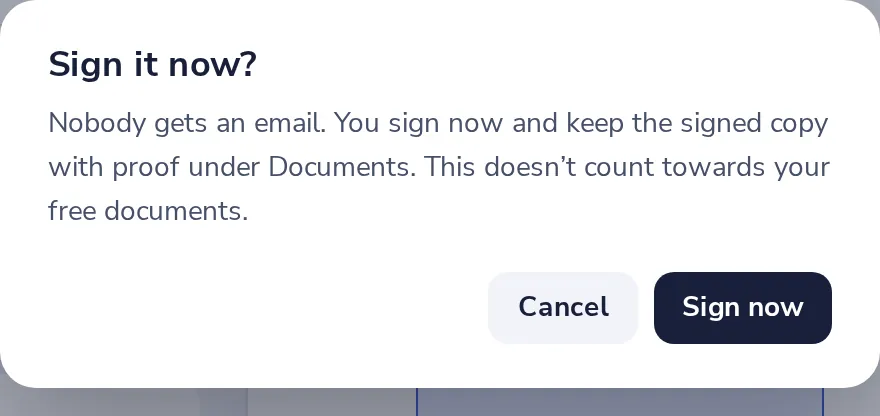
Press Sign now
Nobody gets an email. You sign straight away.
- 5
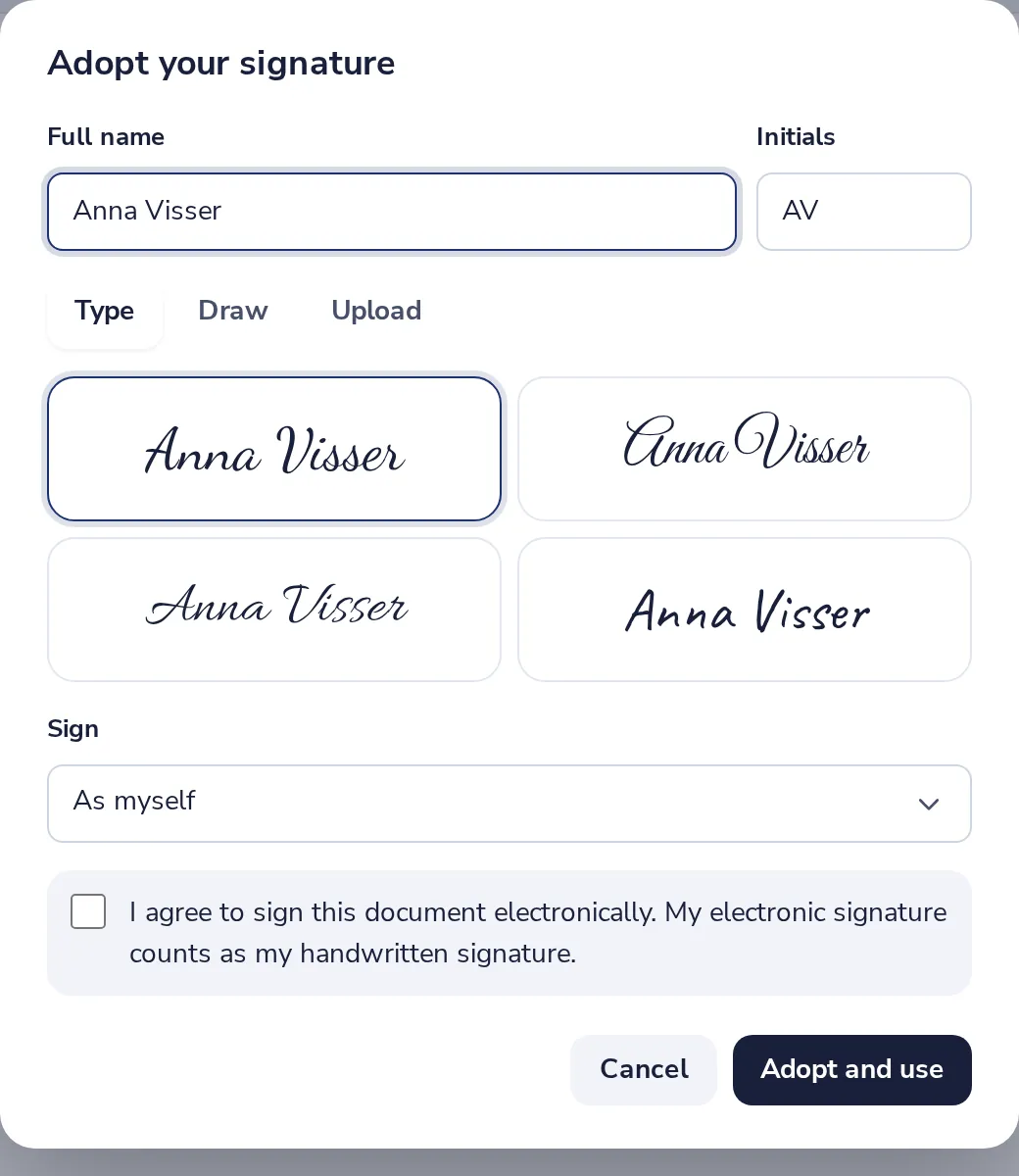
Adopt your signature
Type your name and pick a style, or draw or upload it. Tick the box and press Adopt and use.
- 6
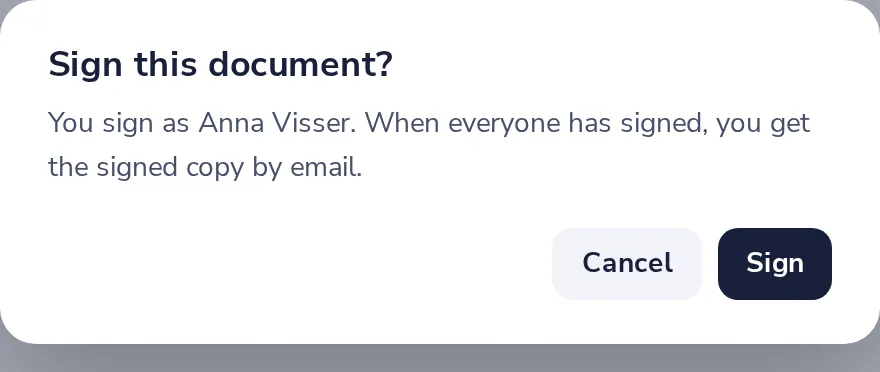
Press Finish, then Sign
Your signature goes into the PDF.
- 7
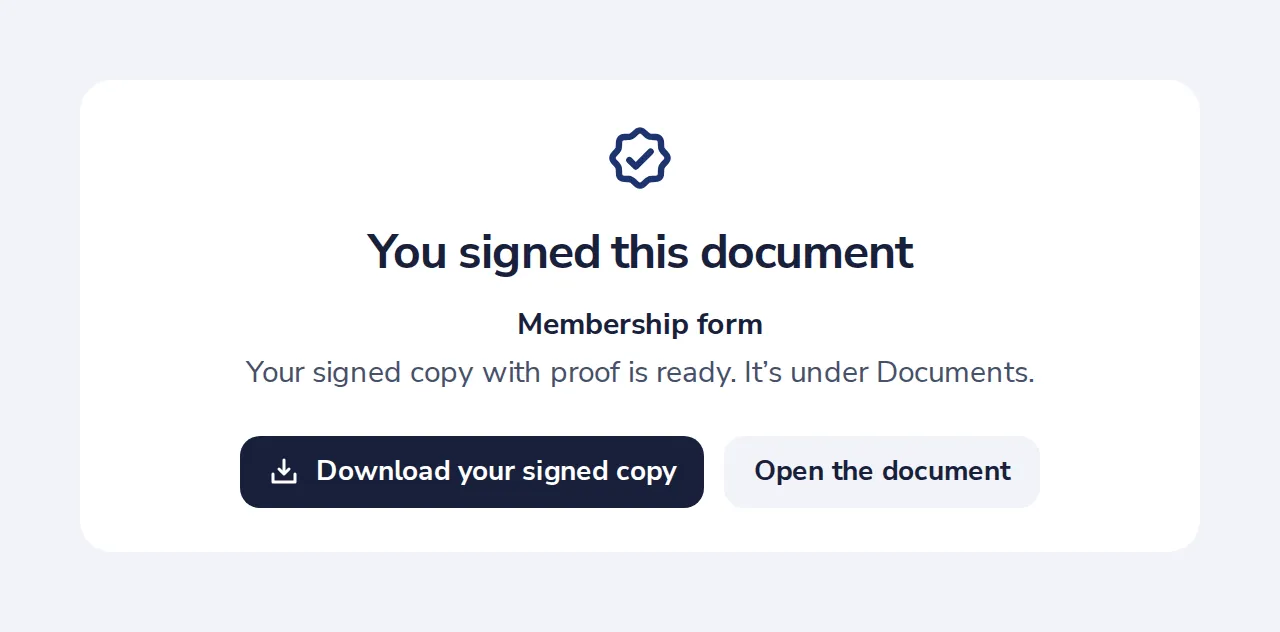
Your signed copy is ready
Download it here. It stays under Documents too.
Was this helpful?
What was missing?
Thank you.
We count yes and no per article. Nothing about you is stored.