Sign together with others
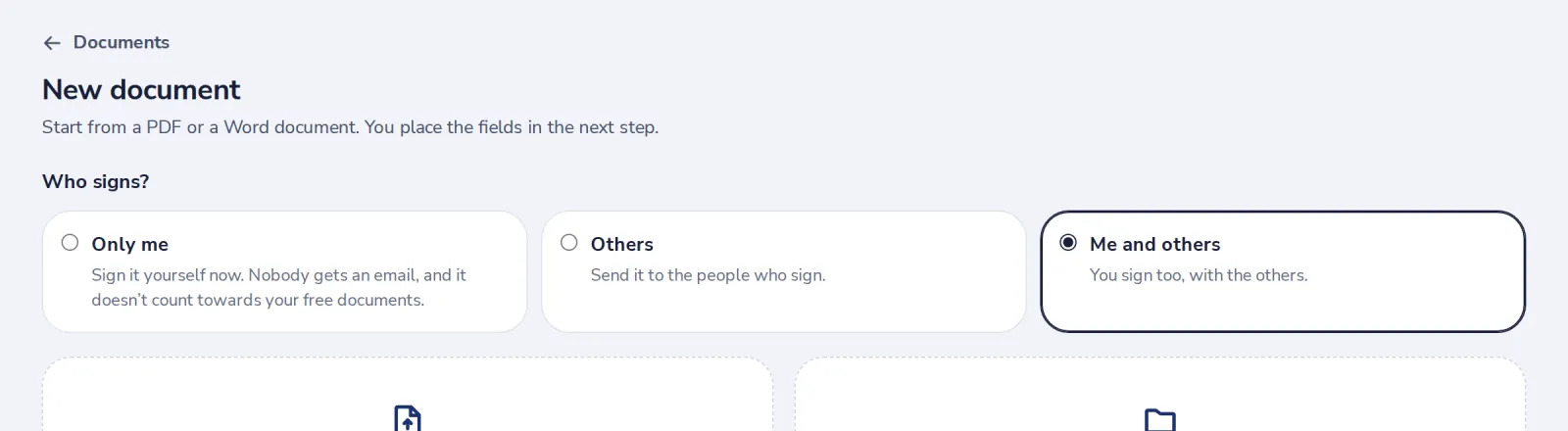
Choose Me and others. You are added as a signer, and you sign from the document page when it is your turn.
- 1
Choose Me and others
Press New document, choose Me and others, then upload the file.
- 2
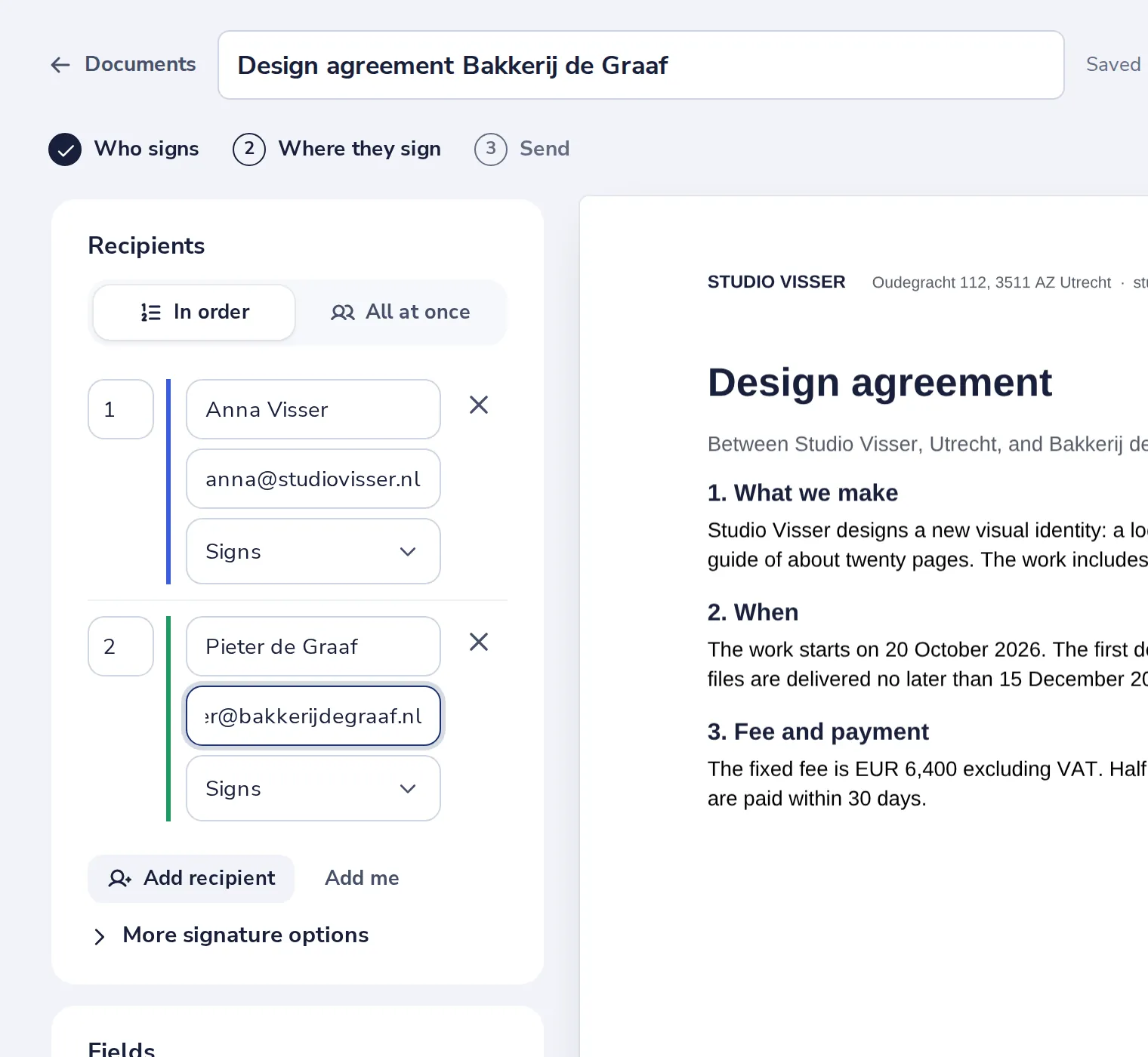
Add the others
You are already on the list. Add the name and email of each other signer.
- 3
Place everyone’s fields
Choose a person under Fields, then press Signature. Do this for each person.

- 4
Sign when it is your turn
Open the document and press Review and sign.

Was this helpful?
What was missing?
Thank you.
We count yes and no per article. Nothing about you is stored.