Create a meeting link for later
A meeting link works like a room: send it ahead, and whoever opens it waits in the lobby until you let them in.
- 1
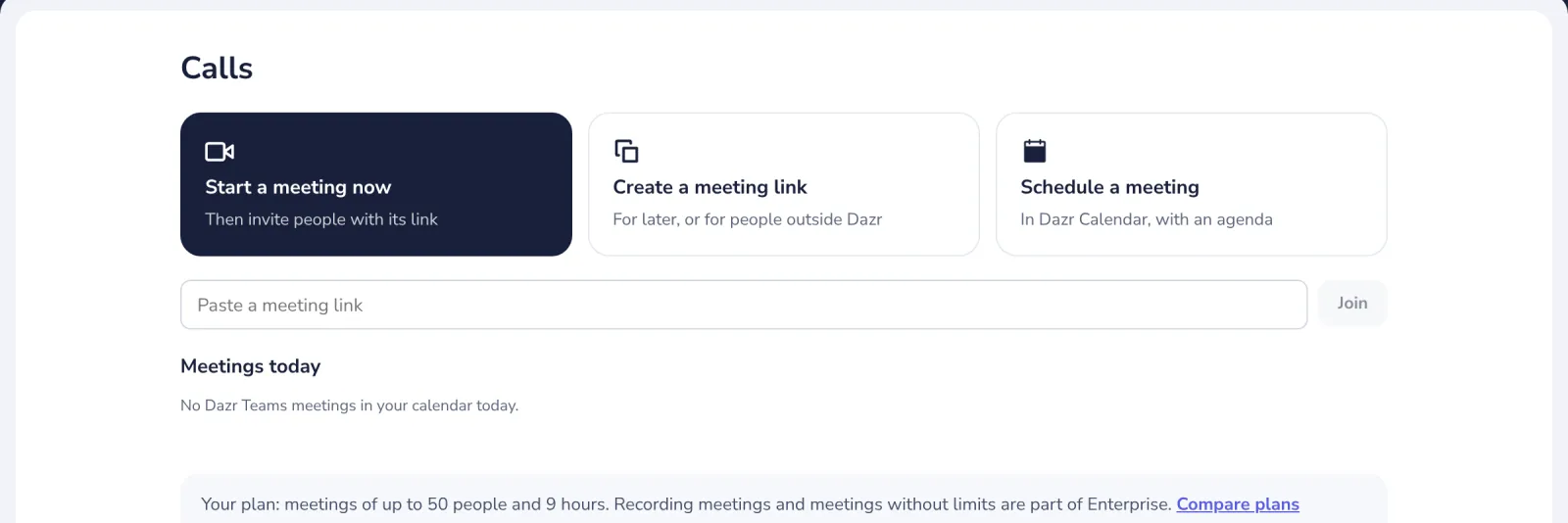
Press Create a meeting link
In Calls. The link is copied for you.
- 2
Send the link
Press Copy if you need it again, and paste it in a chat or an email.
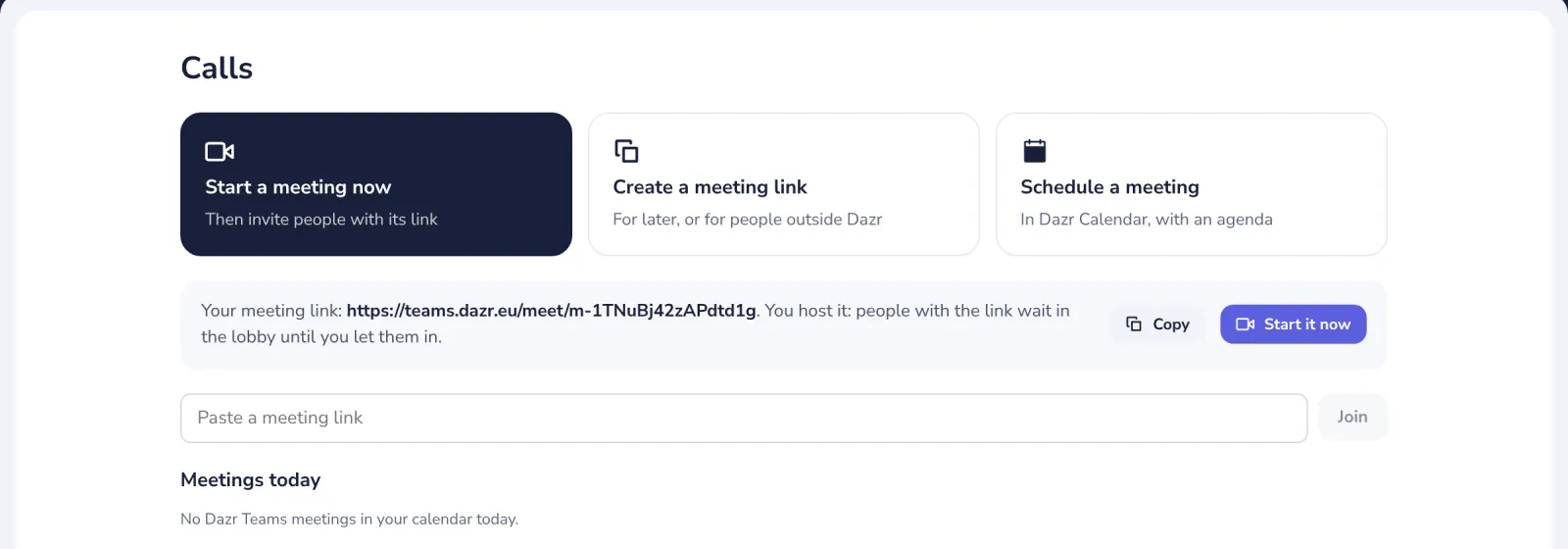
You host the meeting. People with the link wait in the lobby until you let them in.
- 3
Start it when you are ready
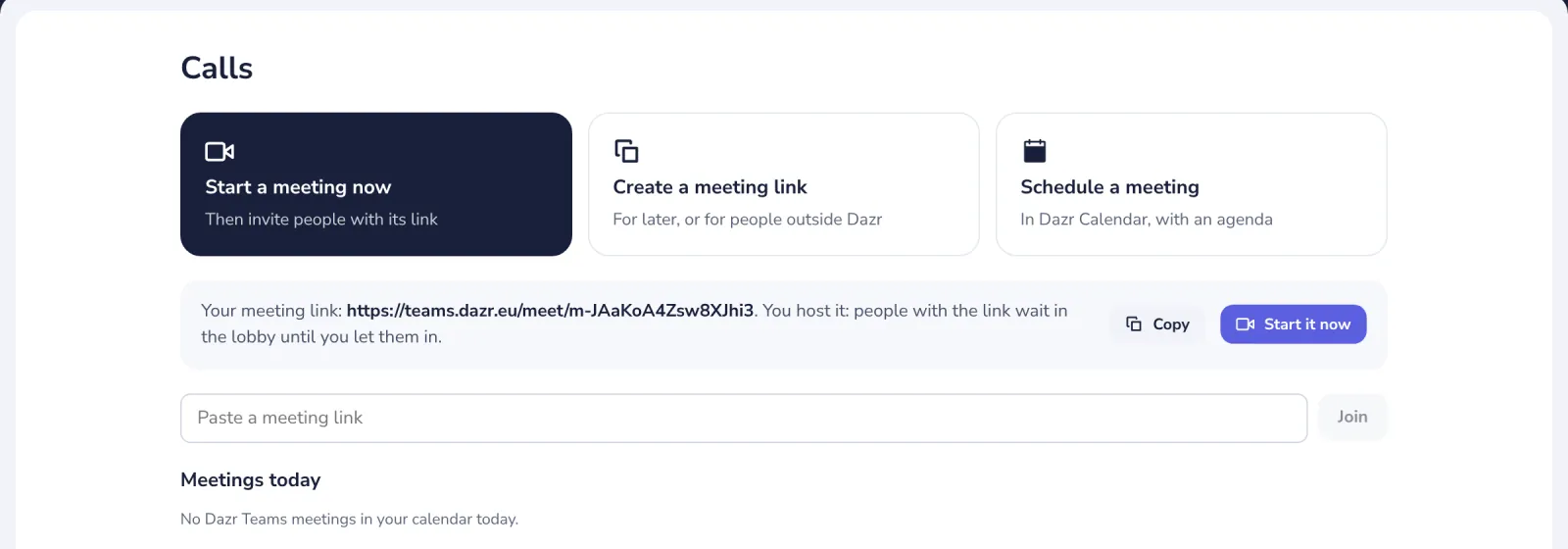
Press Start it now, or open the link yourself later.
Was this helpful?
What was missing?
Thank you.
We count yes and no per article. Nothing about you is stored.