Join a meeting without a Dazr account
All you need is the link and a browser. No account, no app to install.
- 1
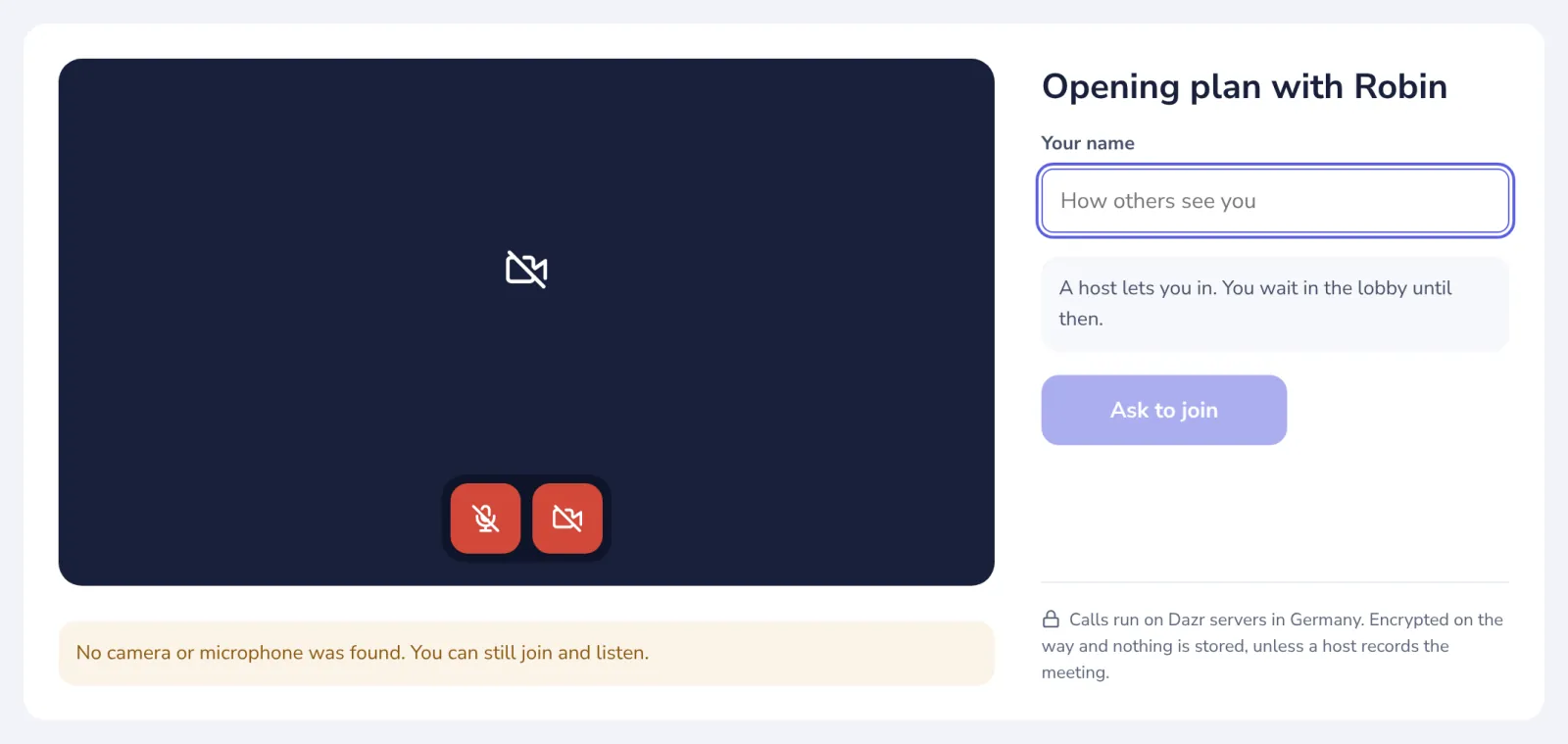
Open the link
Allow your camera and microphone when the browser asks, and check the preview.
- 2
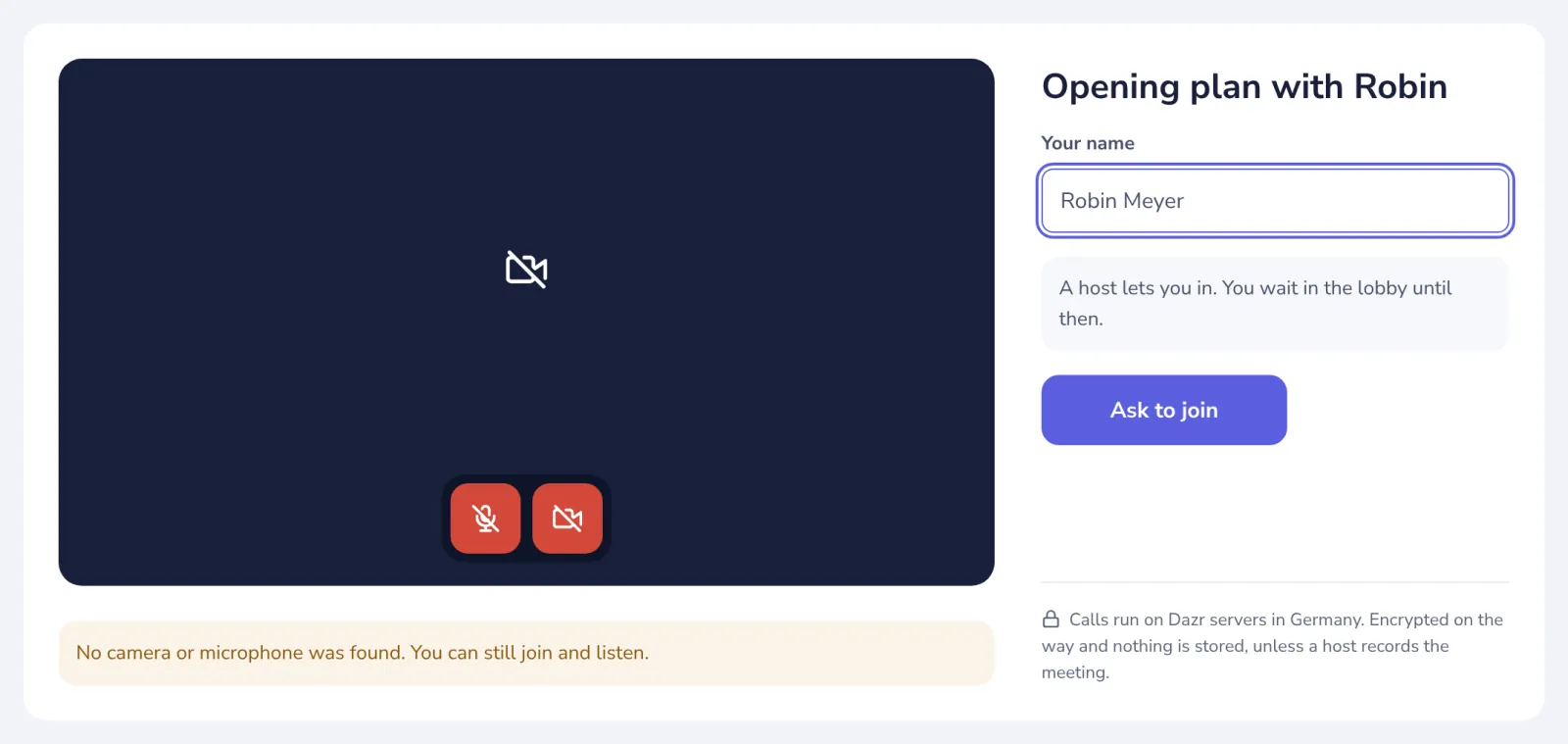
Type your name
This is the name the others see in the meeting.
- 3
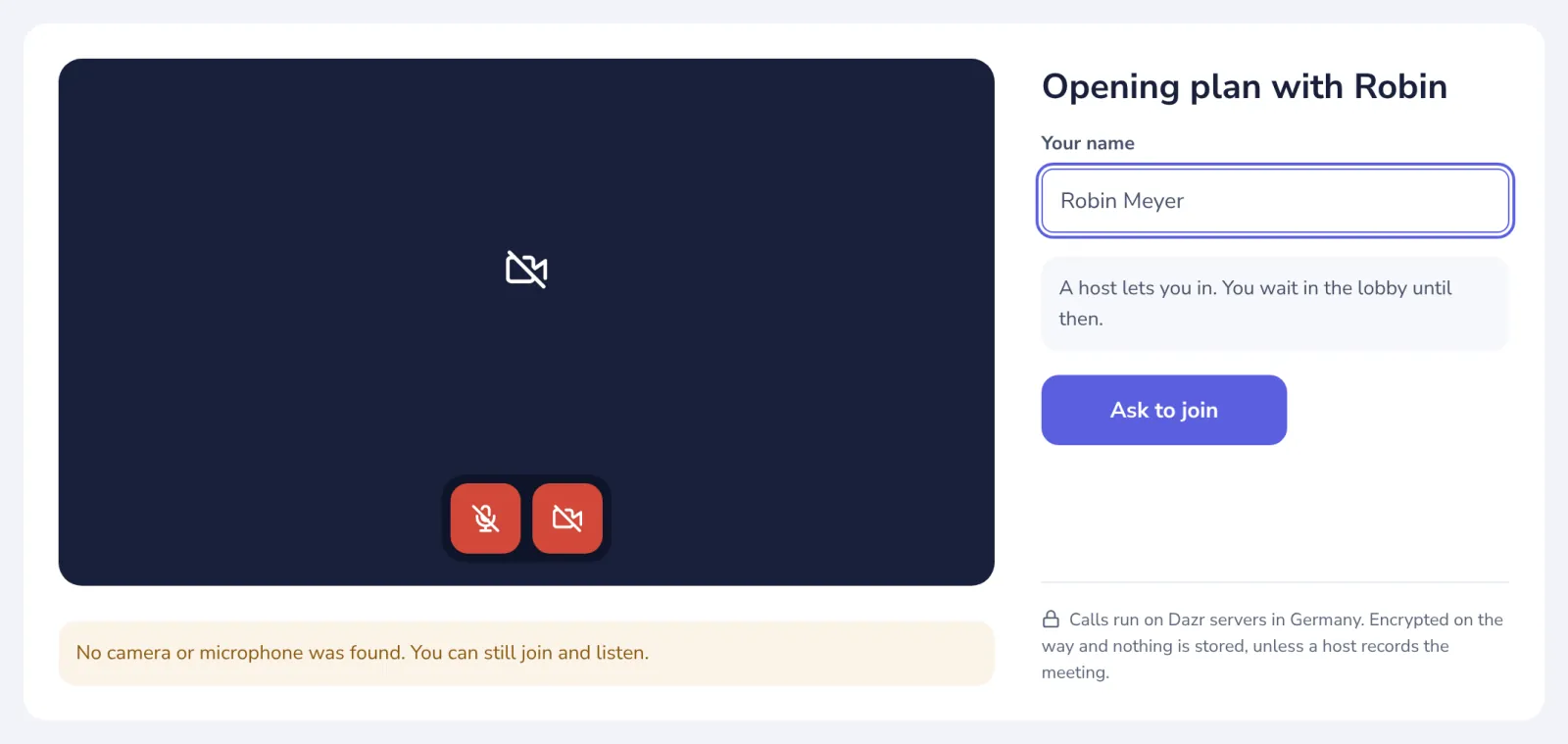
Press Ask to join
The host sees that you are waiting.
- 4
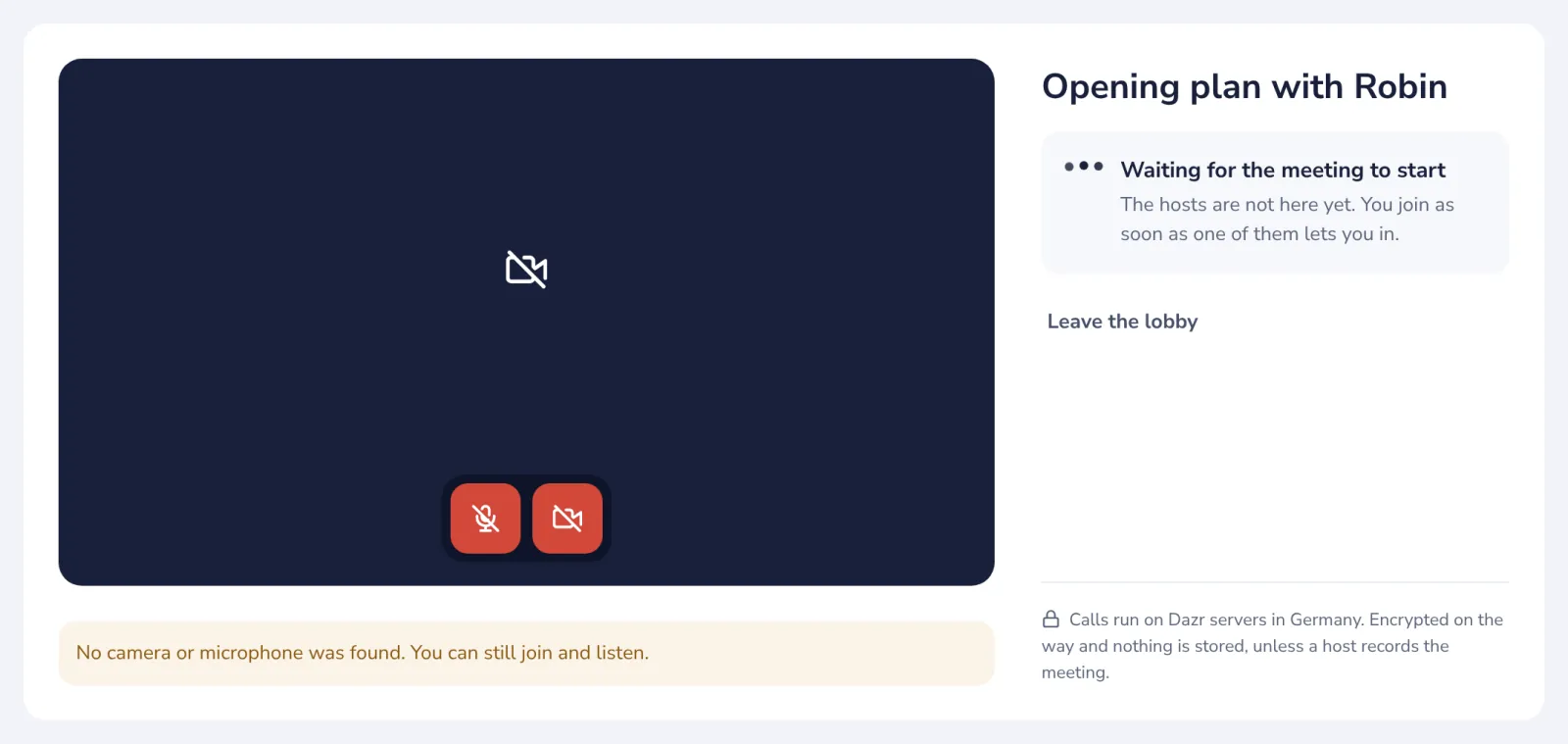
Wait for the host
You join as soon as a host lets you in. Keep this page open.
Already have a Dazr account? Press Sign in at the top, and you join with your name.
Was this helpful?
What was missing?
Thank you.
We count yes and no per article. Nothing about you is stored.