Start a video meeting and invite people
Start a meeting from Calls, send its link, and let people in. Anyone with the link can join from a browser, without an account.
- 1
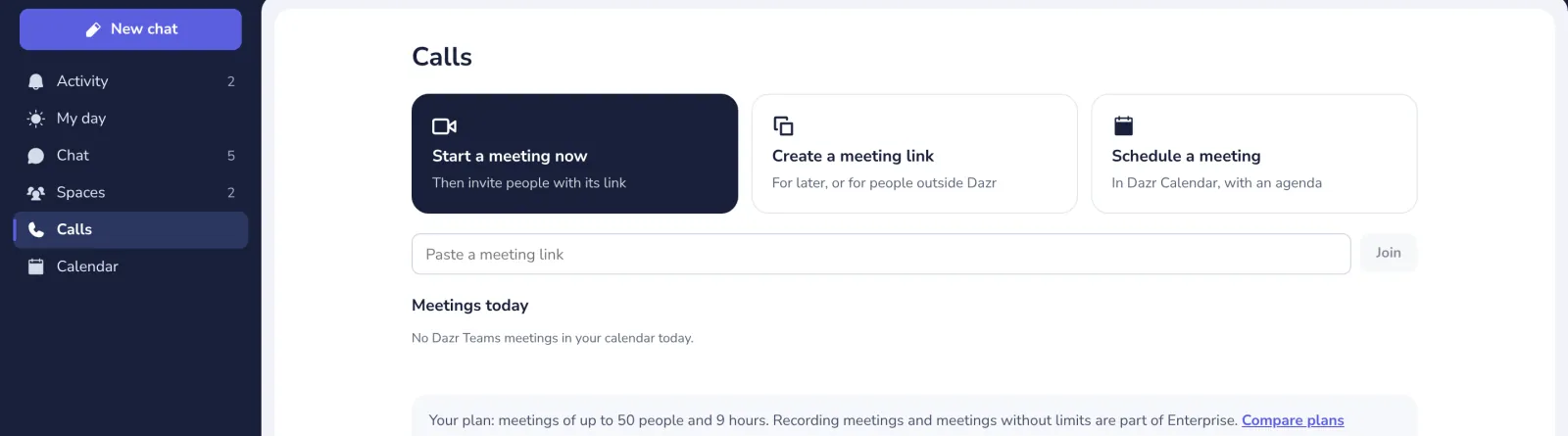
Open Calls
In the list on the left.
- 2
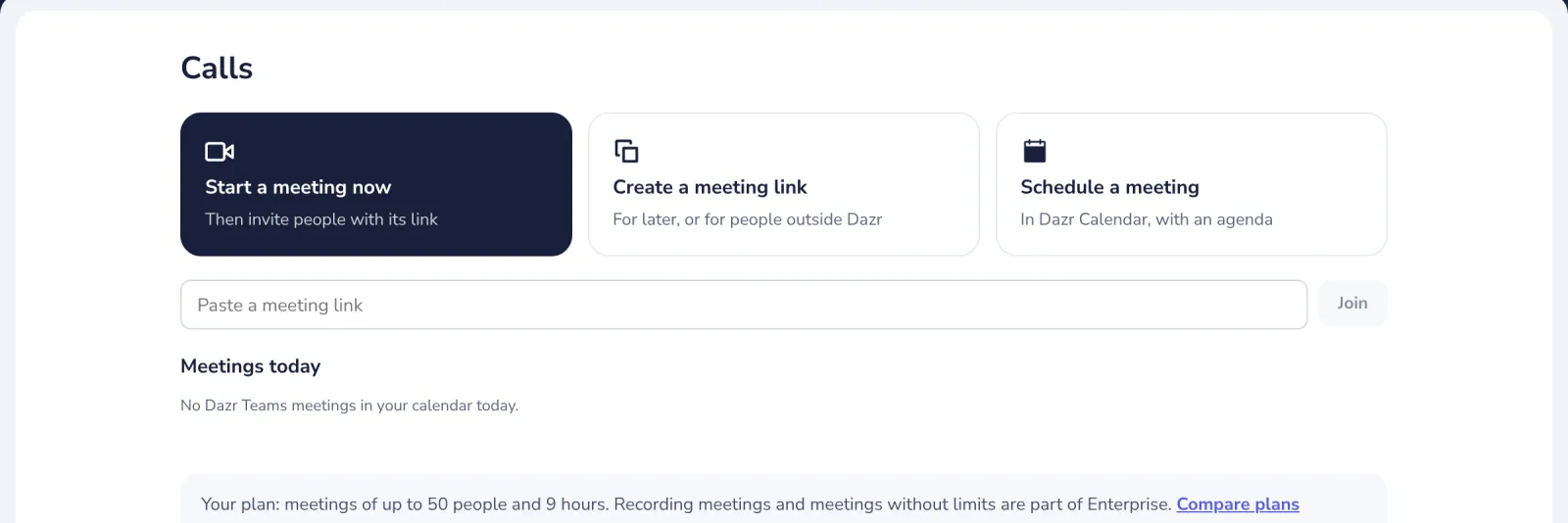
Press Start a meeting now
You see yourself first, before anyone else does.
- 3
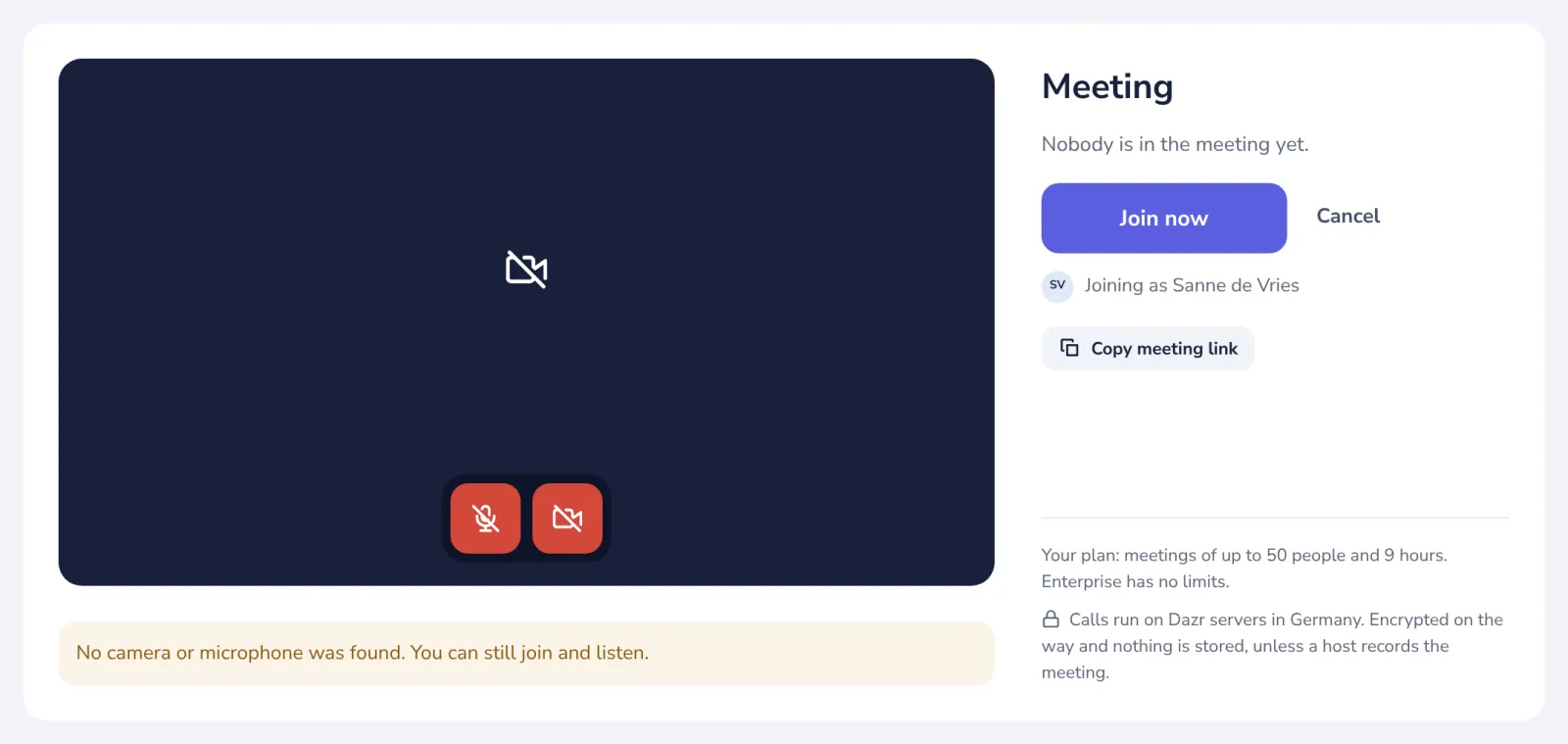
Copy the meeting link
Send it in a chat or an email. People outside Dazr only need the link.
- 4
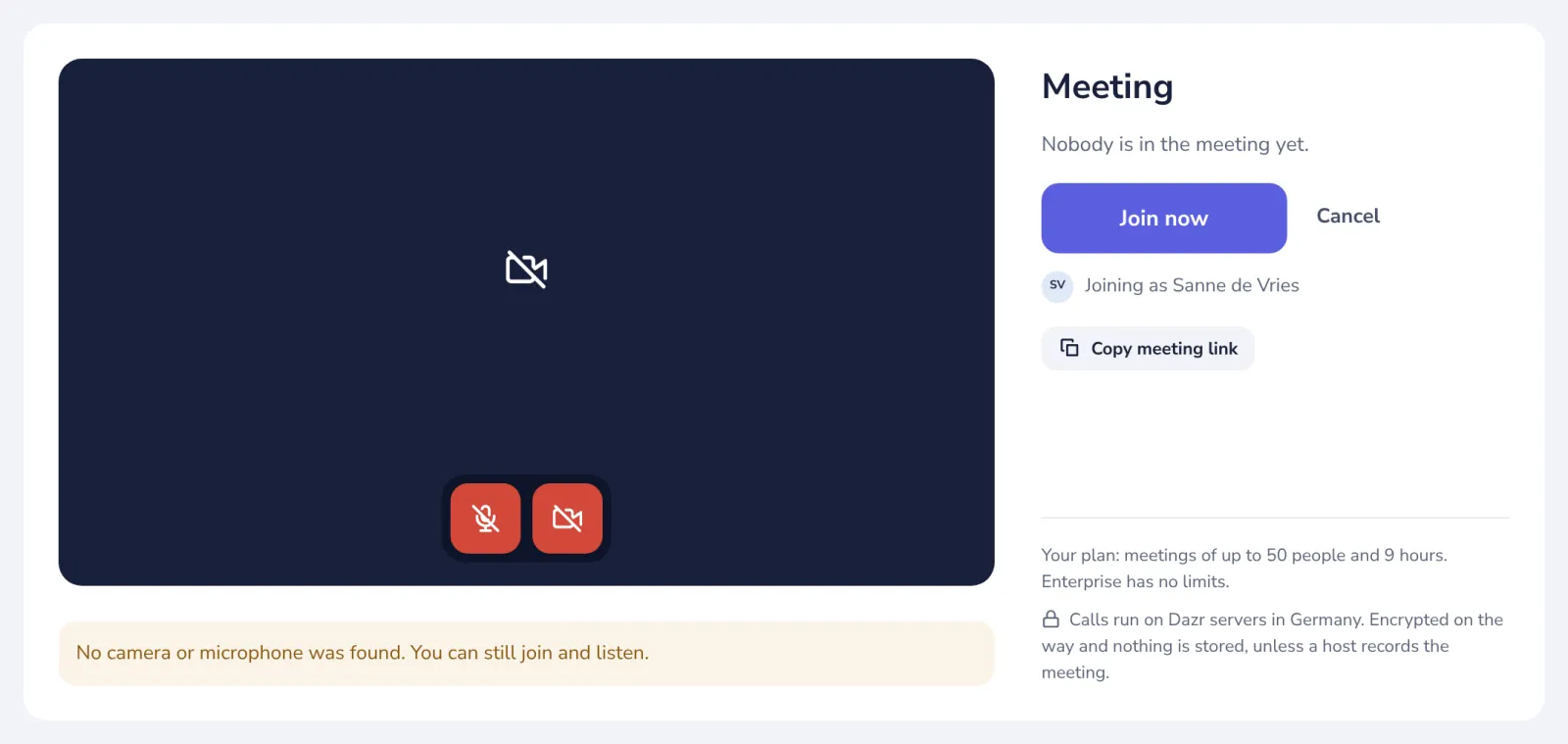
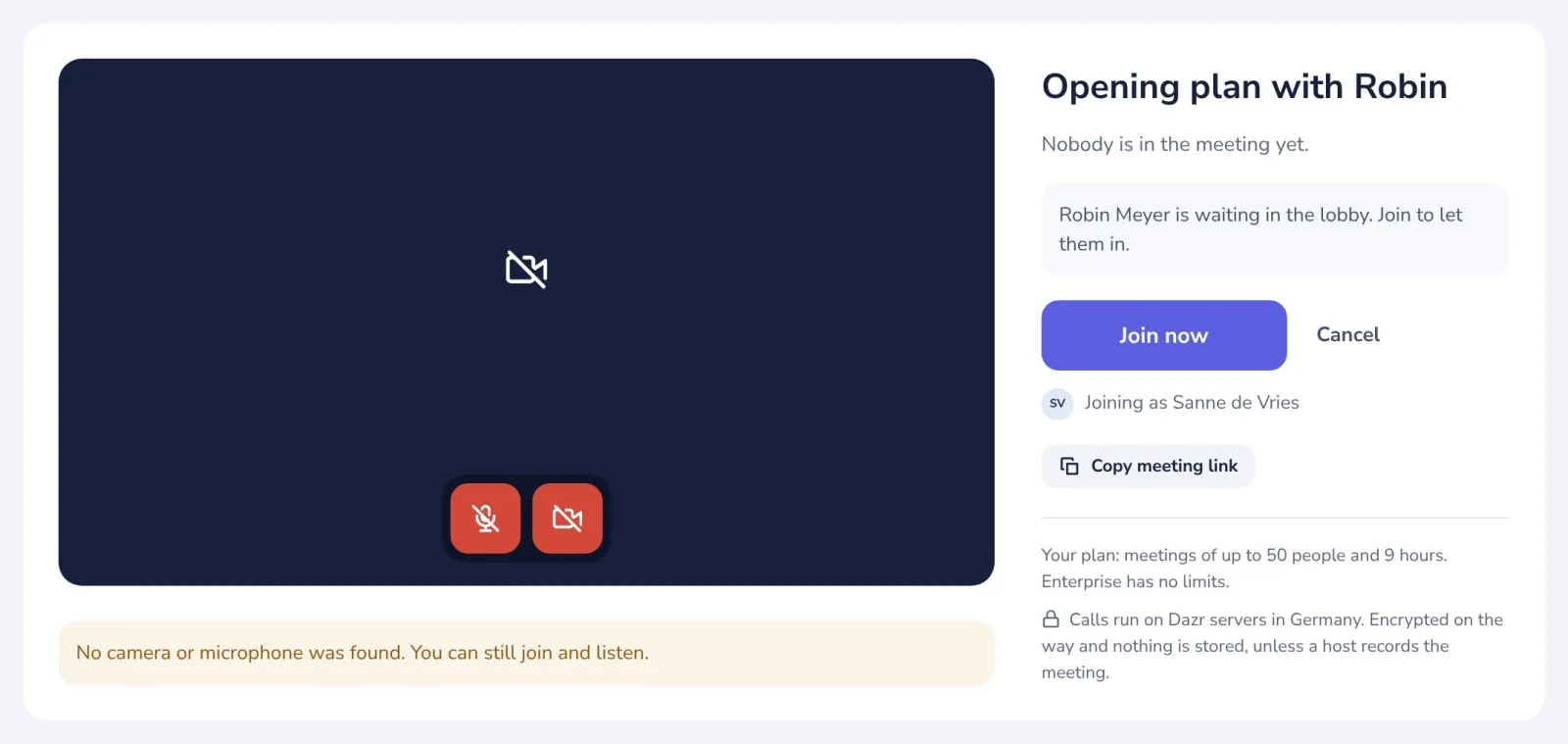
Press Join now
Check your camera and microphone in the preview first.
- 5
Let people in
People from outside wait in the lobby until you let them in from People in the call.
Colleagues in your company and people invited in Dazr Calendar join directly.
Was this helpful?
What was missing?
Thank you.
We count yes and no per article. Nothing about you is stored.