Mute a busy chat
A muted chat stays in your list, but new messages do not notify you.
- 1
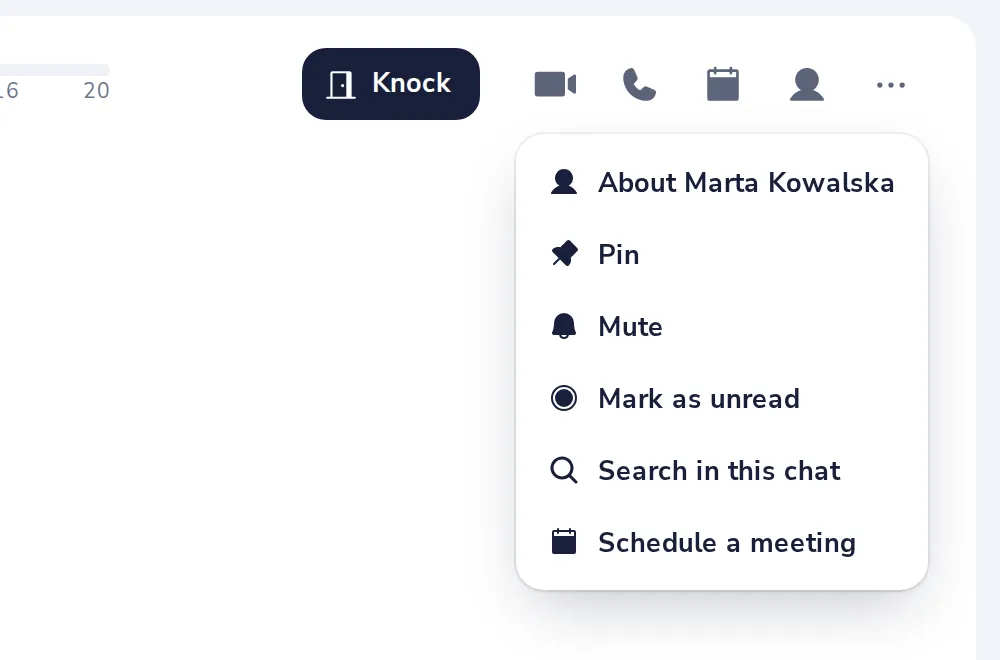
Open the chat menu
Press the three dots at the top right of the chat, then Mute.
- 2
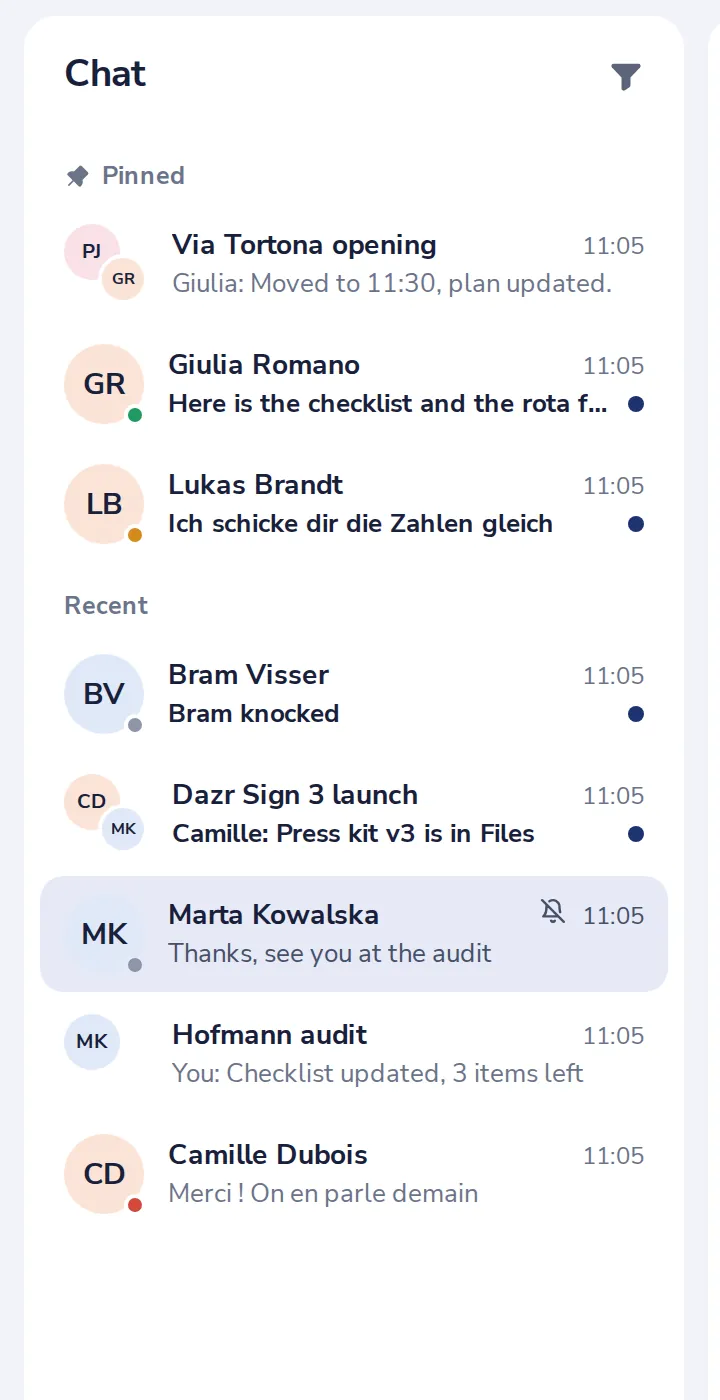
A bell shows it is muted
You still get a notification when someone mentions you.
- 3
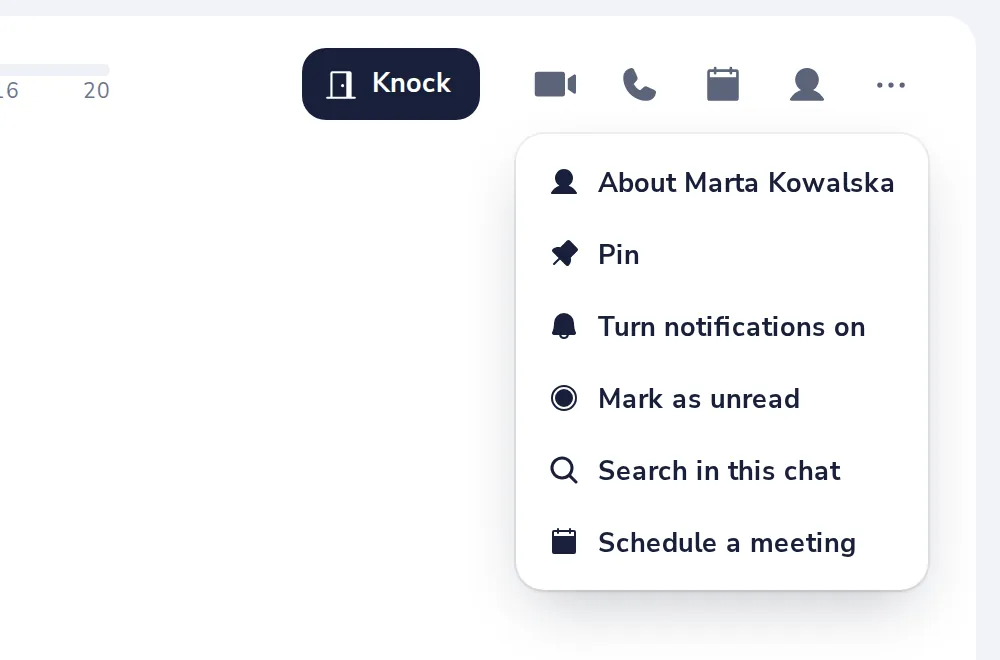
Turn it back on
Choose Turn notifications on in the same menu.
Was this helpful?
What was missing?
Thank you.
We count yes and no per article. Nothing about you is stored.