Choose your notifications
Turn on notifications on this device with one switch, and decide what Dazr Teams tells you about.
- 1
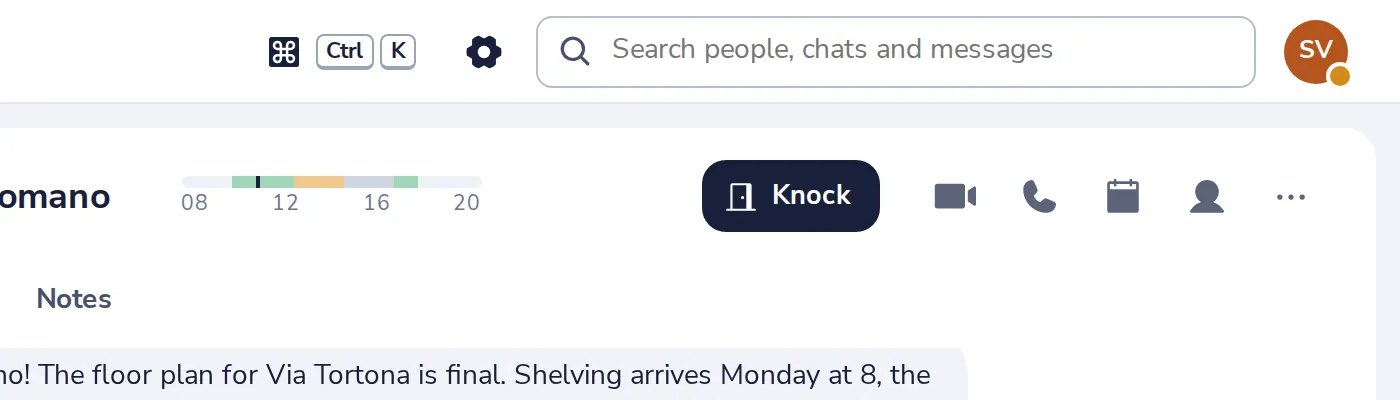
Press the gear
At the top of Dazr Teams.
- 2
Turn on Notifications on this device
Your browser asks once; choose Allow. They come while Dazr Teams is open and also when it is closed.

It is one switch for this device. Turn it on again on your phone, if you use Dazr Teams there too.
- 3
Choose what to hear about
All new messages, Mentions only, or Nothing.
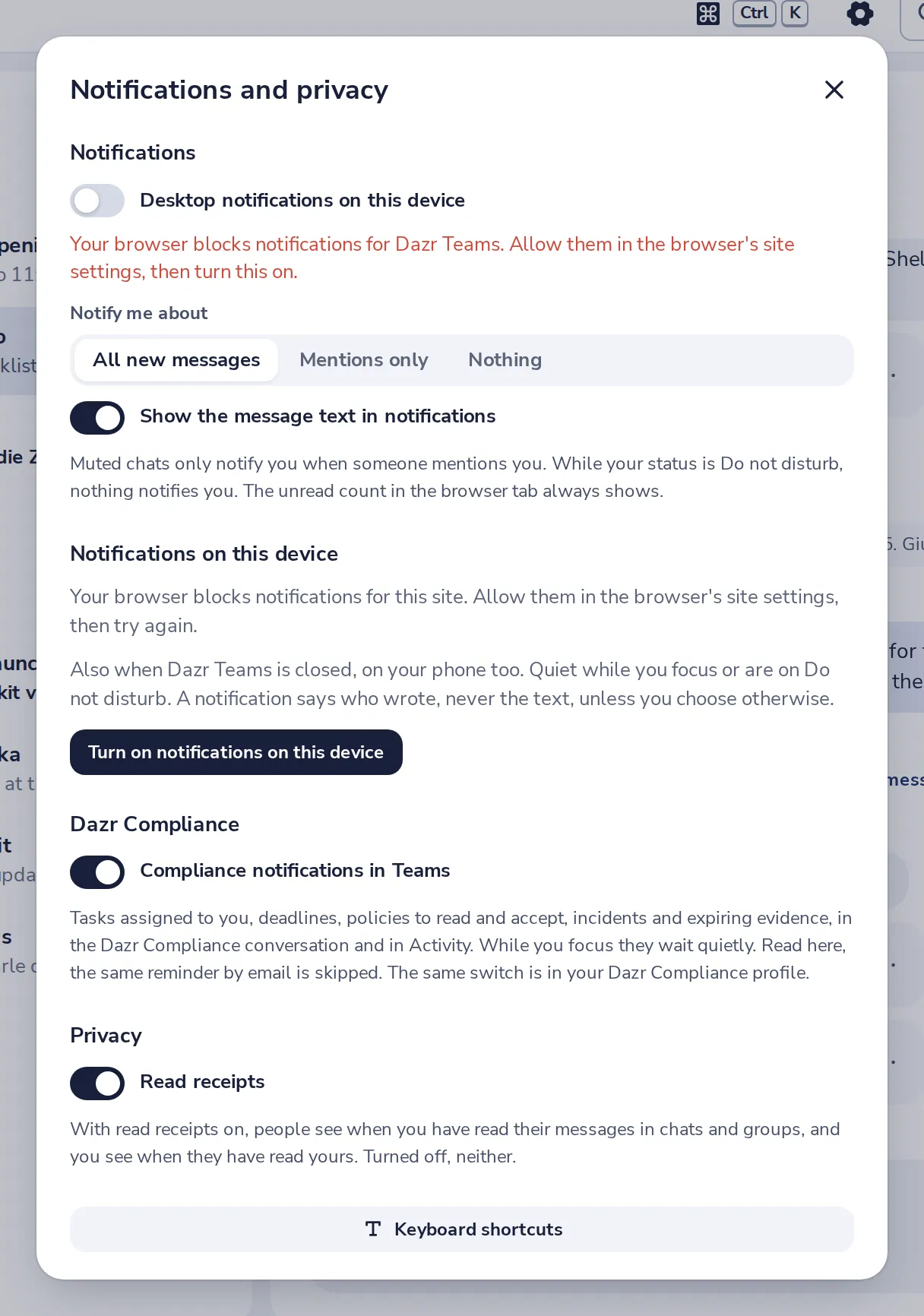
While your status is Do not disturb, nothing notifies you.
- 4
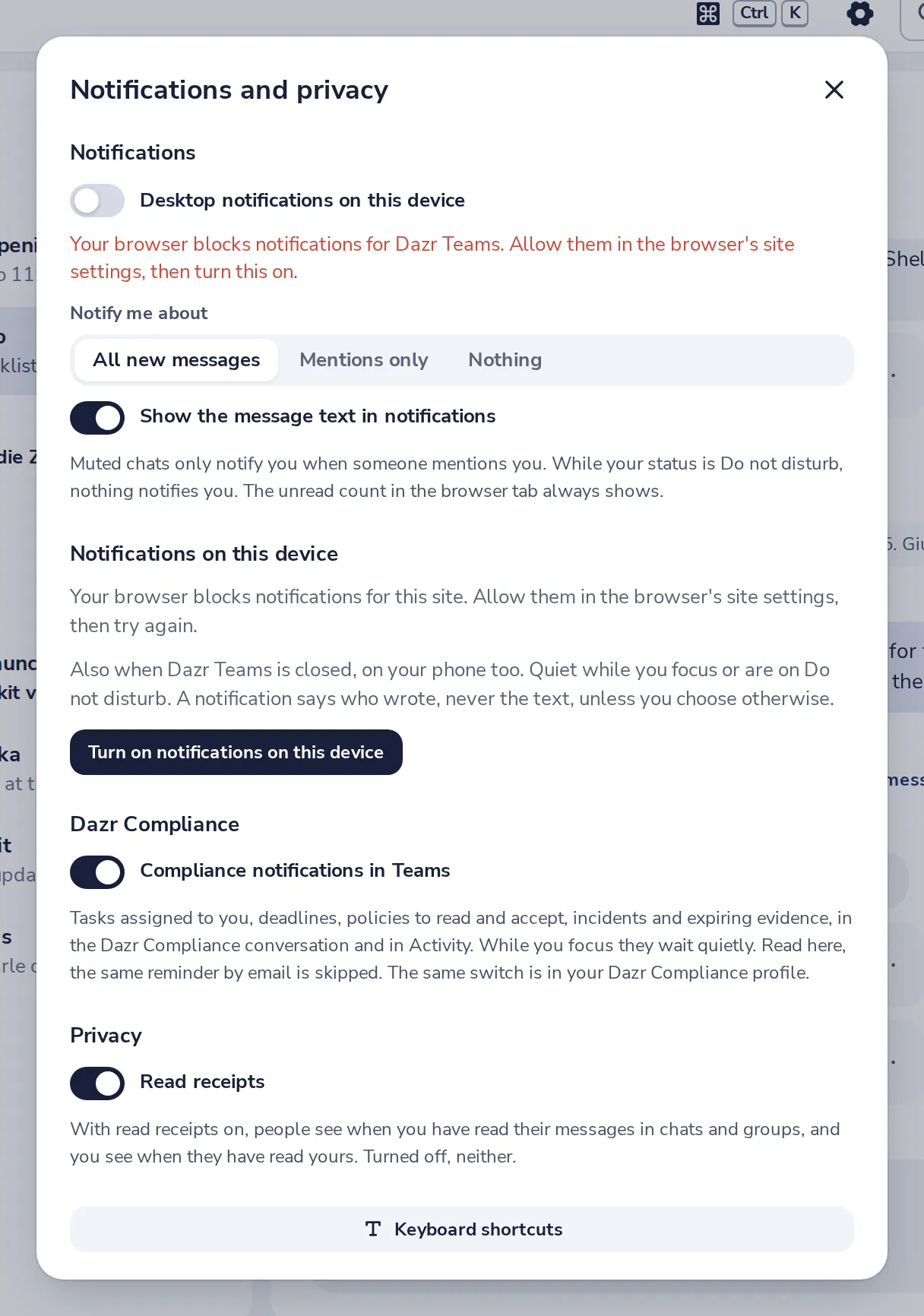
Hide the message text
Turn off Show the message text to keep notifications private on a shared screen.
Was this helpful?
What was missing?
Thank you.
We count yes and no per article. Nothing about you is stored.