Set your status
Your status shows next to your name everywhere in Dazr Teams. It can reset itself.
- 1
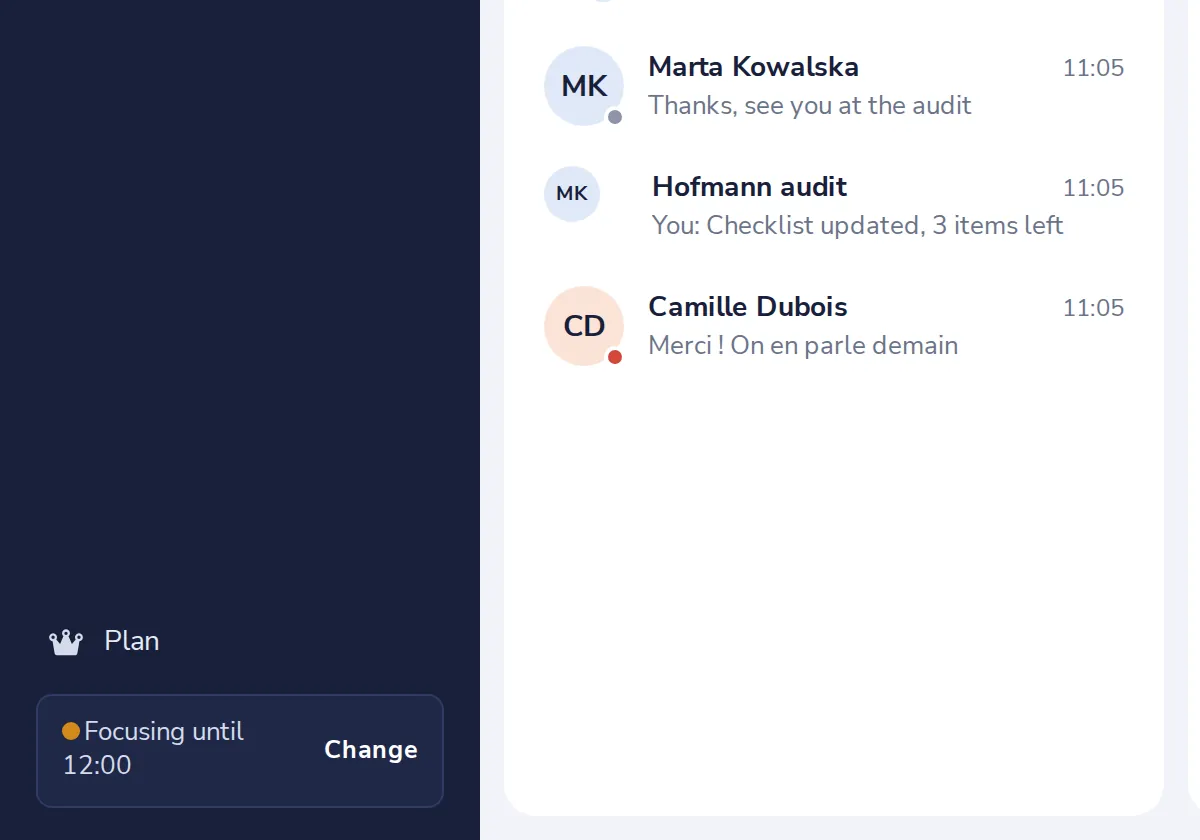
Press Change
At the bottom left, next to your status.
- 2
Choose a status
Then choose when it goes back to normal.
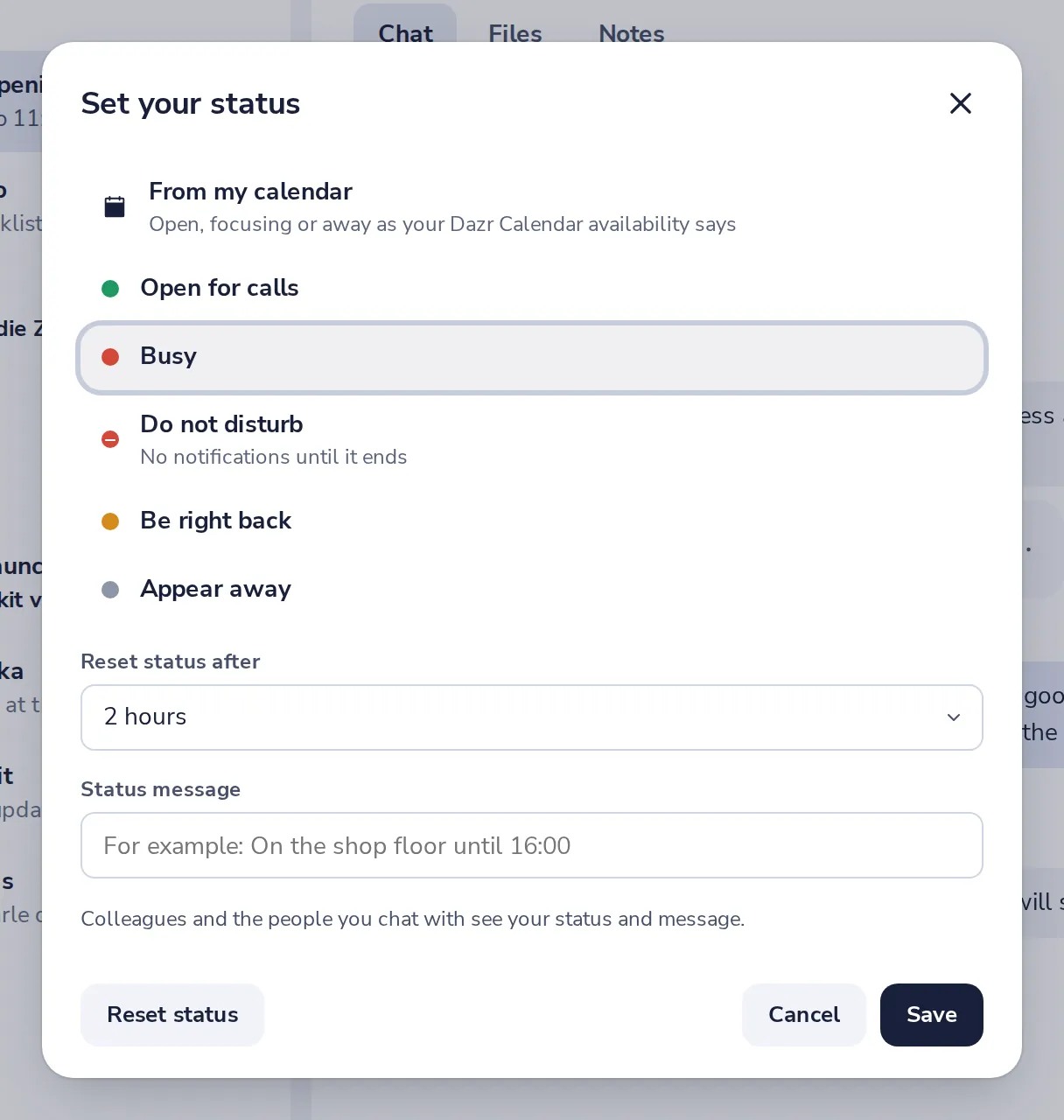
From my calendar follows your focus and free times in Dazr Calendar.
- 3
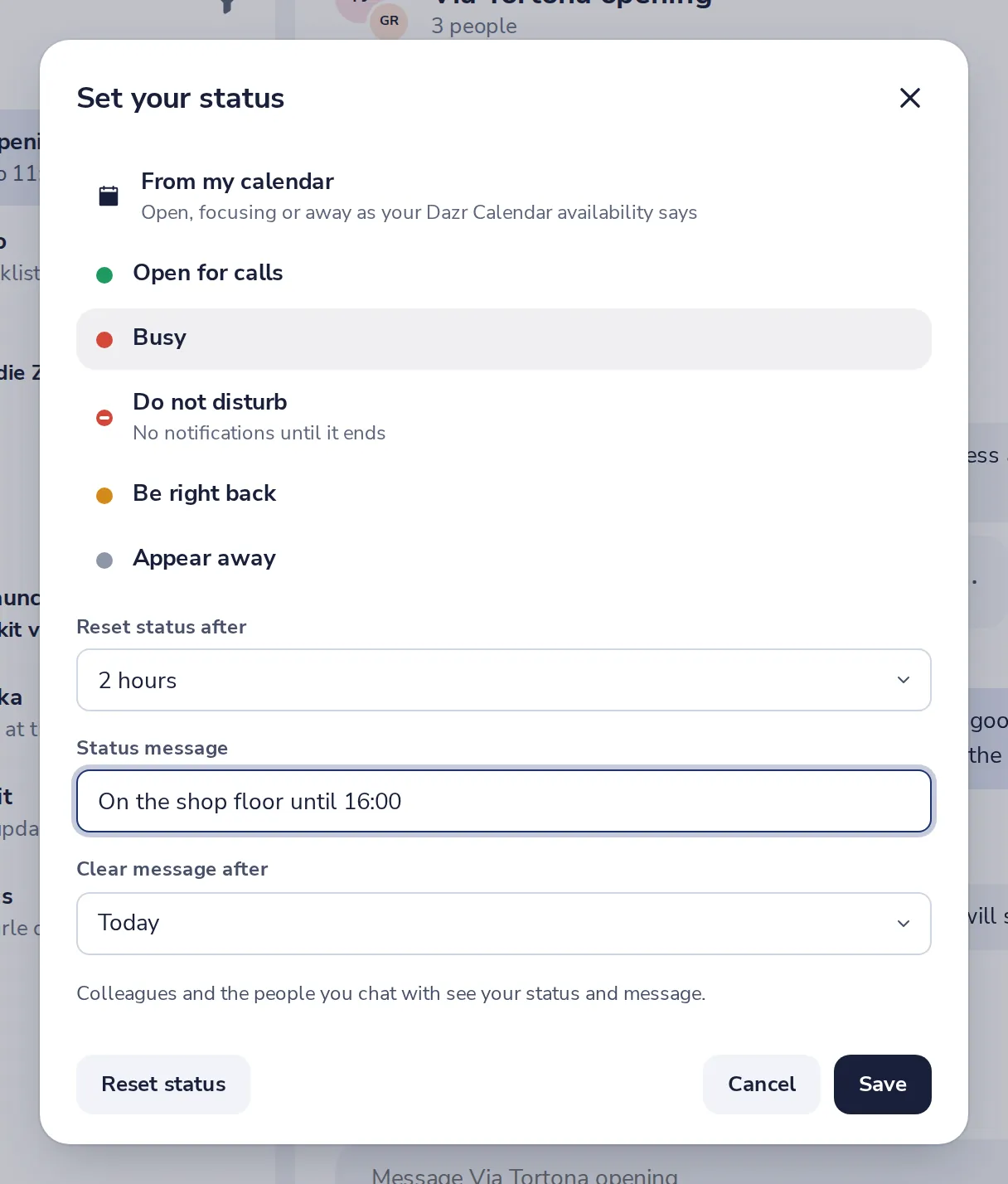
Add a message
For example, On the shop floor until 16:00. Then press Save.
- 4
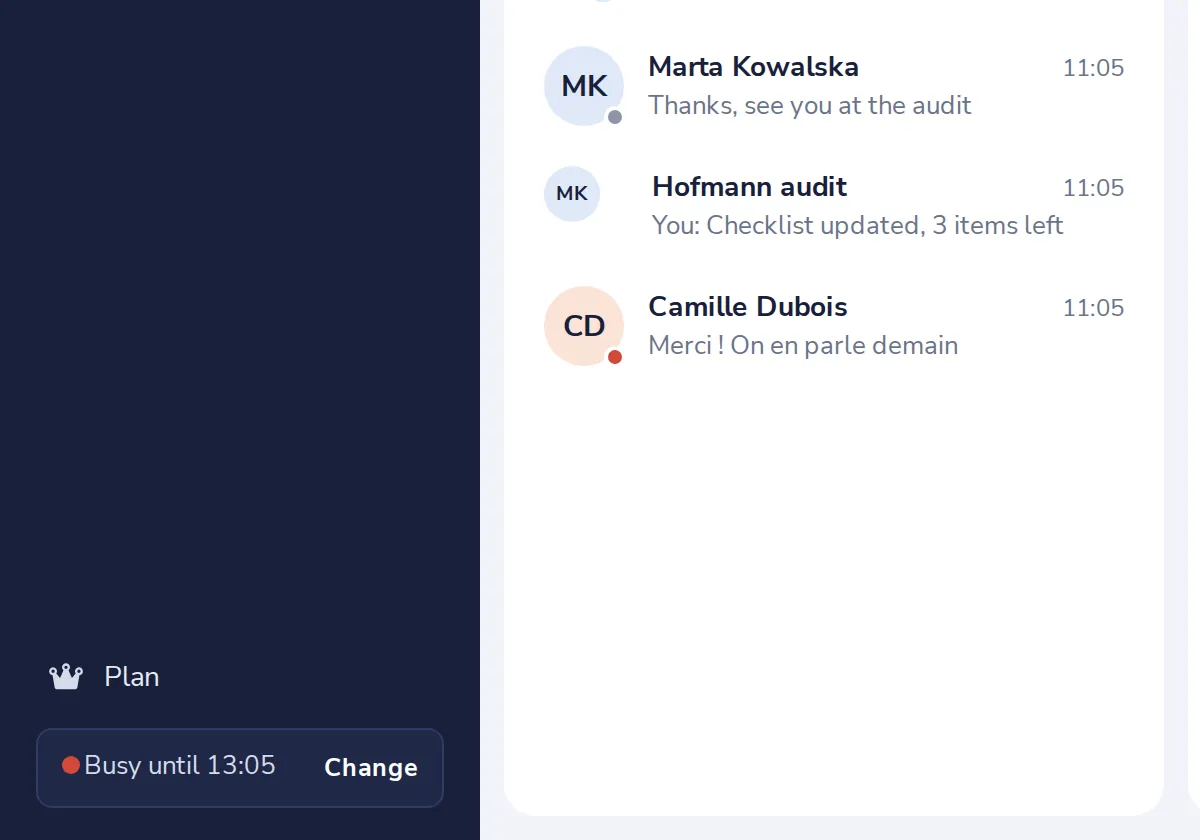
Everyone sees it
Colleagues and the people you chat with see your status and message.
Was this helpful?
What was missing?
Thank you.
We count yes and no per article. Nothing about you is stored.