Put Dazr on your phone or computer
Every Dazr app works in the browser and can also sit on your home screen or desktop like any other app. Add the ones you use, then let them notify you.
- 1
Open the app in your phone's browser
Sign in at mail.dazr.eu, teams.dazr.eu or suite.dazr.eu. Then add it to your home screen.
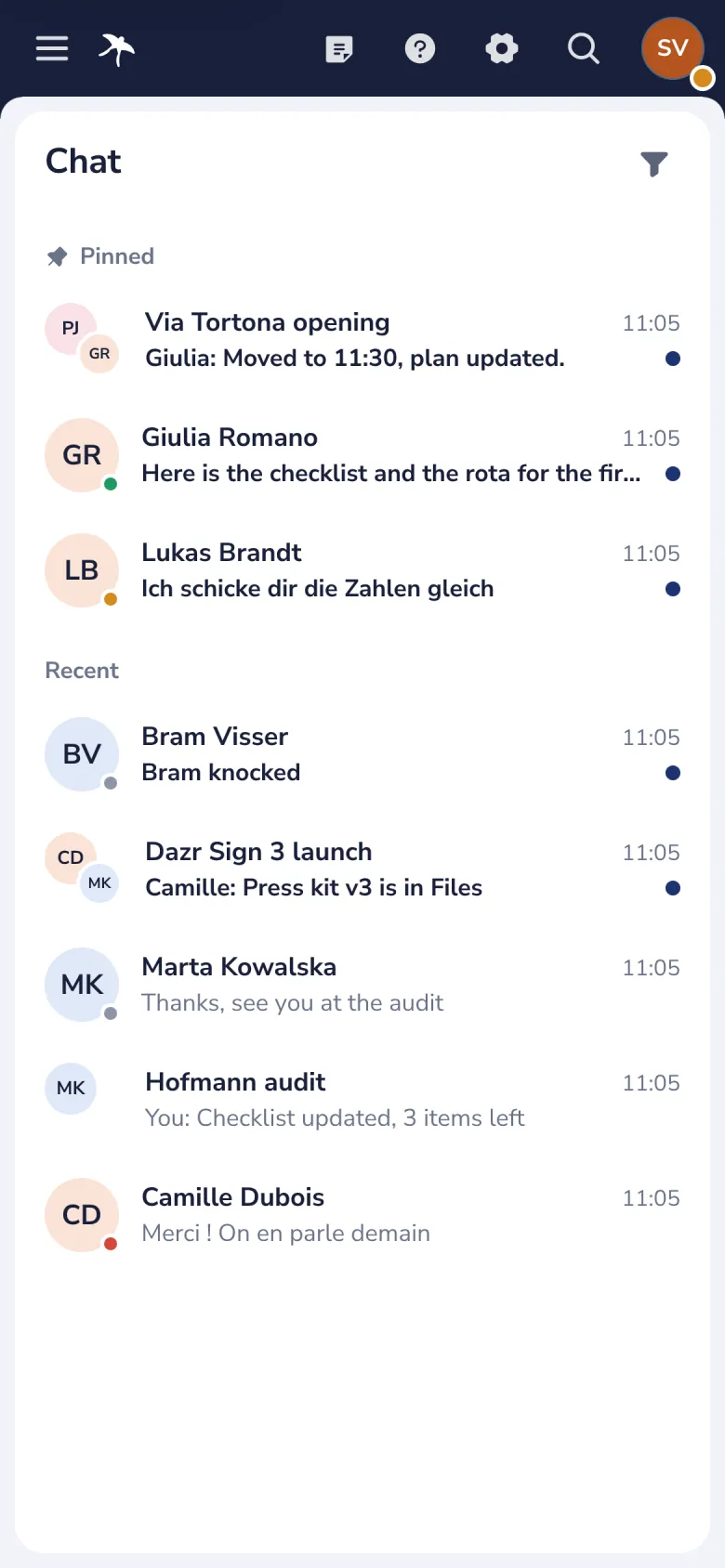
iPhone and iPad, in Safari, tap Share, then Add to Home Screen. Android, in Chrome, open the menu and choose Install app.
- 2
Turn on notifications on this device
In the app's settings. Your browser asks once; choose Allow.

On iPhone and iPad, open the app from your home screen first. Notifications only work from there.
- 3
Do the same for each app you use
Open your other apps from here. Mail and Calendar have their own notifications in their settings.
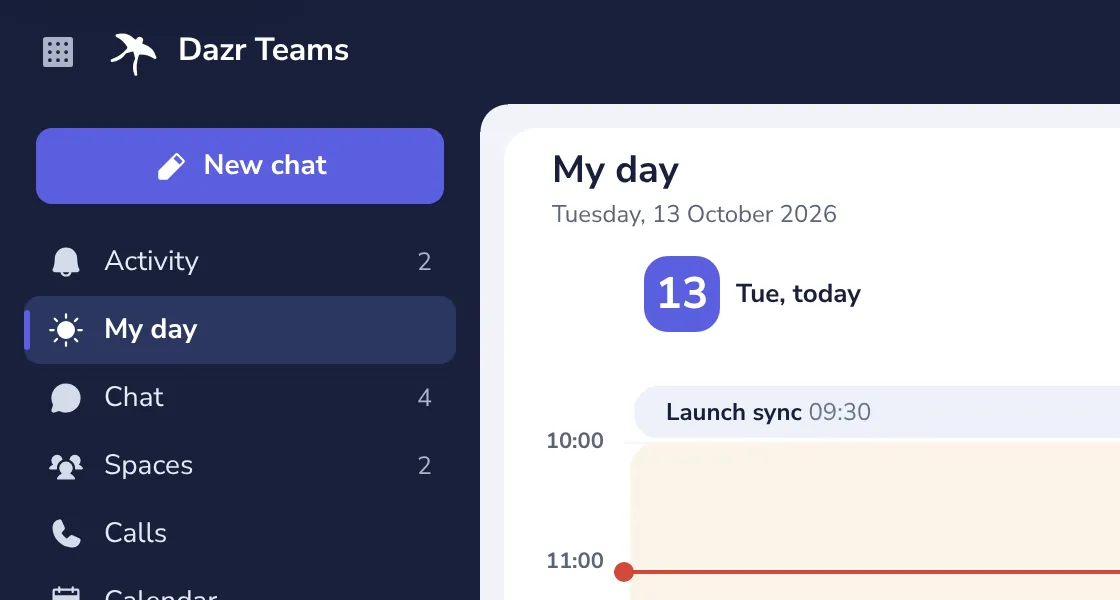
On a computer, Chrome and Edge offer Install in their menu, so the app opens in its own window.
Was this helpful?
What was missing?
Thank you.
We count yes and no per article. Nothing about you is stored.