I do not get notifications
Usually the browser blocks them, your status is Do not disturb, or the chat is muted. Check them in this order.
- 1
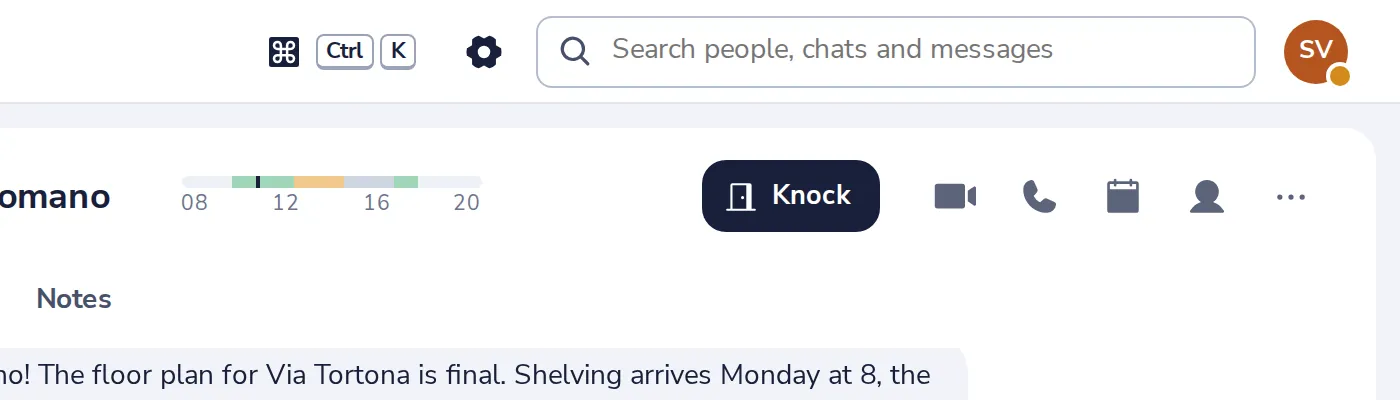
Open Settings
Press the gear at the top of Dazr Teams.
- 2
Is the browser blocking them?
A red line says so. Allow notifications for this site in your browser, then turn the switch on.
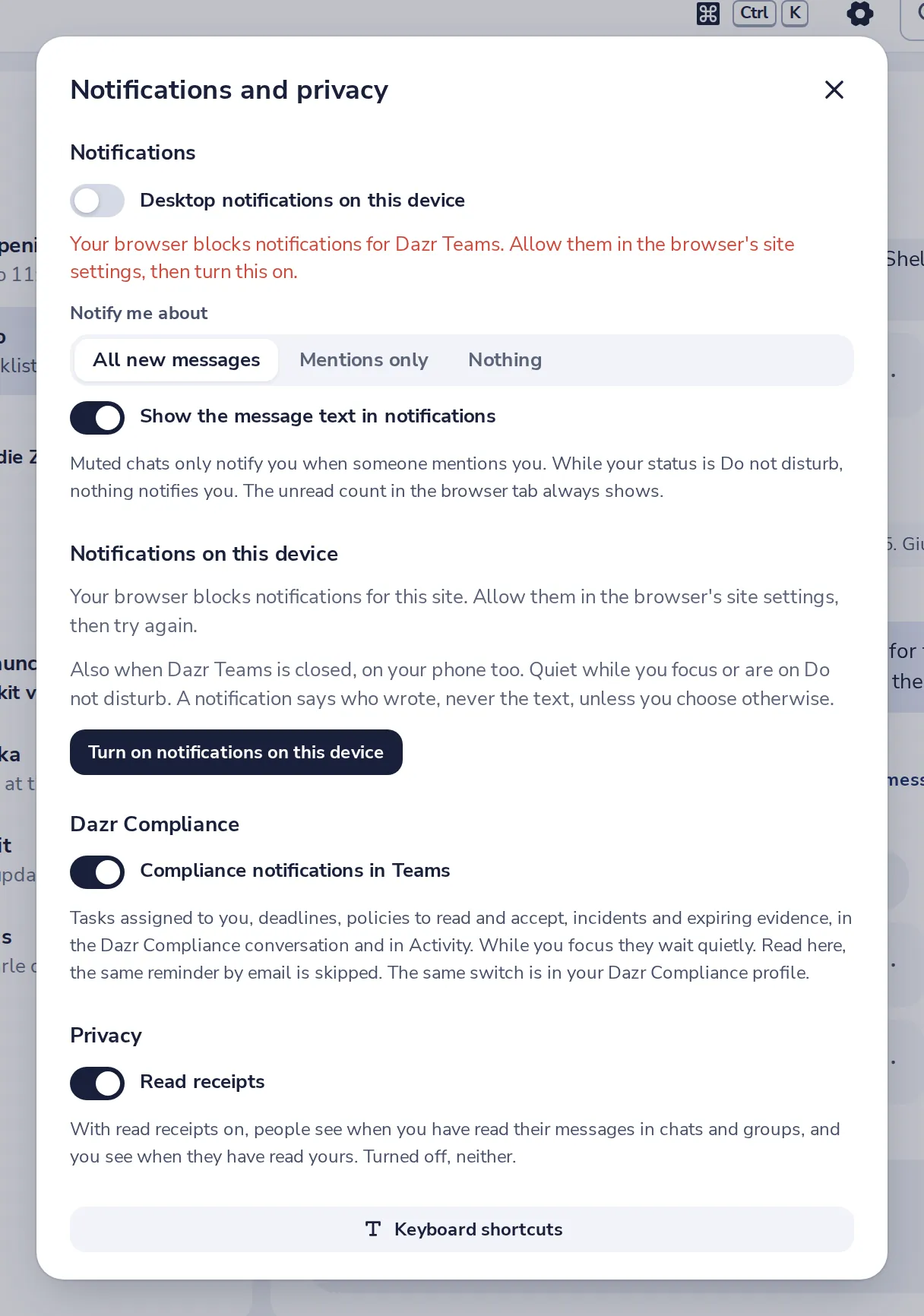
Look for the lock or the settings icon next to the web address.
- 3
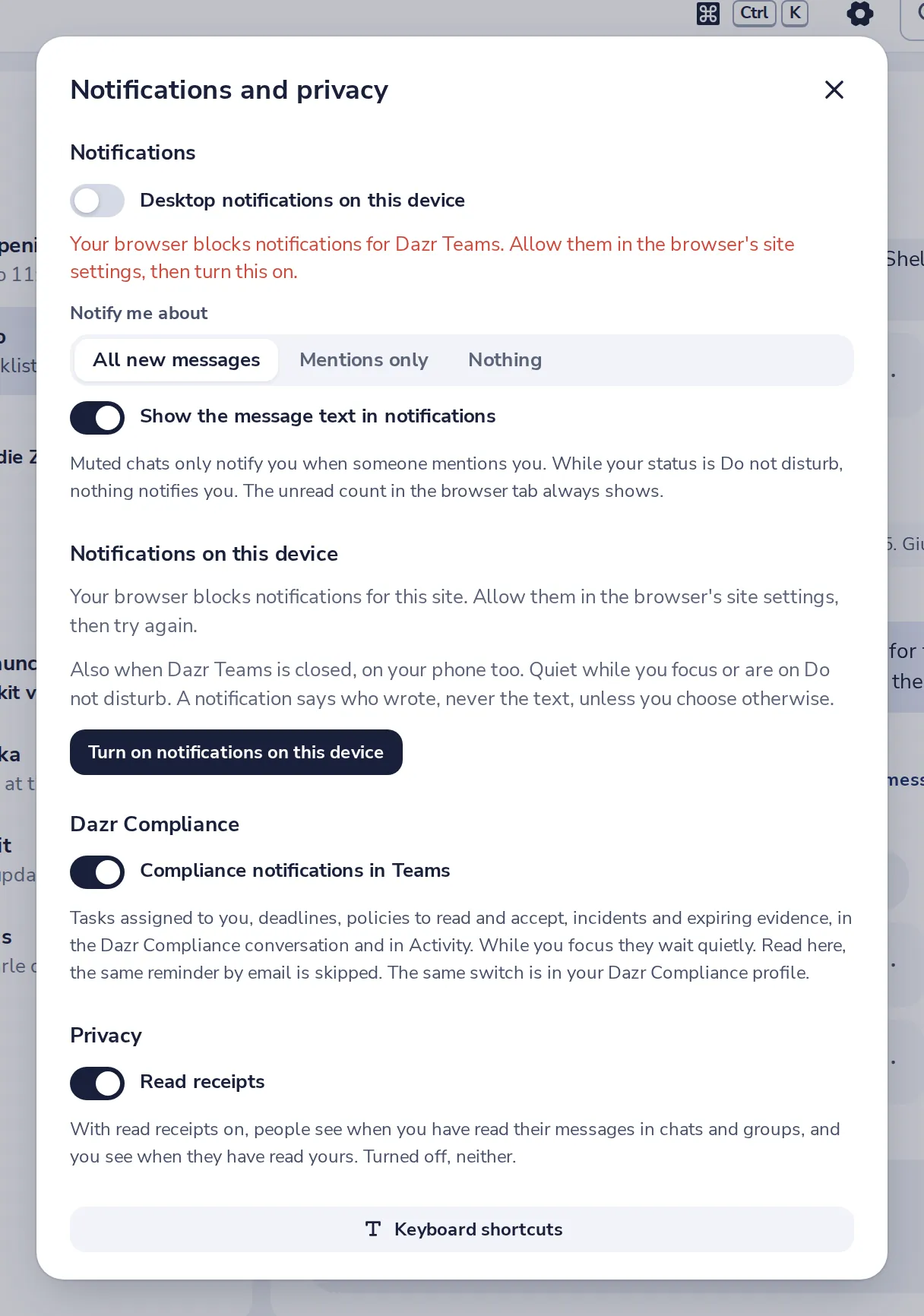
Check Notify me about
Nothing turns them all off. Choose All new messages or Mentions only.
- 4
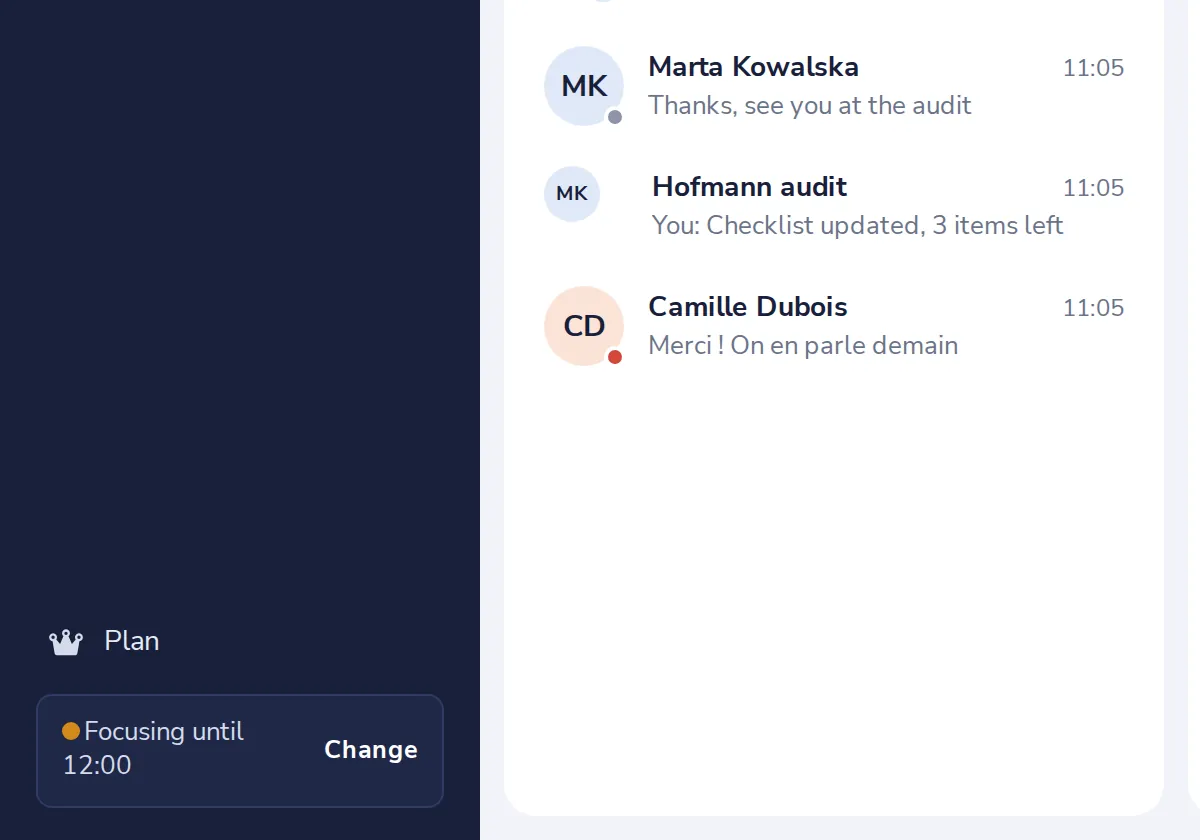
Check your status
While it says Do not disturb, nothing notifies you. Press Change to set it back.
- 5
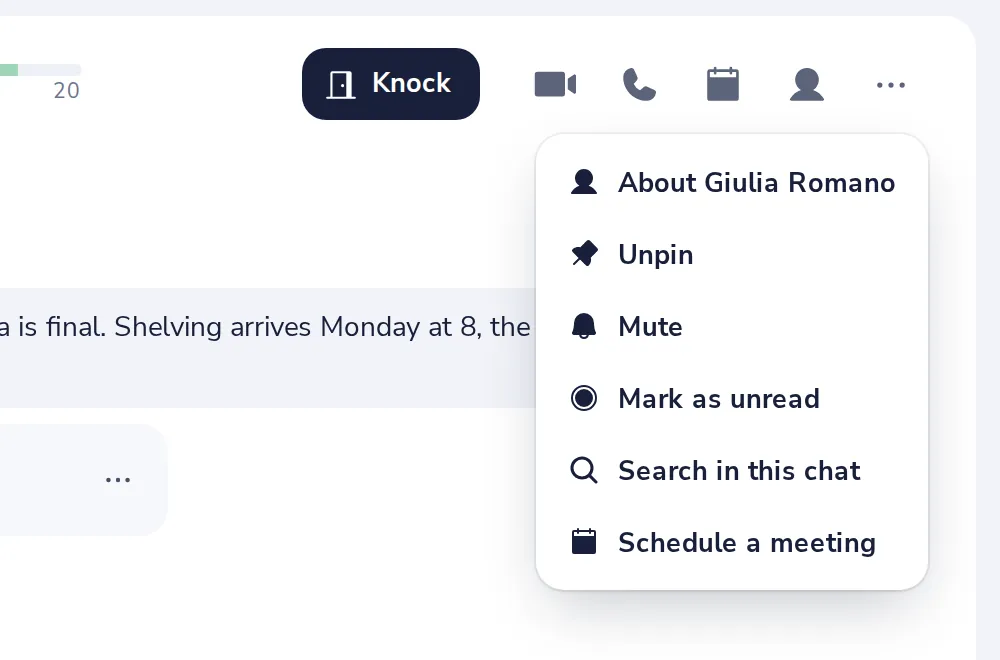
Is the chat muted?
A muted chat only notifies you when someone mentions you. Its menu has Turn notifications on.
Was this helpful?
What was missing?
Thank you.
We count yes and no per article. Nothing about you is stored.