Keep track of clients and billable hours
An owner or admin keeps the list of clients. A project can have a default client; each time entry can name another one and be billable or not. Timesheets group and filter by client.
- 1
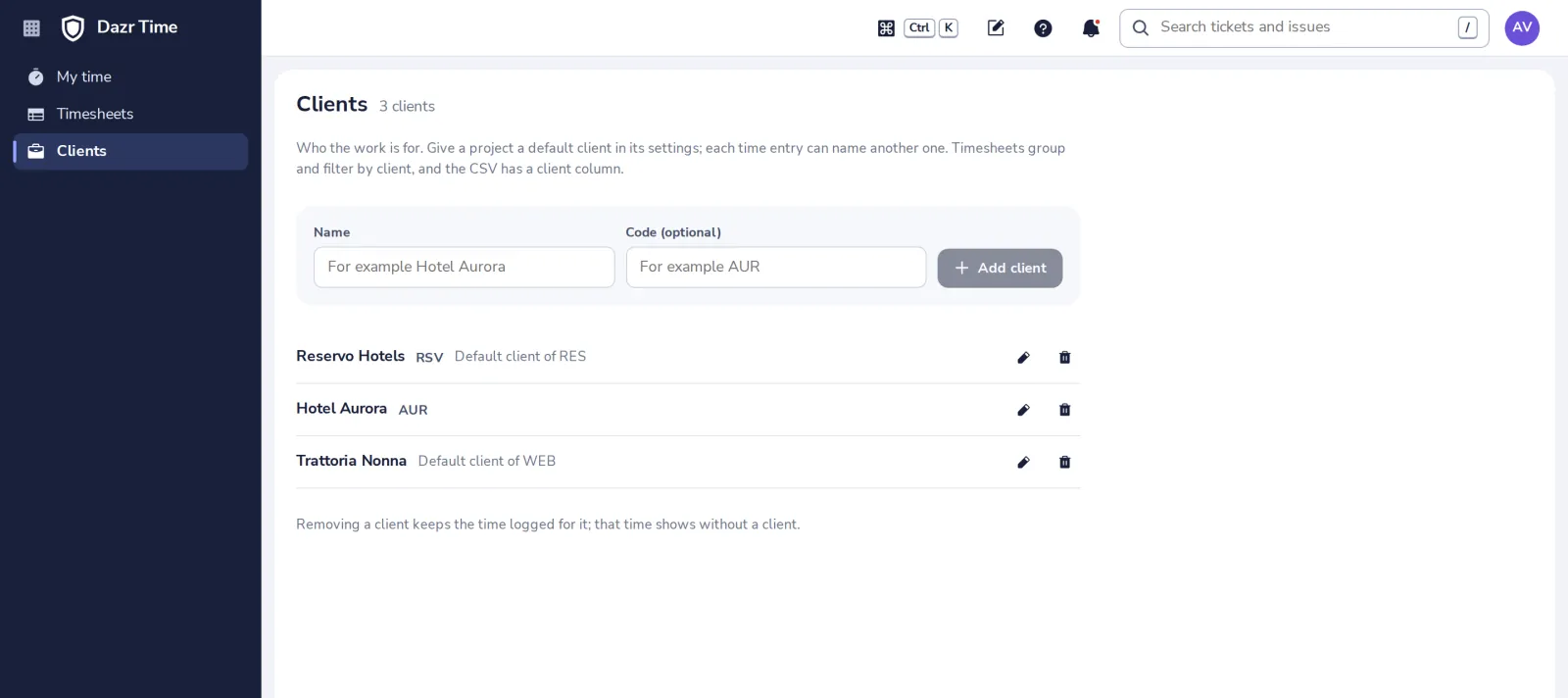
Open Clients
In the side panel of Dazr Time.
- 2
Add a client
A name, and a short code if you like. Only owners and admins change this list.
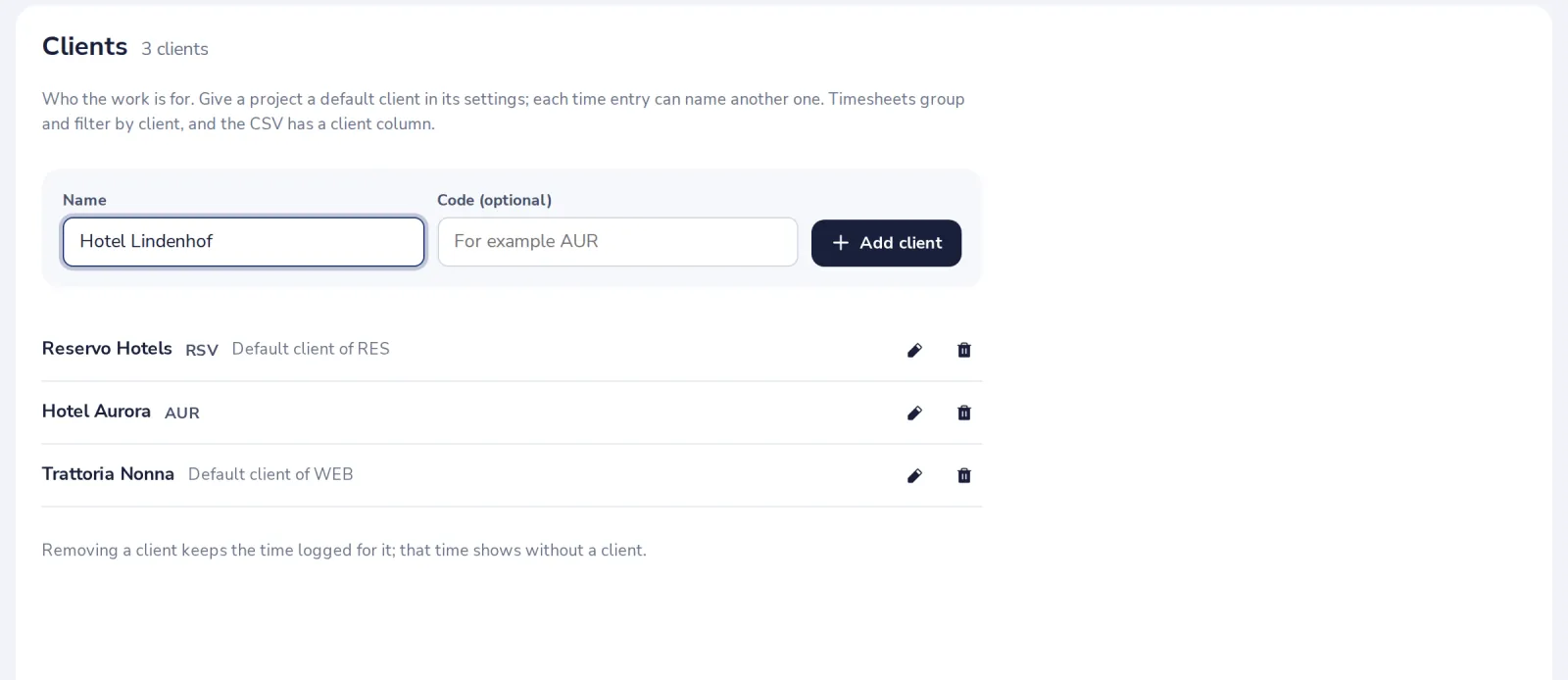
Removing a client keeps the time logged for it; that time then shows without a client.
- 3
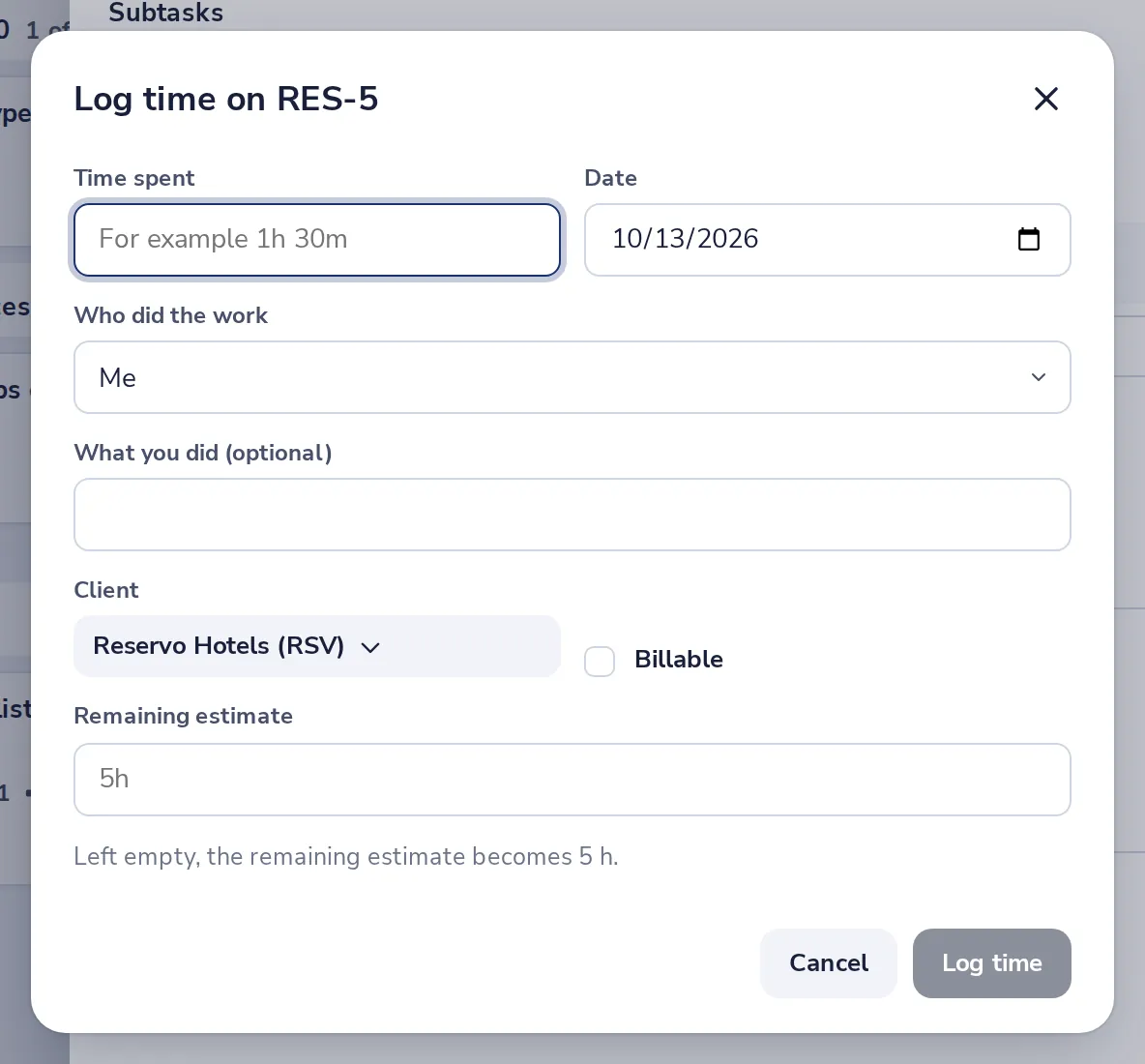
Pick the client and Billable when you log time
In Log time on an issue in Dazr Projects or a ticket in Dazr Desk. A project's default client is filled in for you.
- 4
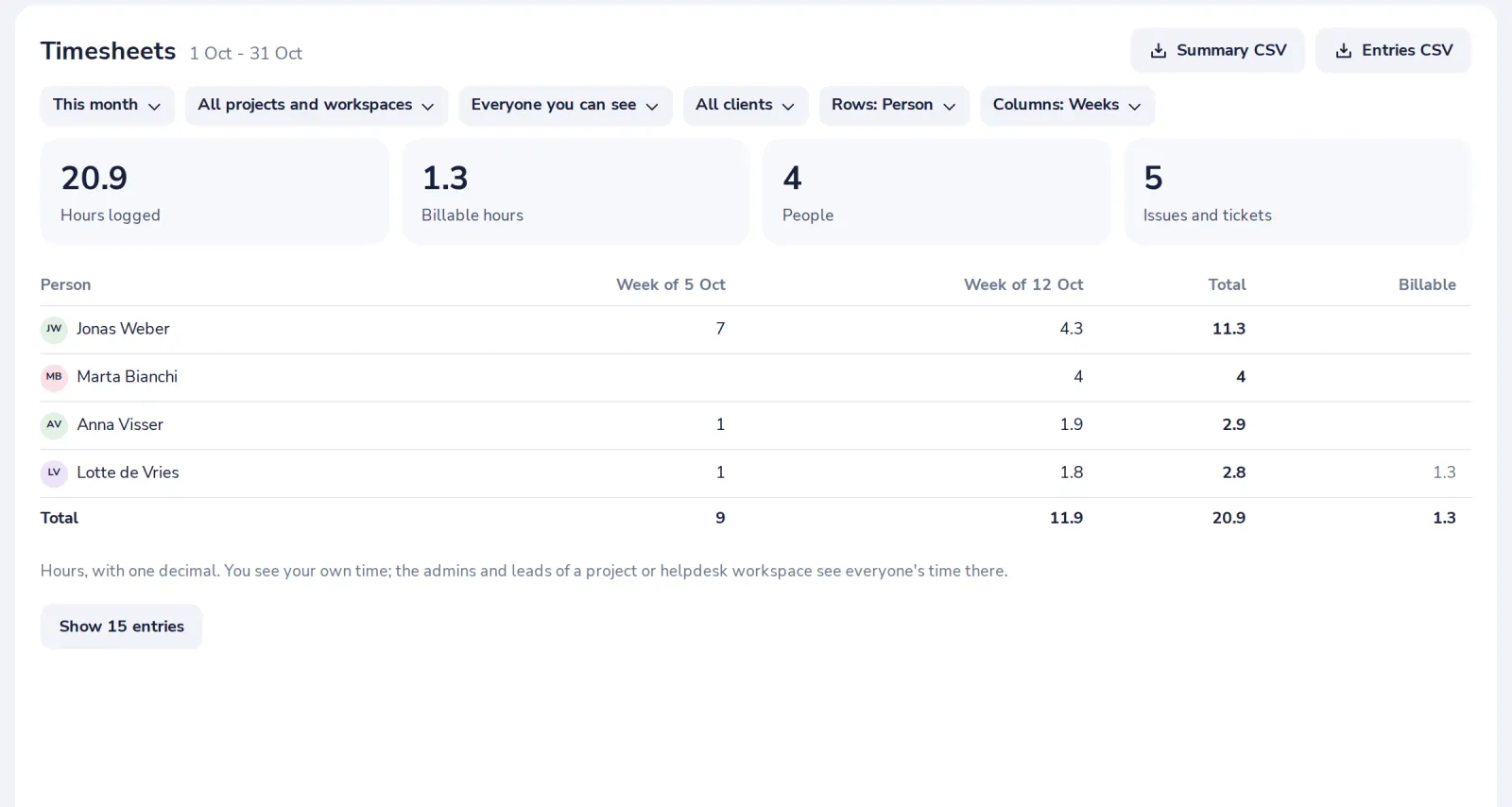
See billable hours per client
In Timesheets, choose Rows, Client. The Billable column and the totals at the top show what goes on an invoice.
Was this helpful?
What was missing?
Thank you.
We count yes and no per article. Nothing about you is stored.