See timesheets and download them
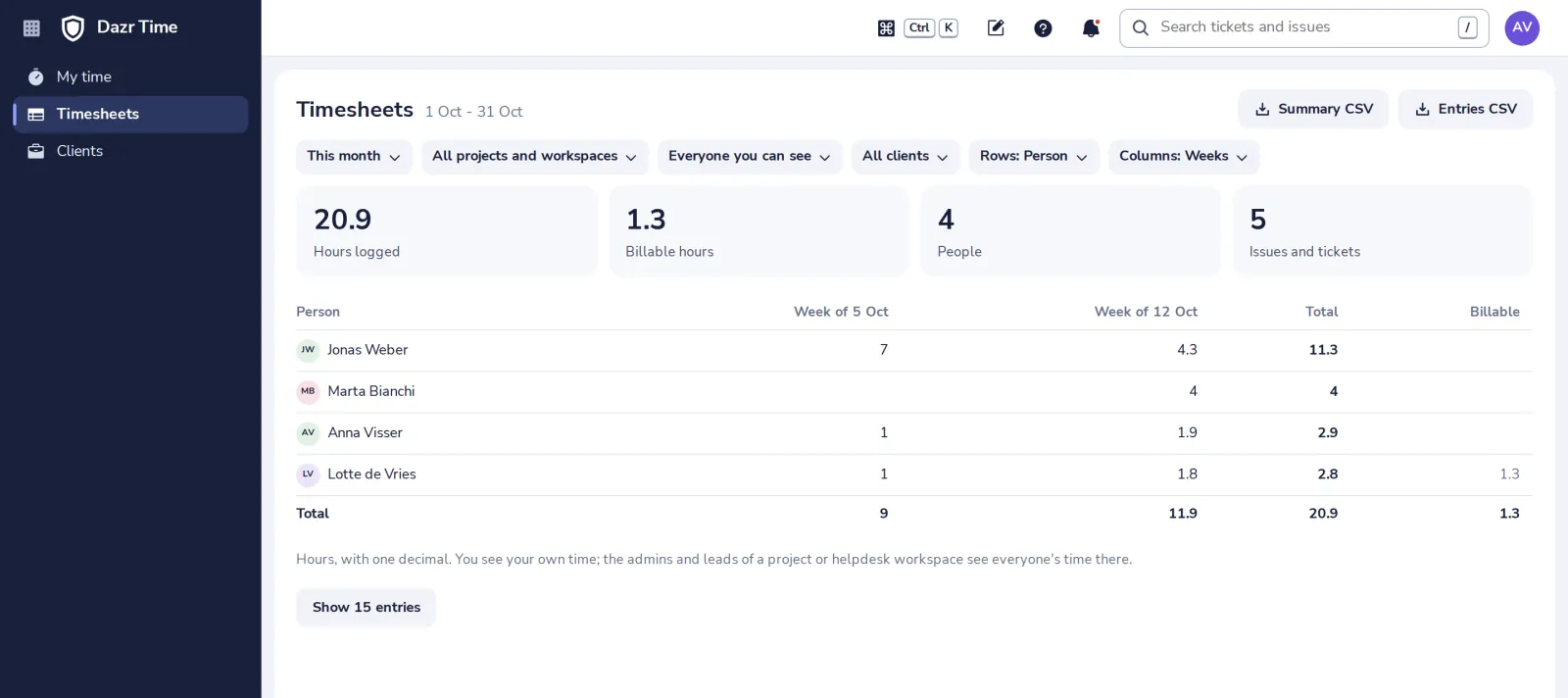
Timesheets add up the time logged on issues and tickets. You see your own time; the admins and leads of a project or helpdesk workspace see everyone's time there.
- 1
Open Timesheets
In the side panel.
- 2
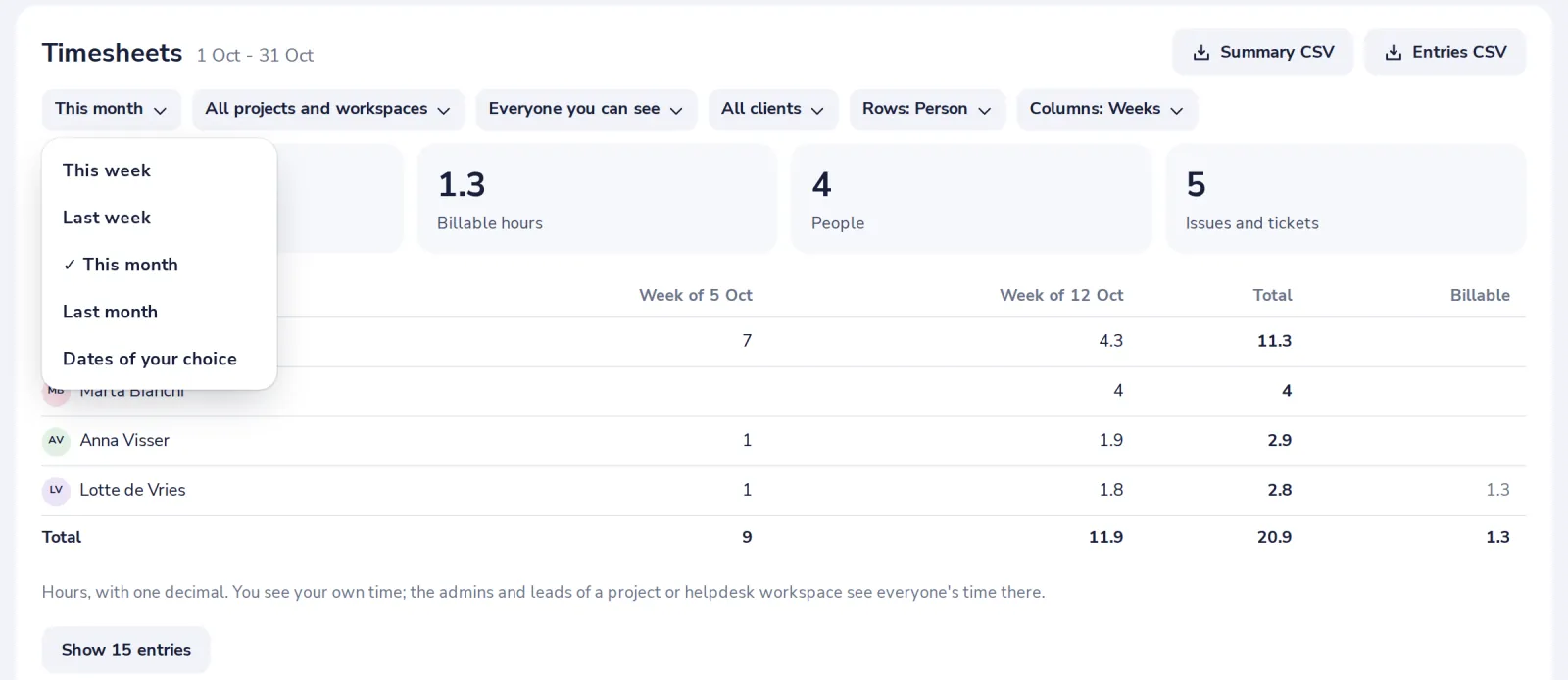
Pick the period and who or what
A period, a project or helpdesk workspace, a person and a client.
- 3
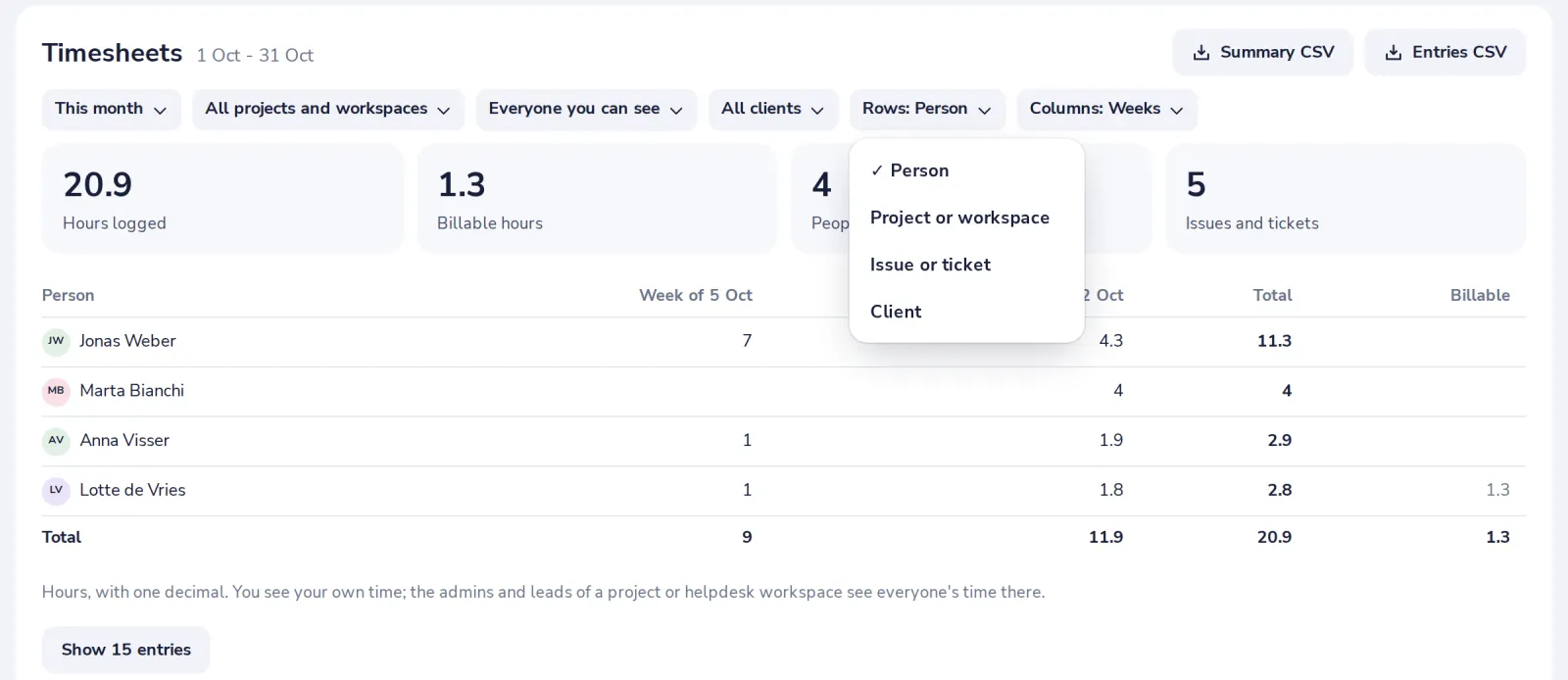
Choose the rows and columns
Rows per person, project, item or client; columns per day, week or month, or only the total.
- 4
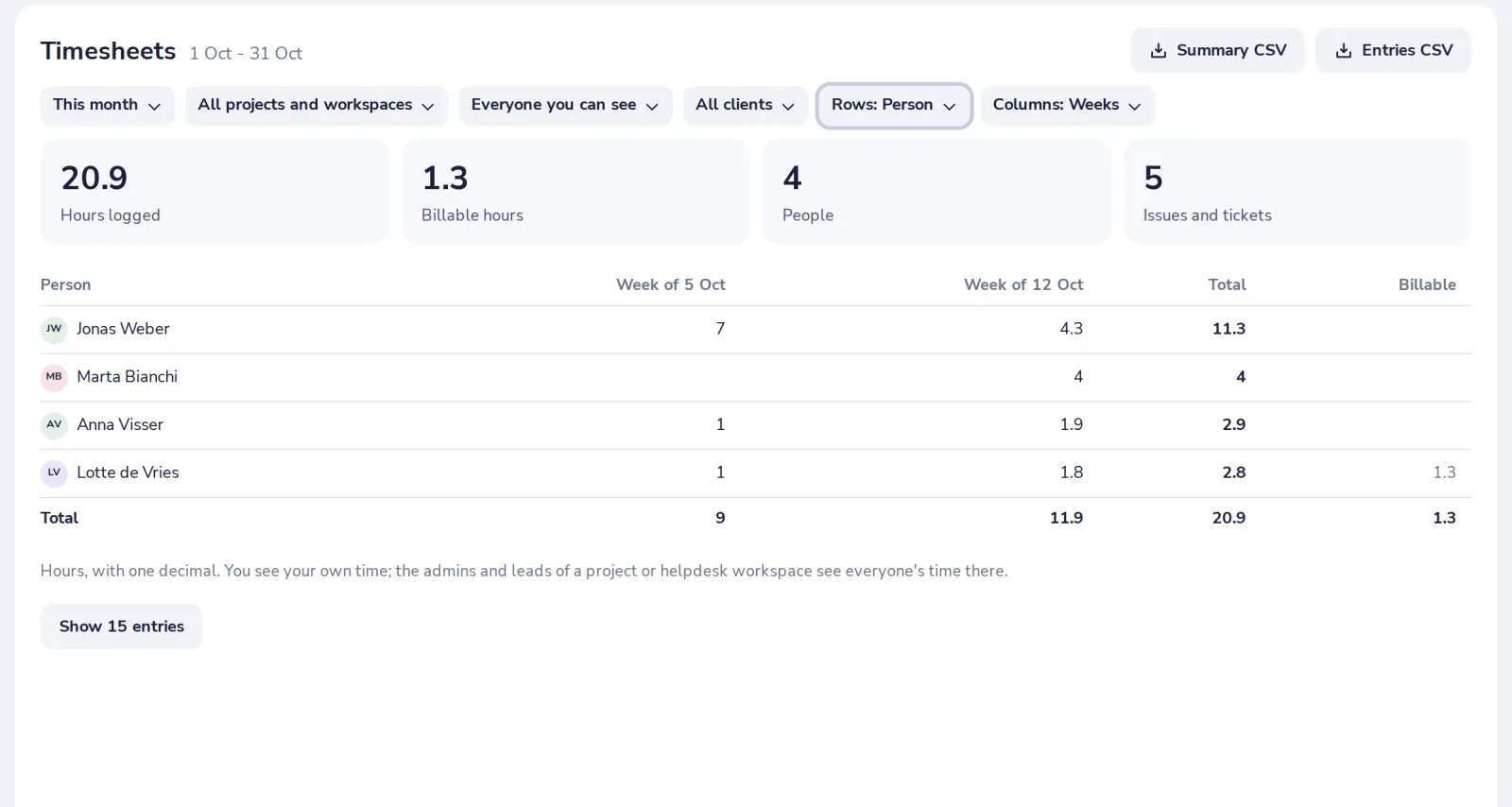
Download as CSV
Summary CSV is the table as you see it; Entries CSV has every entry, with its client and whether it is billable.
Timesheets have no approval step in Dazr Time. Hours count as soon as they are logged.
Was this helpful?
What was missing?
Thank you.
We count yes and no per article. Nothing about you is stored.