Fill in your week
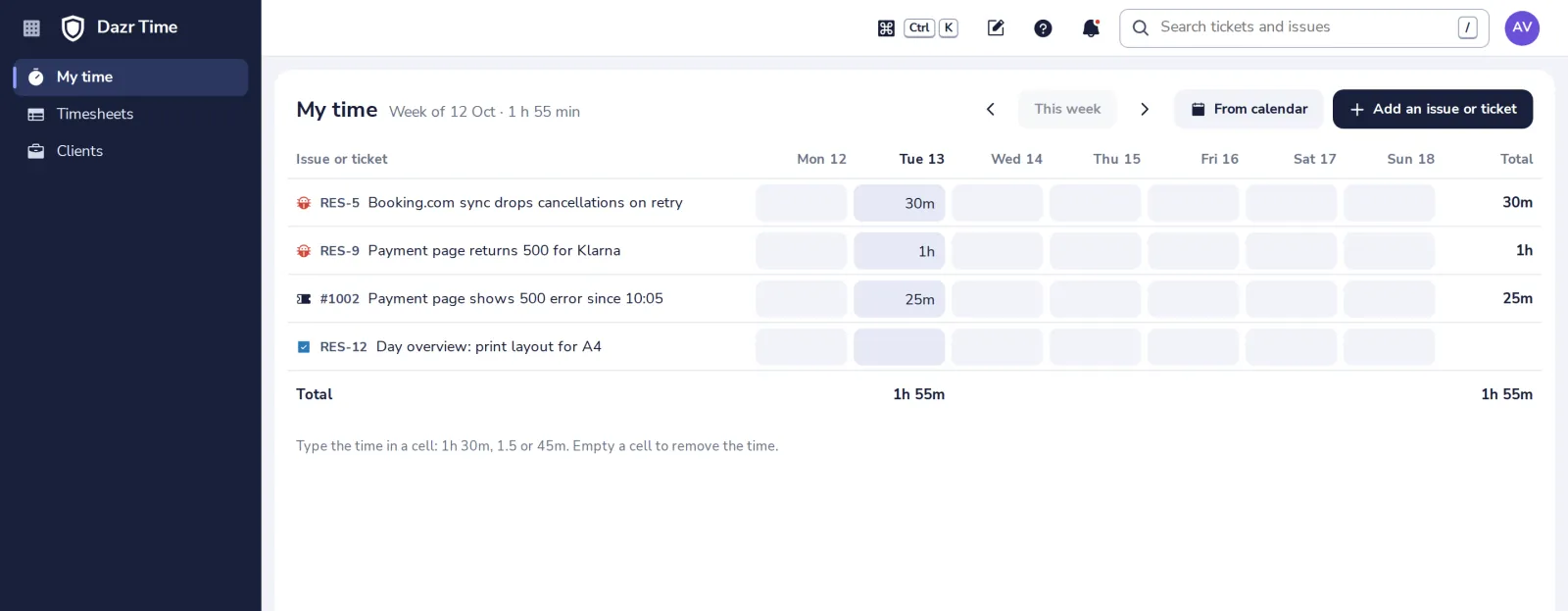
My time shows your week: your issues in progress and open tickets, one row each, with a cell per day. The time you type there is logged on that issue or ticket.
- 1
Open My time
In the side panel. It starts on this week; the arrows go to other weeks.
- 2
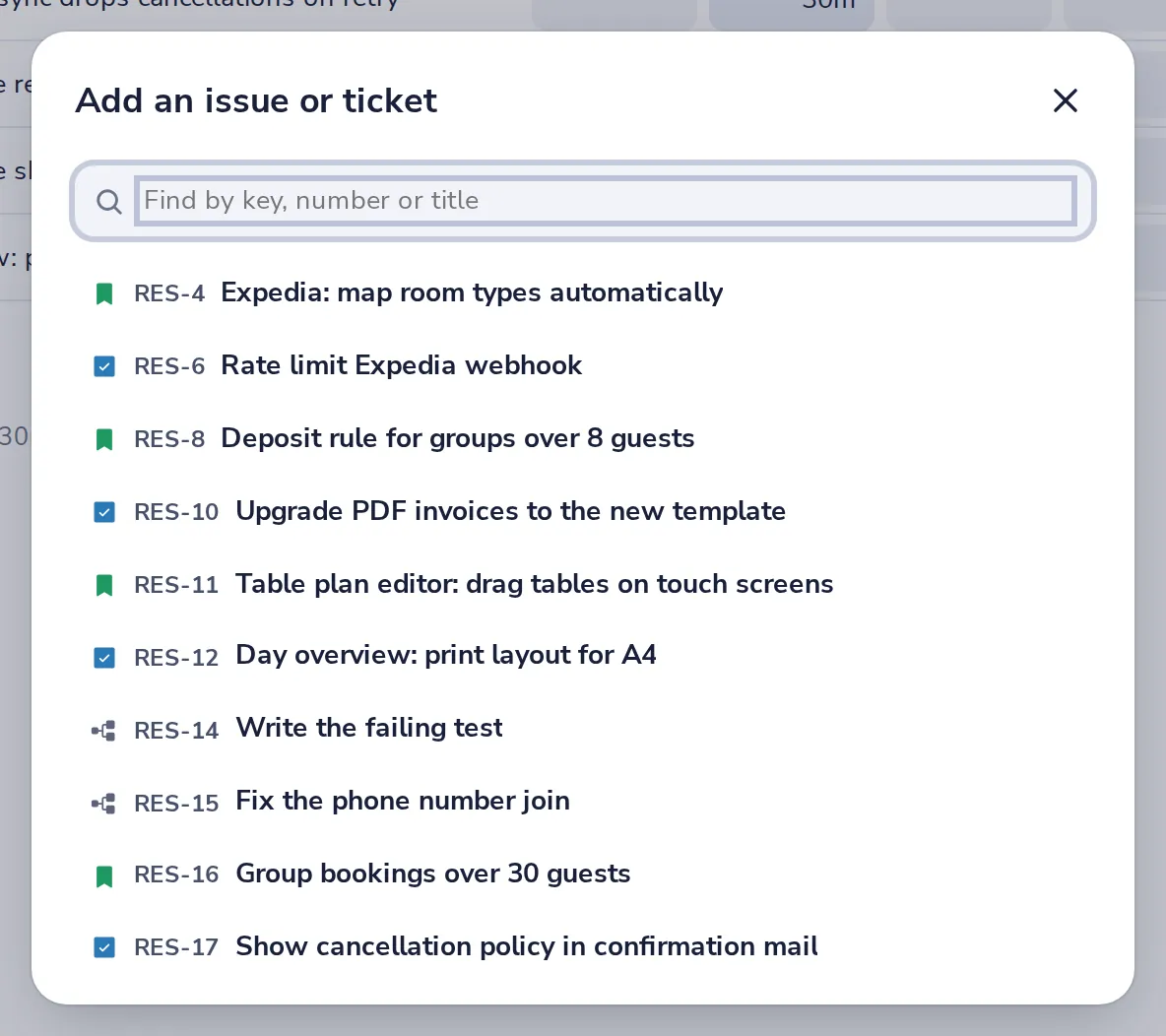
Add an issue or ticket that is missing
Find it by key, number or title, and it gets a row for the week.
- 3
Type the time in the cell of a day
Like 1h 30m, 1.5 or 45m. Empty a cell to remove the time.
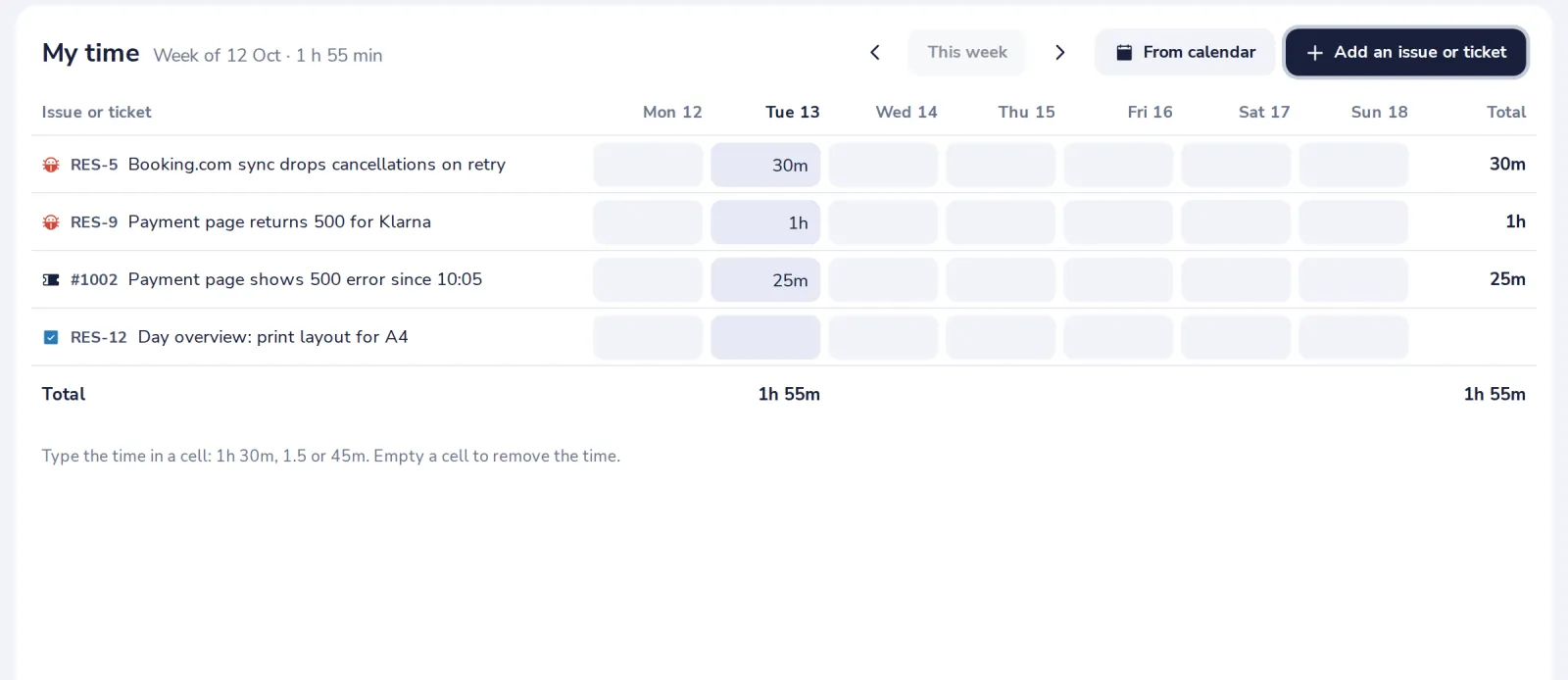
A day with several entries on one item is changed in the issue or ticket itself.
Was this helpful?
What was missing?
Thank you.
We count yes and no per article. Nothing about you is stored.