Show your calendar in other apps
The subscription link is a secret address for one calendar. Other apps read it and show your events, read only.
- 1
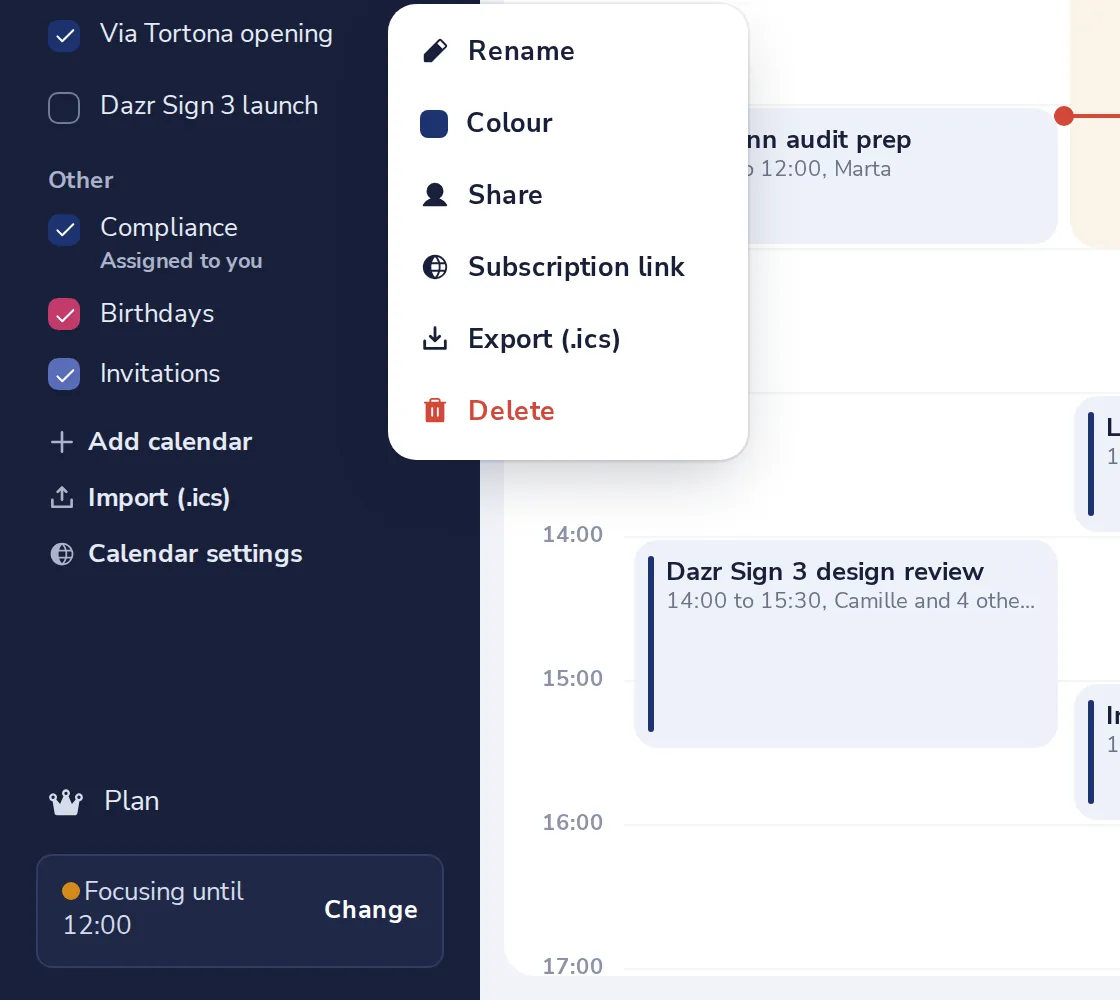
Open Subscription link
Press the dots next to the calendar, then Subscription link.
- 2
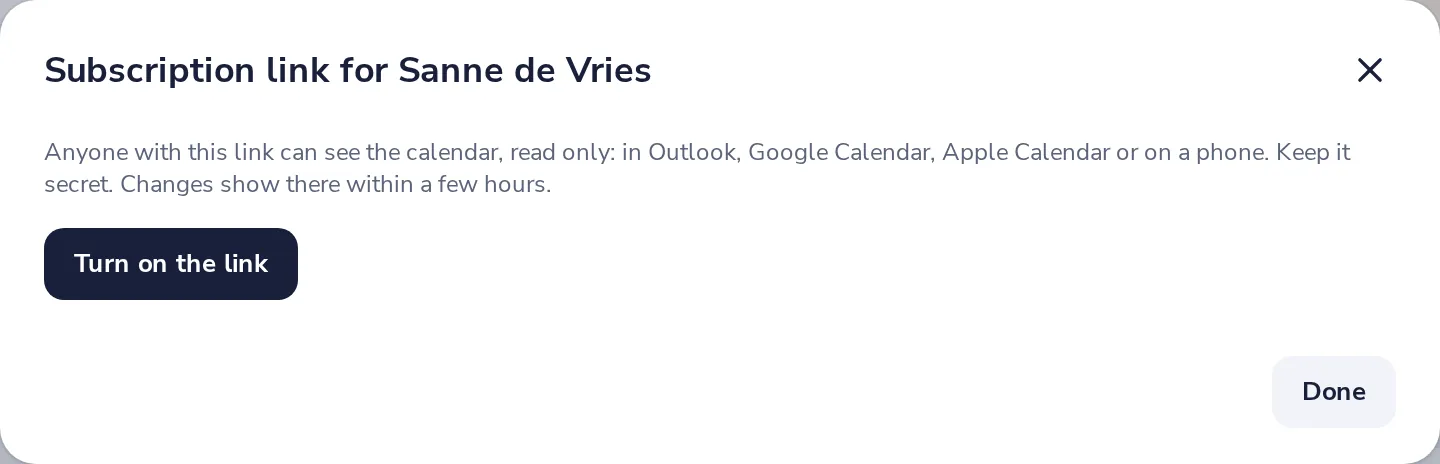
Turn on the link
Choose what the link shows, then press Turn on the link.
- 3
Copy it into the other app
Press Copy and add it in the other app as a calendar from a web address.
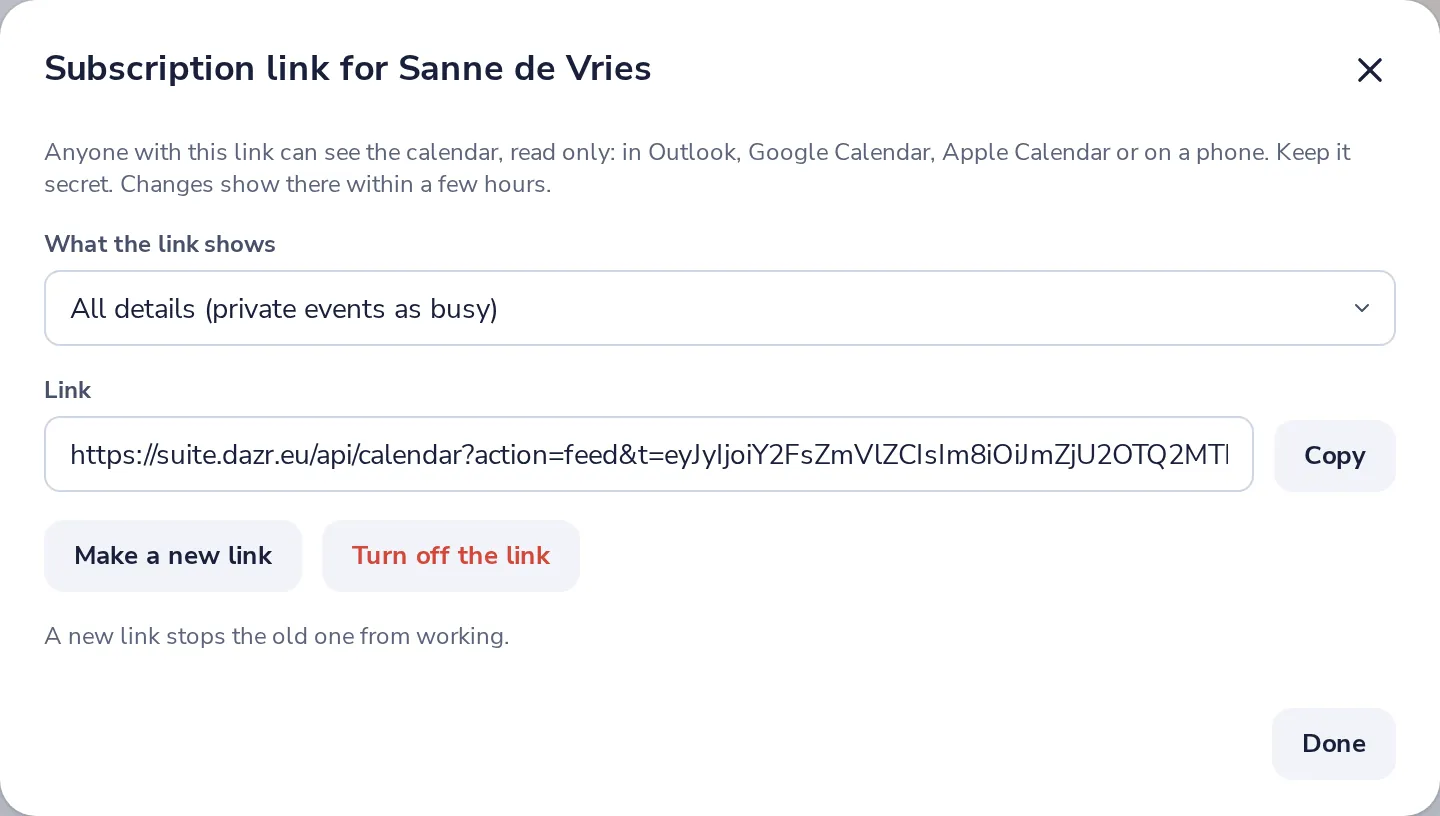
Keep the link secret. Anyone with it can see the calendar. Changes show there within a few hours.
- 4
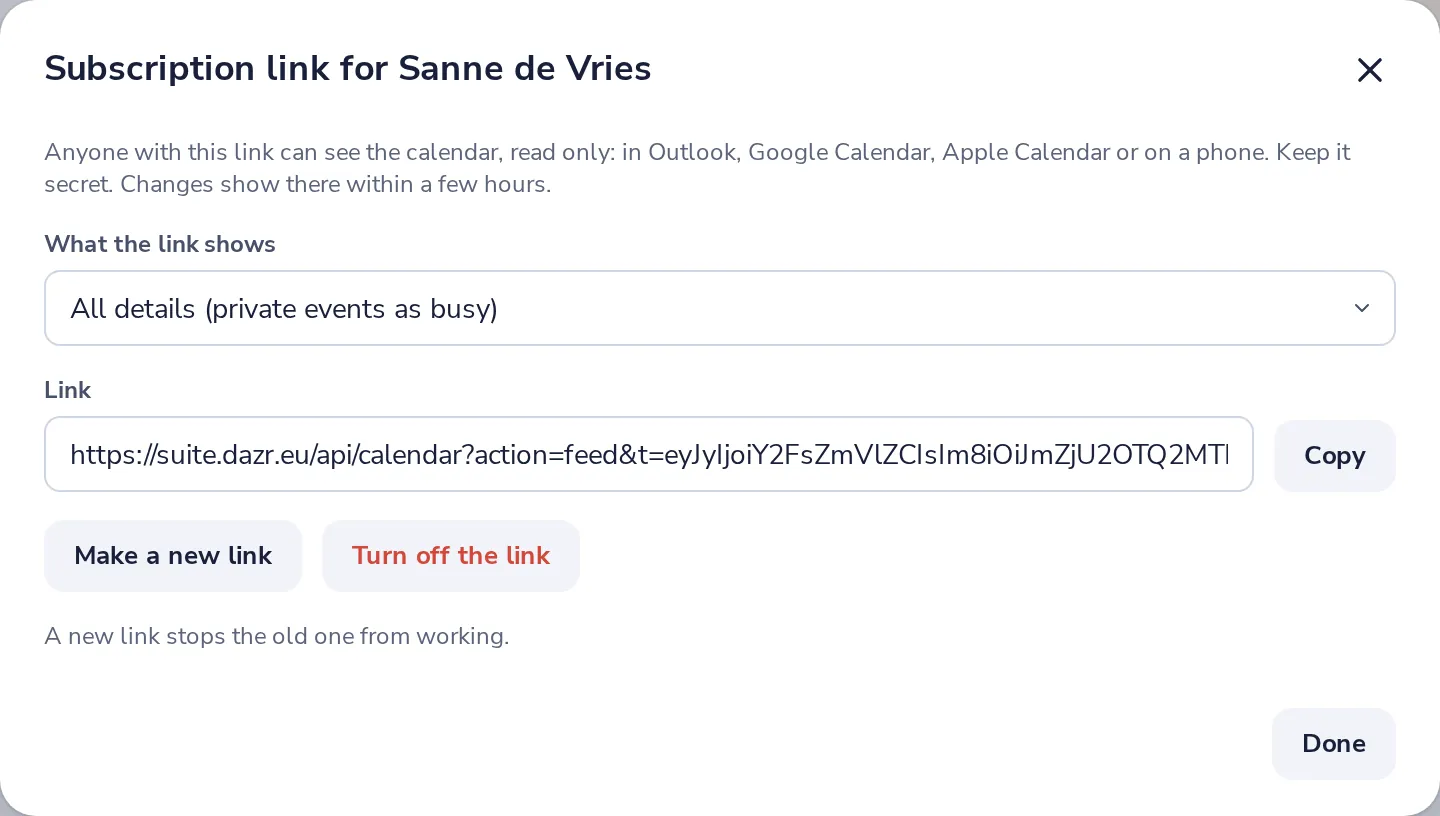
Stop it any time
Make a new link stops the old one. Turn off the link stops it completely.
Was this helpful?
What was missing?
Thank you.
We count yes and no per article. Nothing about you is stored.