Add a contact form to your website
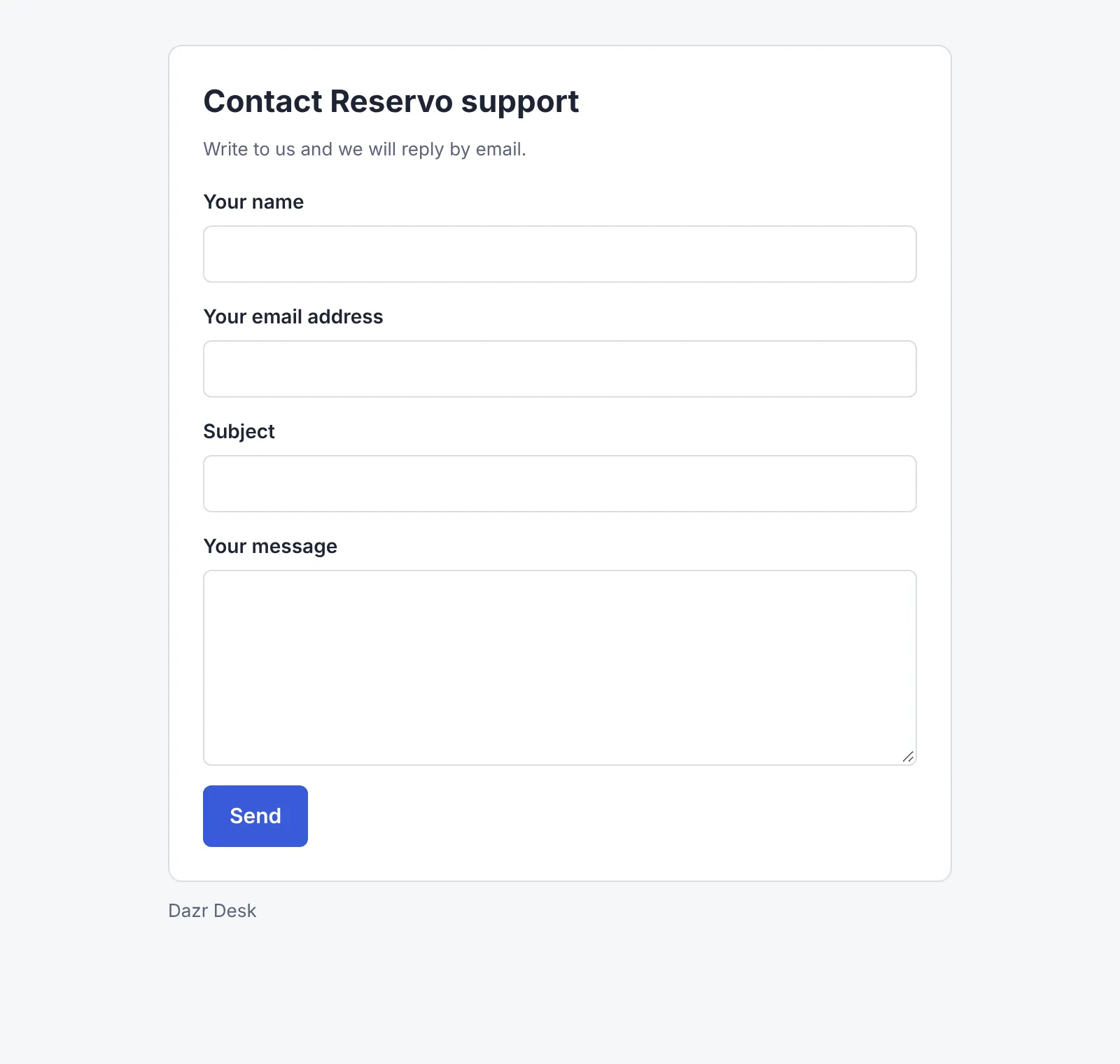
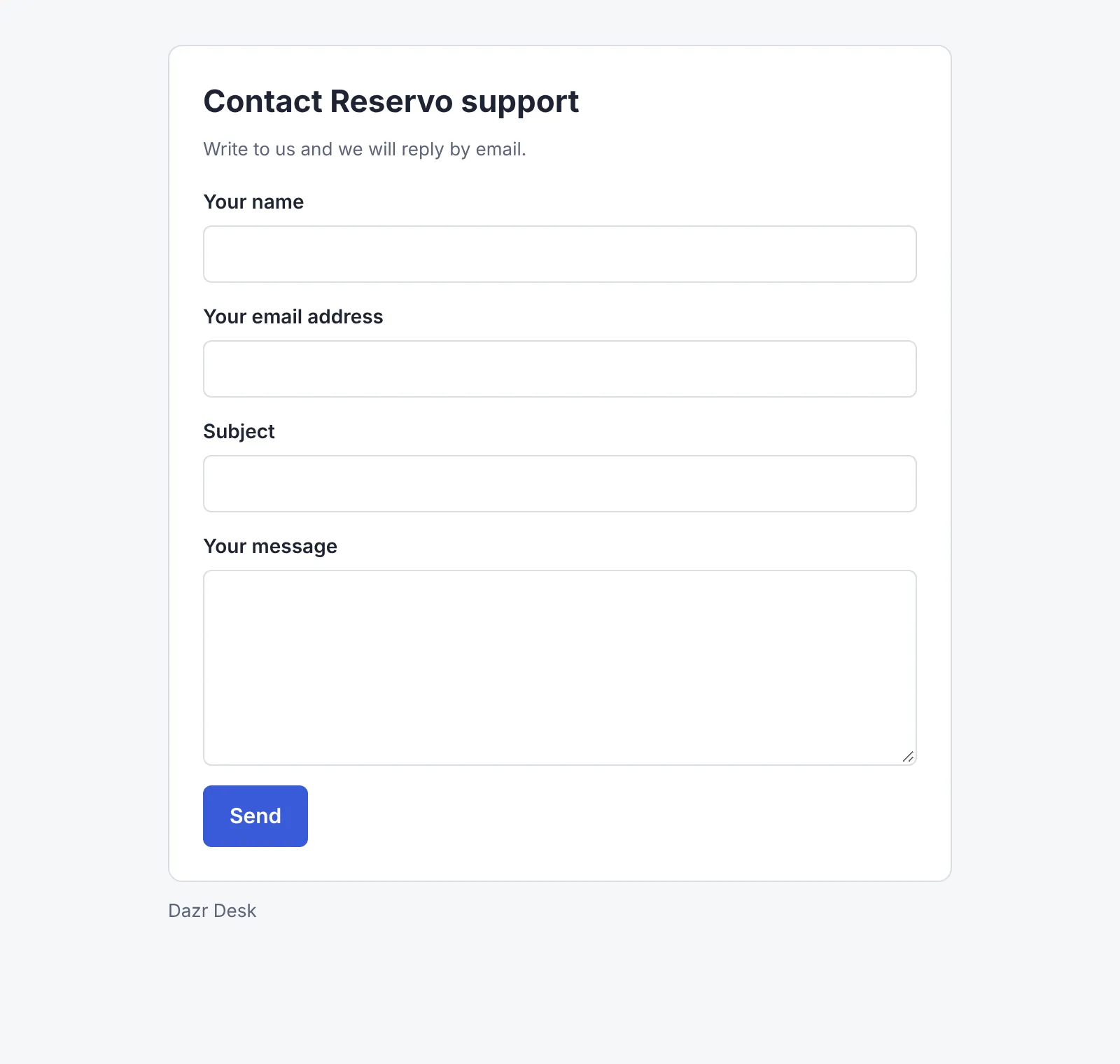
Every workspace can have a web form: a page with a name, an email address, a subject and a message. Link to it from your website. Each message becomes a ticket, and you answer by mail from the workspace's address.
You needA workspace with an address (a shared inbox)
- 1
Open Customer emails
In Addresses and settings, the Customer emails tab of the workspace.
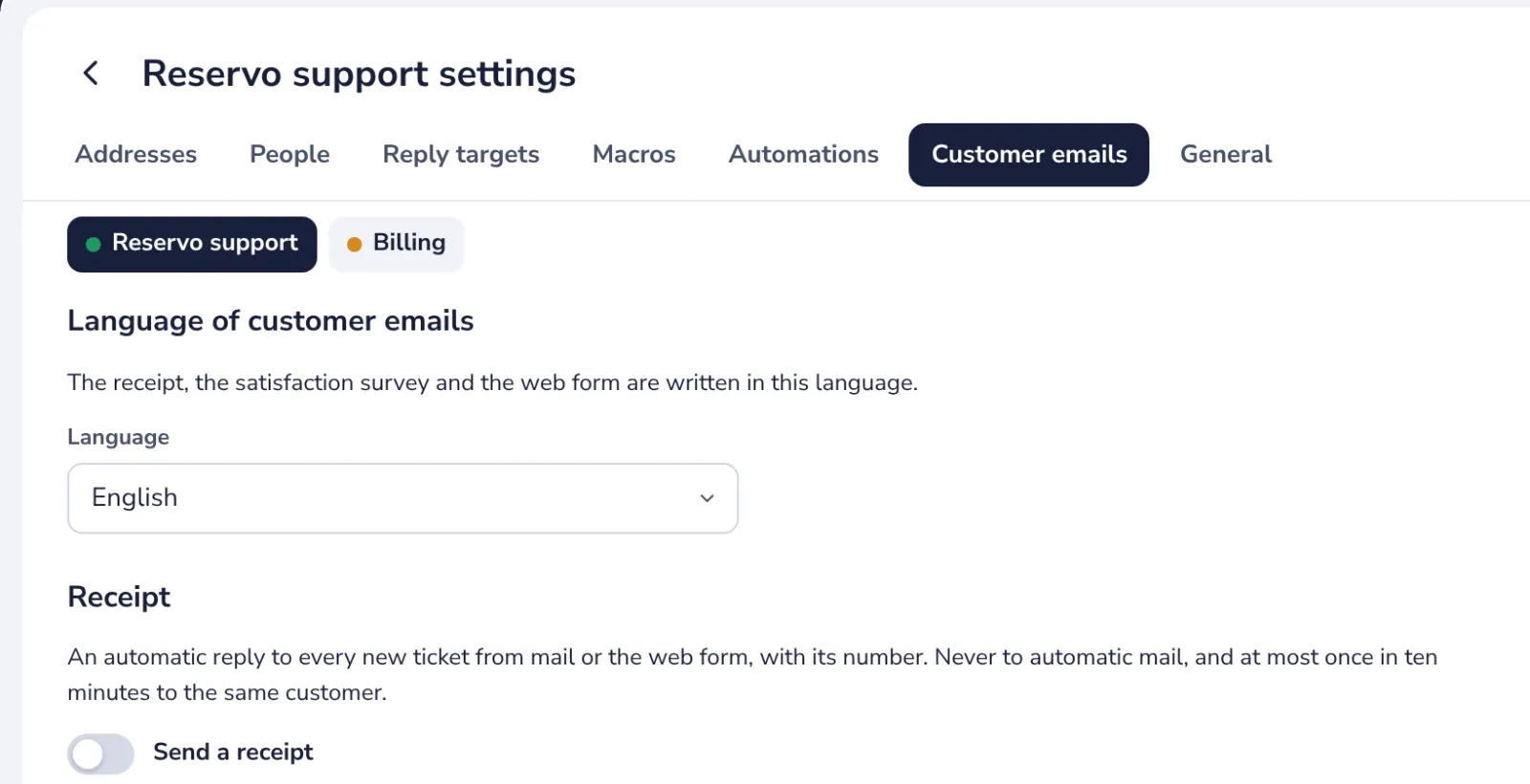
The language chosen here is the language of the form.
- 2
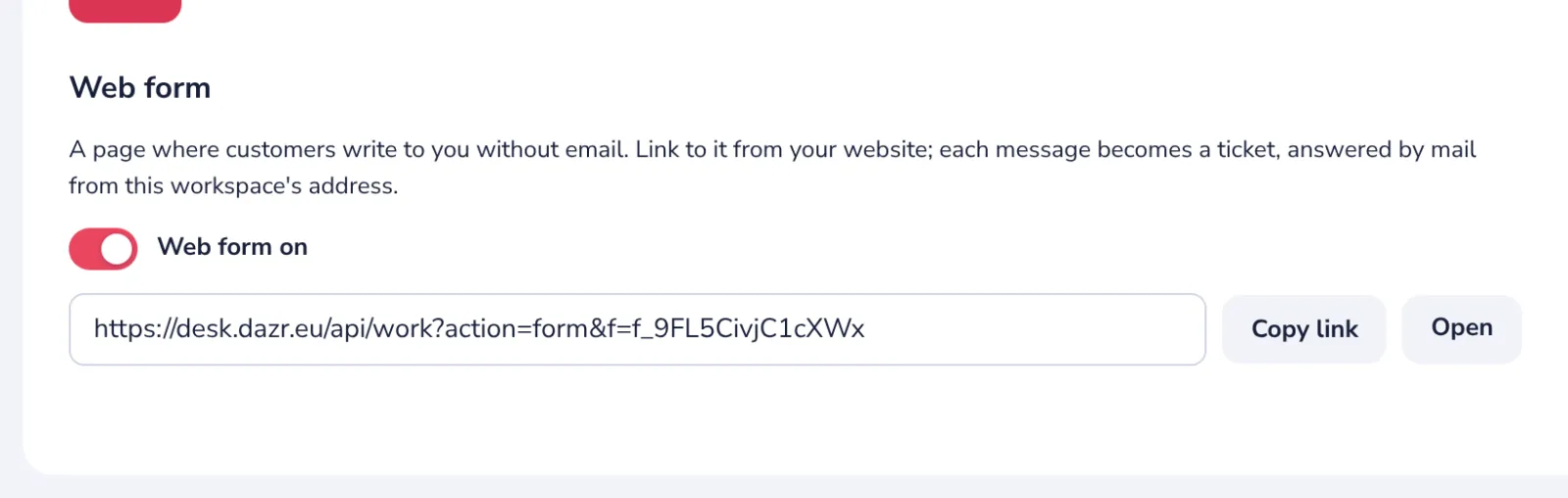
Turn on the web form
At the bottom, under Web form.
- 3
Copy the link
Put it on your website, for example behind a Contact us button.
- 4
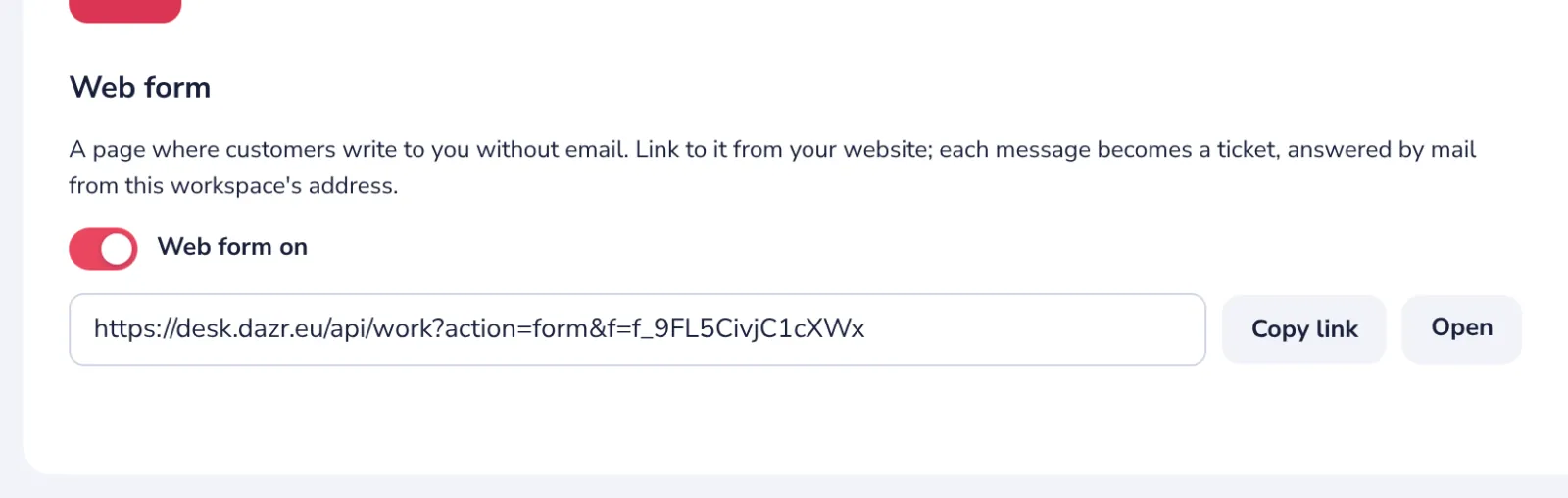
Or copy a ready link
Copy code gives a link to paste into a page of your website; change its words as you like.
- 5
See what customers see
Open shows the form. A message sent with it arrives in the queue as a new ticket.
Was this helpful?
What was missing?
Thank you.
We count yes and no per article. Nothing about you is stored.