Set up a helpdesk
A helpdesk workspace turns the mail of the shared inboxes you choose into tickets. The admins of your organisation set it up.
You needA shared inbox in Dazr Mail, such as help@yourcompany.eu
- 1
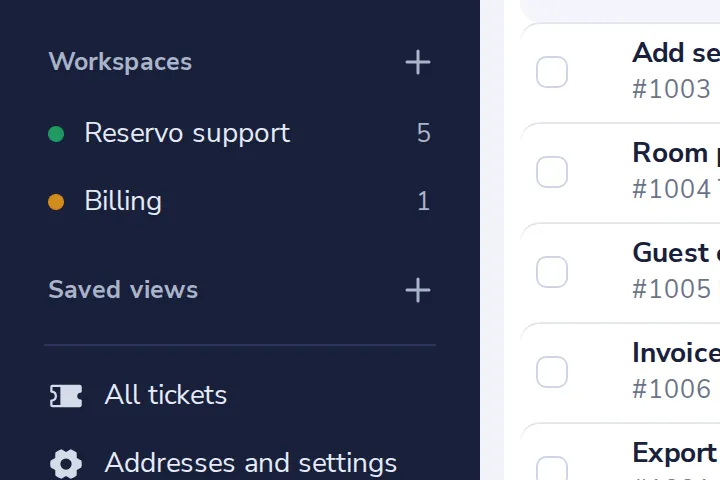
Press + next to Workspaces
In the side panel of the Helpdesk.
- 2
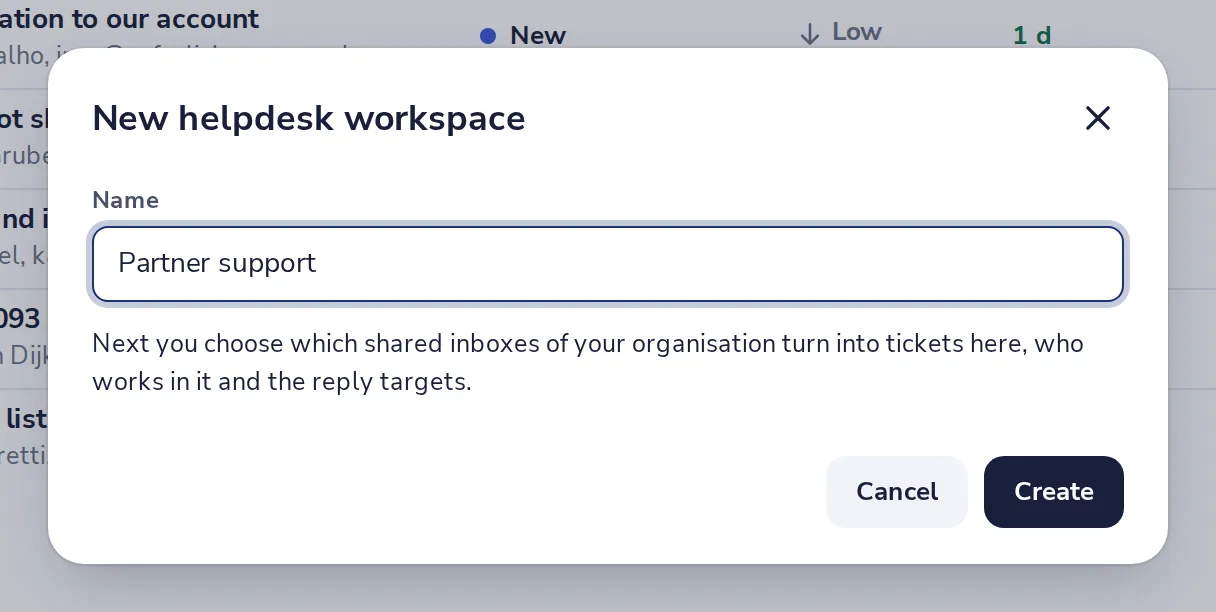
Name it and press Create
For example Partner support.
- 3
Tick the shared inbox
Mail to that address becomes tickets in this workspace from now on.
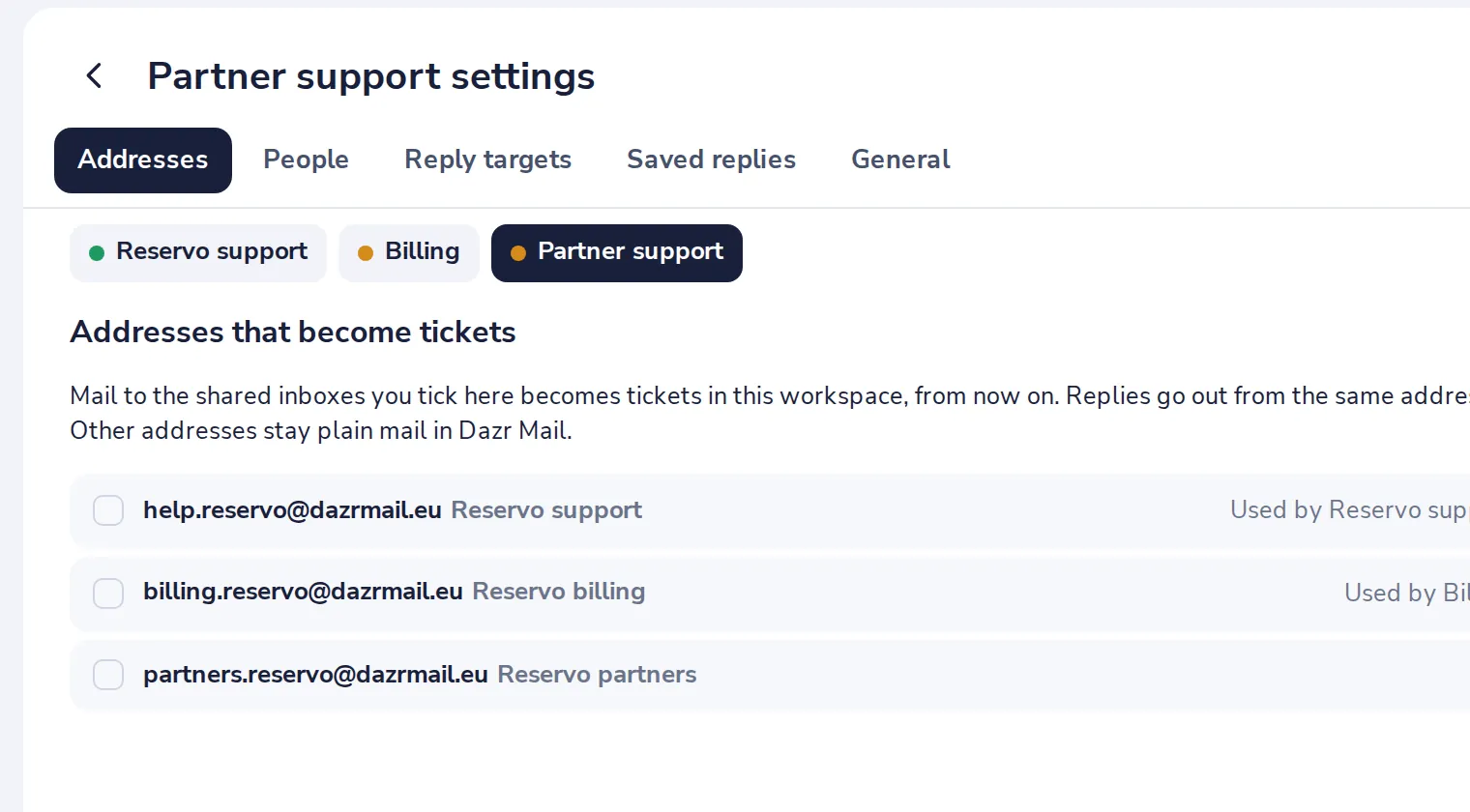
Replies go out from the same address. Addresses you do not tick stay plain mail in Dazr Mail.
- 4
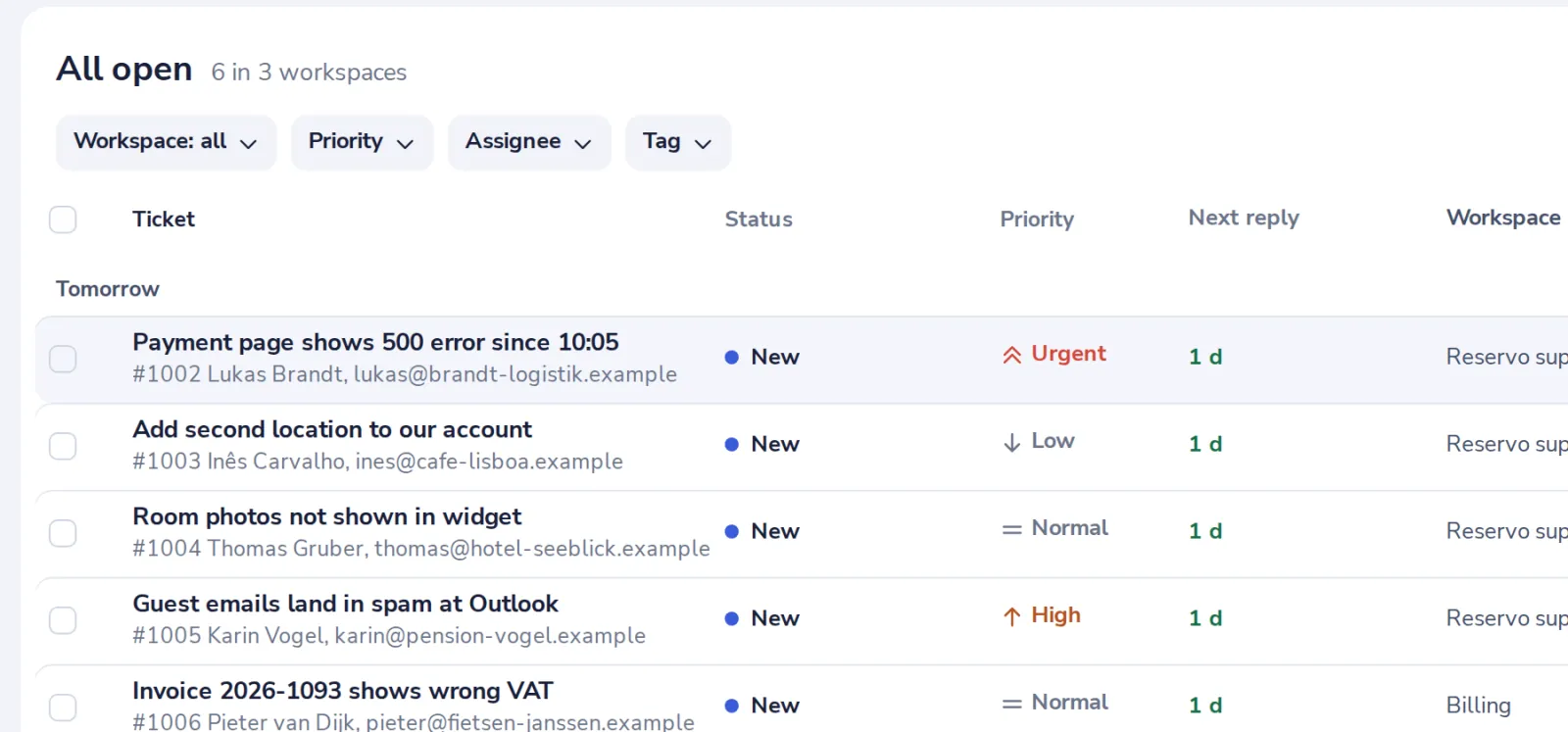
Open the queue
New mail shows up as tickets within a minute while Dazr Desk is open, and every 15 minutes when it is not.
Was this helpful?
What was missing?
Thank you.
We count yes and no per article. Nothing about you is stored.