Set reply targets
With reply targets, the queue sorts by when the next reply is due and shows what is overdue. The admins of a workspace set them.
- 1
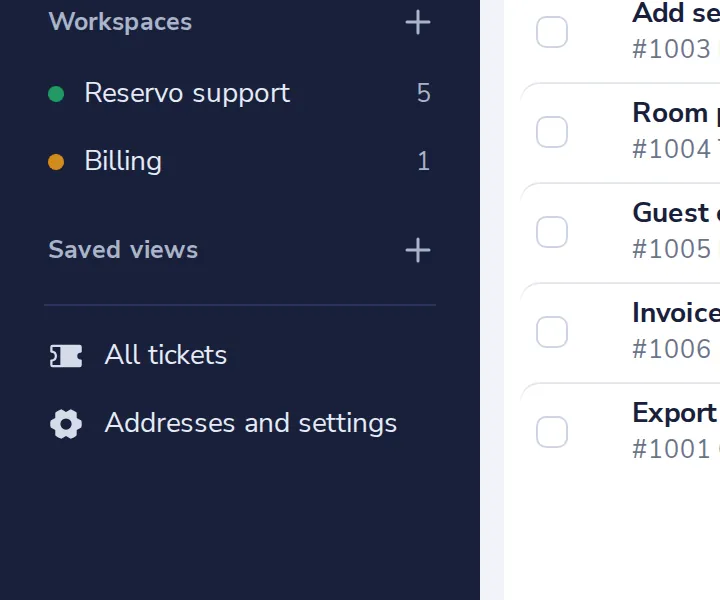
Open Addresses and settings
At the bottom of the side panel of the Helpdesk.
- 2
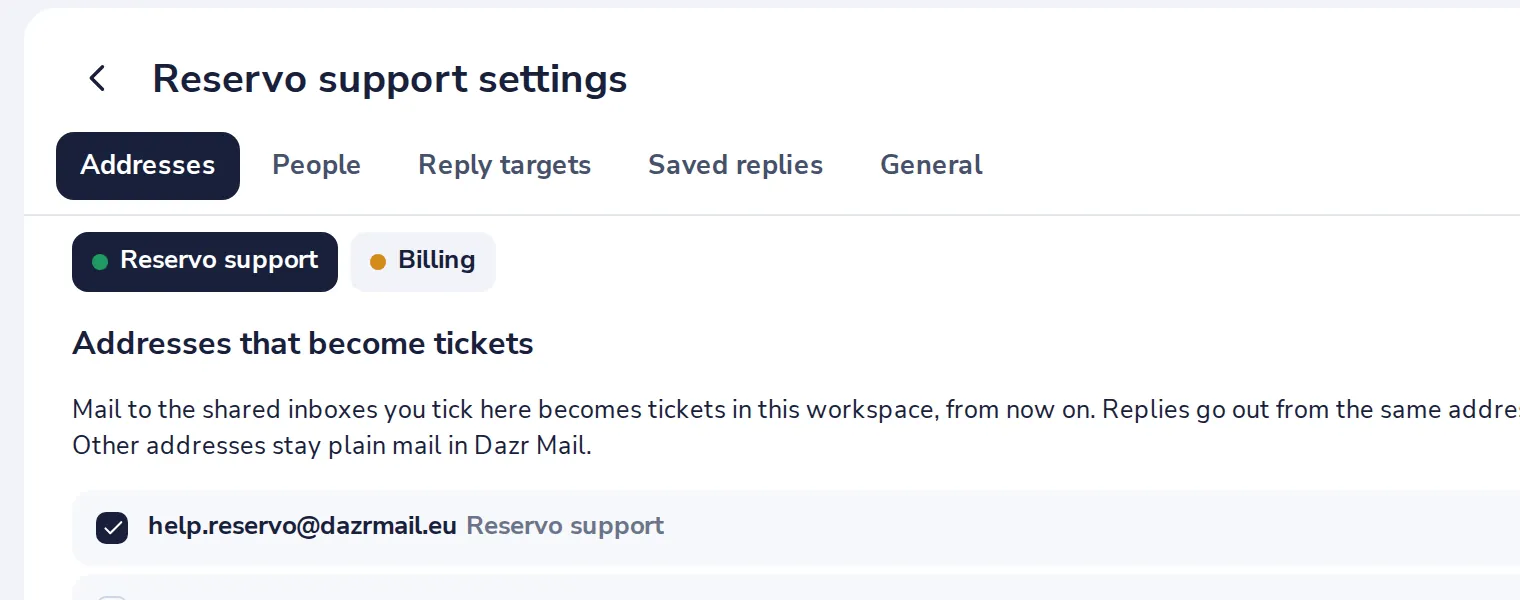
Open Reply targets
Each workspace has its own targets.
- 3
Set the hours
The first and the next reply, and the time to solve a ticket.
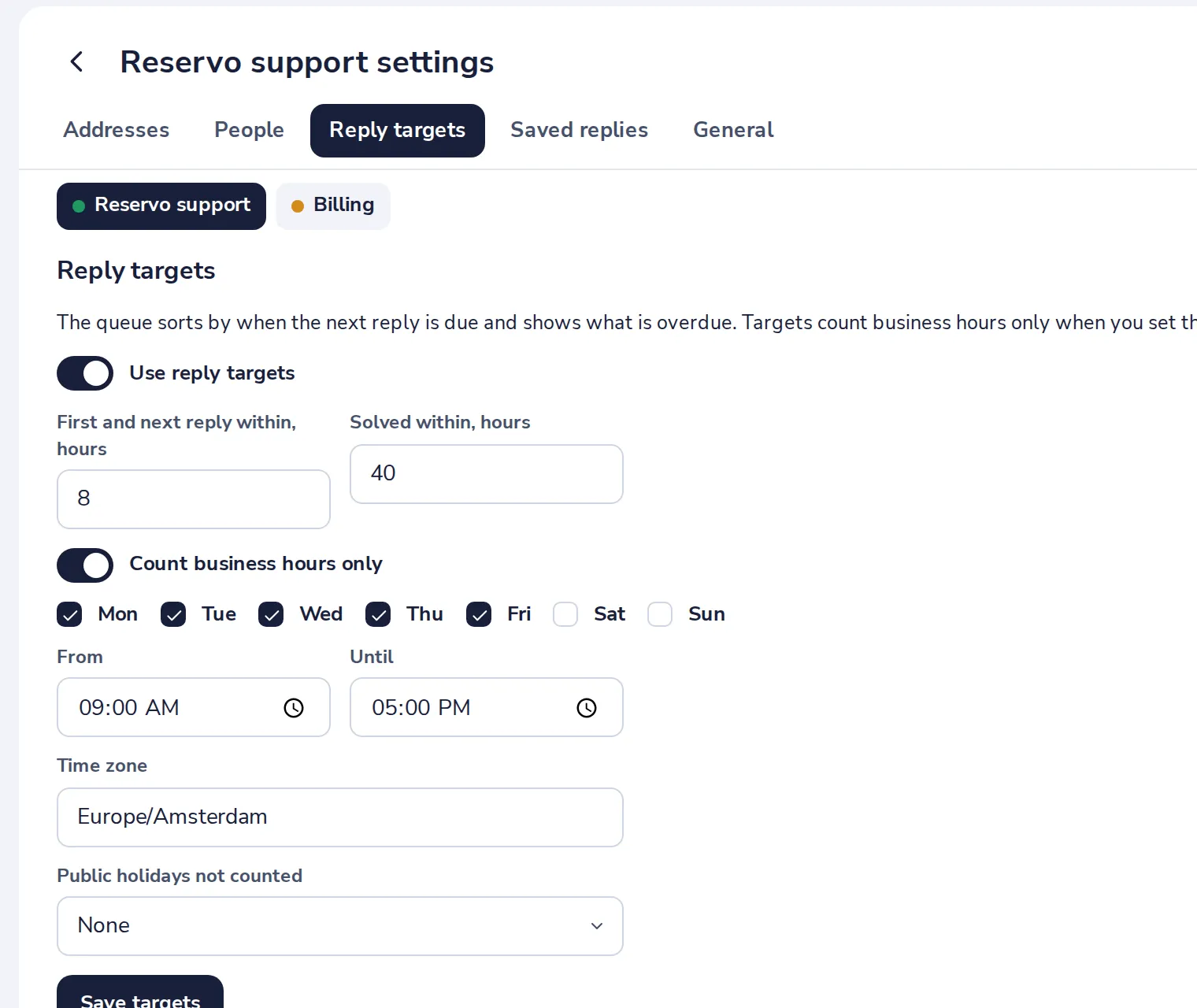
Count business hours only to leave out evenings, weekends and the public holidays of a country.
- 4
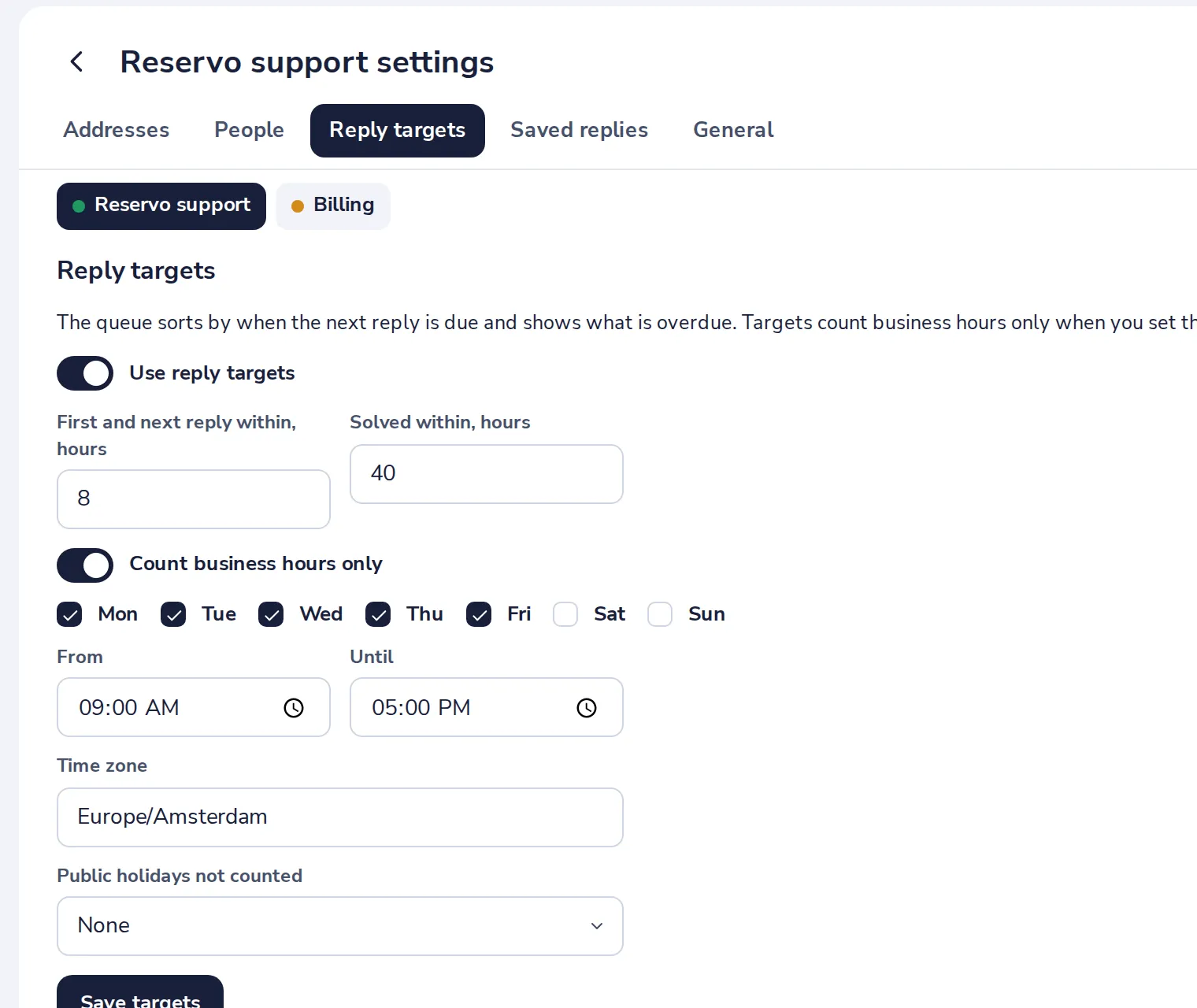
Press Save targets
The queue shows the new times at once.
Was this helpful?
What was missing?
Thank you.
We count yes and no per article. Nothing about you is stored.