Answer a ticket
Your reply goes out from the shared inbox, with the ticket number in the subject, and the customer's answer comes back to the same ticket.
- 1
Open a ticket
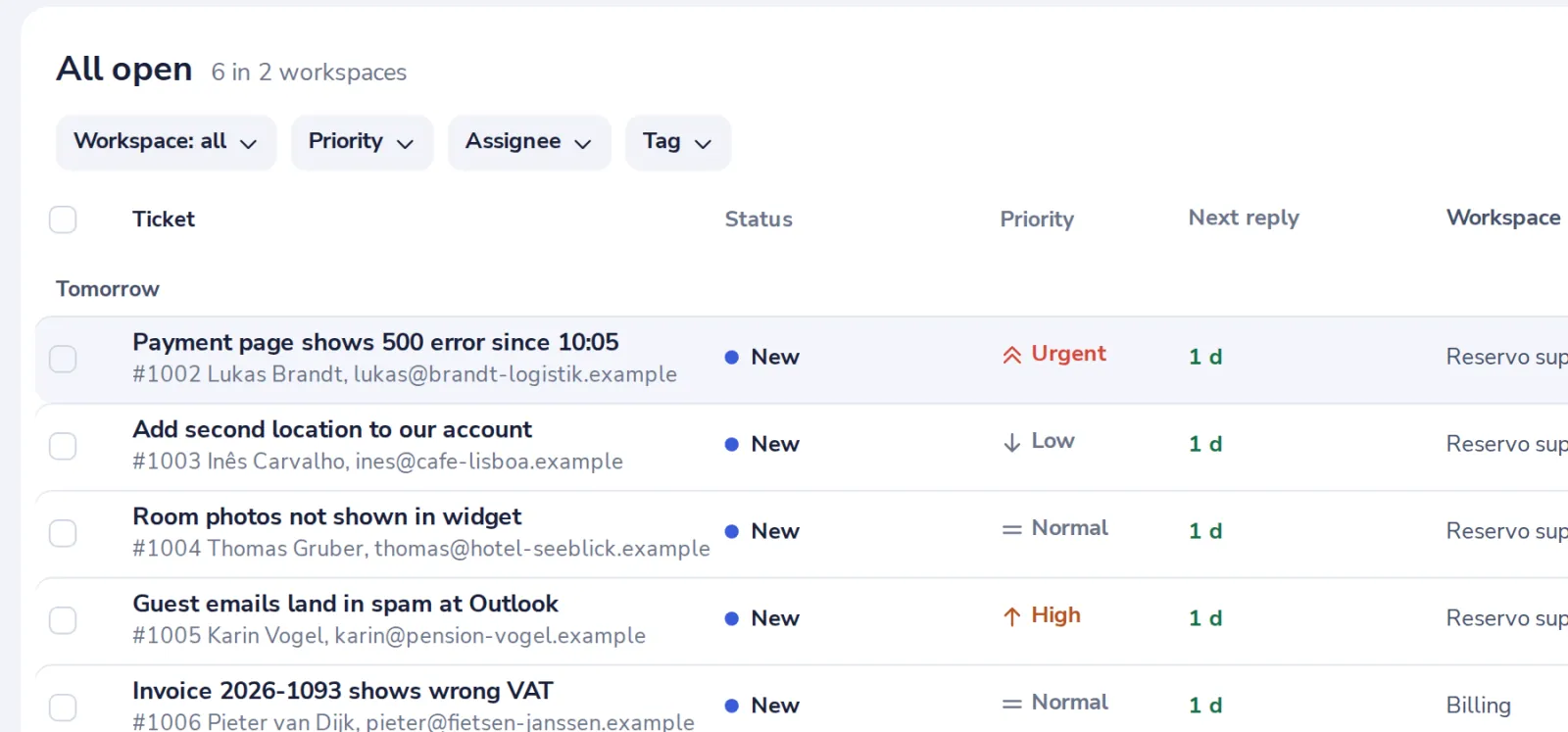
Pick one in the queue. The one whose reply is due first is at the top.
- 2
Write your reply
In the box at the bottom of the ticket.
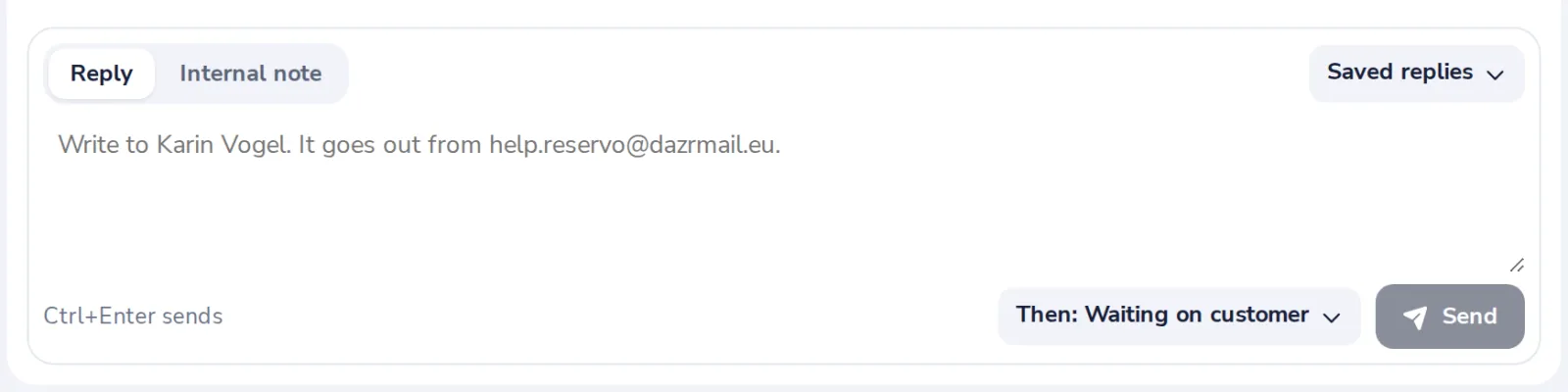
Saved replies fill in the customer's first name and yours.
- 3
Choose what happens next
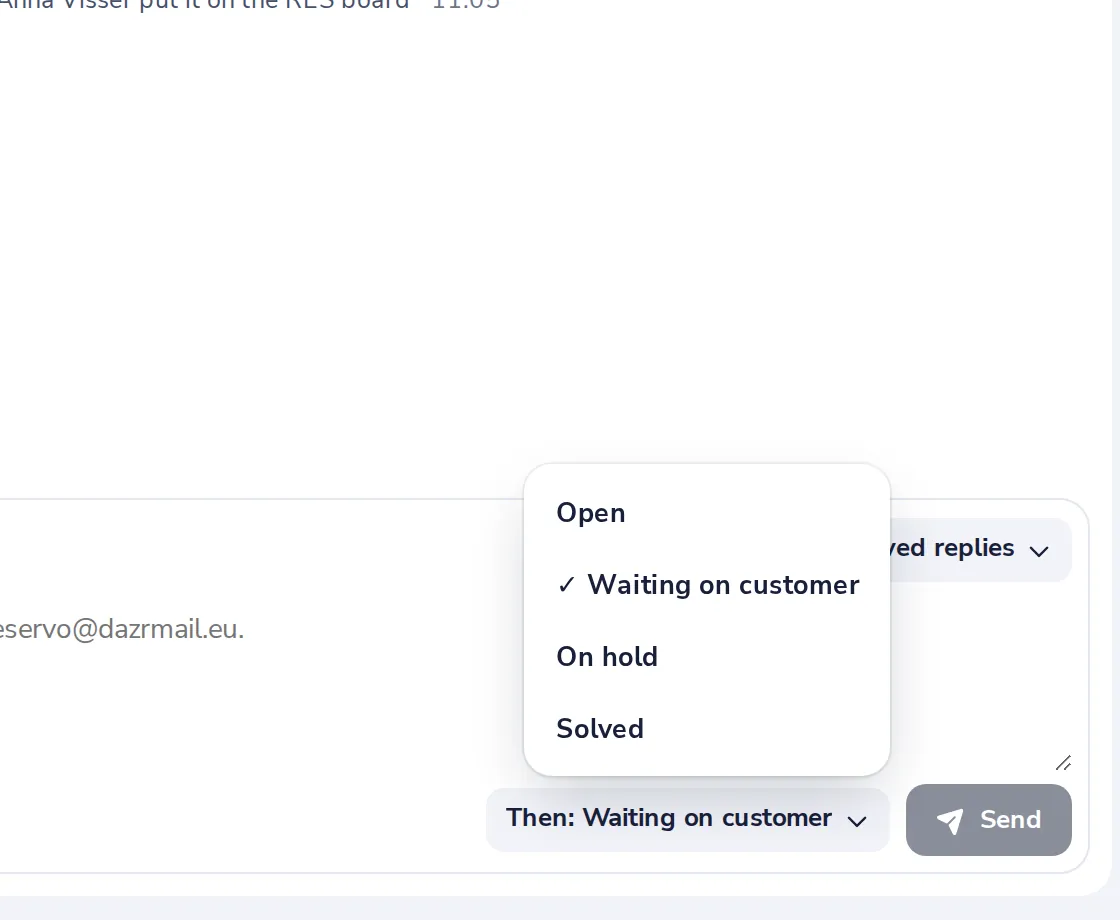
Waiting on customer is the default. Choose Solved when nothing more is needed.
- 4
Press Send
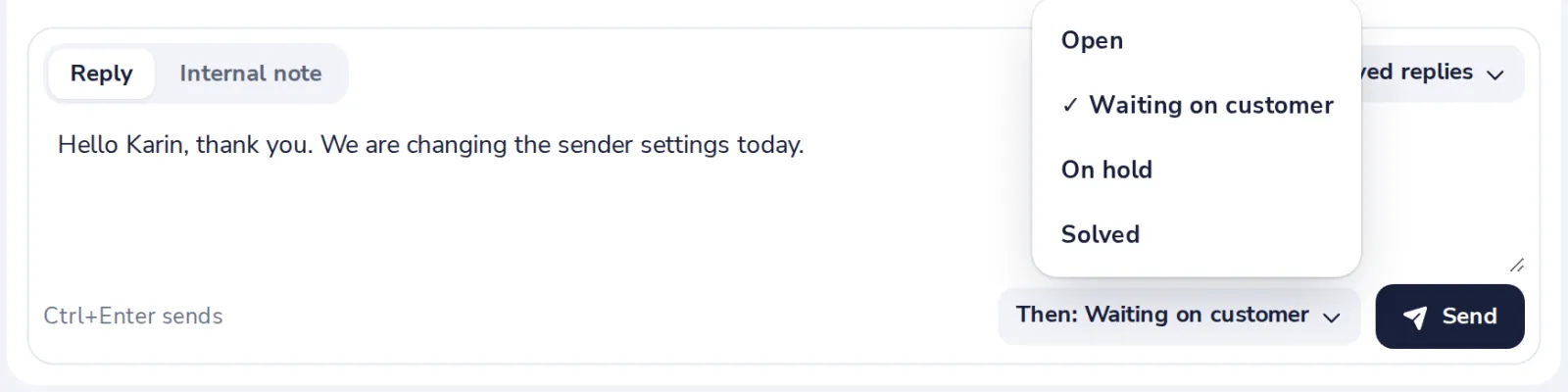
Or press Ctrl and Enter.
Was this helpful?
What was missing?
Thank you.
We count yes and no per article. Nothing about you is stored.