Write an internal note
Notes stay inside Dazr Desk. The customer never sees them. Mention a colleague and they get a notification.
- 1
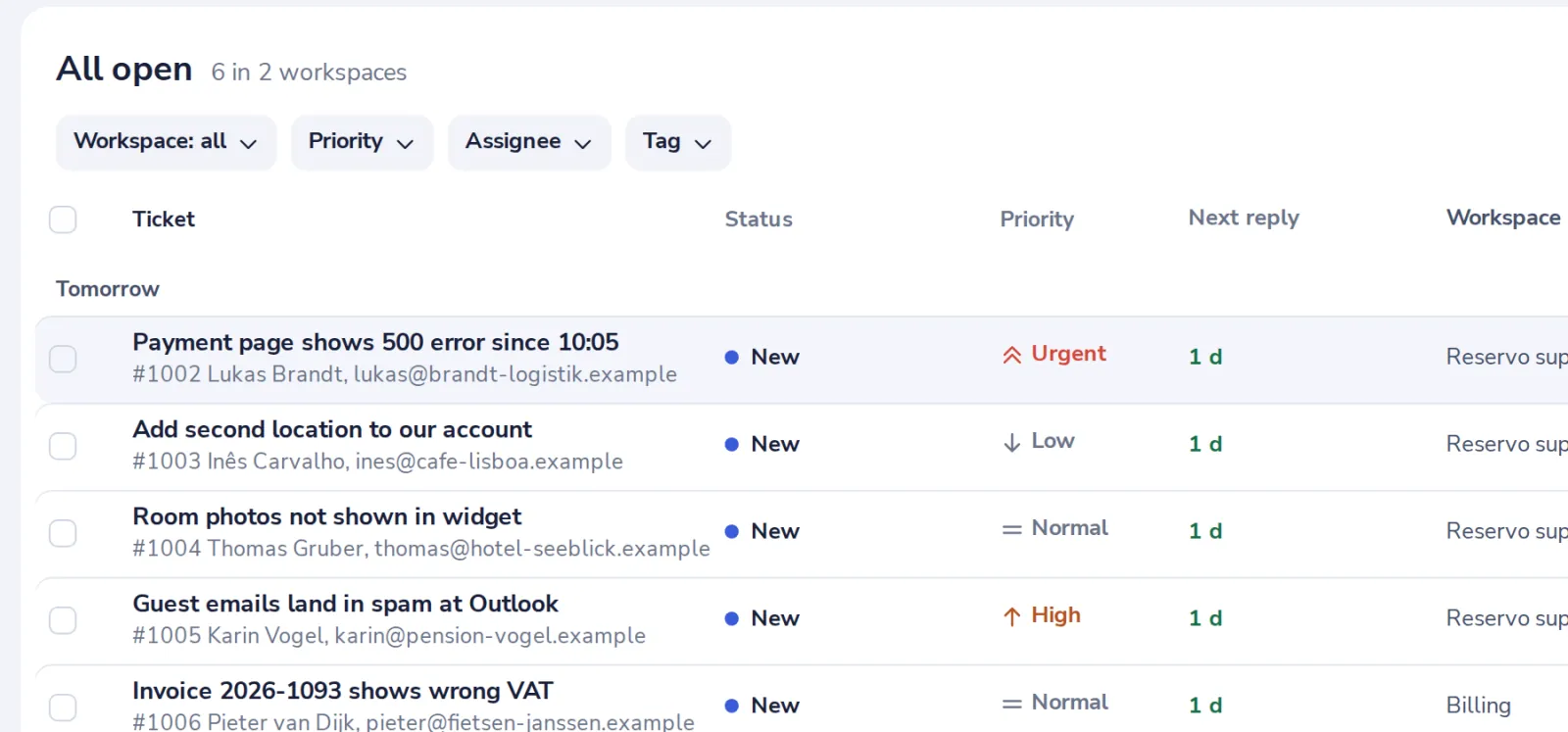
Open a ticket
Pick one in the queue.
- 2
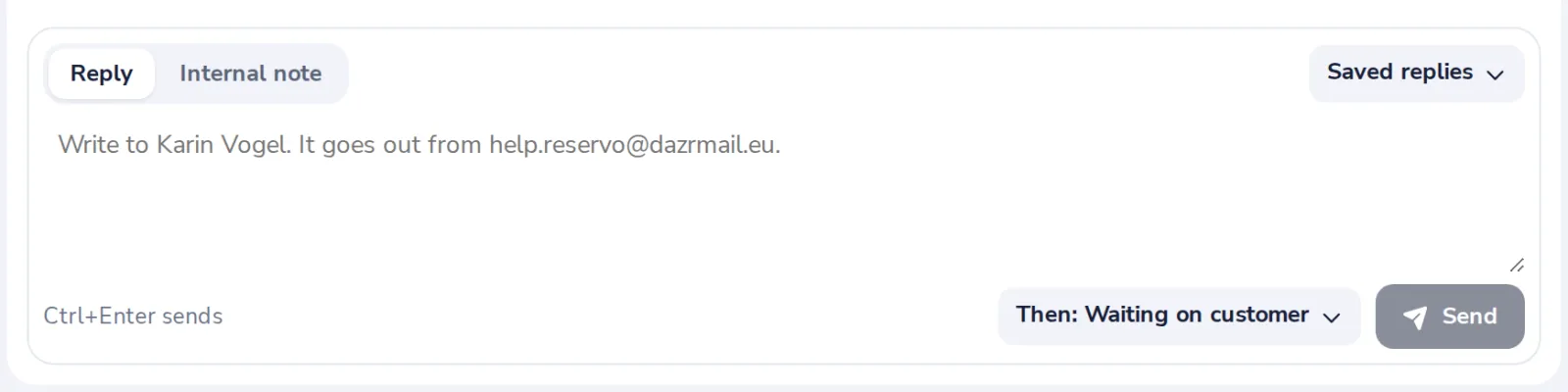
Choose Internal note
Above the box at the bottom of the ticket.
- 3
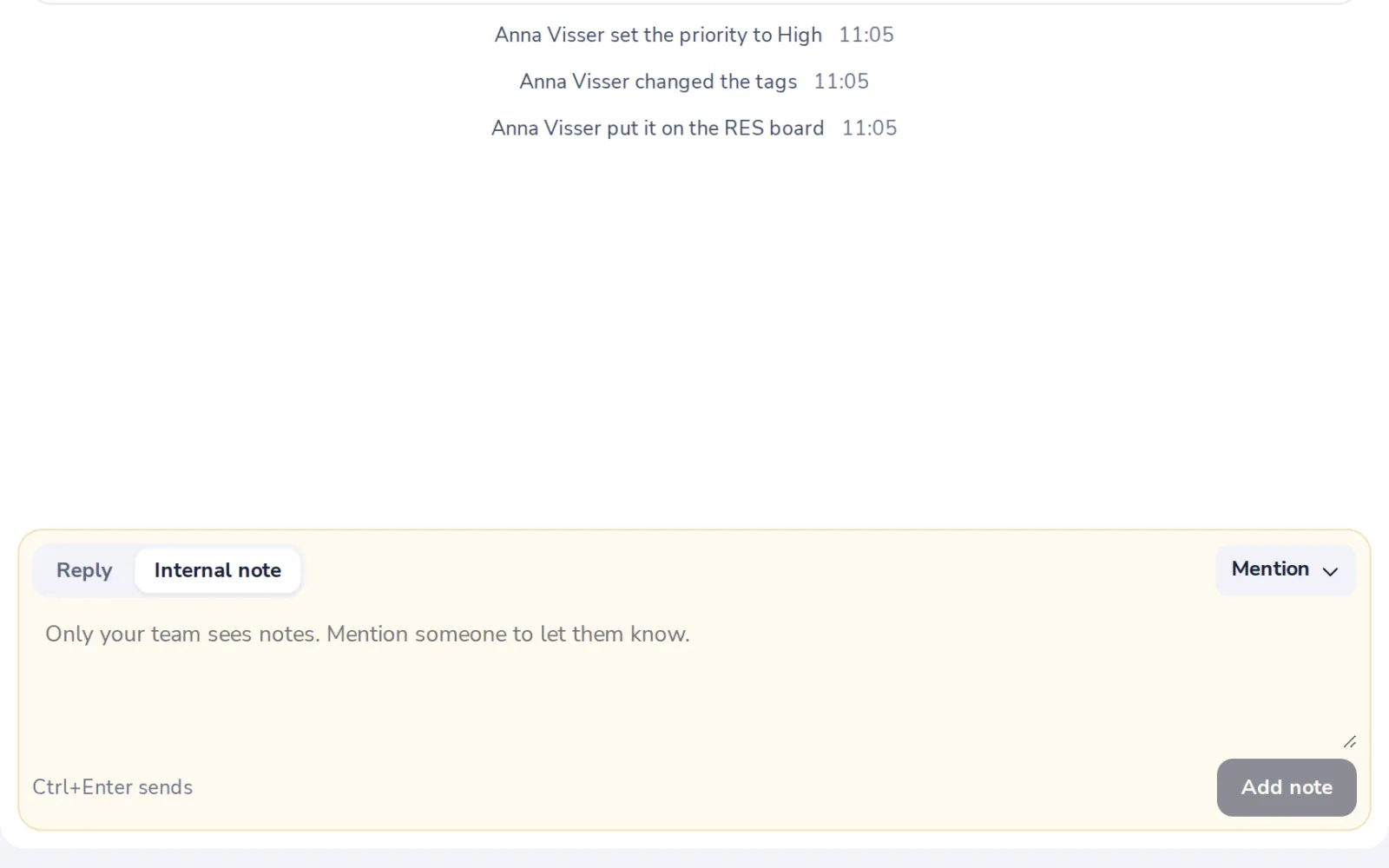
Mention a colleague
Press Mention and pick someone.
- 4
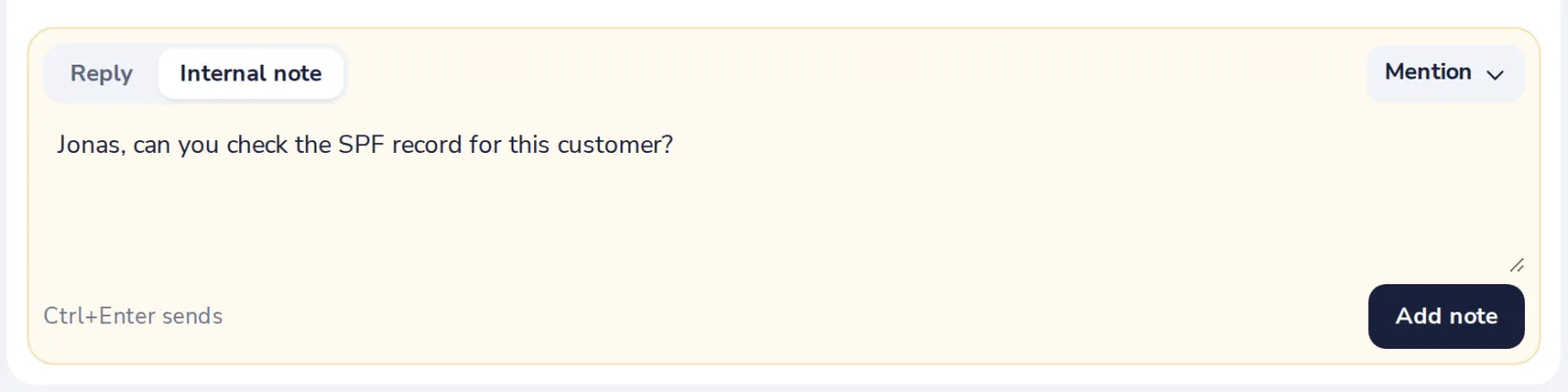
Press Add note
The note shows in the ticket in yellow, for your team only.
Was this helpful?
What was missing?
Thank you.
We count yes and no per article. Nothing about you is stored.