Ask customers to rate your help
An hour after a ticket is solved, the customer gets one email asking how the help was. Ratings show on the ticket and in the reports, and a Bad rating notifies the person the ticket is assigned to.
- 1
Open Customer emails
In Addresses and settings, the Customer emails tab of the workspace.
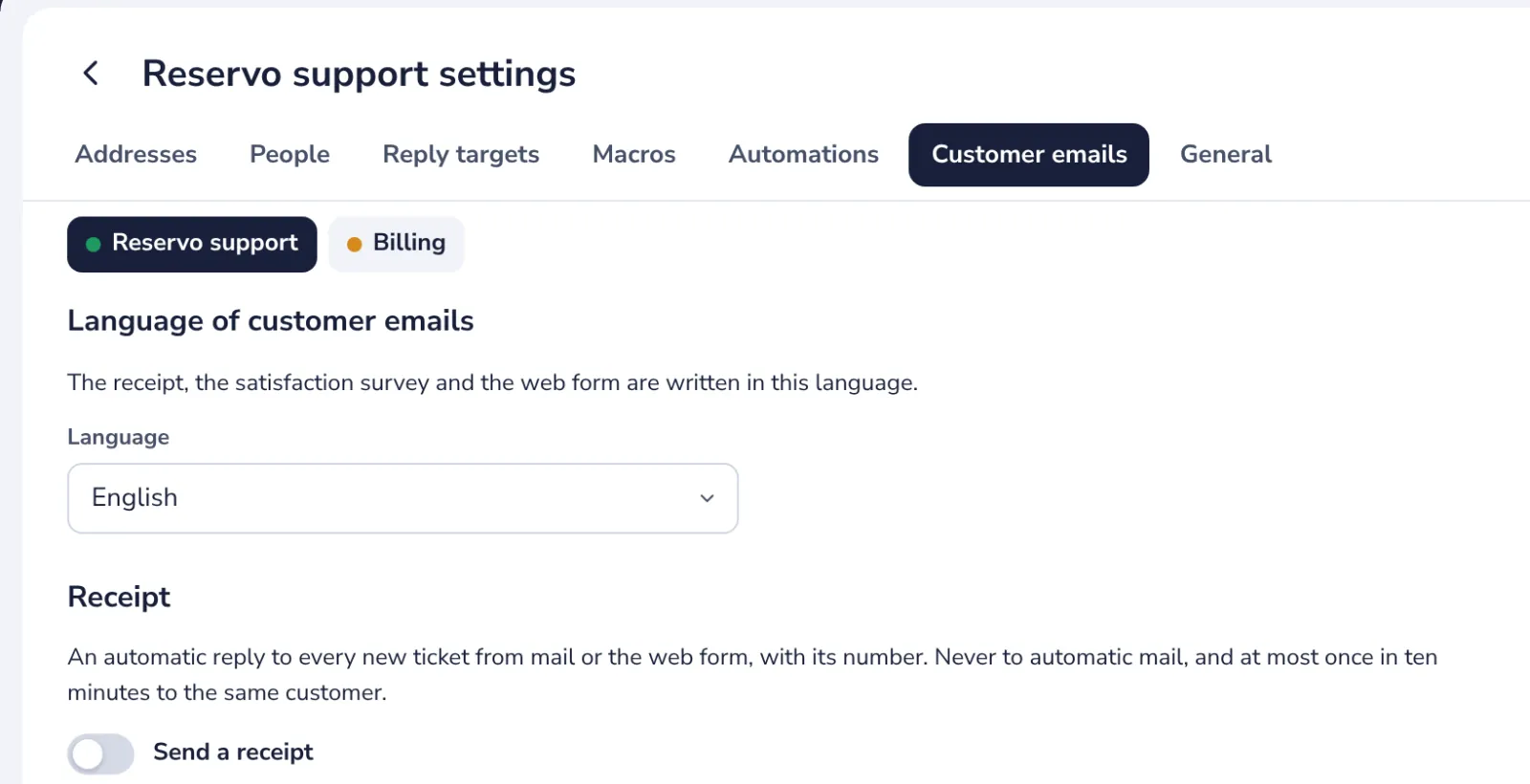
The survey is written in the language chosen at the top of this tab.
- 2
Turn on the survey
Ask customers to rate solved tickets, under Customer satisfaction.
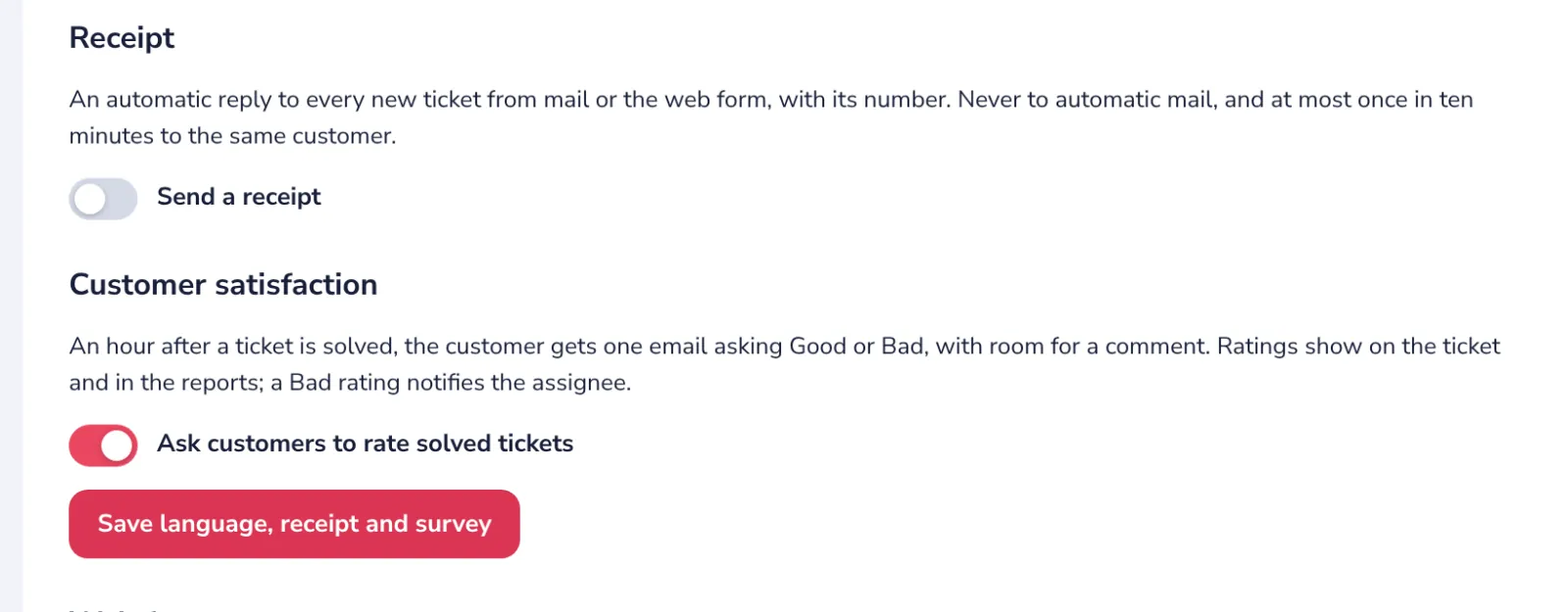
Send a receipt, just above it, confirms each new ticket to the customer with its number.
- 3
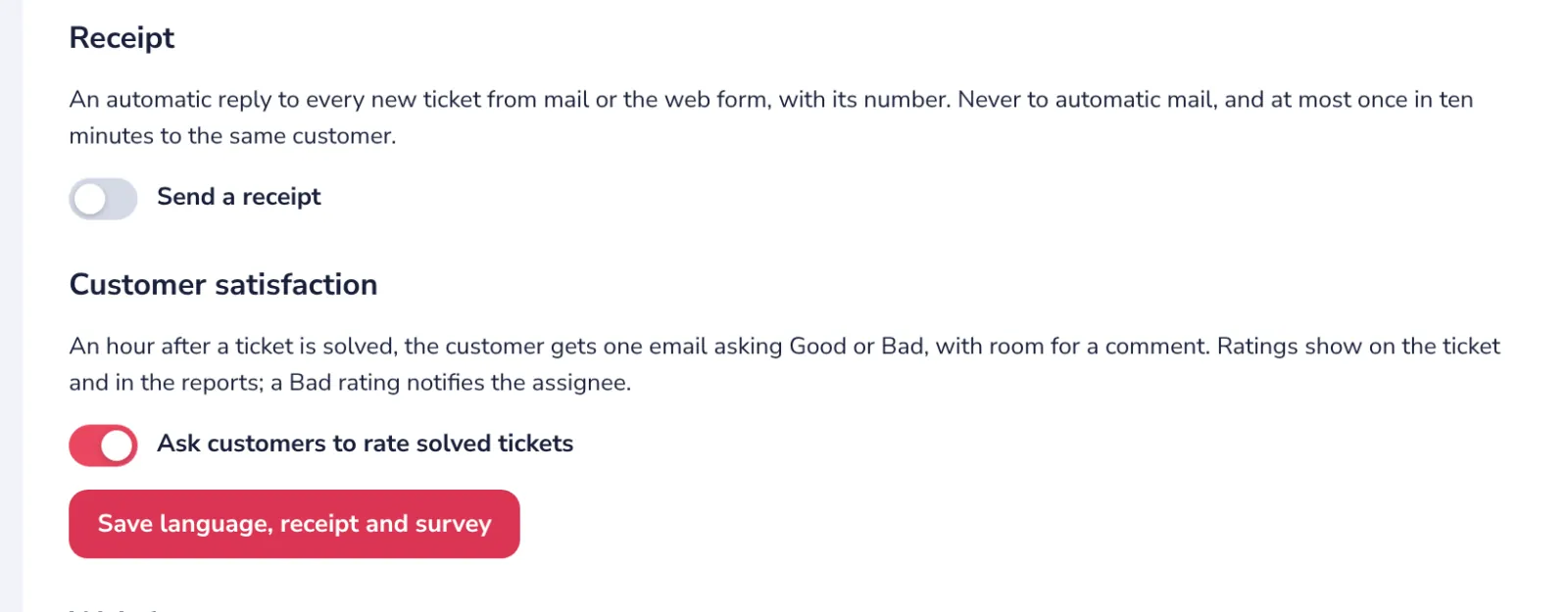
Press Save
The next solved ticket gets the survey an hour later.
- 4
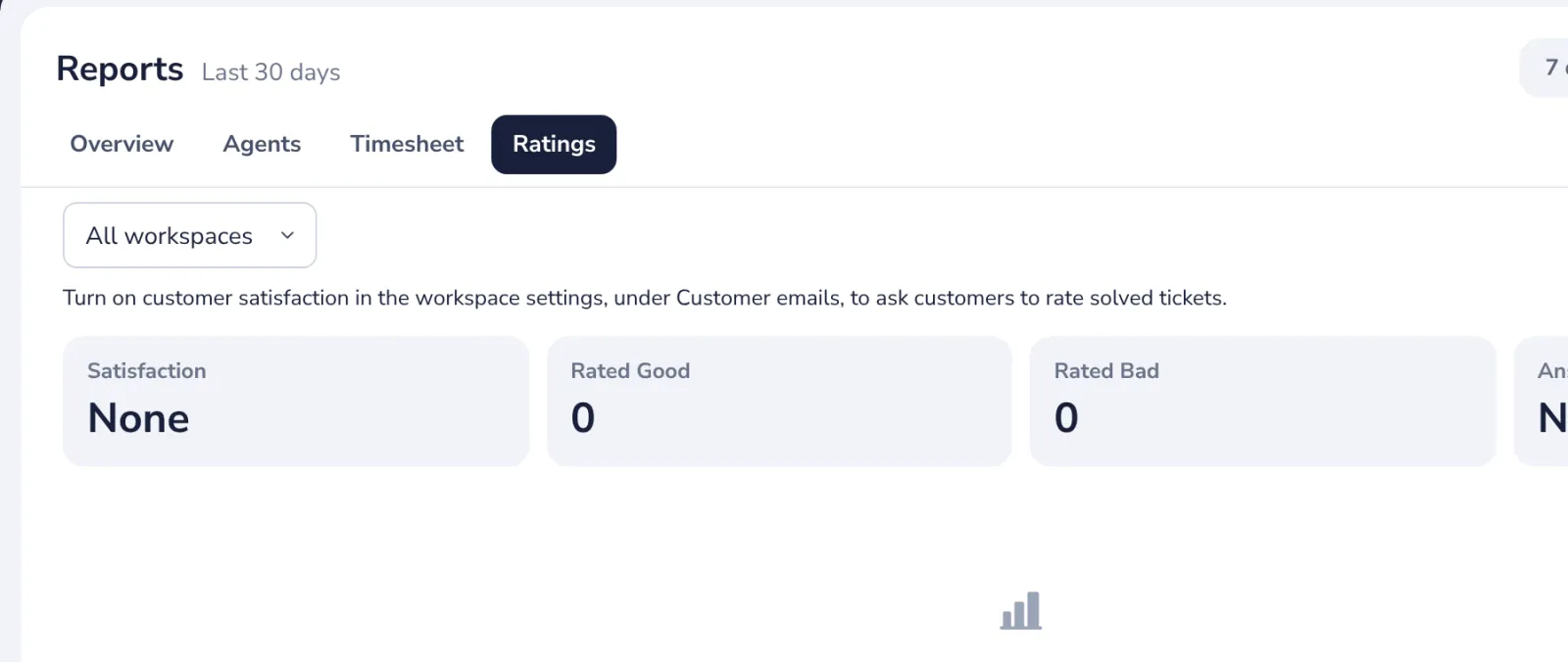
Read the ratings
In Reports, Ratings, with each comment and its ticket.
Was this helpful?
What was missing?
Thank you.
We count yes and no per article. Nothing about you is stored.