Merge two tickets
Merging moves the conversation and the notes of one ticket into another and closes it. New mail for the closed ticket lands in the other one. It cannot be undone.
- 1
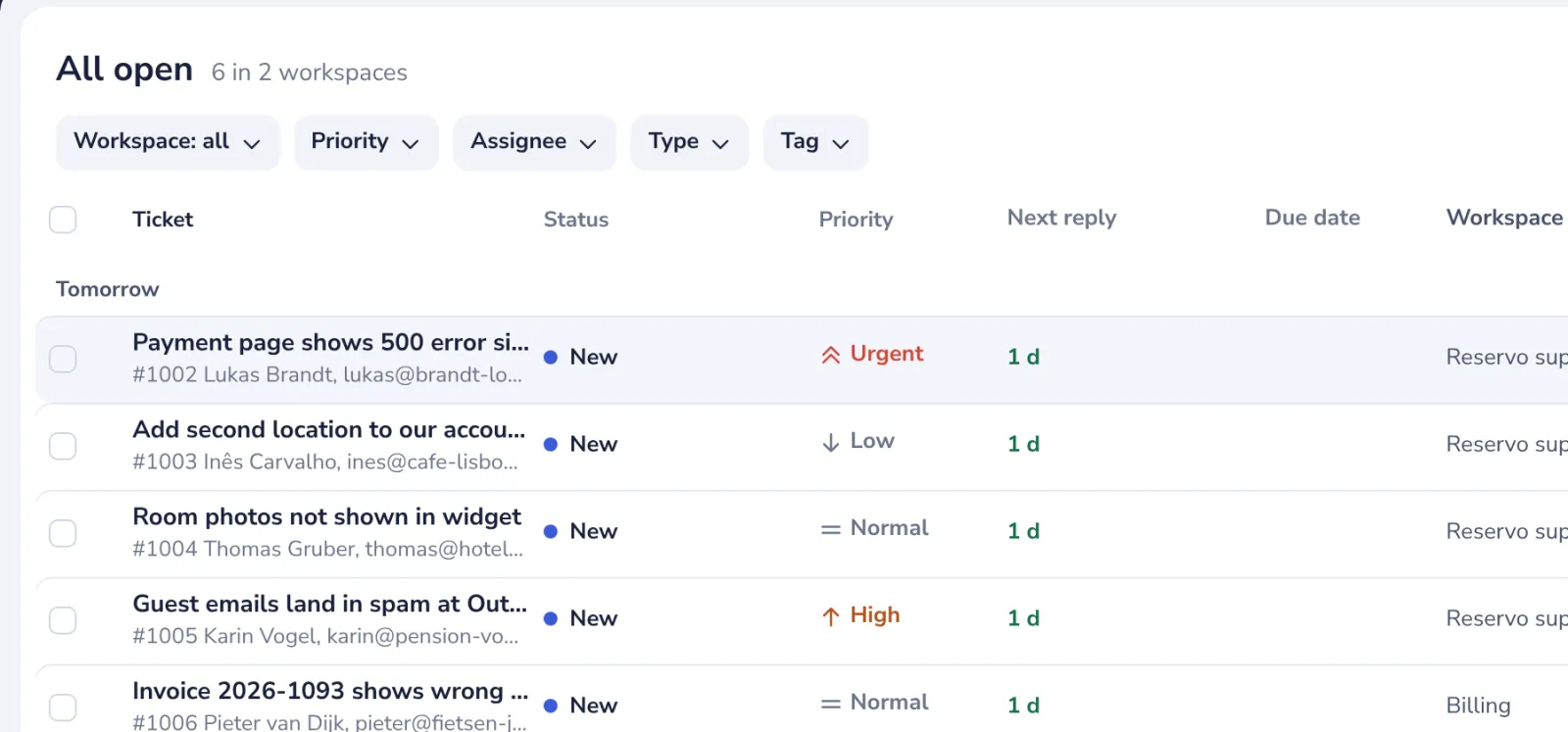
Open the ticket to merge
Usually the newer one; the older ticket keeps its number.
- 2
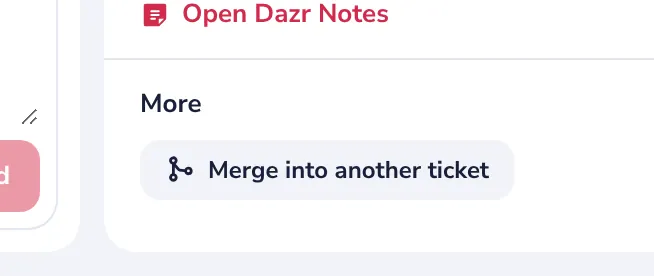
Press Merge into another ticket
Under More, at the bottom of the side panel.
- 3
Pick the ticket to keep
The same customer's tickets come first.
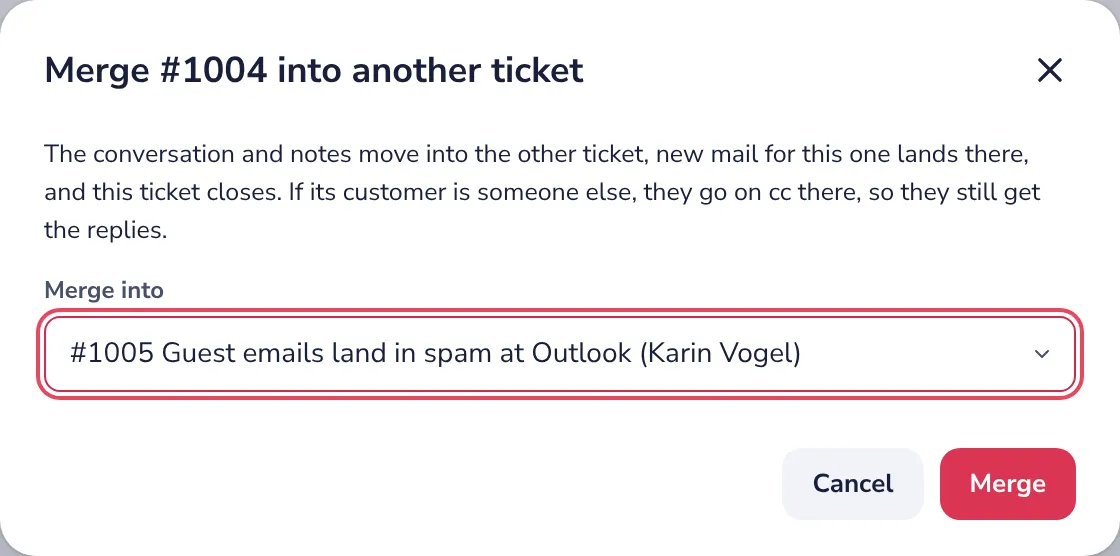
If the customer of the merged ticket is someone else, they go on cc, so they still get the replies.
- 4
Press Merge
The other ticket opens, with both conversations in it.
In the queue you can also tick several tickets and use Merge in the bar at the top.
Was this helpful?
What was missing?
Thank you.
We count yes and no per article. Nothing about you is stored.