See how your helpdesk is doing
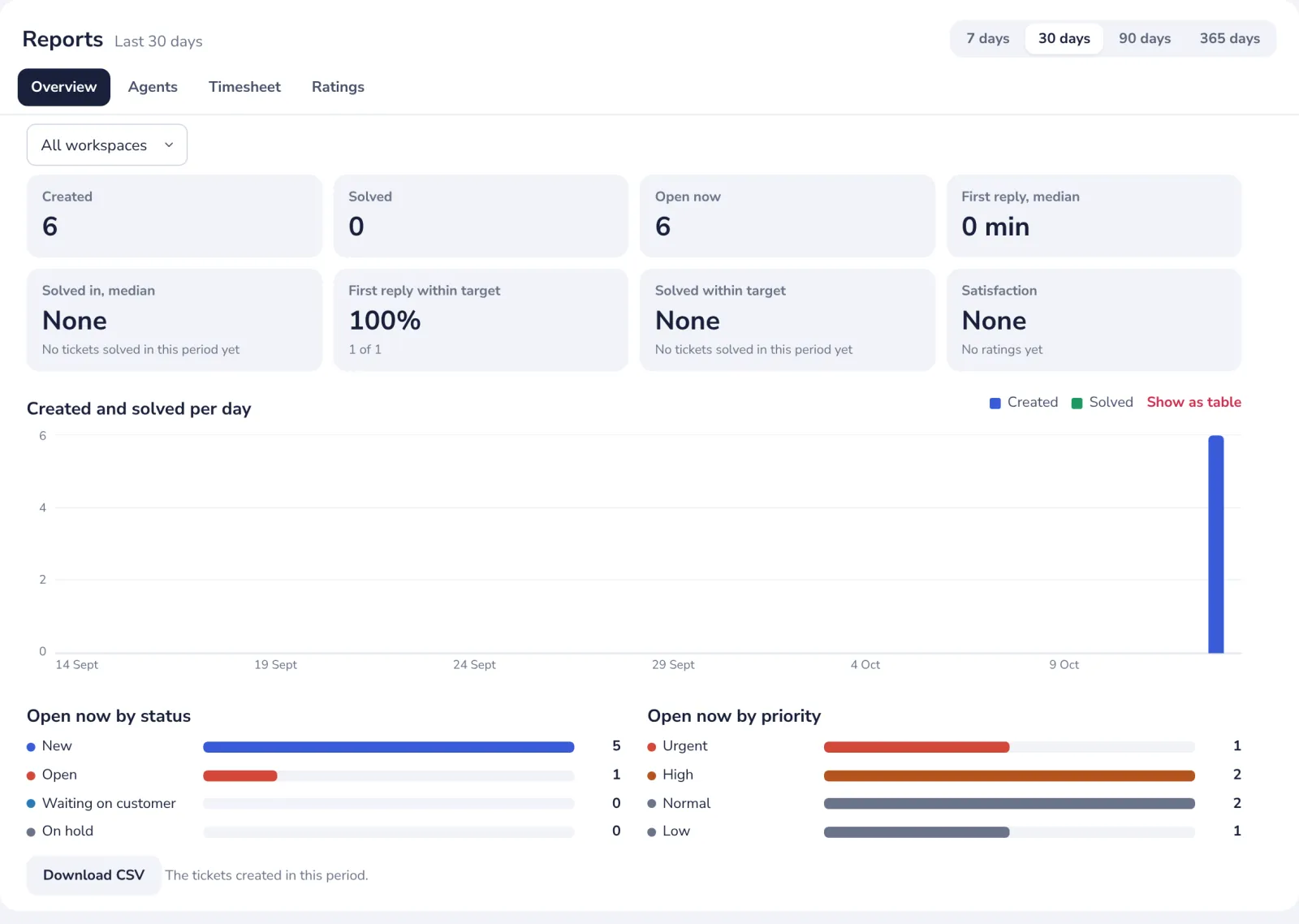
Reports show how many tickets came in and were solved, how fast your team replies, how often it meets its reply targets and what customers think. Admins of a workspace see everything; agents see their own time.
- 1
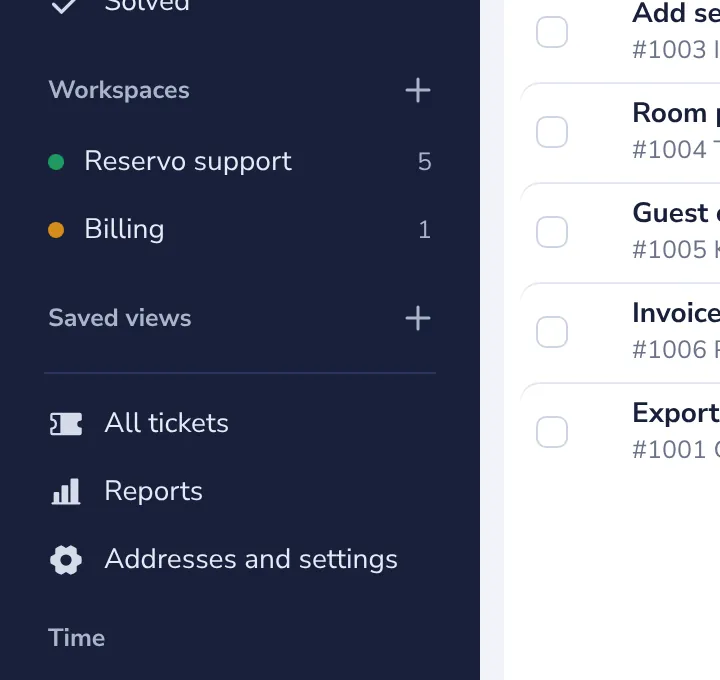
Open Reports
In the side panel.
- 2
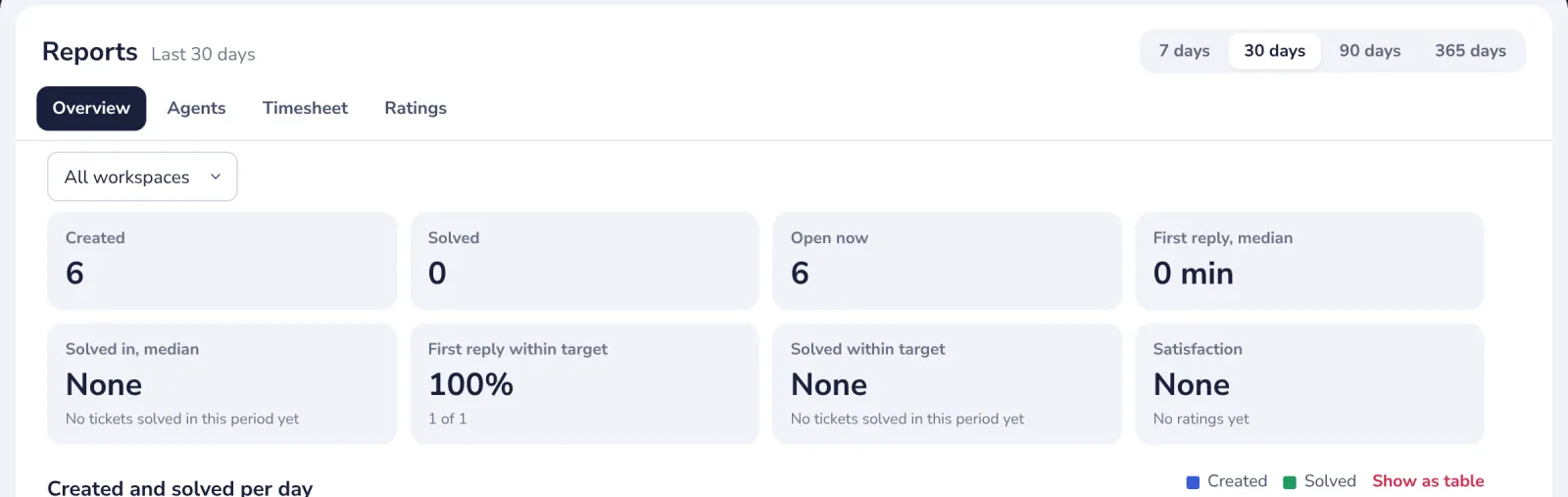
Choose the period
The last 7, 30, 90 or 365 days.
- 3
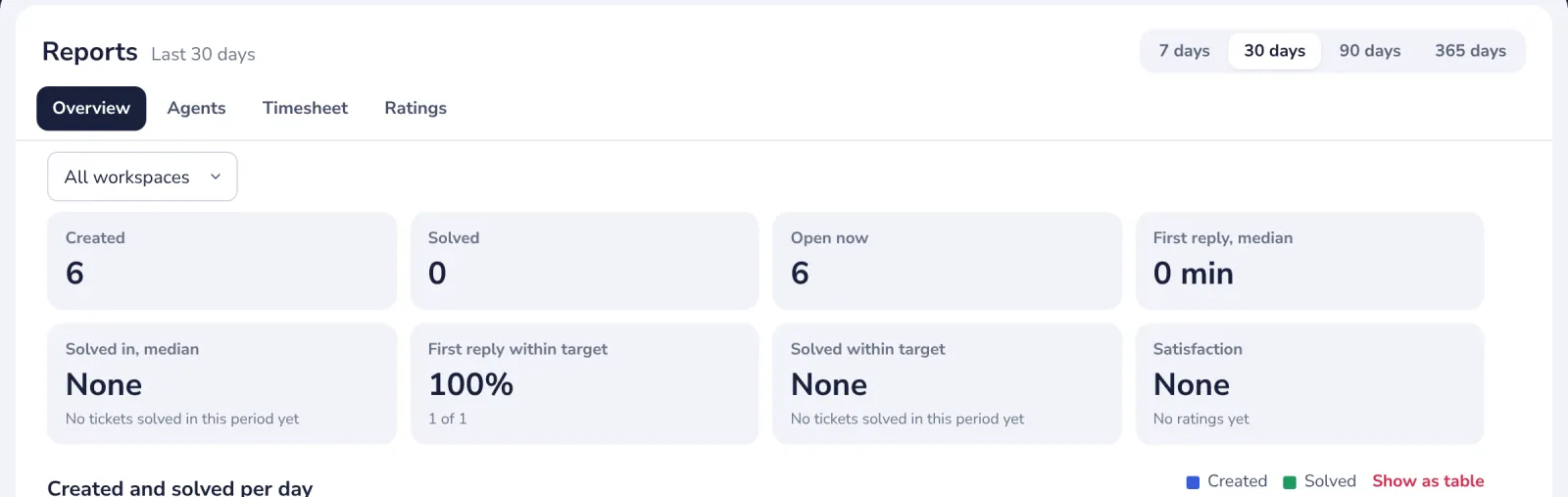
Read the overview
Created, solved and open tickets, the median reply and solve times, and the share within target.
- 4
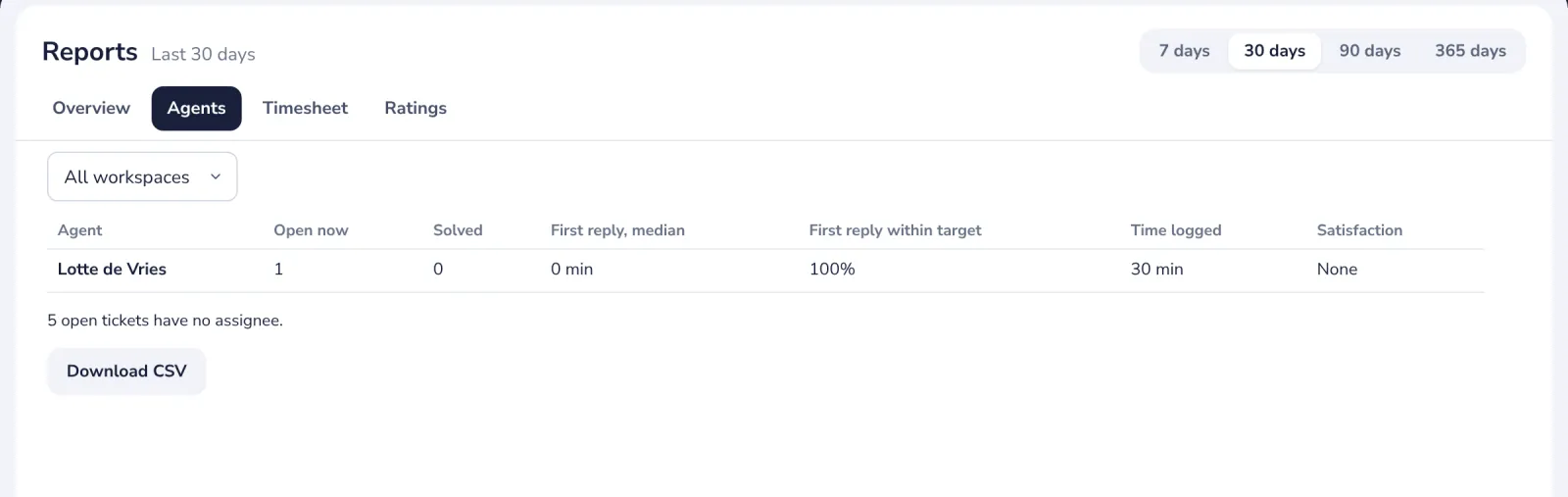
See each agent
Agents shows open and solved tickets, reply times and ratings per person.
- 5
Download the numbers
Download CSV gives the tickets of the period, for a spreadsheet.
Was this helpful?
What was missing?
Thank you.
We count yes and no per article. Nothing about you is stored.