Attach a file
Attach files from your computer with the paper clip. For big files, share a live link from Dazr Files instead.
- 1
Press the paper clip
It is in the row at the bottom of the message you are writing.
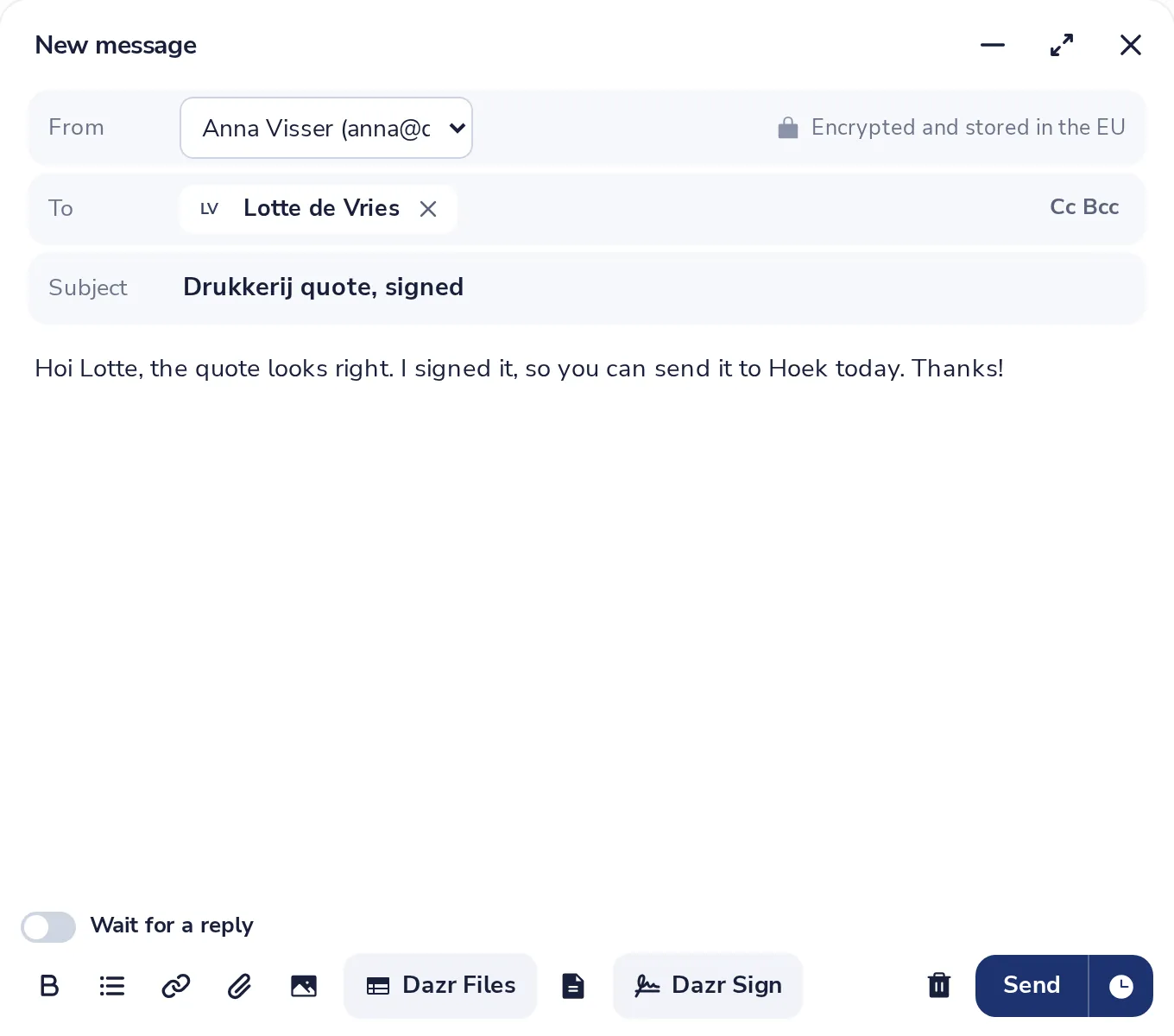
You can also drag files from your computer onto the message.
- 2
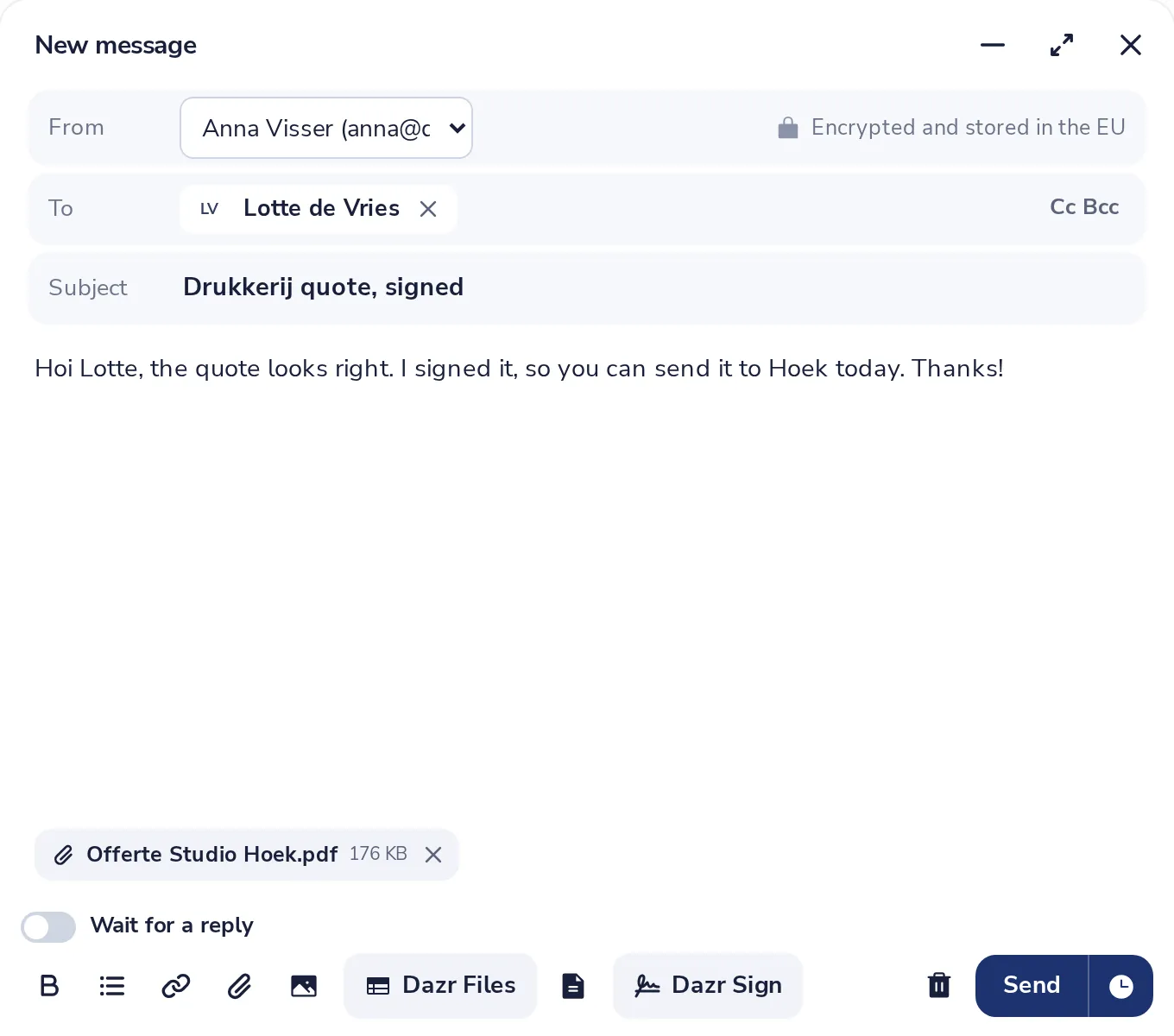
Choose your files
Pick one or more files. Each one shows under your message with its size.
- 3
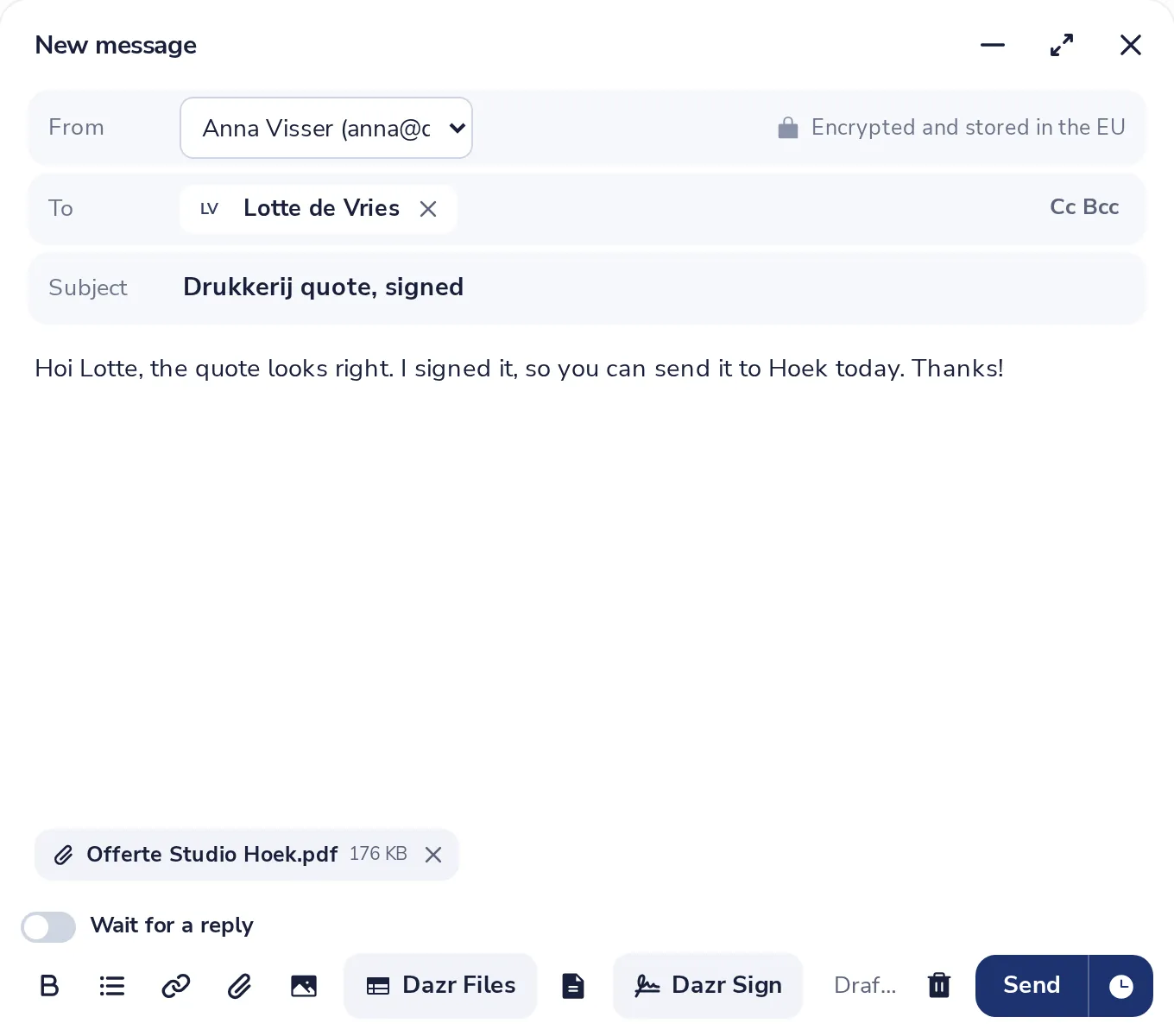
Remove one if you need to
Press the cross next to its name.
- 4
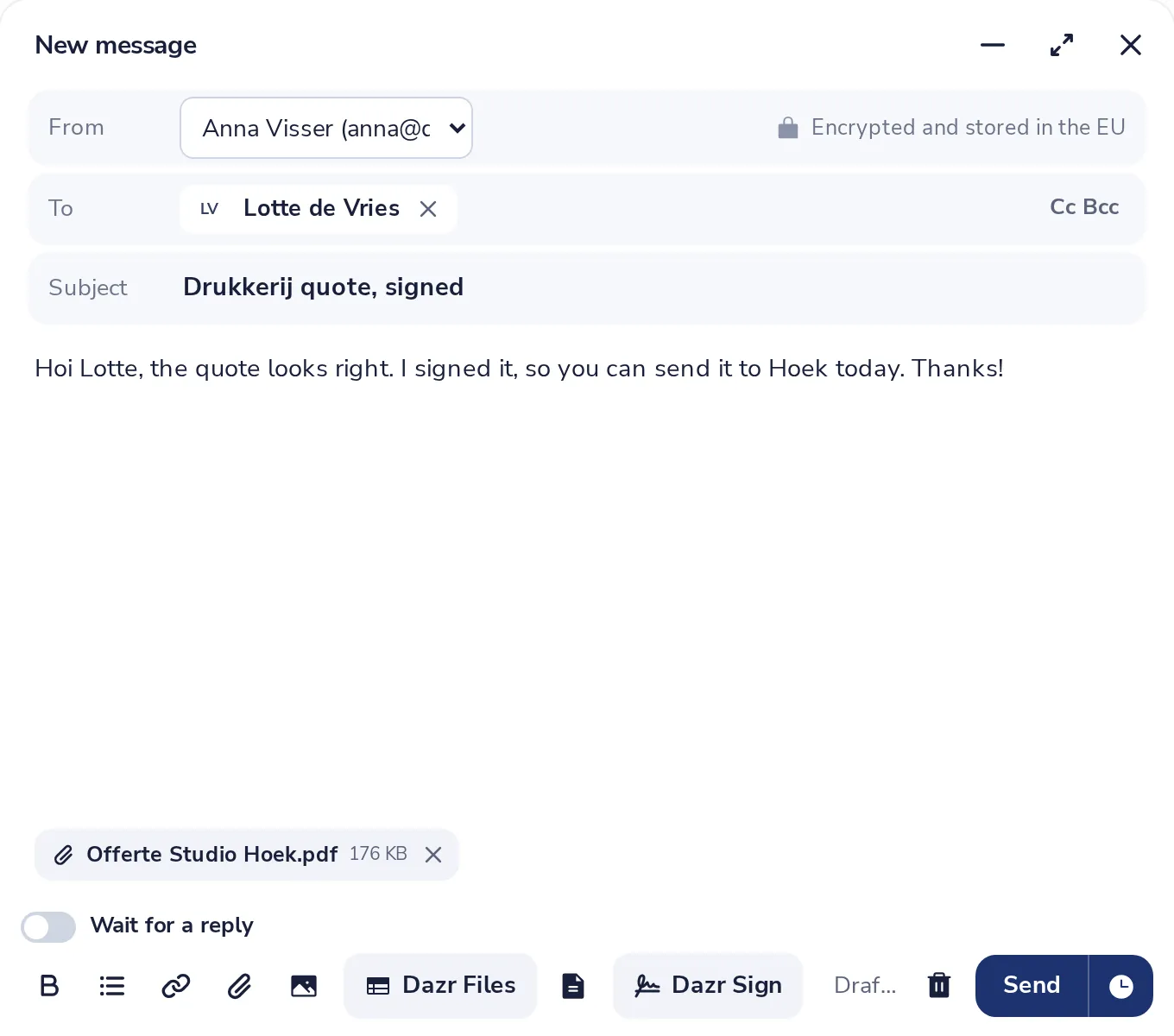
Press Send
Wait until every file is uploaded. Then press Send.
All attachments together can be up to 25 MB. For bigger files, share a live link from Dazr Files.
Was this helpful?
What was missing?
Thank you.
We count yes and no per article. Nothing about you is stored.