Your first week
29 tasks, in the order most people need them.
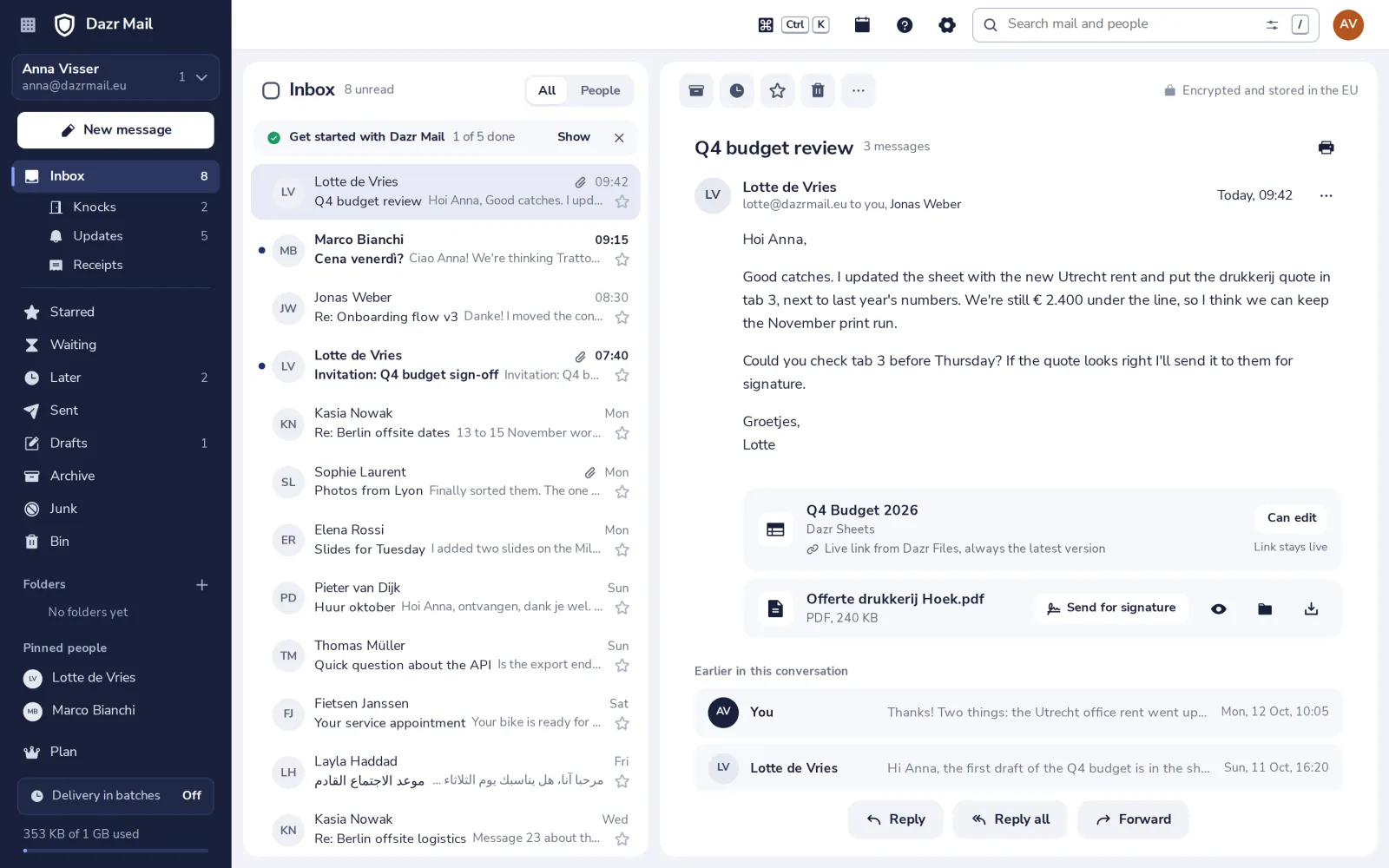
Choose your Dazr Mail addressPick the address people will write to.Send your first emailWrite a message and send it.Let new senders in with KnocksMail from people you do not know yet waits at the door.Connect your domainUse your own address, like anna@studio-visser.nl.Get mail in batches, or right awayChoose when new mail shows up in your Inbox.Use Dazr Mail on your phoneInstall the app, or set up your phone's own mail app.Reply to or forward an emailAnswer the sender, everyone, or pass it on.Attach a fileAdd a document or a picture from your computer.Send a file as a live linkShare a file from Dazr Files instead of a copy.Add your signatureYour name and details under every email.Save time with templatesKeep messages you send often, ready to use.Take back an email you just sentTurn on undo send for a few seconds to change your mind.Send an email laterWrite it now, and let it go out at the time you choose.Come back to an email laterPut a message away until the moment you can deal with it.Keep track of emails waiting for a replySee what you sent that nobody has answered yet.Star an emailMark what is important, and find it in Starred.Archive or delete an emailClear your Inbox, and keep only what you need.Organise your mail in foldersMake your own folders and move mail into them.Label mail with categoriesGive conversations a coloured label, to find them again.Do the same with many emails at onceTick several messages, then archive, move or label them together.Search your mailFind any message by a word, a person or a date.Pin the people who matterTheir mail always comes through right away.Find newsletters, updates and receiptsDazr Mail sorts them out of your Inbox, into Updates and Receipts.Show images in an emailPictures stay off until you allow them, so senders cannot track you.Block a sender or report junkStop mail you never want to see again.Set up an automatic replyLet people know you are away.Use Apple Mail, Outlook or ThunderbirdAdd your Dazr Mail address to another mail app with an app password.Use keyboard shortcutsWrite, reply, archive and move around without the mouse.Why did this email go to Knocks?Who knocks, who never does, and how to stop it for one person.
Still stuck? Ask us.
People, not a bot. We answer within one working day.