One signature for your whole organisation
The organisation signature fills in each member's name, job title and phone. Owners and admins set it once, for new messages from everyone.
You needA Dazr organisation, and to be its owner or an admin
- 1
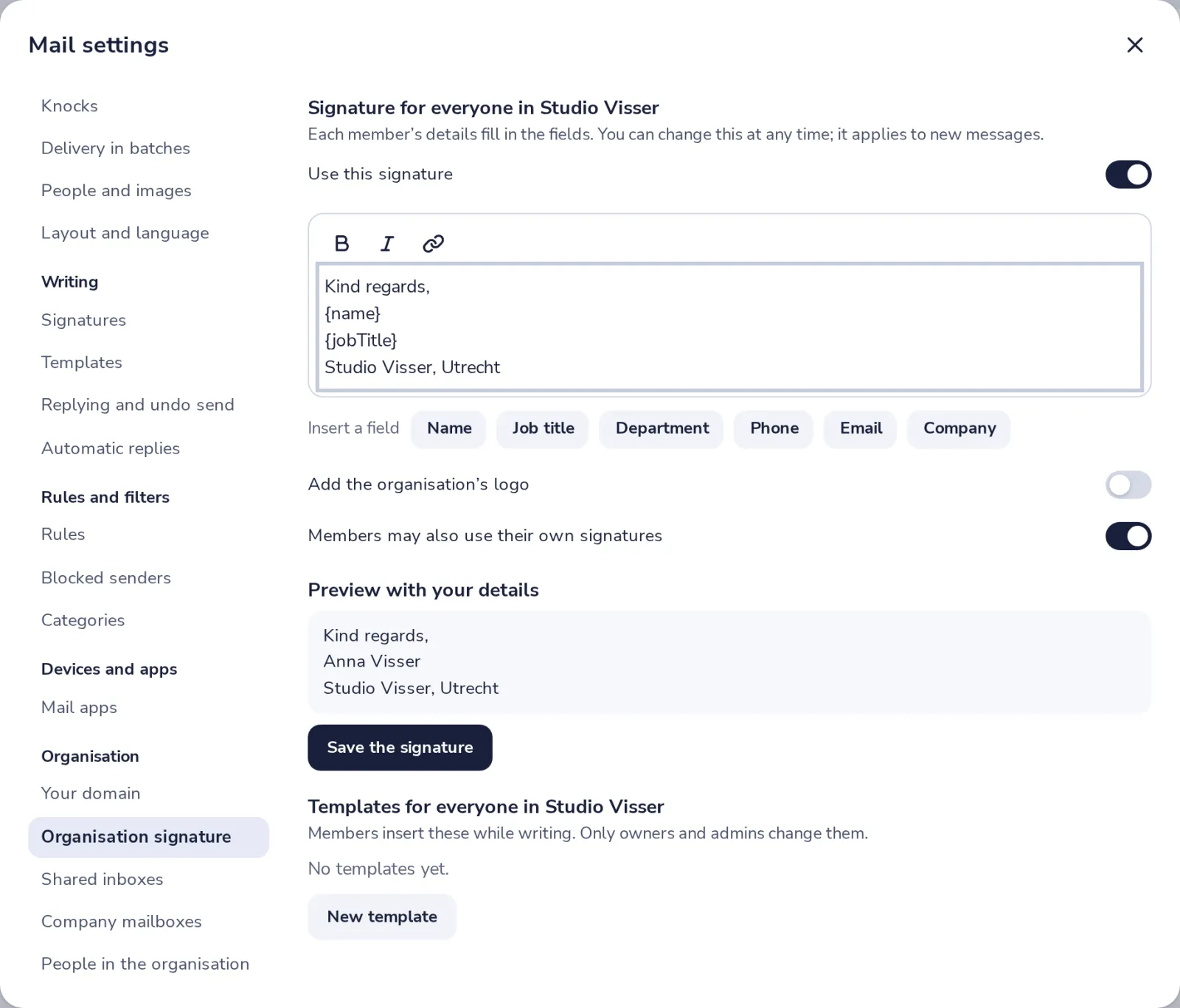
Open Organisation signature
In Mail settings, under Organisation, press Organisation signature.
- 2
Switch it on and write it
Turn on Use this signature, then type it. Press a field to add each person's own details.
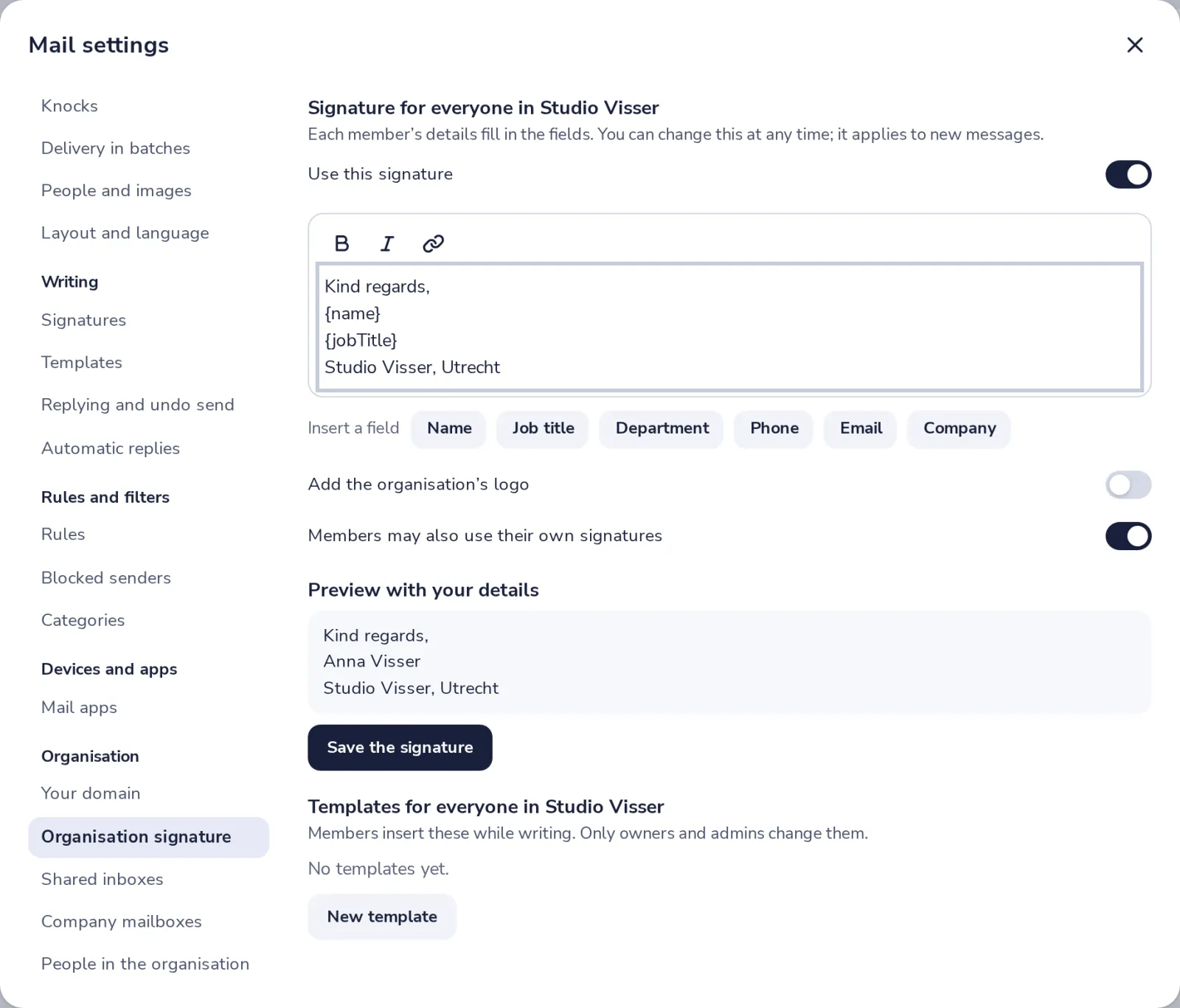
Name, Job title, Department, Phone, Email and Company come from each member's card.
- 3
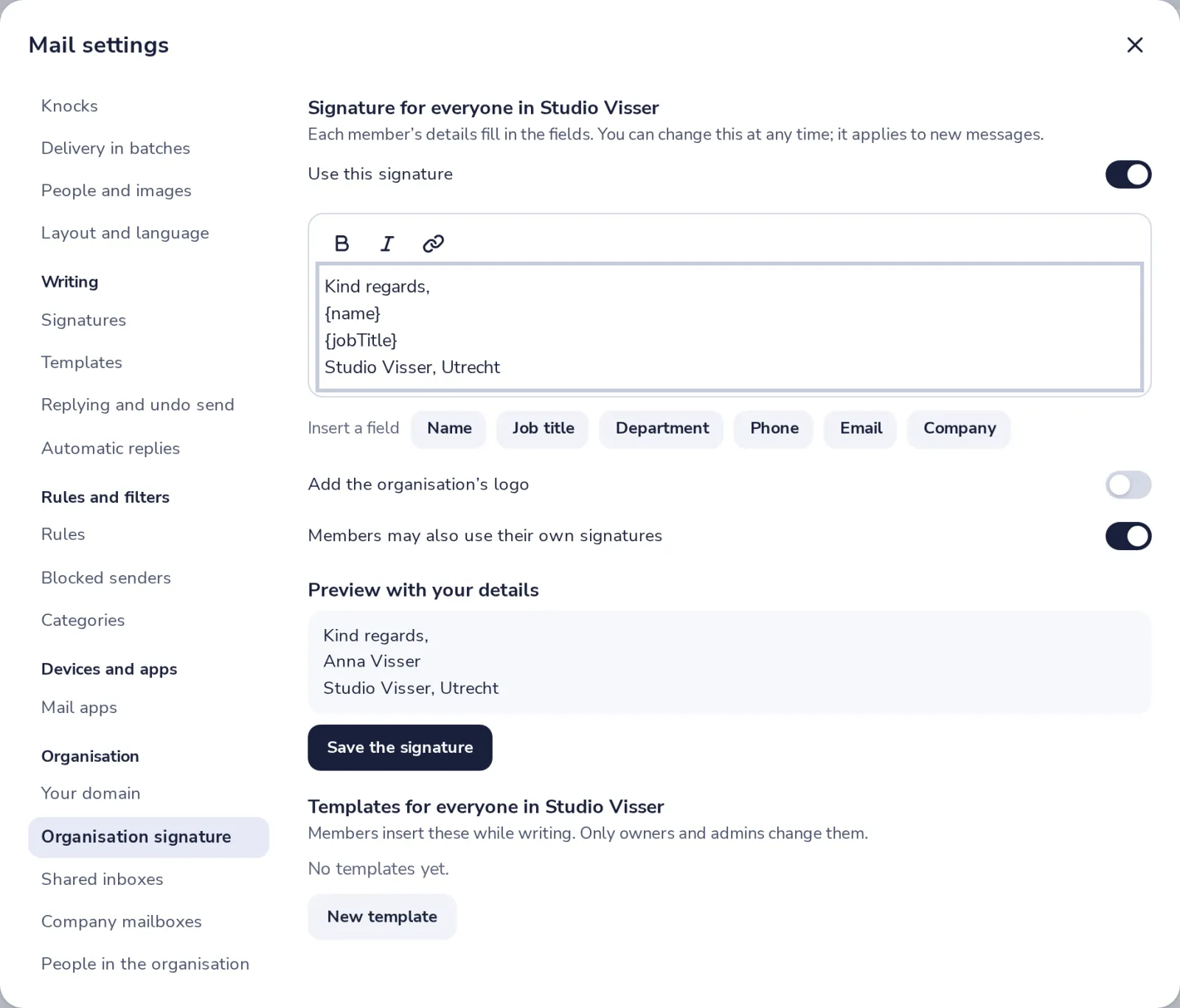
Check the preview
The preview shows it with your own details. Choose if members may also use their own.
- 4
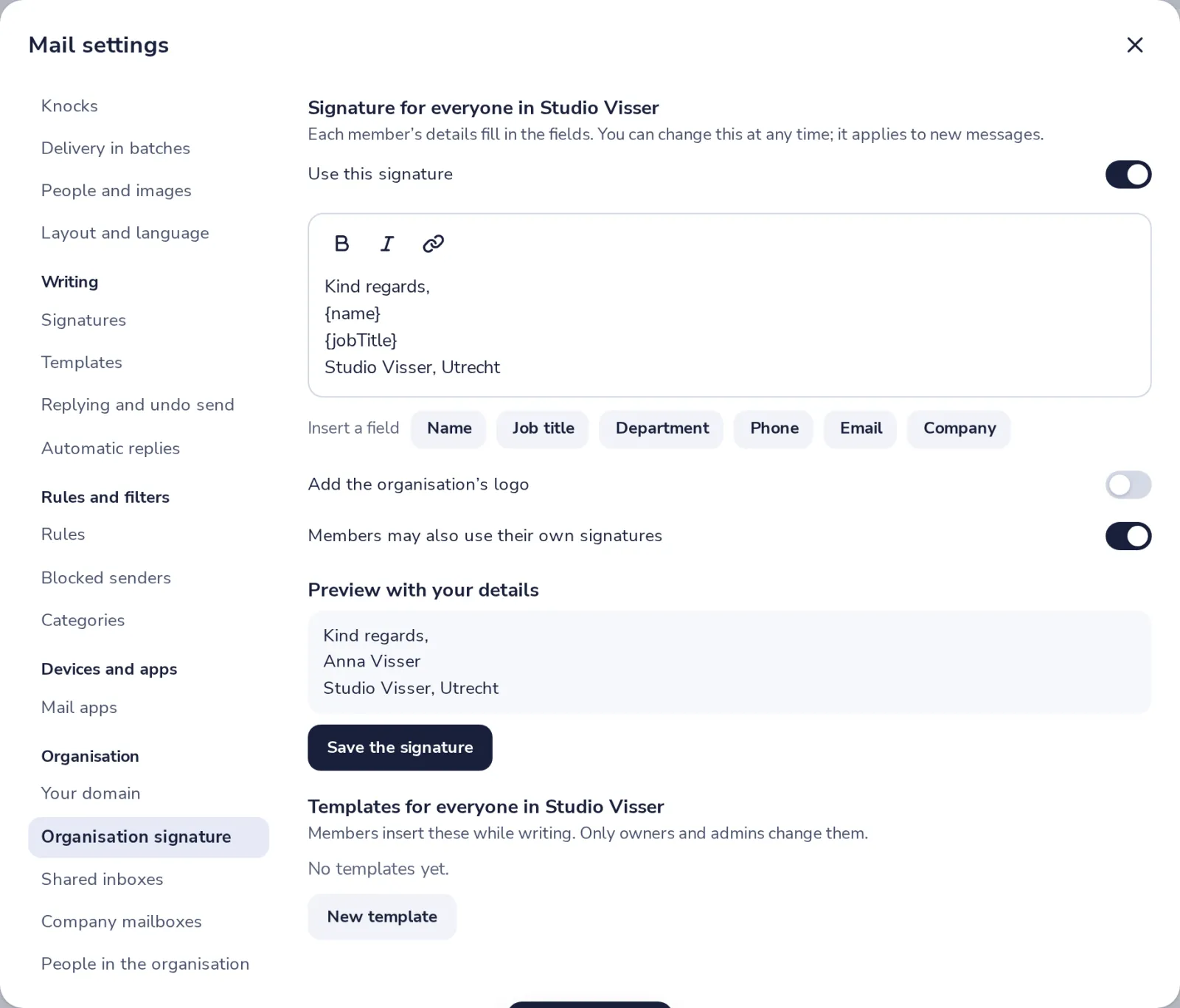
Press Save the signature
New messages from everyone in the organisation get it from now on.
Was this helpful?
What was missing?
Thank you.
We count yes and no per article. Nothing about you is stored.