Add your signature
Make one or more signatures, then choose which one goes under new messages and which under replies.
- 1
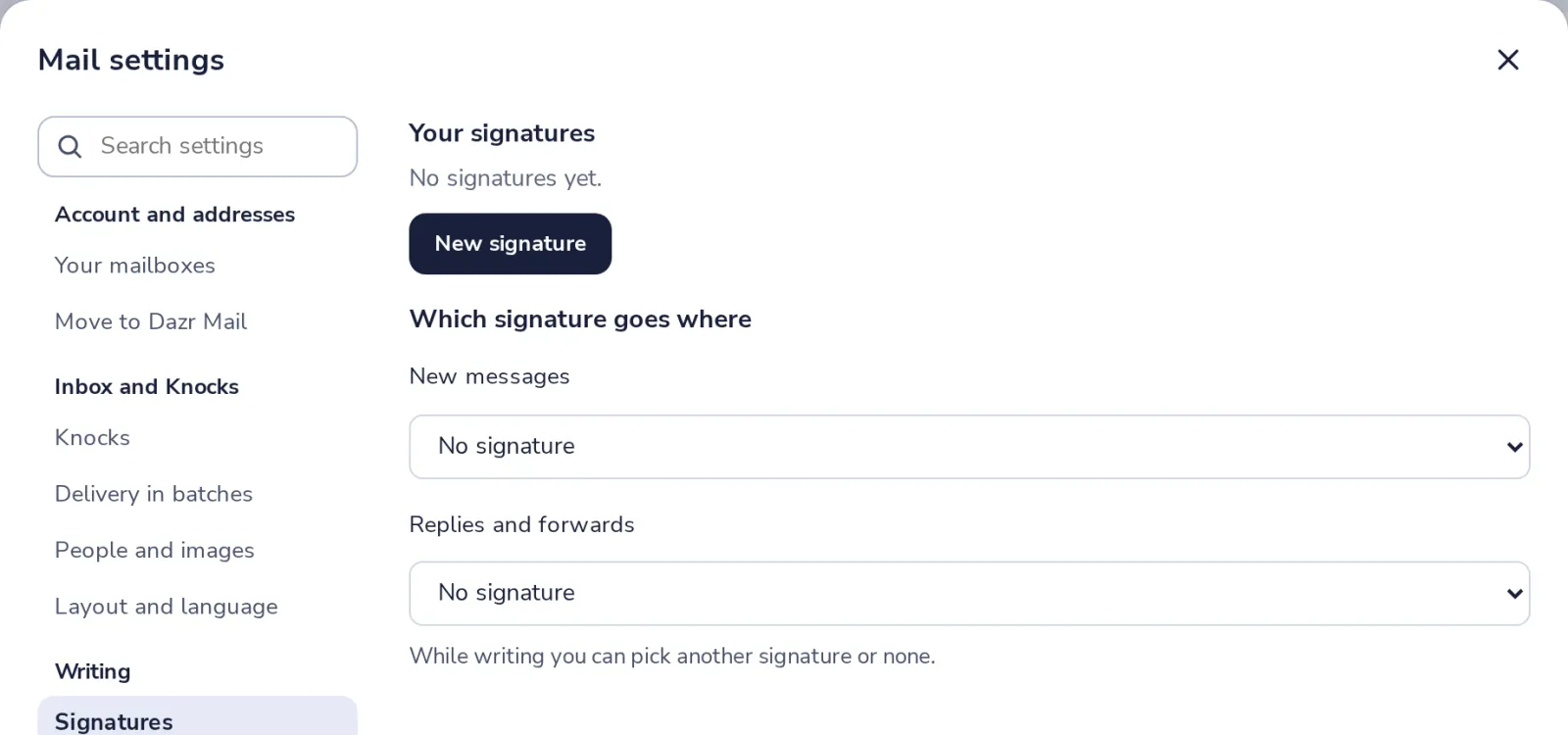
Open Signatures in settings
Press the gear at the top of Dazr Mail, then choose Signatures, under Writing.
- 2
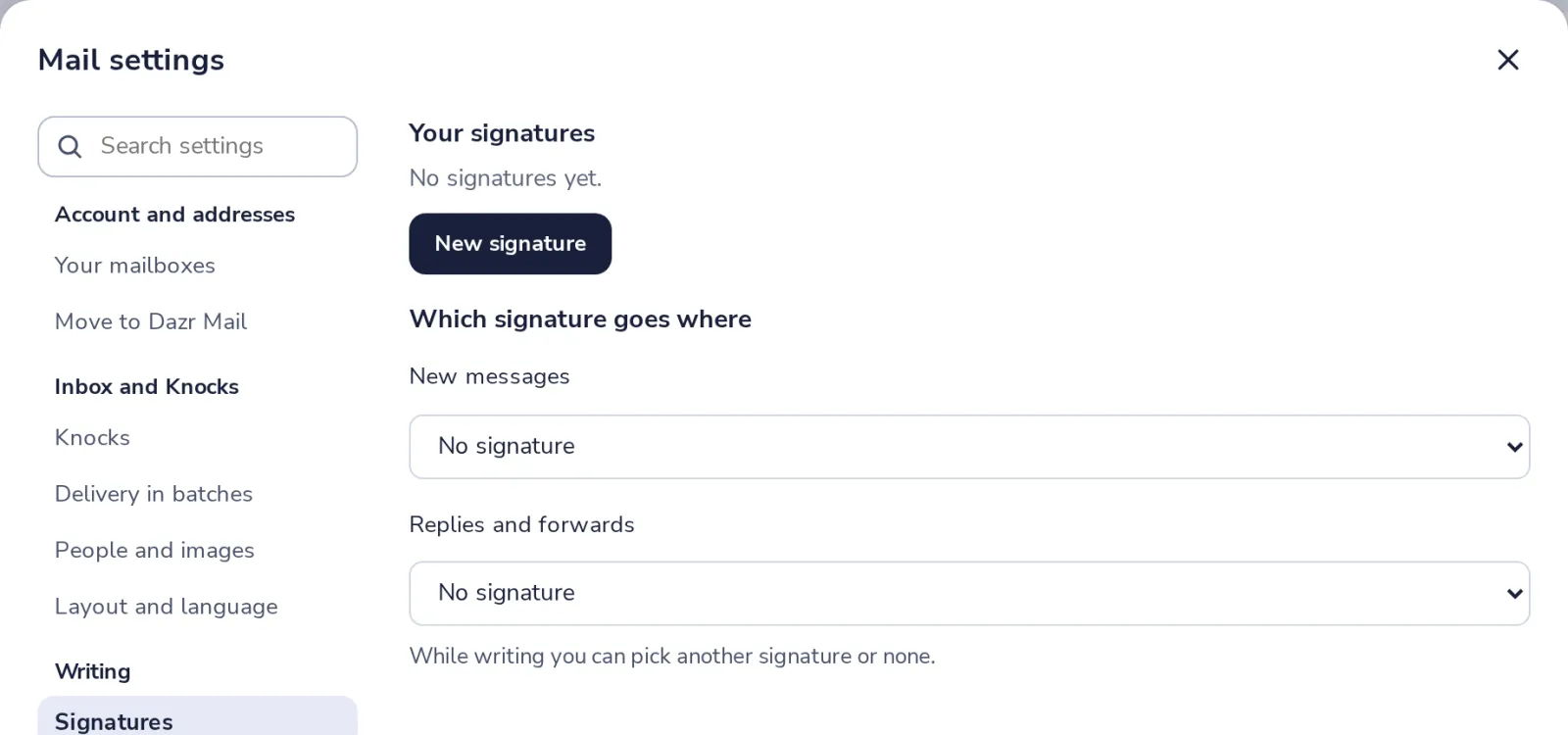
Press New signature
Give it a name you will recognise, like Studio.
- 3
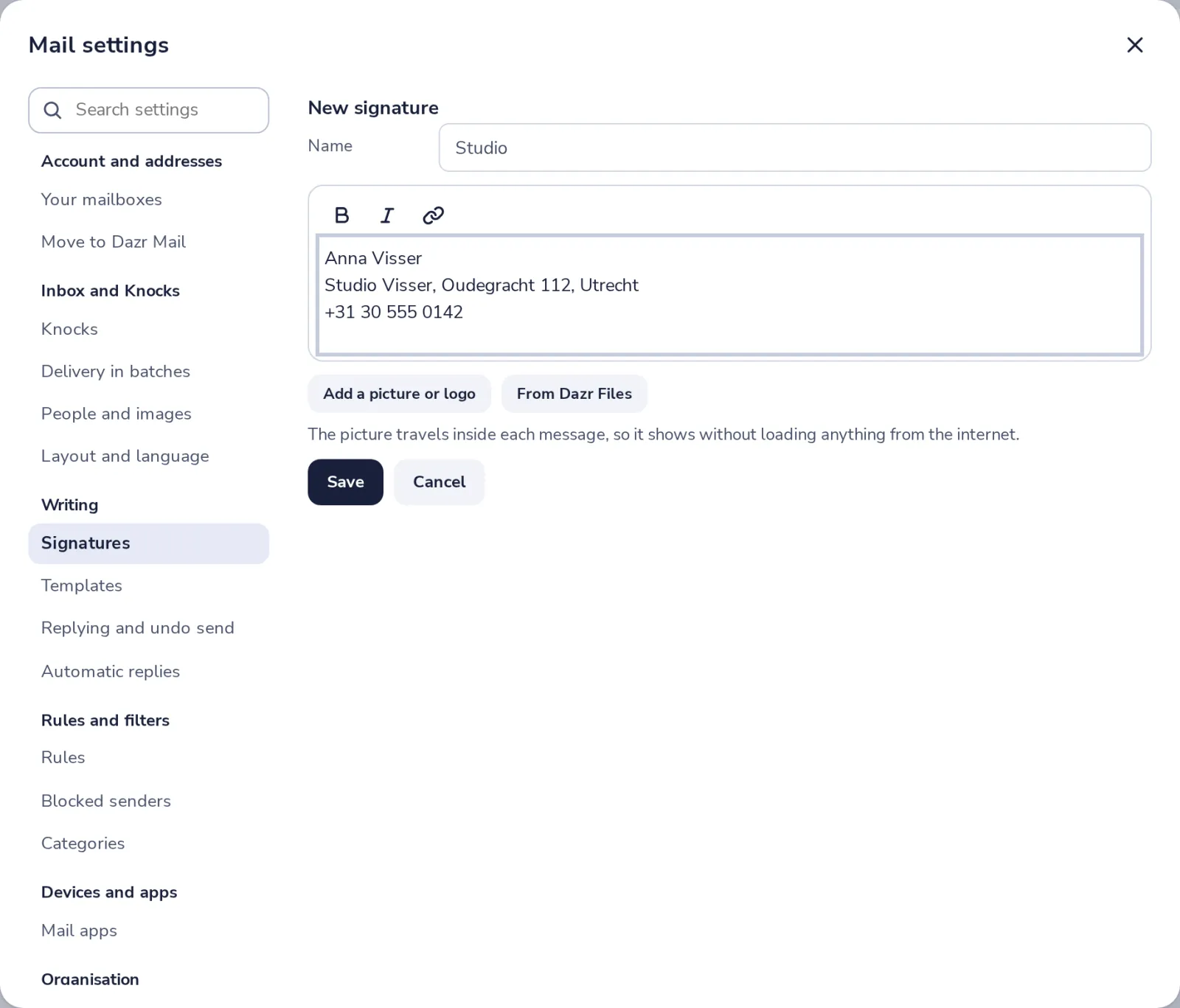
Write your signature
Your name, your company, a phone number. Bold, links and a picture are possible.
- 4
Save it and choose where it goes
Pick it for New messages, and for Replies and forwards.
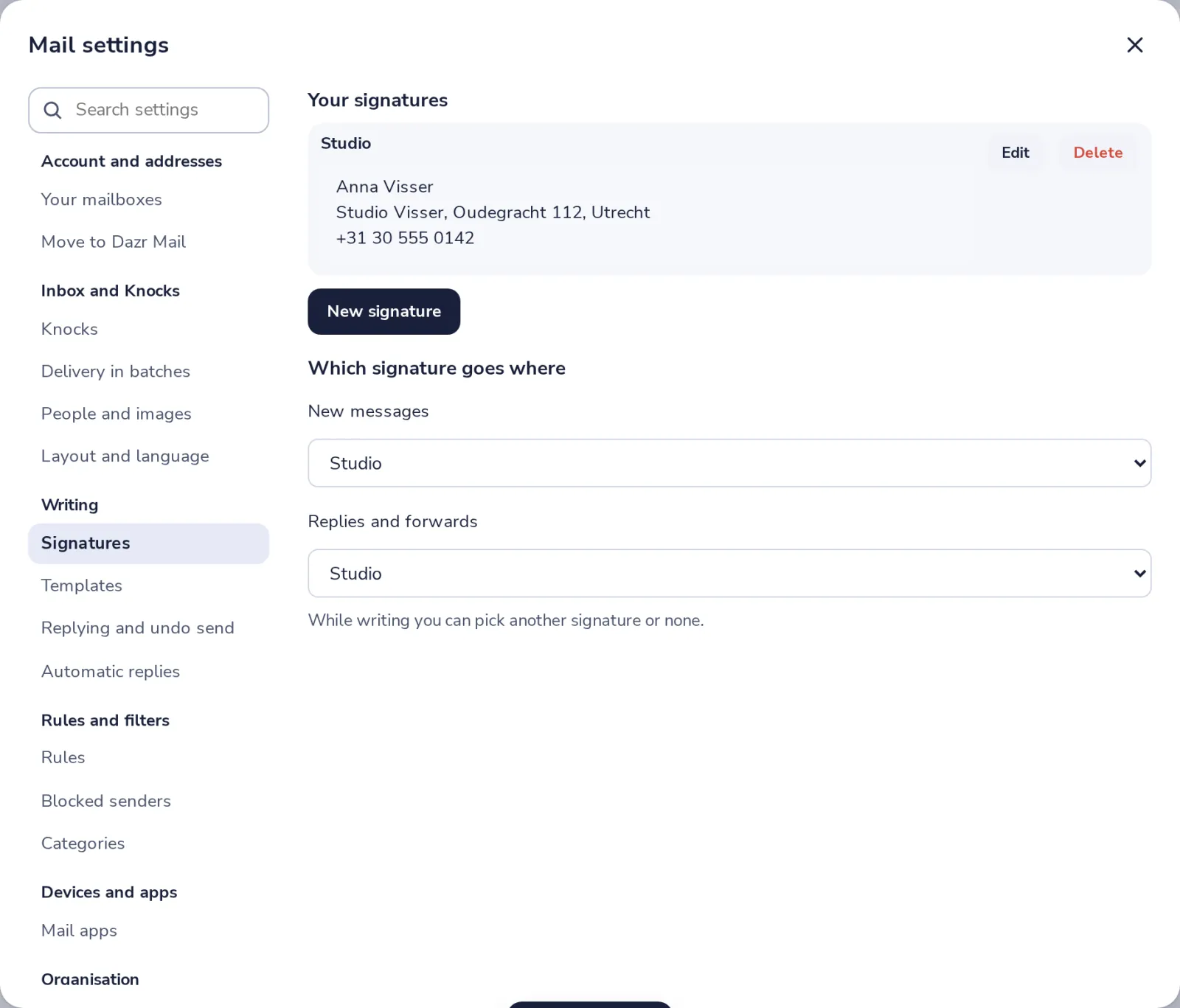
While writing, you can still pick another signature or none, from the templates button.
Was this helpful?
What was missing?
Thank you.
We count yes and no per article. Nothing about you is stored.