Let new senders in with Knocks
The first email from someone new waits in Knocks. Let them in once, and their mail goes to your Inbox from then on.
- 1
Open Knocks
It sits under Inbox in the sidebar. The number shows how many people are knocking.
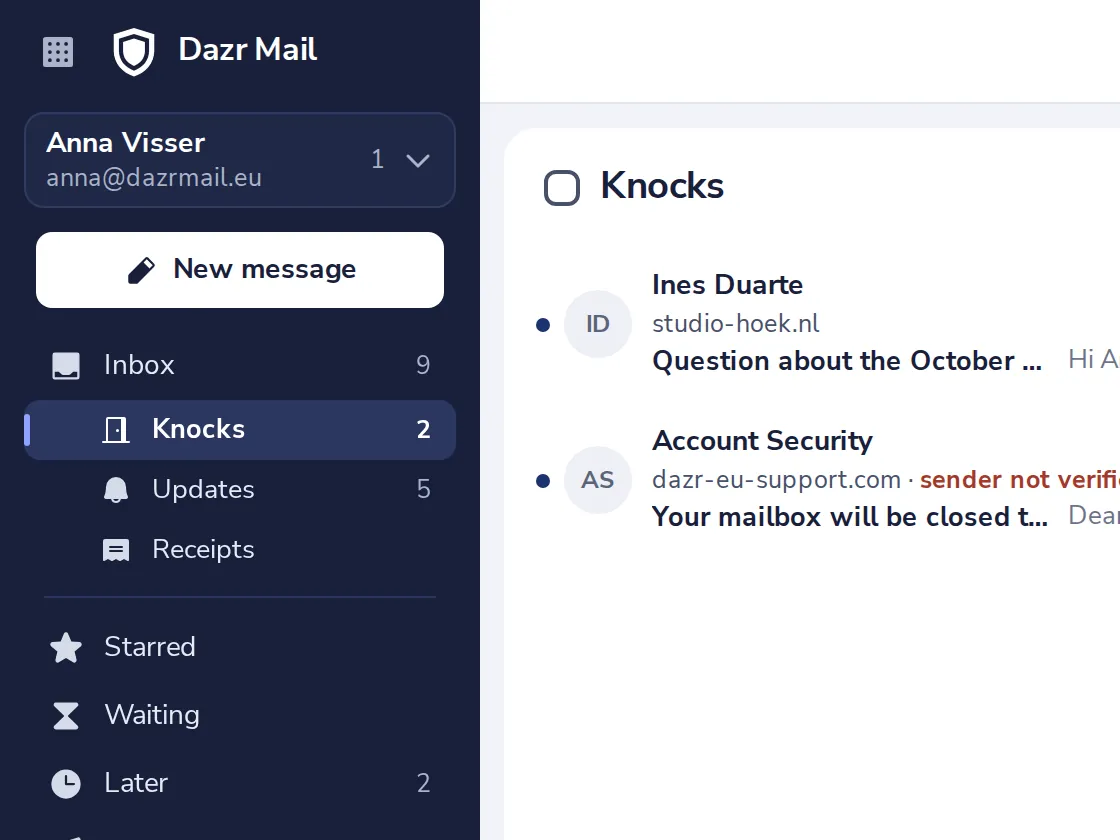
Colleagues, your contacts and people you have written to never knock.
- 2
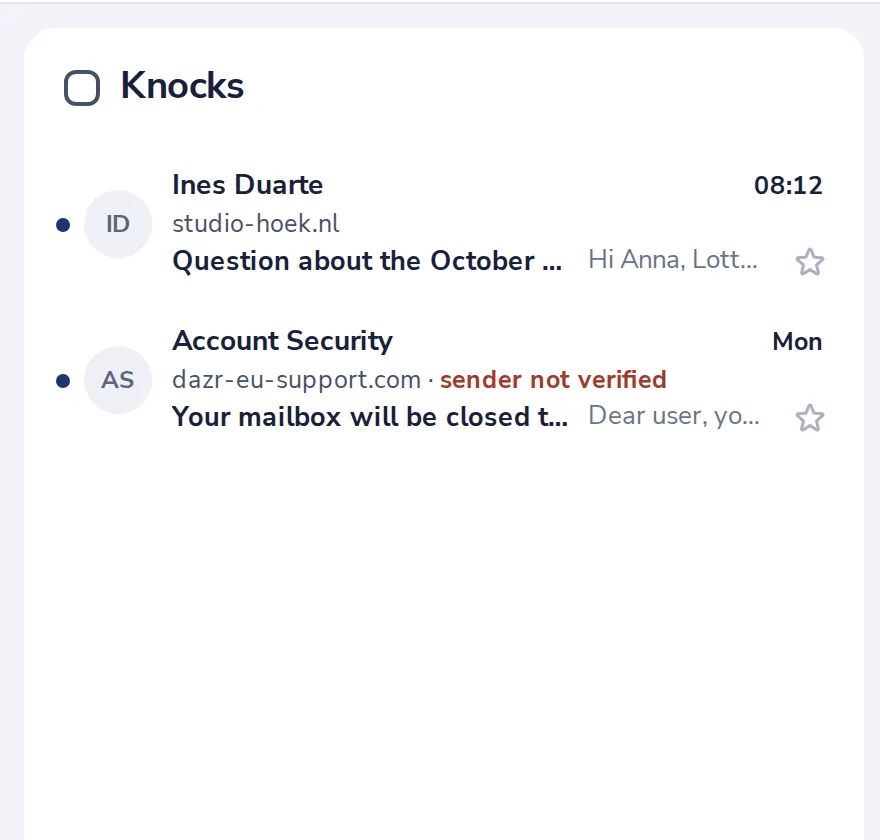
See who is knocking
Each knock shows the sender, their domain and the subject.
- 3
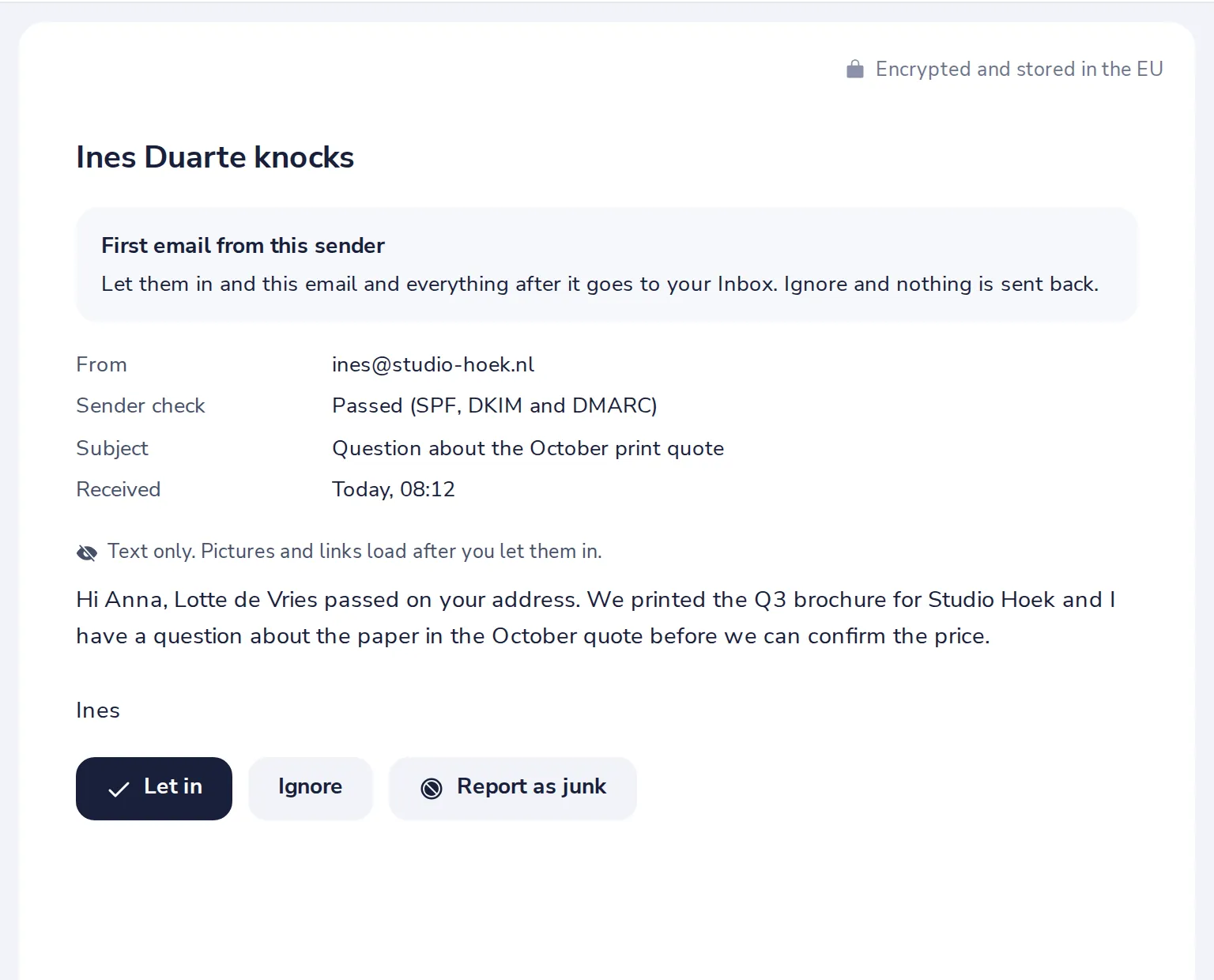
Read their first email
It opens as text only. Pictures and links load after you let them in.
- 4
Let them in, or Ignore
Let in moves their mail to your Inbox. Ignore moves it to the Bin and sends nothing back.
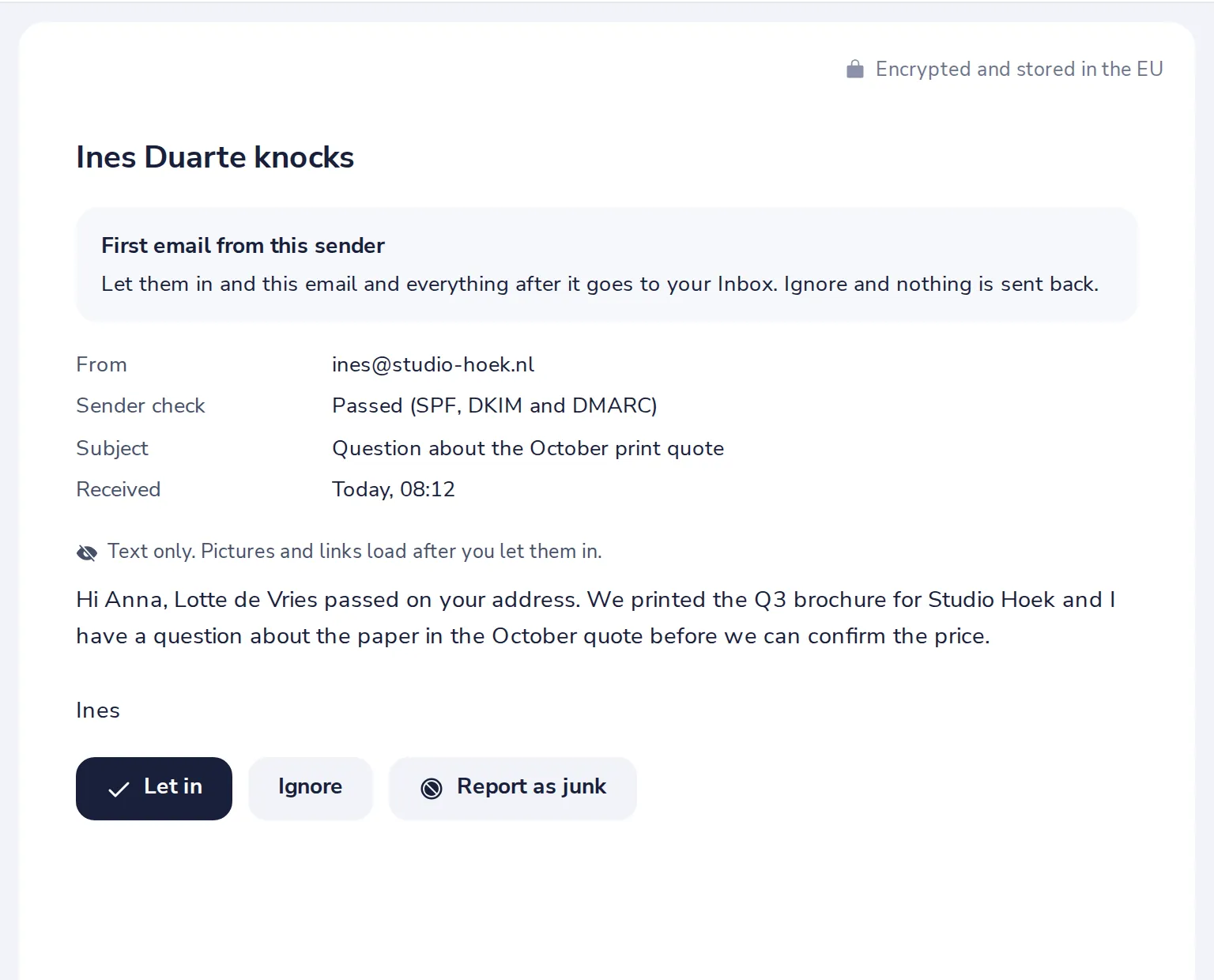
Report as junk is for mail you did not want at all. It goes to Junk.
- 5
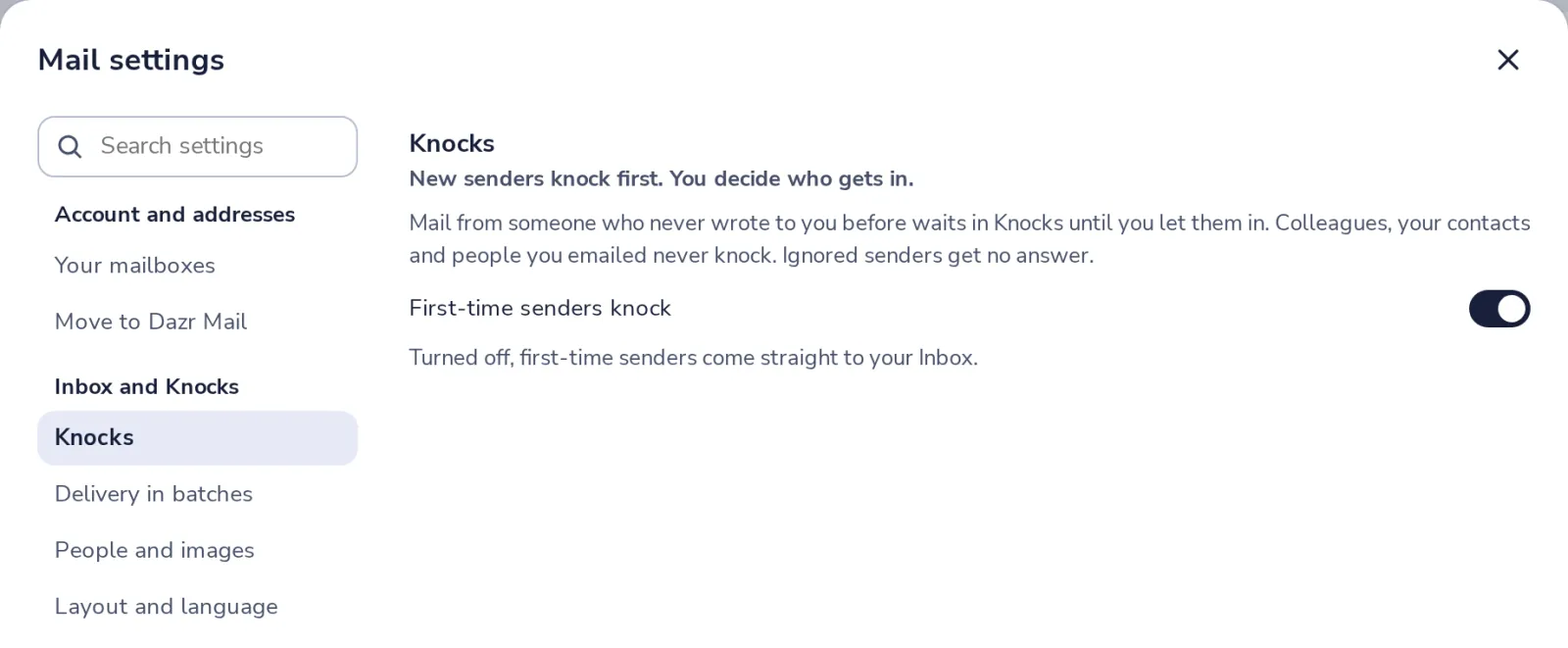
Turn Knocks off, if you like
In Mail settings, choose Knocks. Turned off, first-time senders come straight to your Inbox.
Was this helpful?
What was missing?
Thank you.
We count yes and no per article. Nothing about you is stored.