Find out why an email is in Knocks
An email goes to Knocks when it is the first one from someone Dazr Mail does not know yet. Nothing is lost, and nothing is sent back.
- 1
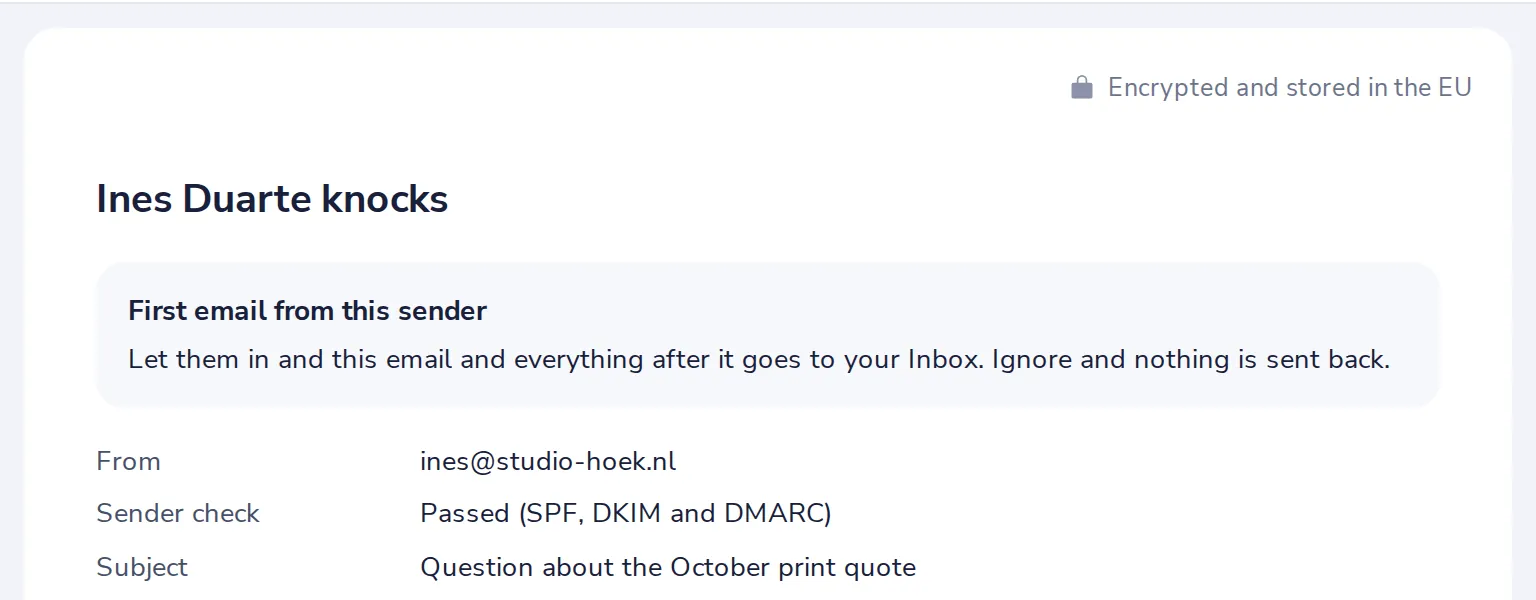
A first email from someone new knocks
Knocks is for people who never wrote to you before. The panel says so at the top.
- 2
Who never knocks
Colleagues in your organisation, people you have written to, your contacts and pinned people.
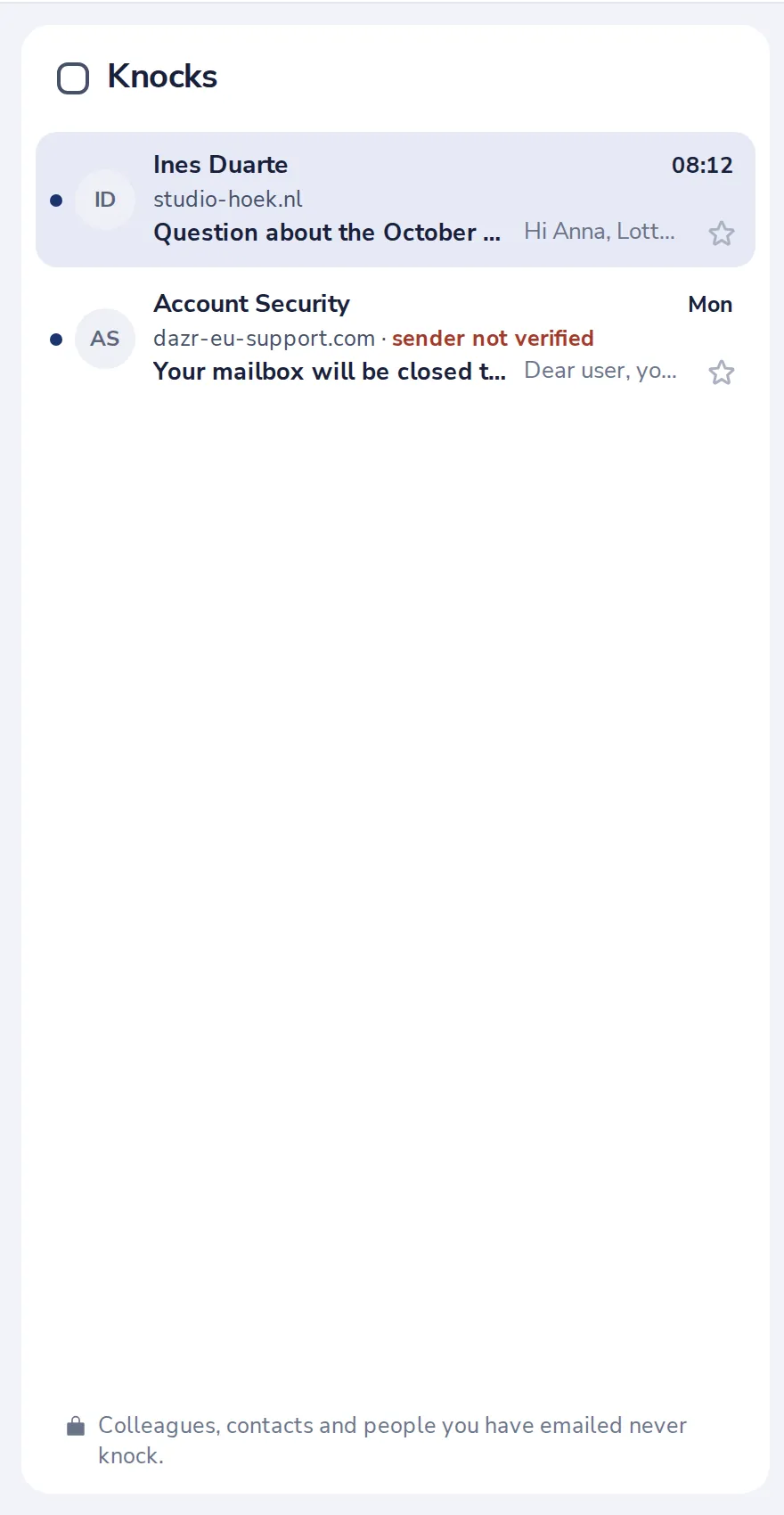
New contacts and pinned people are added to this list once a day. A person you just added may knock one more time.
- 3
Check the sender
Sender check says if the email really comes from the address it shows.
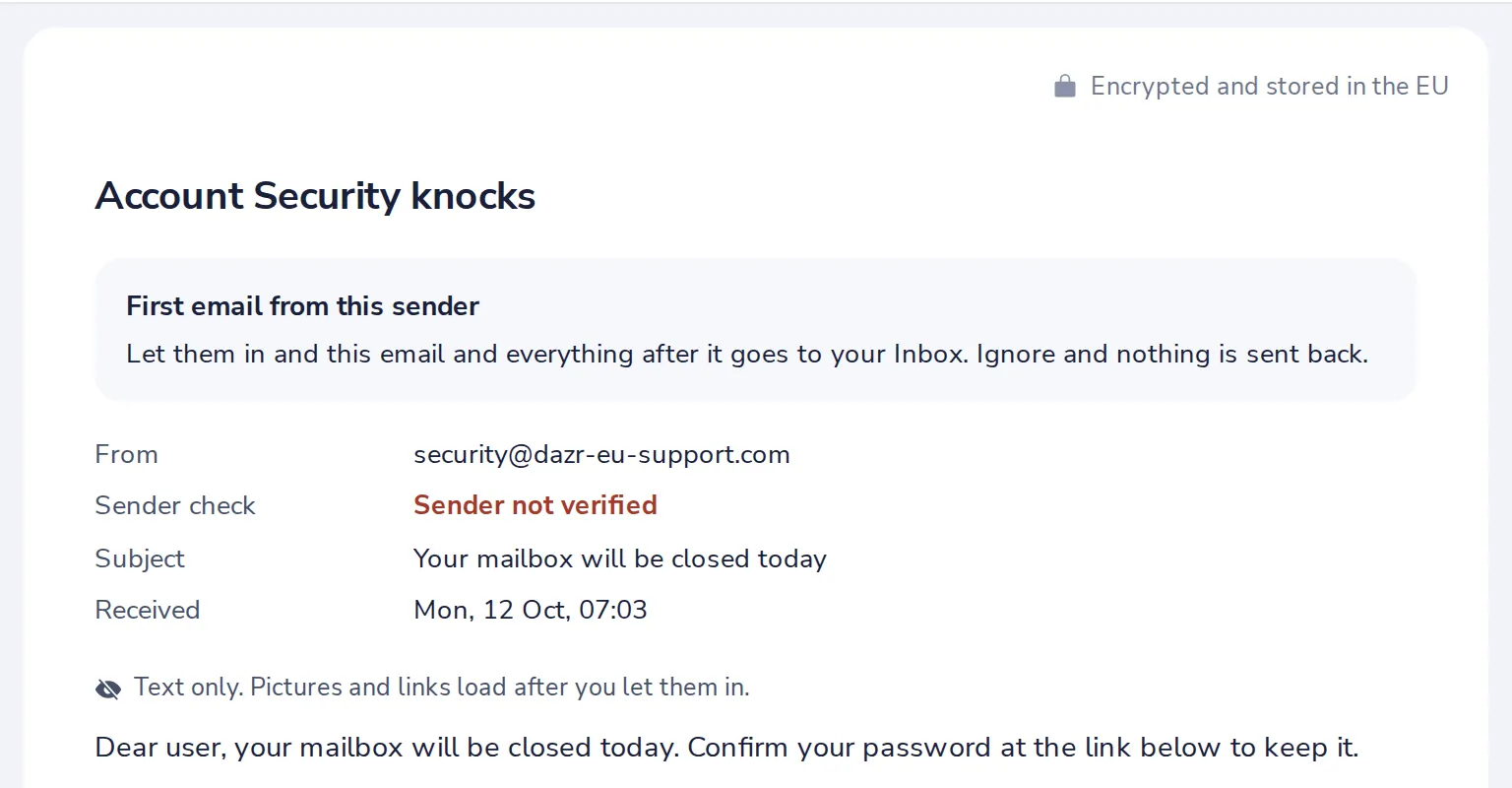
Sender not verified? Be careful. That is how fake mail from banks and services often looks.
- 4
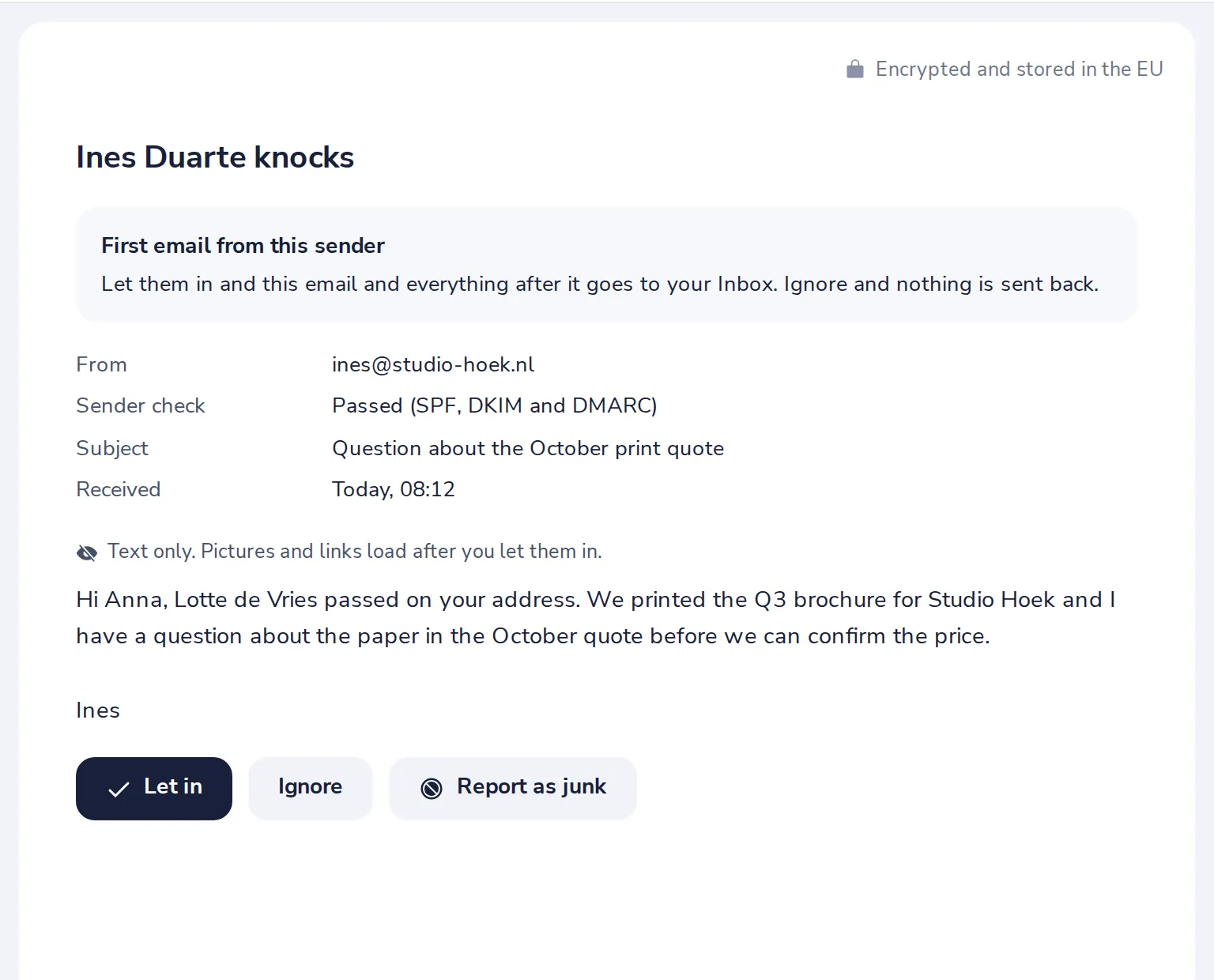
Let the sender in once
Press Let in. From then on, their mail goes to your Inbox.
- 5
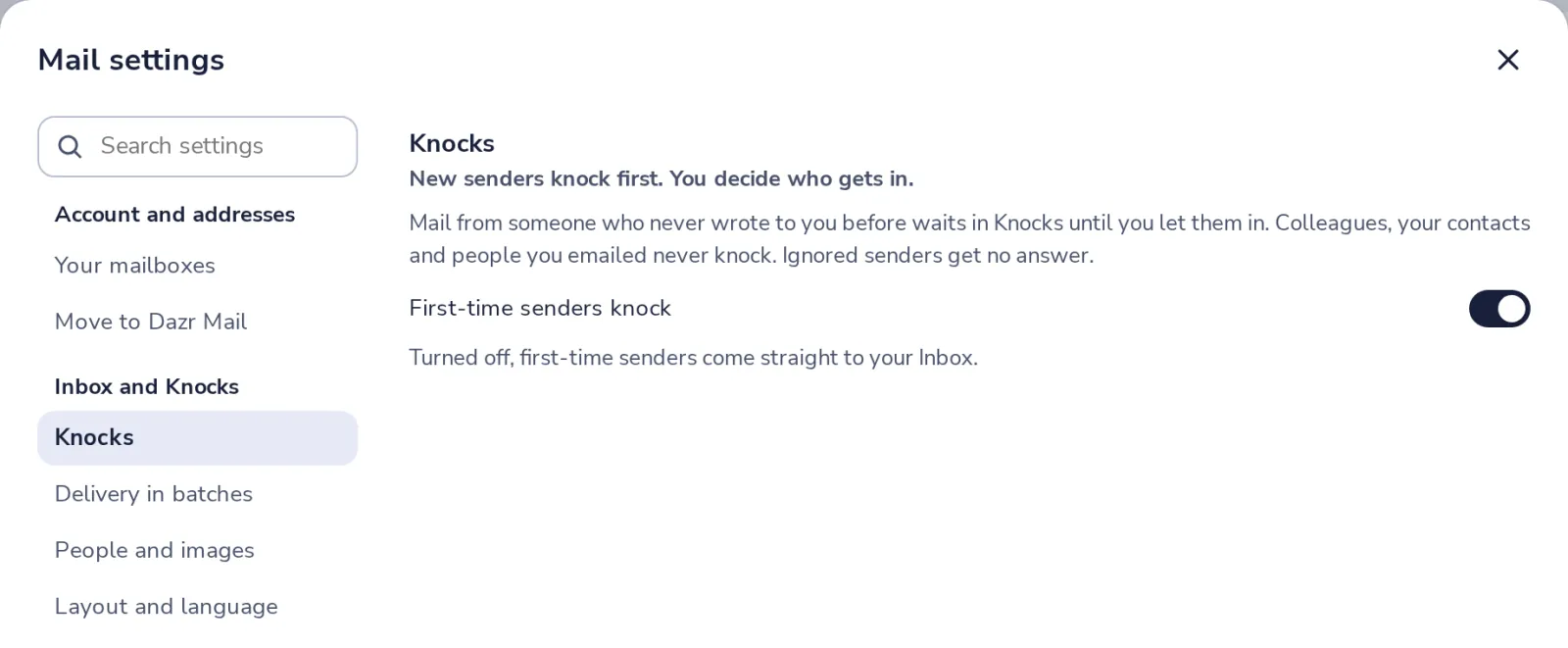
Turn off Knocks for every sender
In Mail settings, Knocks, switch off First-time senders knock.
Was this helpful?
What was missing?
Thank you.
We count yes and no per article. Nothing about you is stored.