Show images in an email
Dazr Mail removes tracking pixels from every message and keeps other remote images off until you choose Show images, once per sender.
- 1
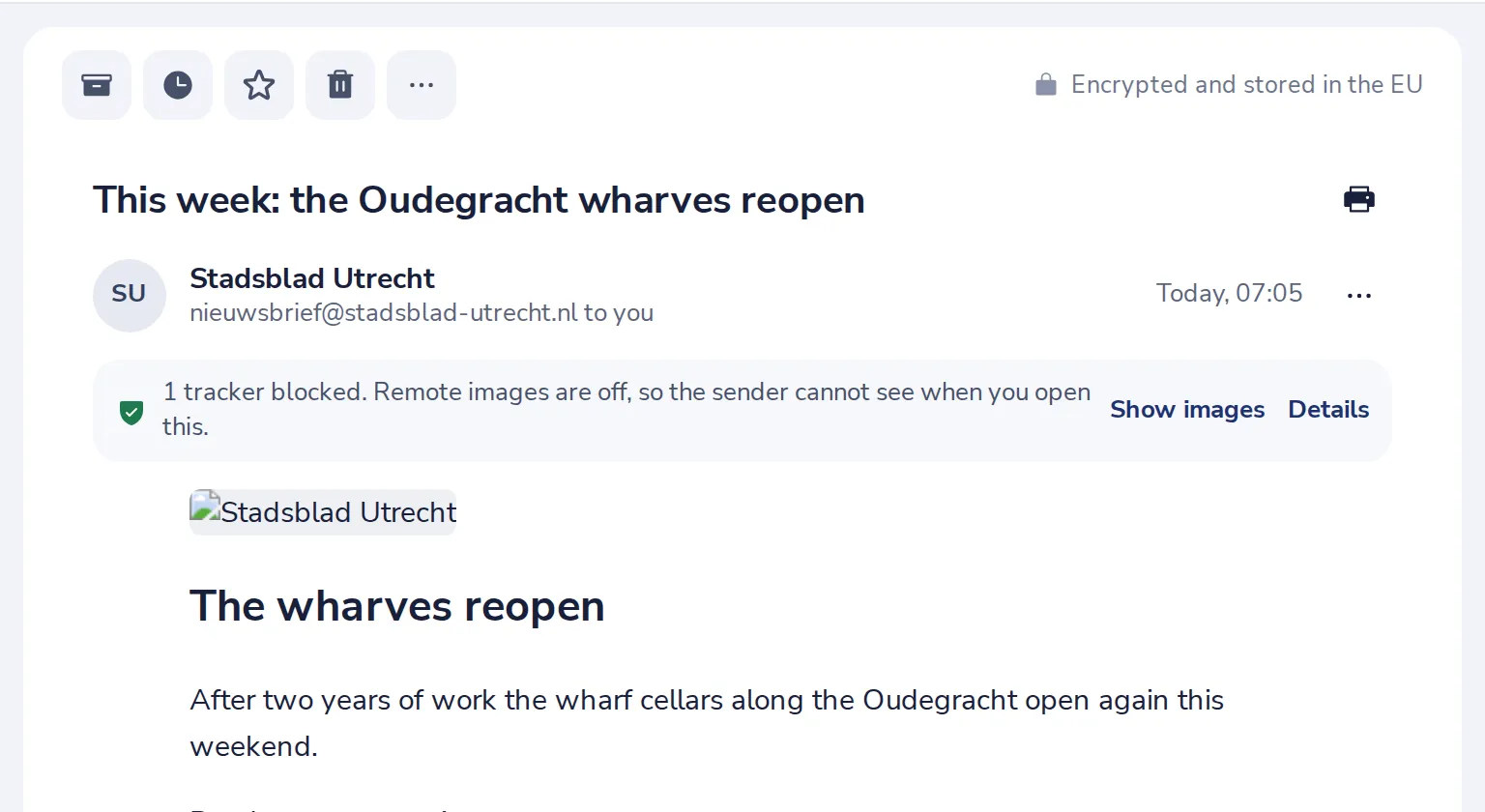
Look at the line above the message
It says how many trackers were blocked and that remote images are off.
- 2
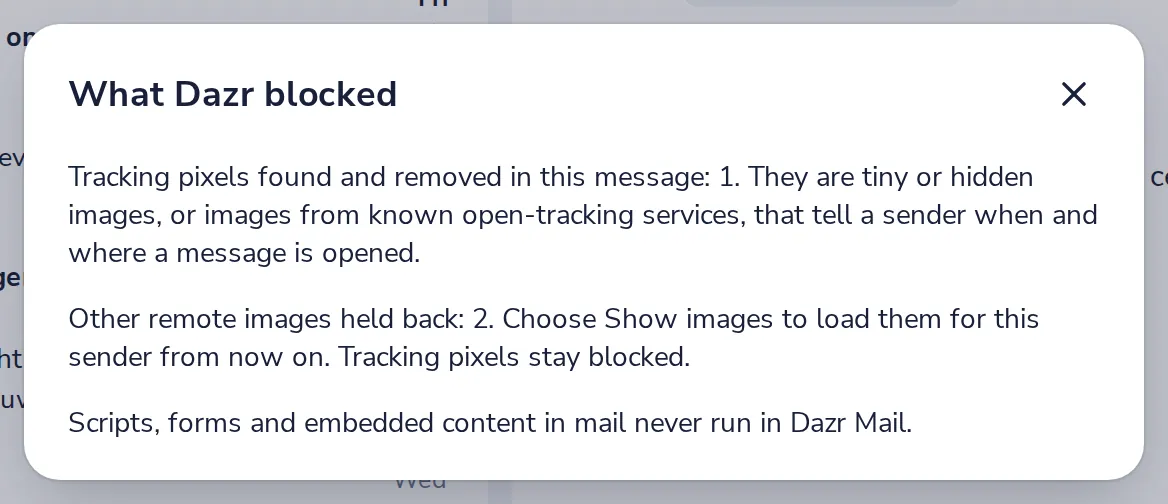
See what was blocked
Press Details to see each tracker and image that was held back.
- 3
Press Show images
The pictures load, now and in every message from this sender from now on.
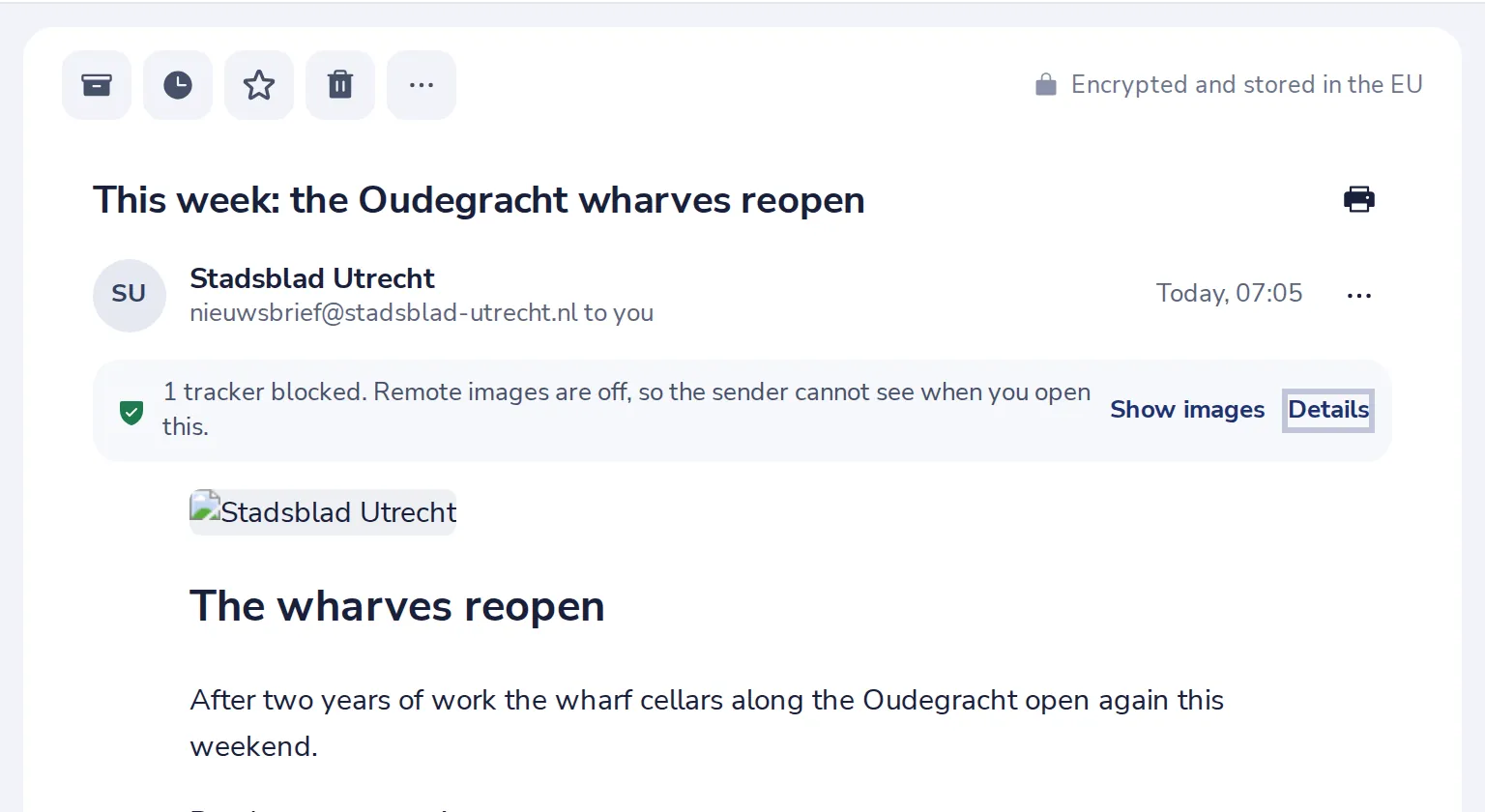
Tracking pixels stay blocked, also after Show images.
- 4
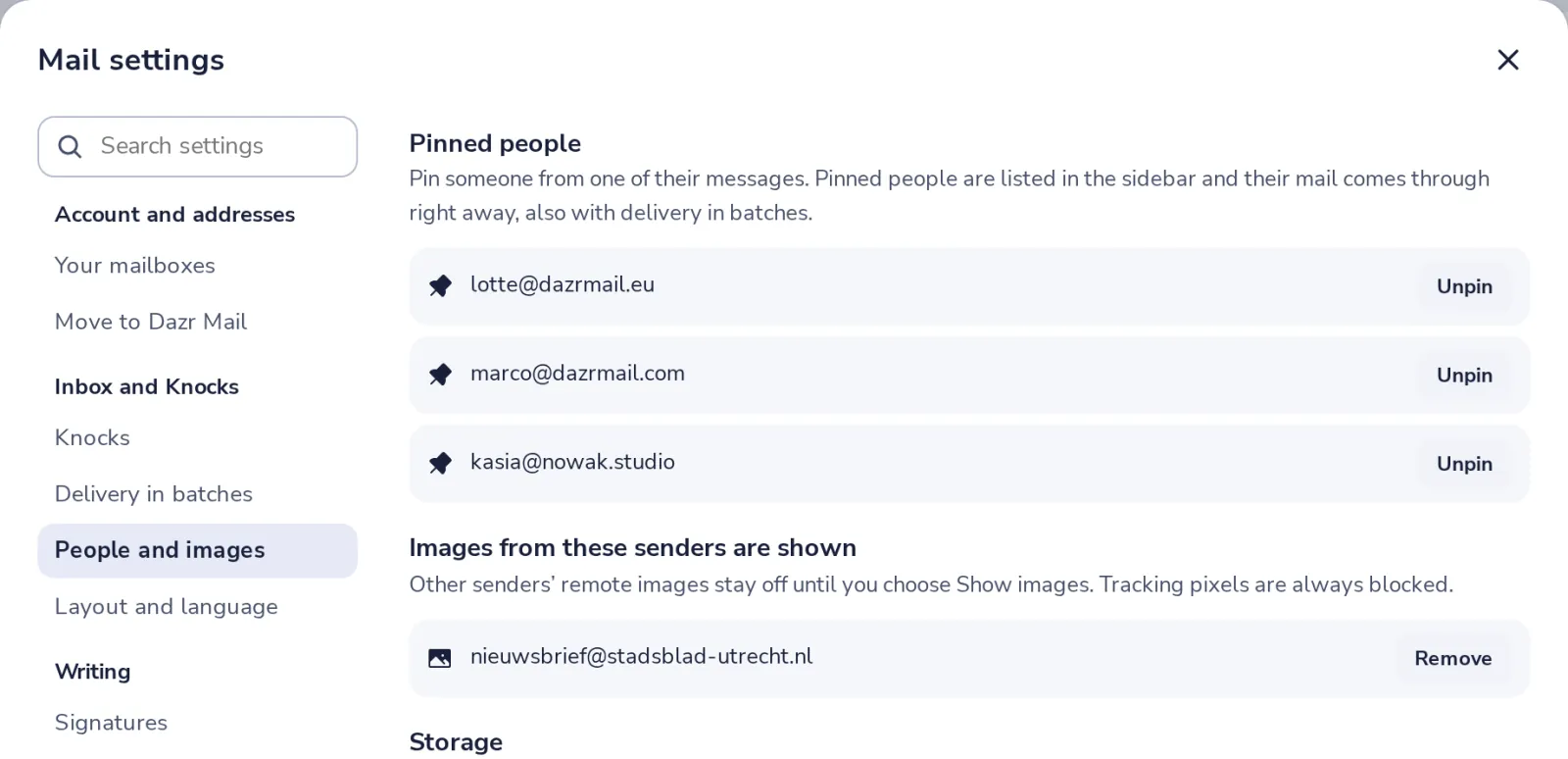
Change your mind later
In Mail settings, People and images, remove a sender from the list.
Was this helpful?
What was missing?
Thank you.
We count yes and no per article. Nothing about you is stored.