Set up an automatic reply
While automatic replies are on, people who write to you get your answer. Each sender gets it at most once every 4 days, and blocked senders never do.
- 1
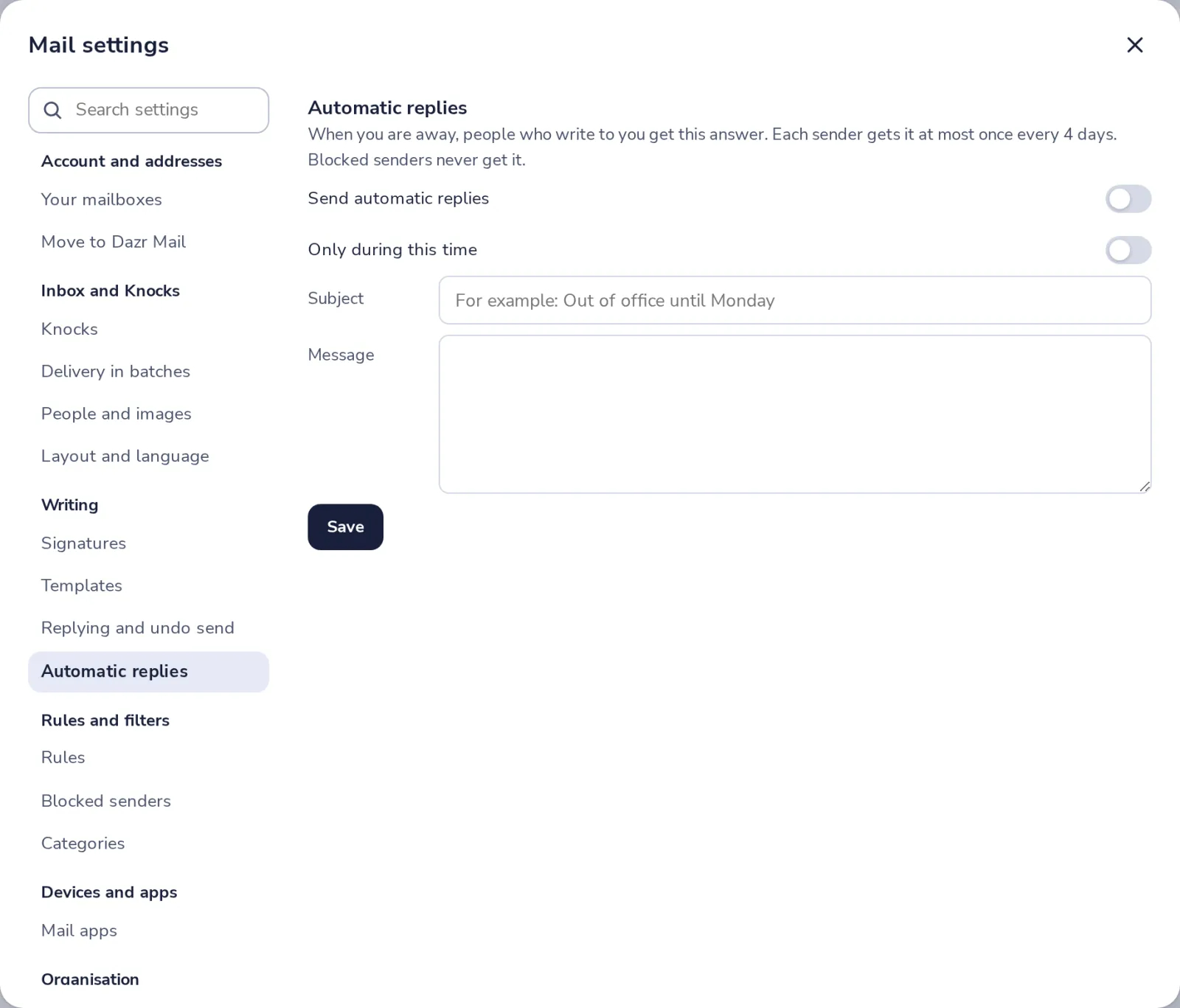
Open Automatic replies
Press the gear, then choose Automatic replies, under Writing.
- 2
Write your reply
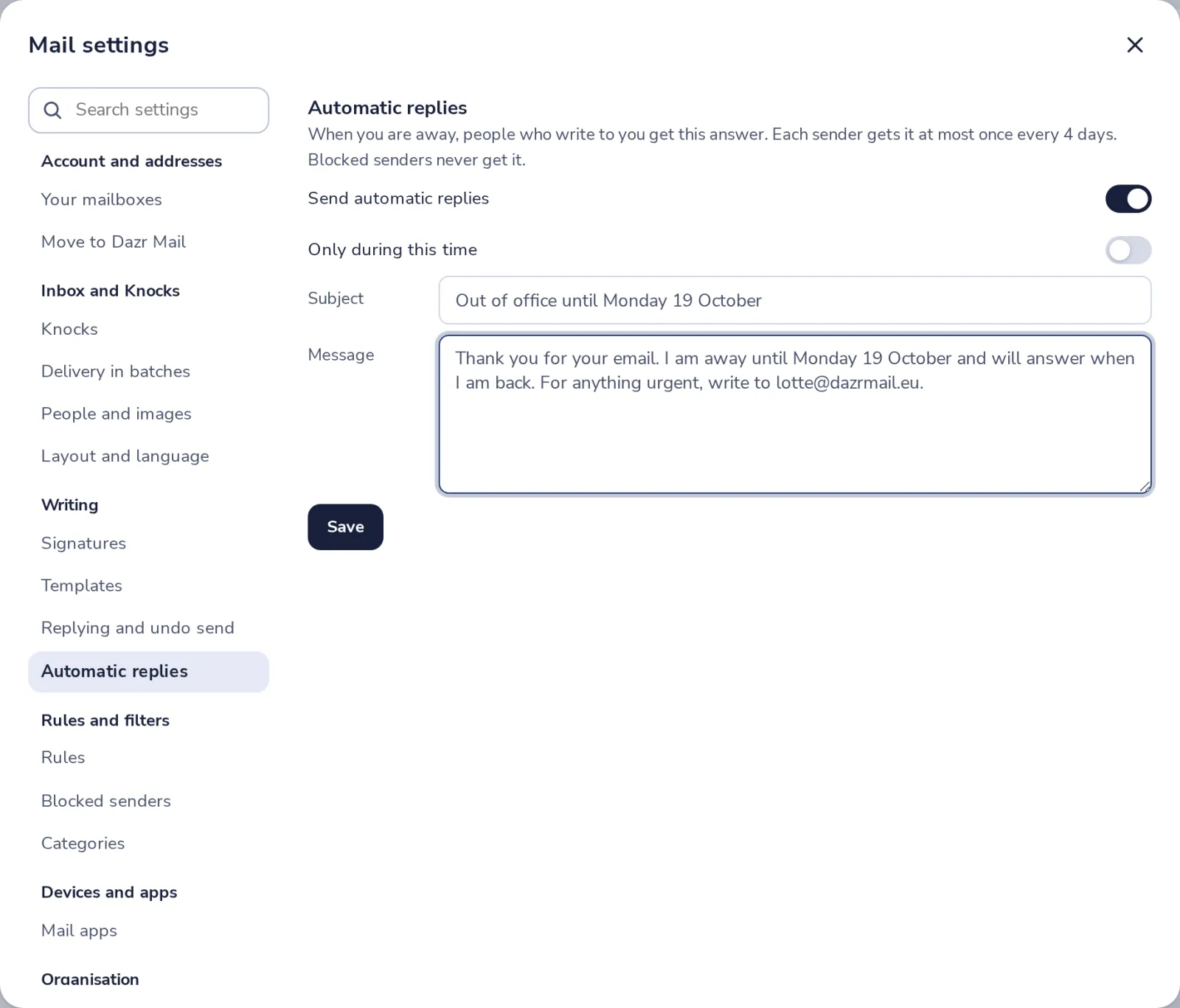
Switch on Send automatic replies. Add a subject and a short message.
- 3
Set the dates, if you like
Switch on Only during this time, and pick the first and last day.
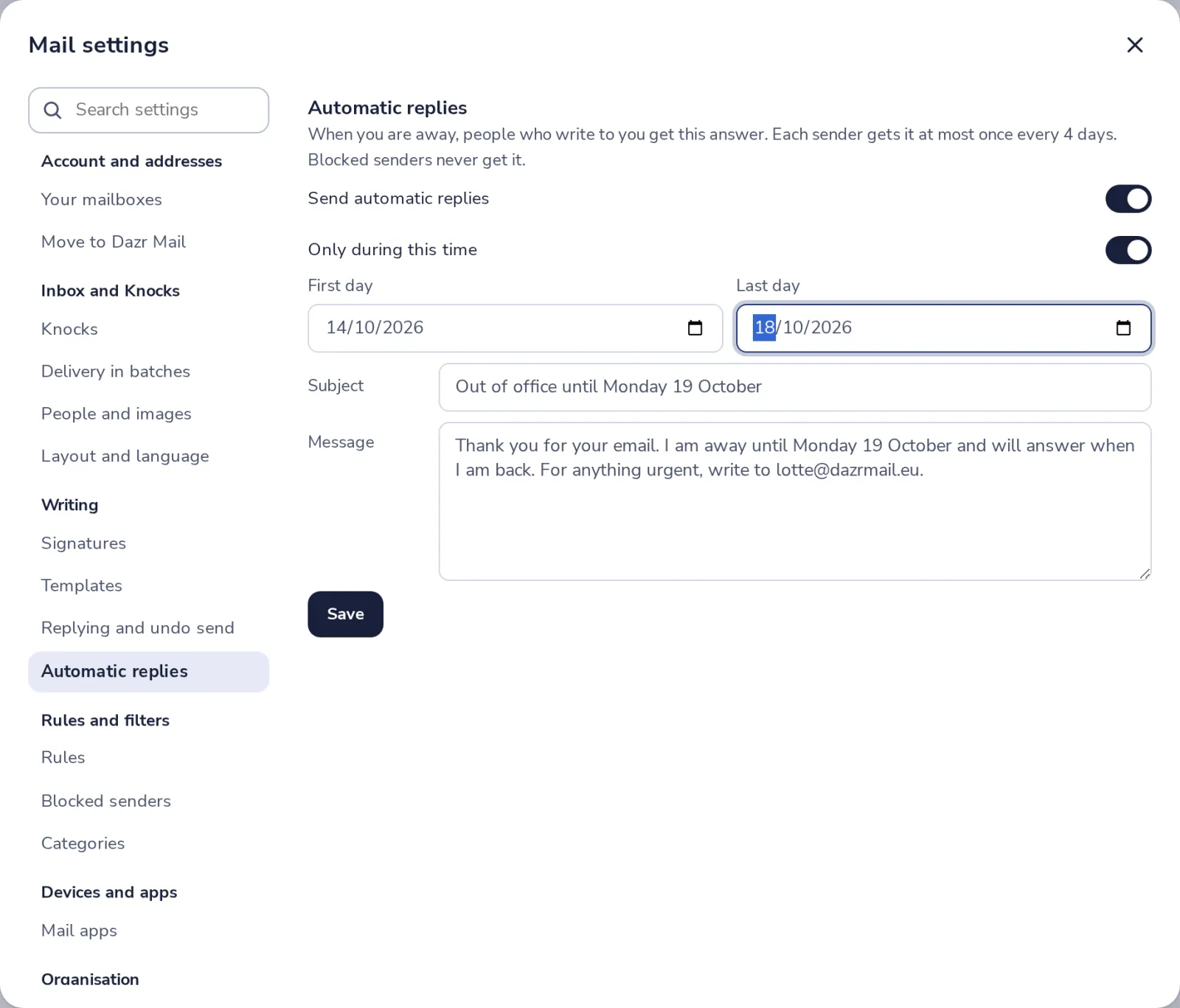
Without dates, it stays on until you switch it off.
- 4
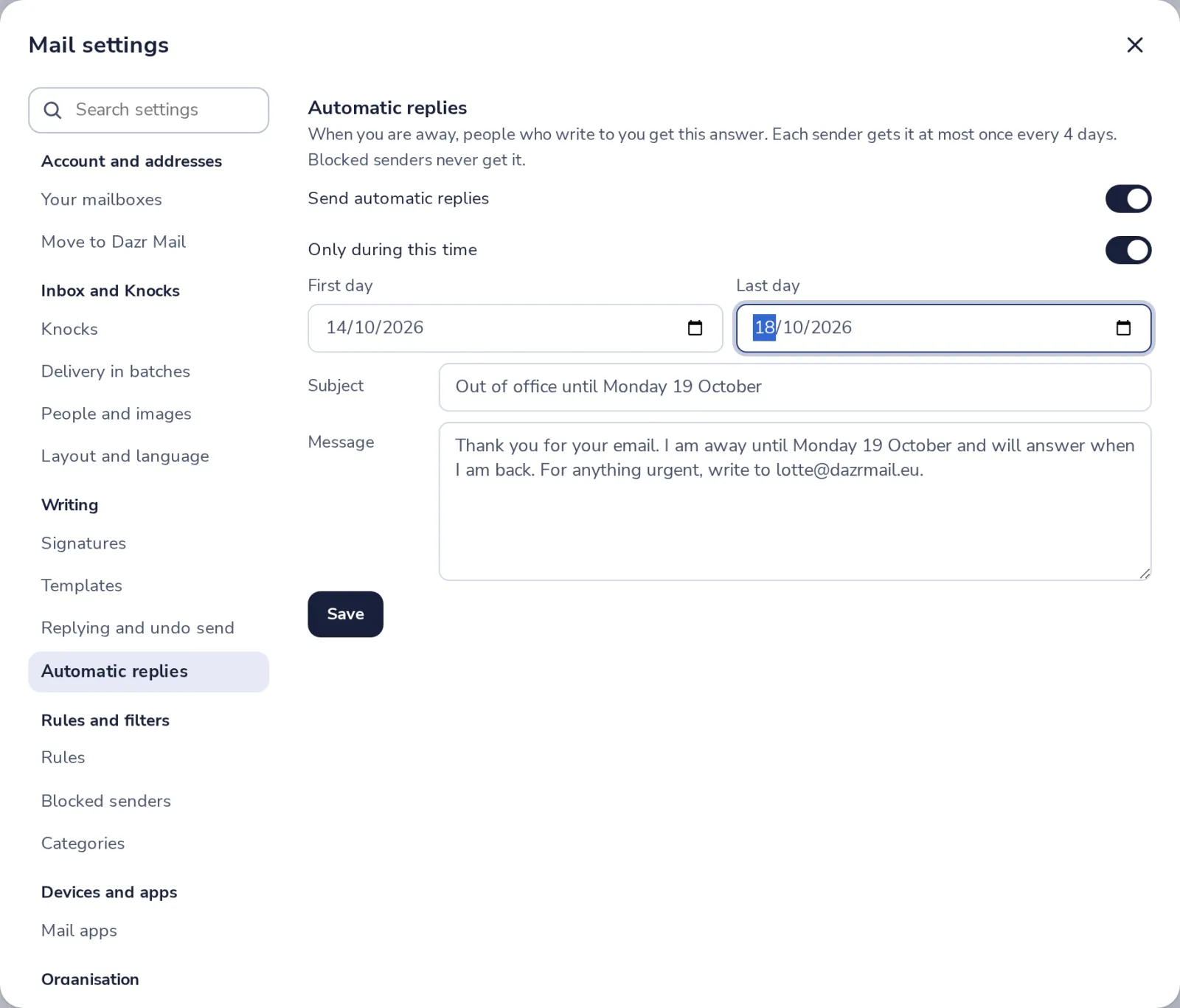
Press Save
The reply is sent by the mail server, so it also works when Dazr Mail is closed.
Was this helpful?
What was missing?
Thank you.
We count yes and no per article. Nothing about you is stored.