Take back an email you just sent
With undo send on, a message waits a few seconds before it goes. Press Undo in that time and it comes back as a draft.
- 1
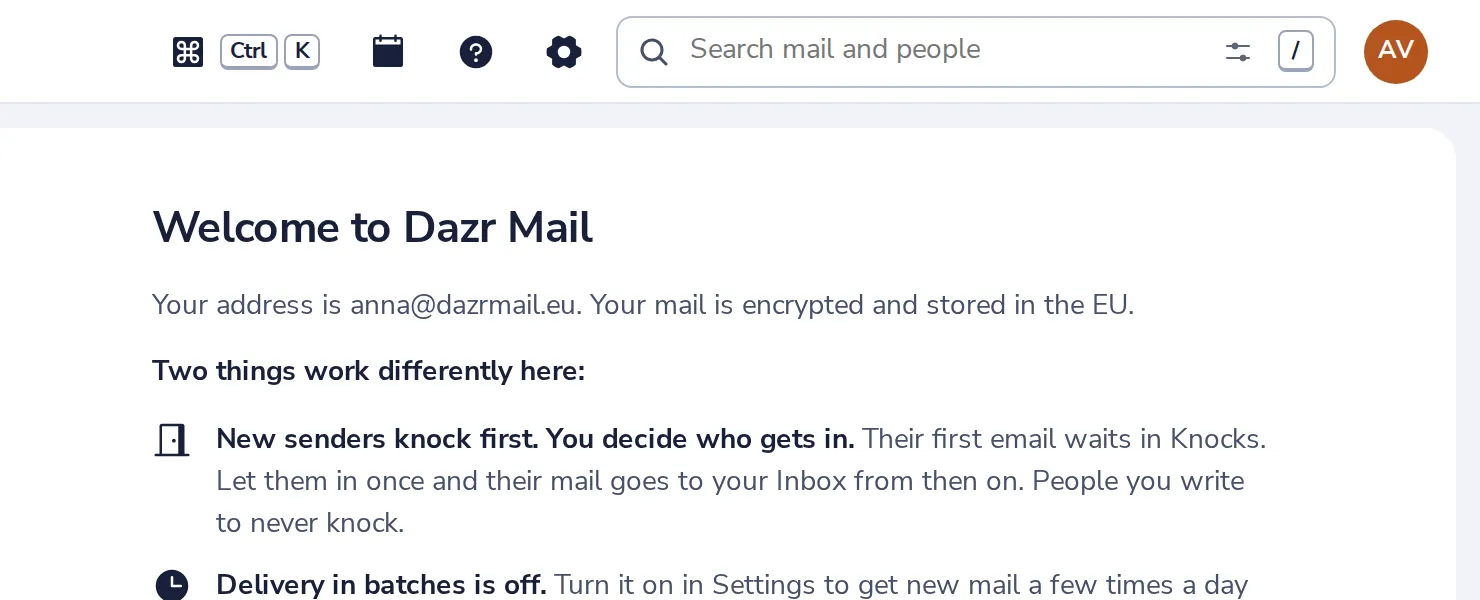
Open Mail settings
Press the gear at the top of Dazr Mail.
- 2
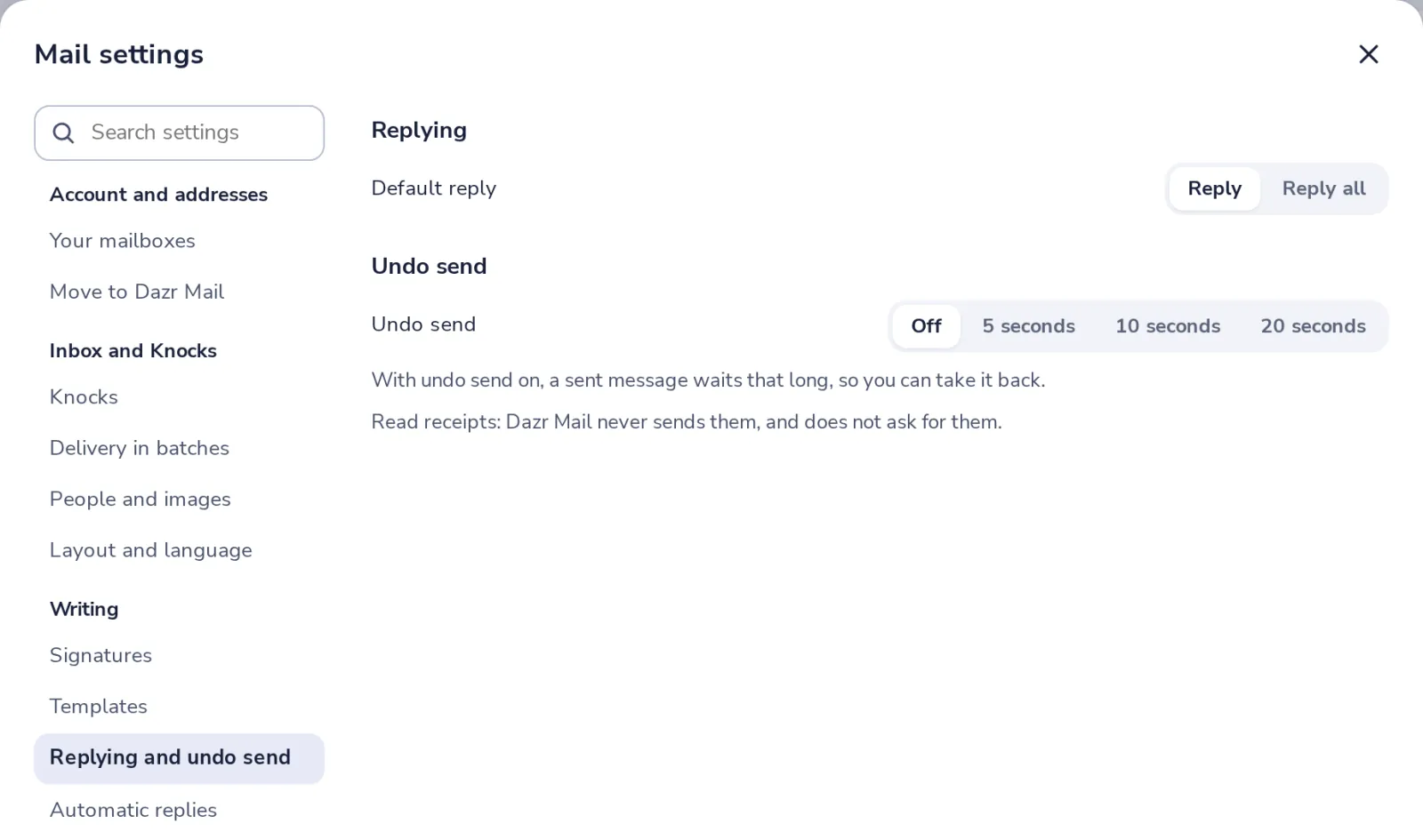
Choose Replying and undo send
It is under Writing.
- 3
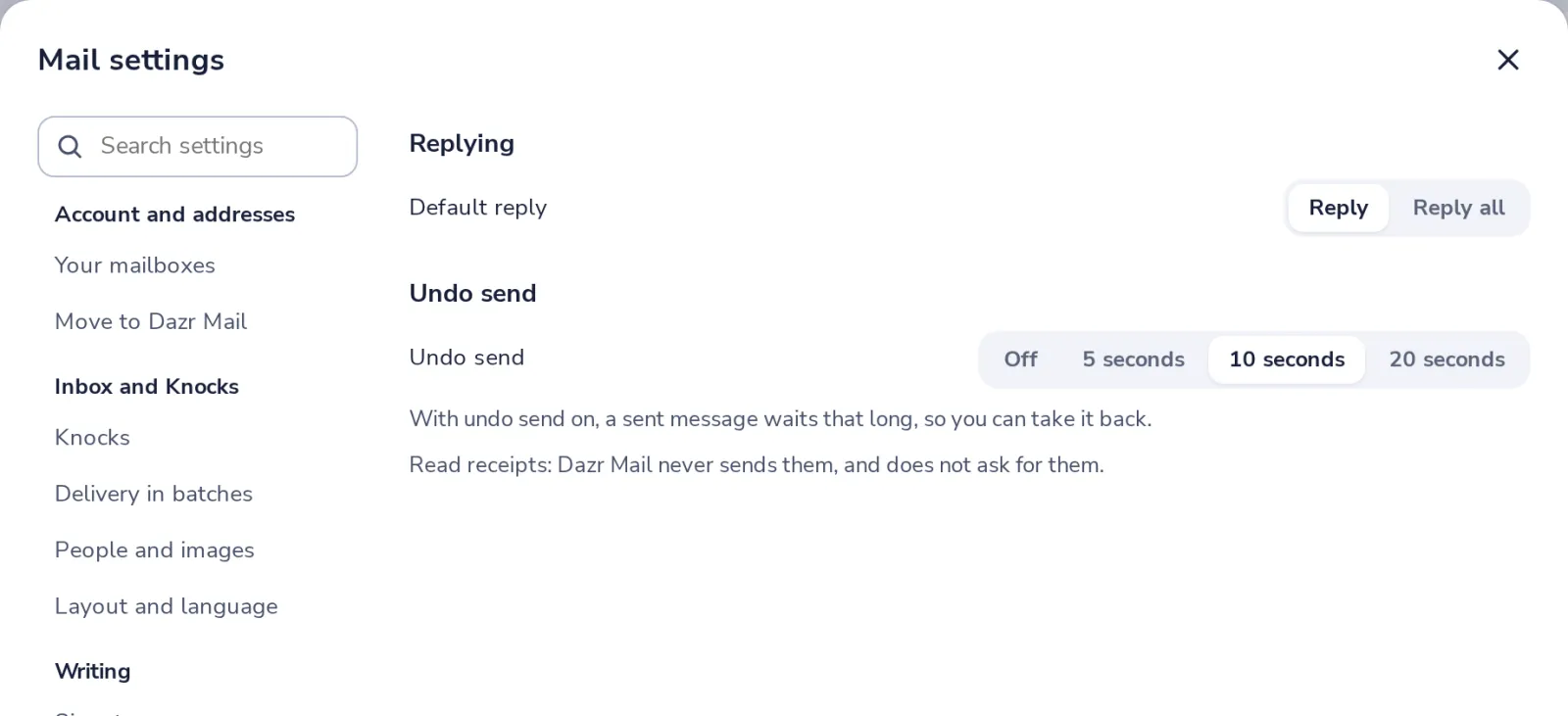
Pick how long it waits
5, 10 or 20 seconds. Off sends every message at once.
- 4
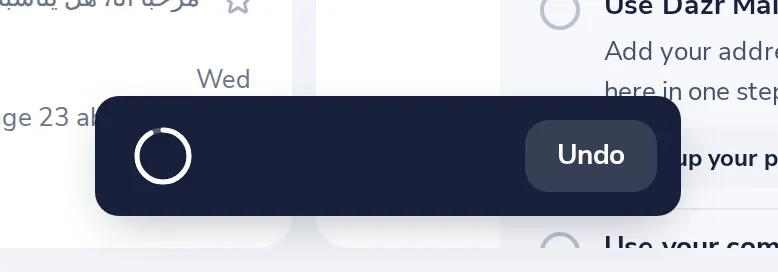
Press Undo after sending
A countdown appears at the bottom of the screen. Press Undo before it runs out.
Your message opens again as it was, so you can fix it and send it again.
Was this helpful?
What was missing?
Thank you.
We count yes and no per article. Nothing about you is stored.