Send an email later
Pick tonight, tomorrow morning, next week or any date and time. The mail server holds the message until then, also when Dazr Mail is closed.
- 1
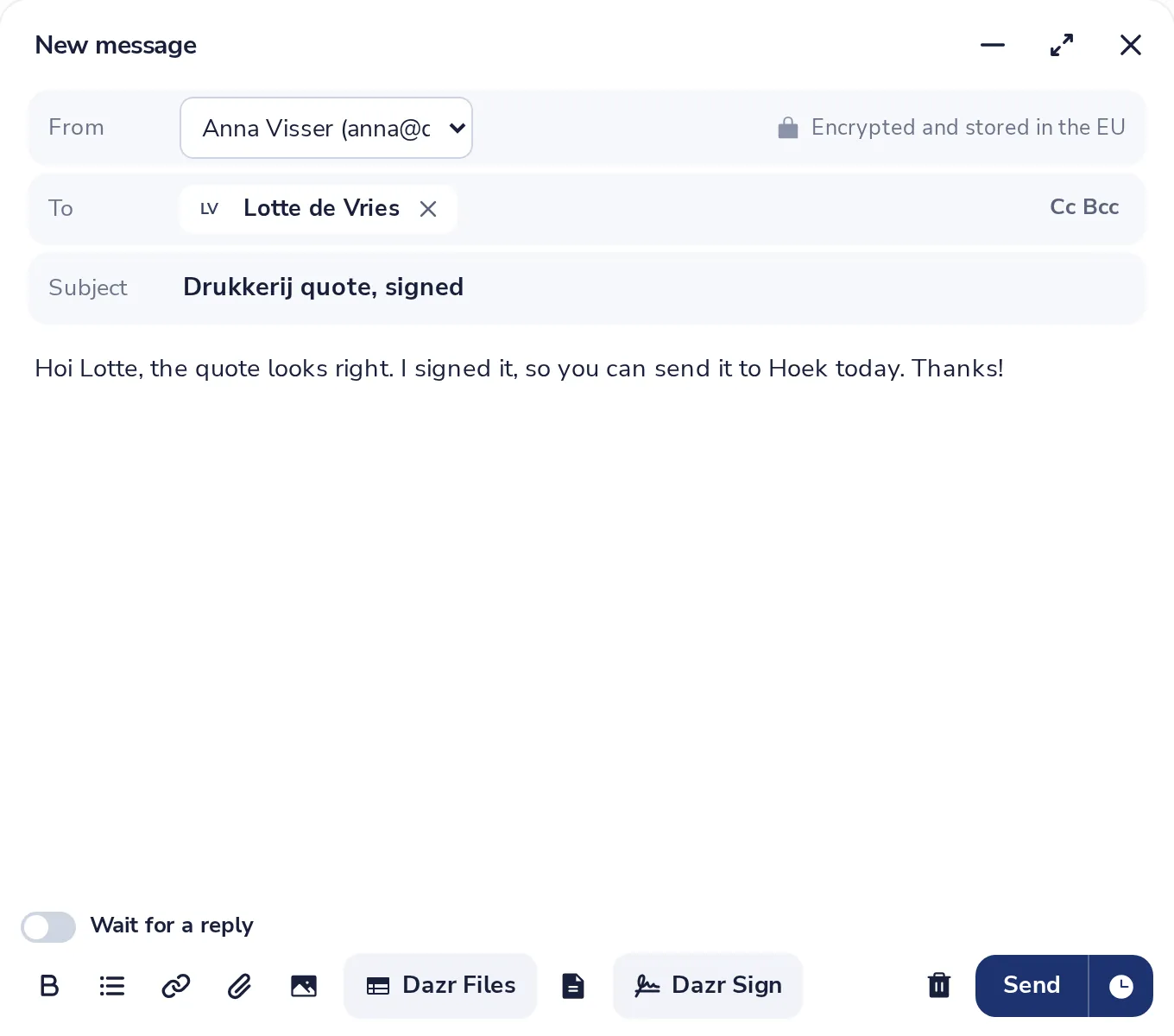
Write your message
Add who it is for, a subject and your text, as usual.
- 2
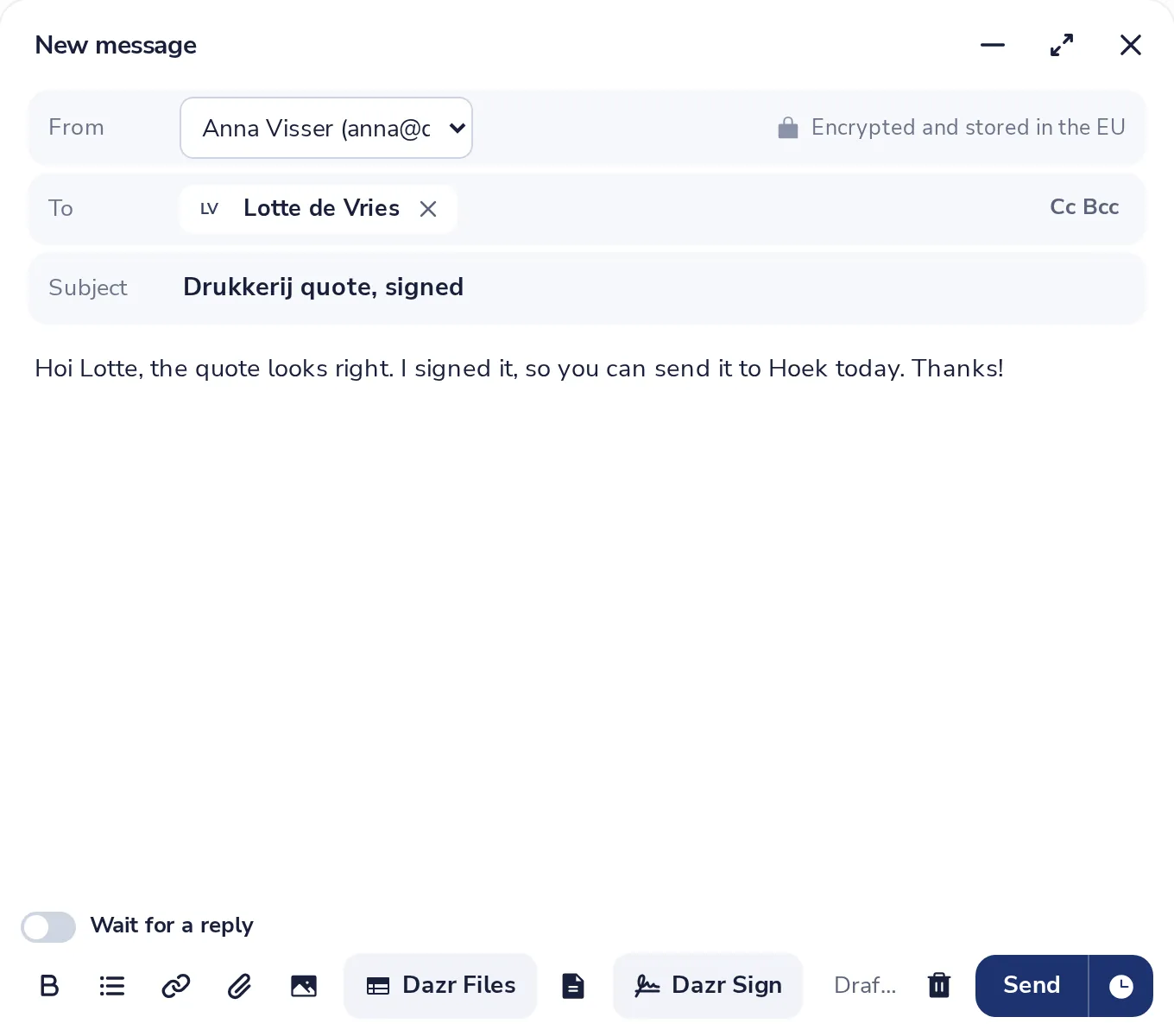
Press the clock next to Send
It opens Send later.
- 3
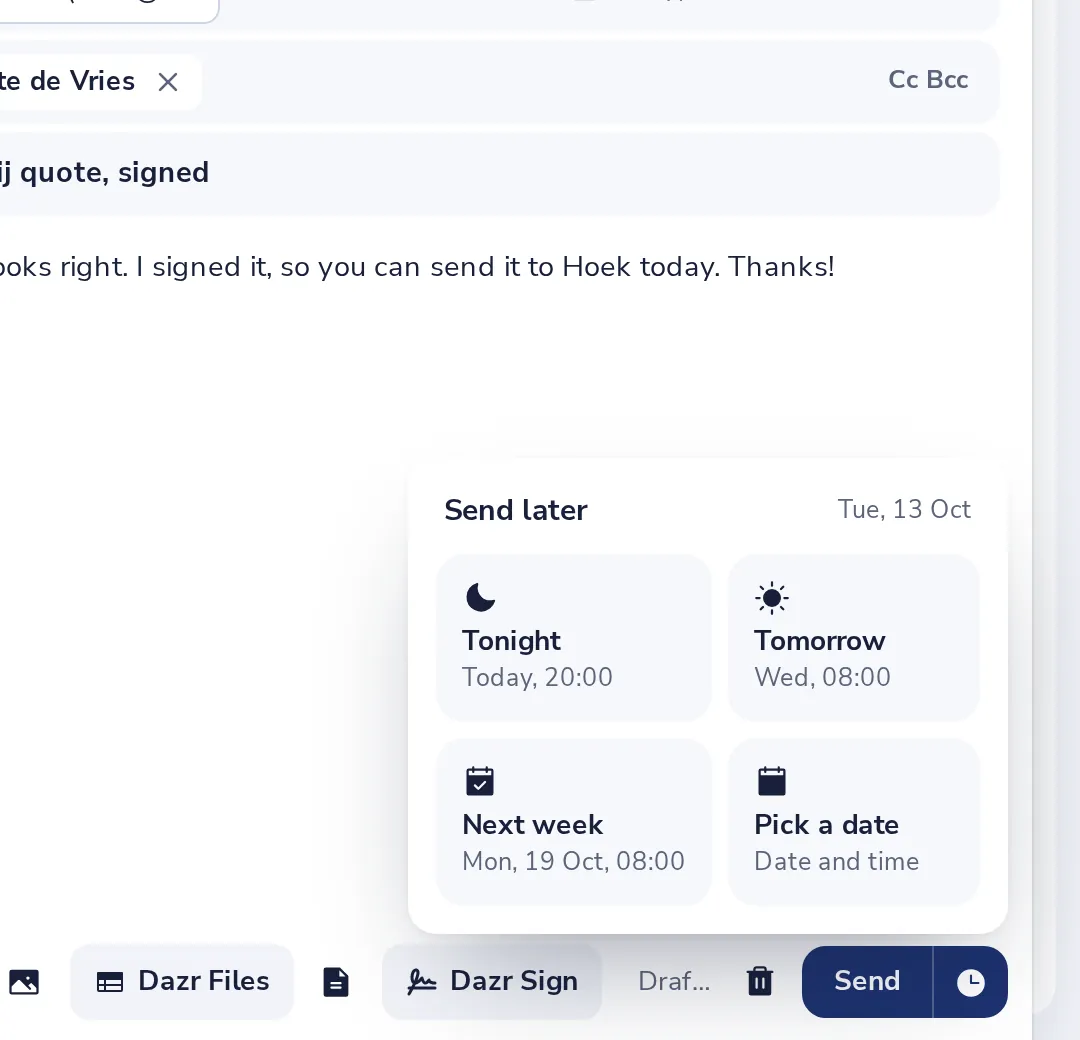
Pick a time
Tonight, Tomorrow or Next week. Each tile shows the day and the time.
- 4
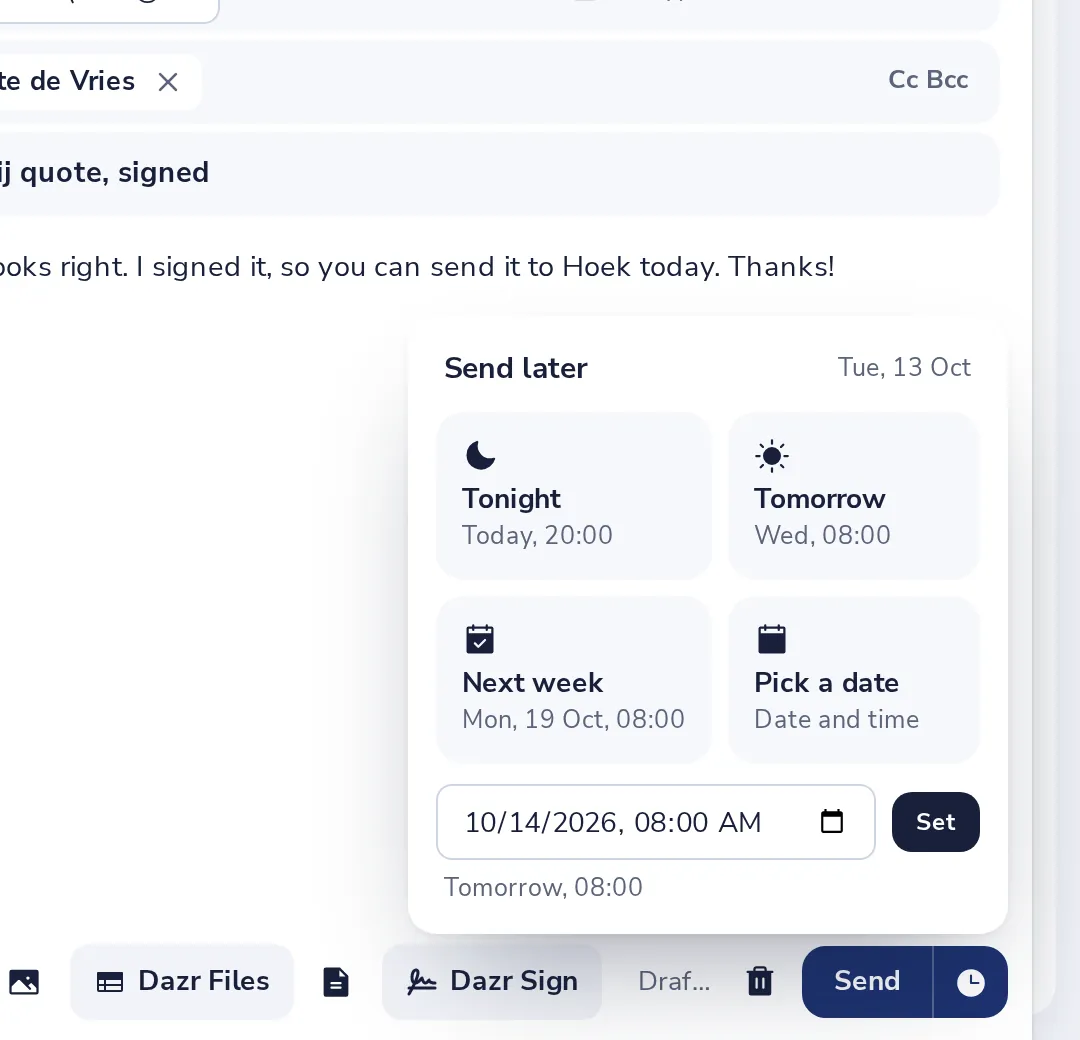
Or pick a date
Choose Pick a date, set the day and the time, then press Set.
A scheduled message cannot be changed or cancelled in Dazr Mail yet. Check it before you pick a time.
Was this helpful?
What was missing?
Thank you.
We count yes and no per article. Nothing about you is stored.