Do the same with many emails at once
Tick the circle in front of each message, or tick the one at the top to select everything in the view.
- 1
Tick the messages
Point at a message and press the circle in front of it. Do this for each one.

Shift+click selects everything between two messages.
- 2
Or select them all
The circle next to the name of the view selects every message in it.

- 3
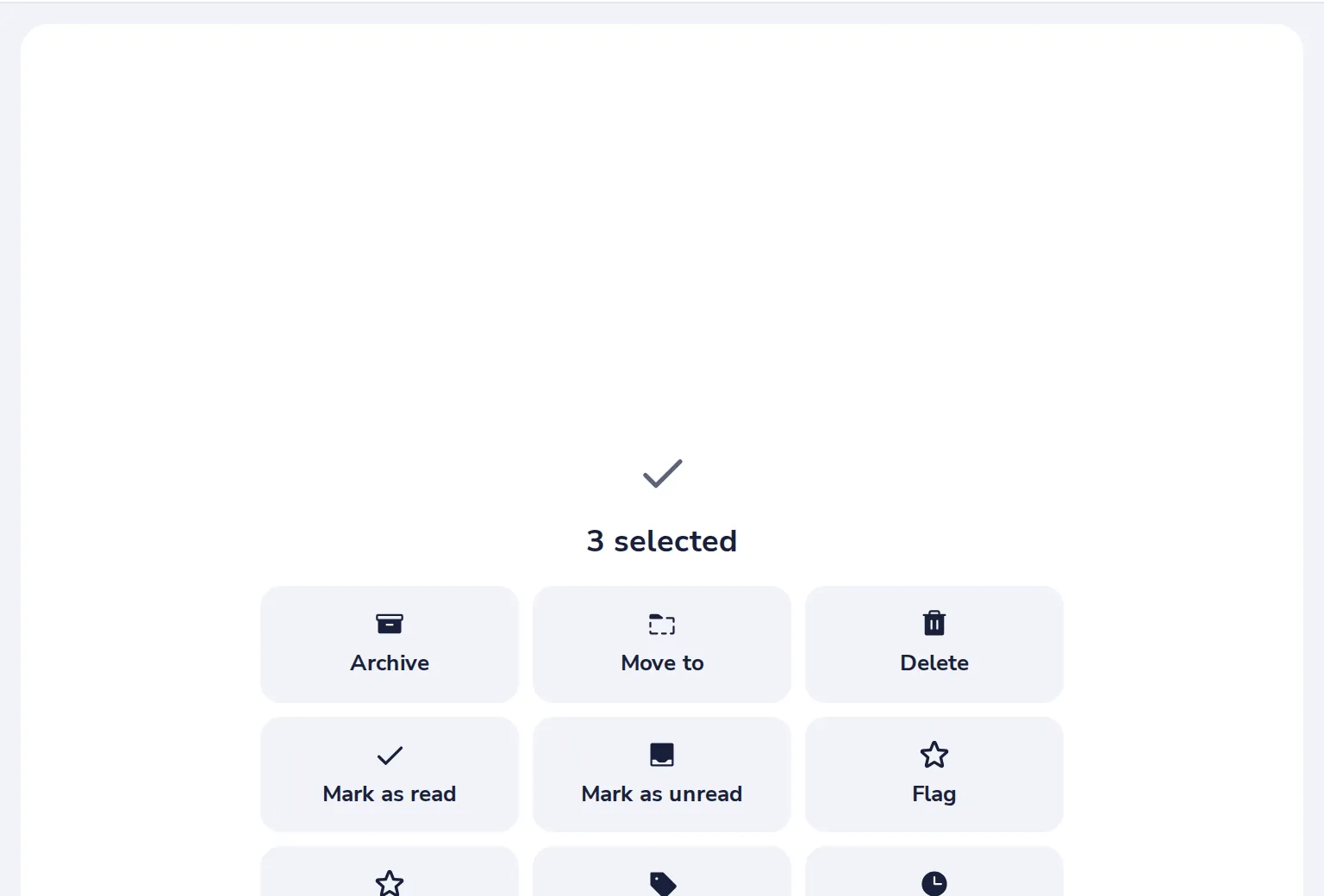
Choose what to do
Archive, Move to, Delete, Mark as read or unread, Flag, Categorize or Snooze, for all of them at once.
Was this helpful?
What was missing?
Thank you.
We count yes and no per article. Nothing about you is stored.