Get started with Dazr Mail
Email that keeps strangers at the door. These are the first things to do. The same list is in Help, under Get started, and ticks itself off as you go.
- 1
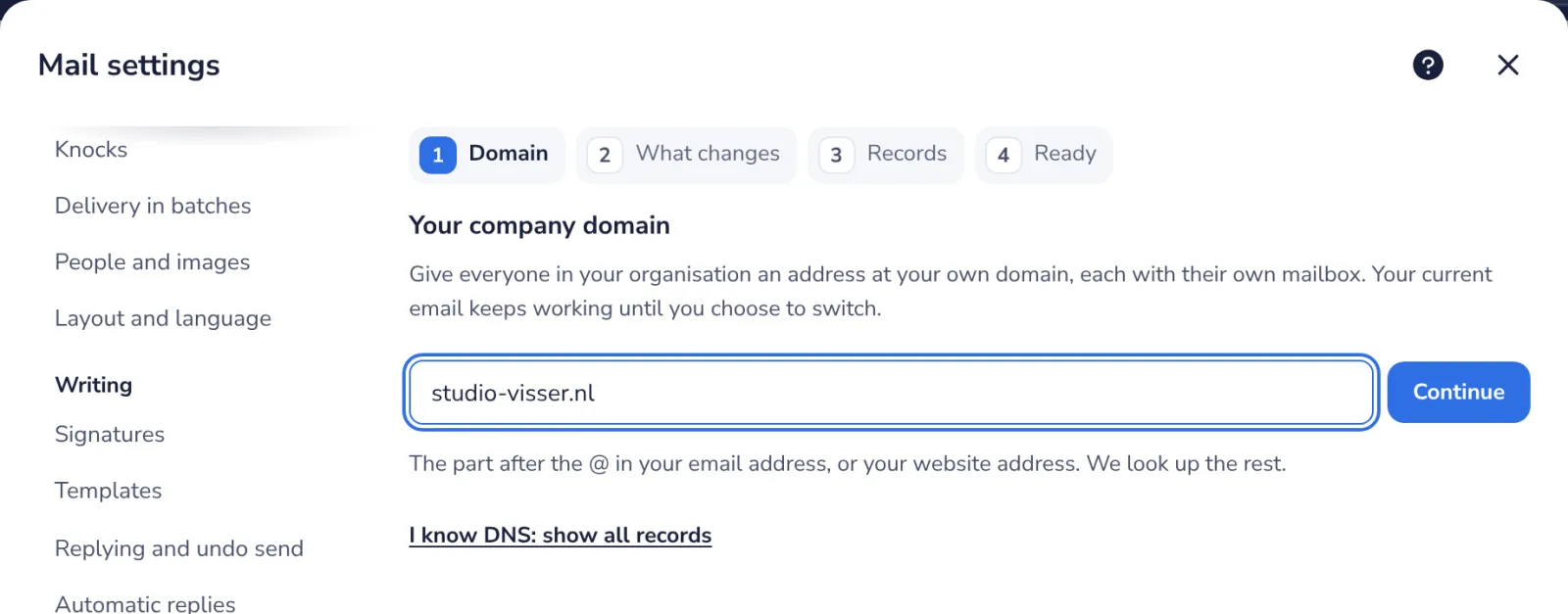
Your address or domain
Connect your domain. Use your own address, like anna@studio-visser.nl.
- 2
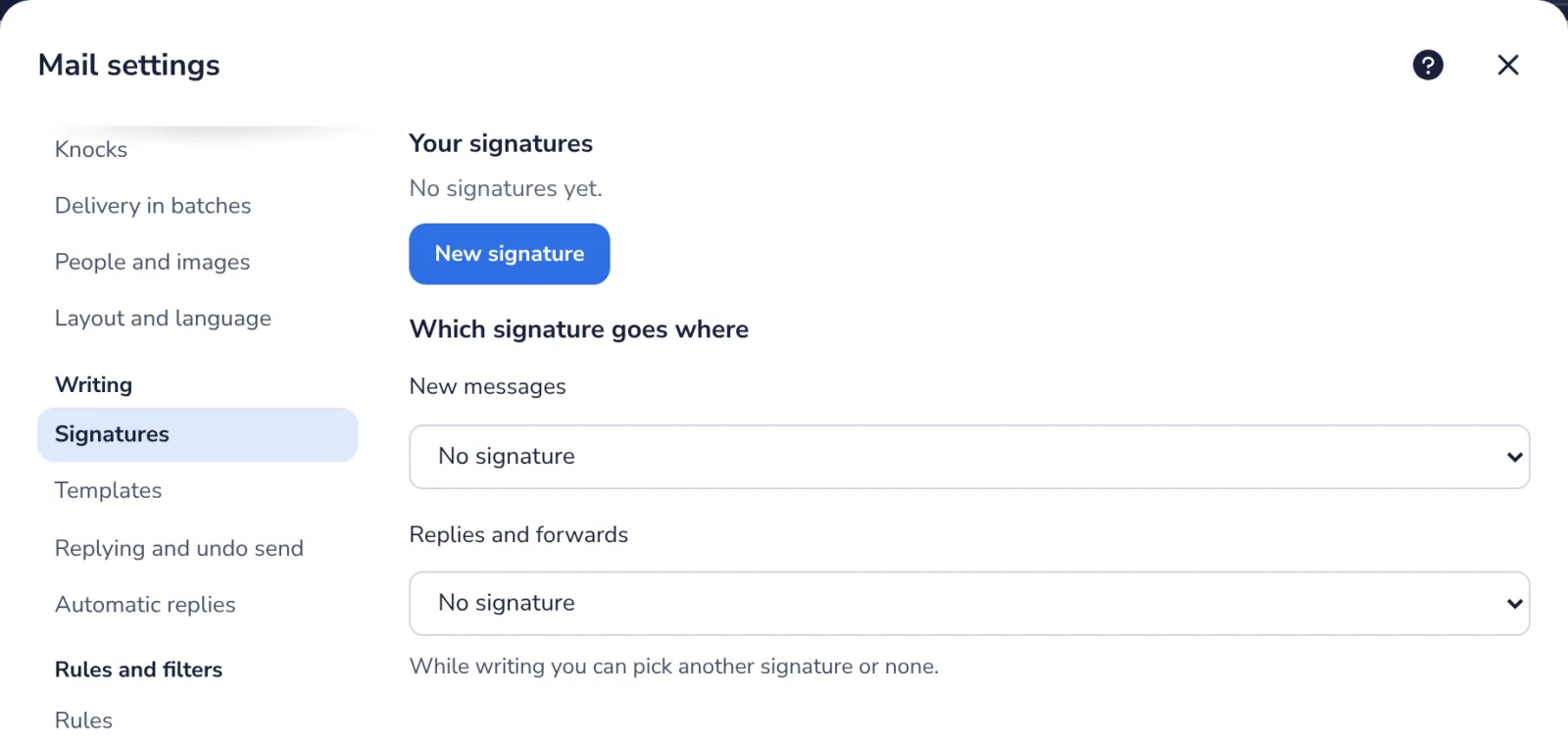
Your signature
We made one from your name. Add your role, phone or a logo under Signatures.
- 3
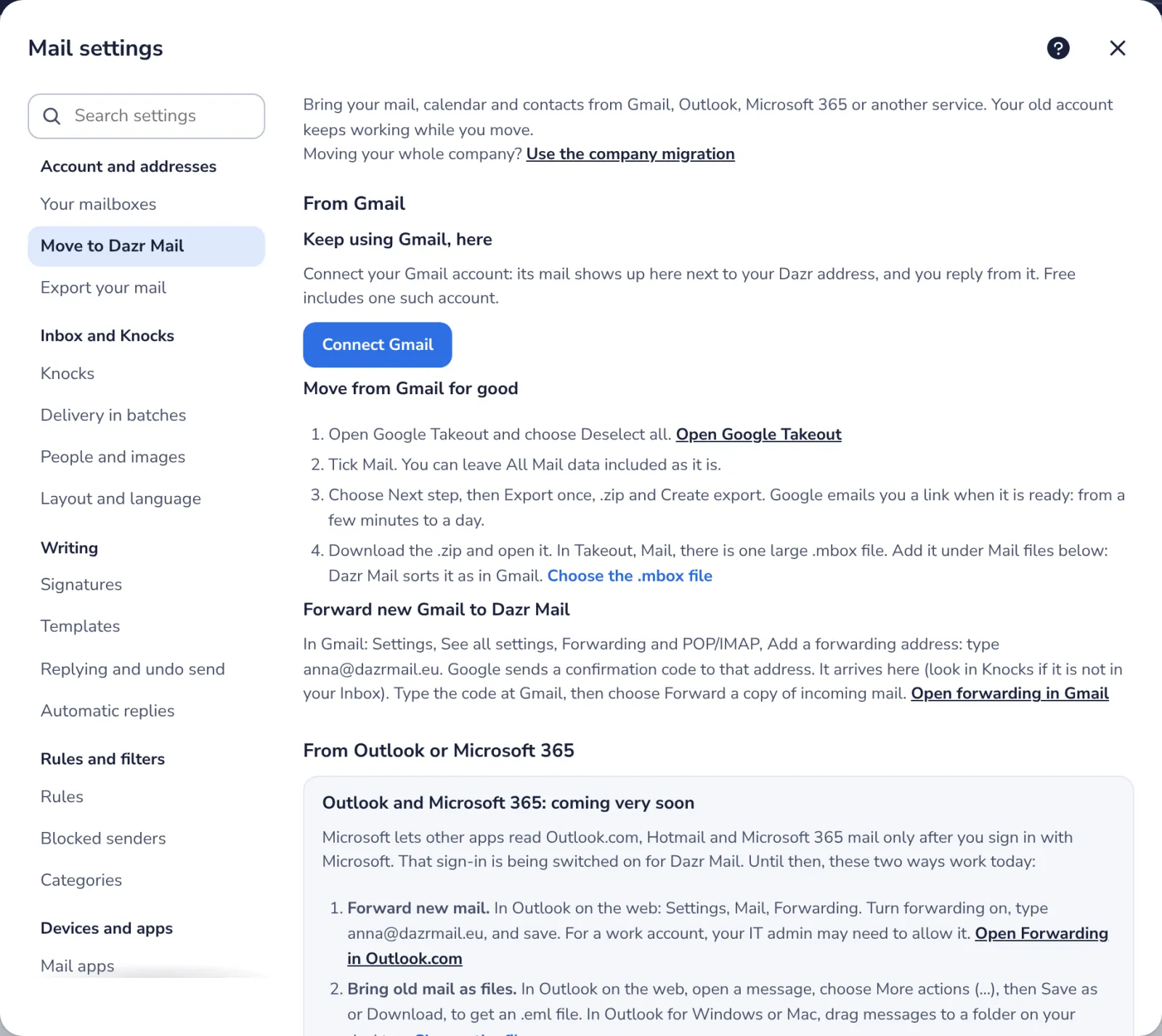
Bring your old mail
Move your mail from Gmail or Outlook. Bring your old mail, calendar and contacts over to Dazr.
- 4
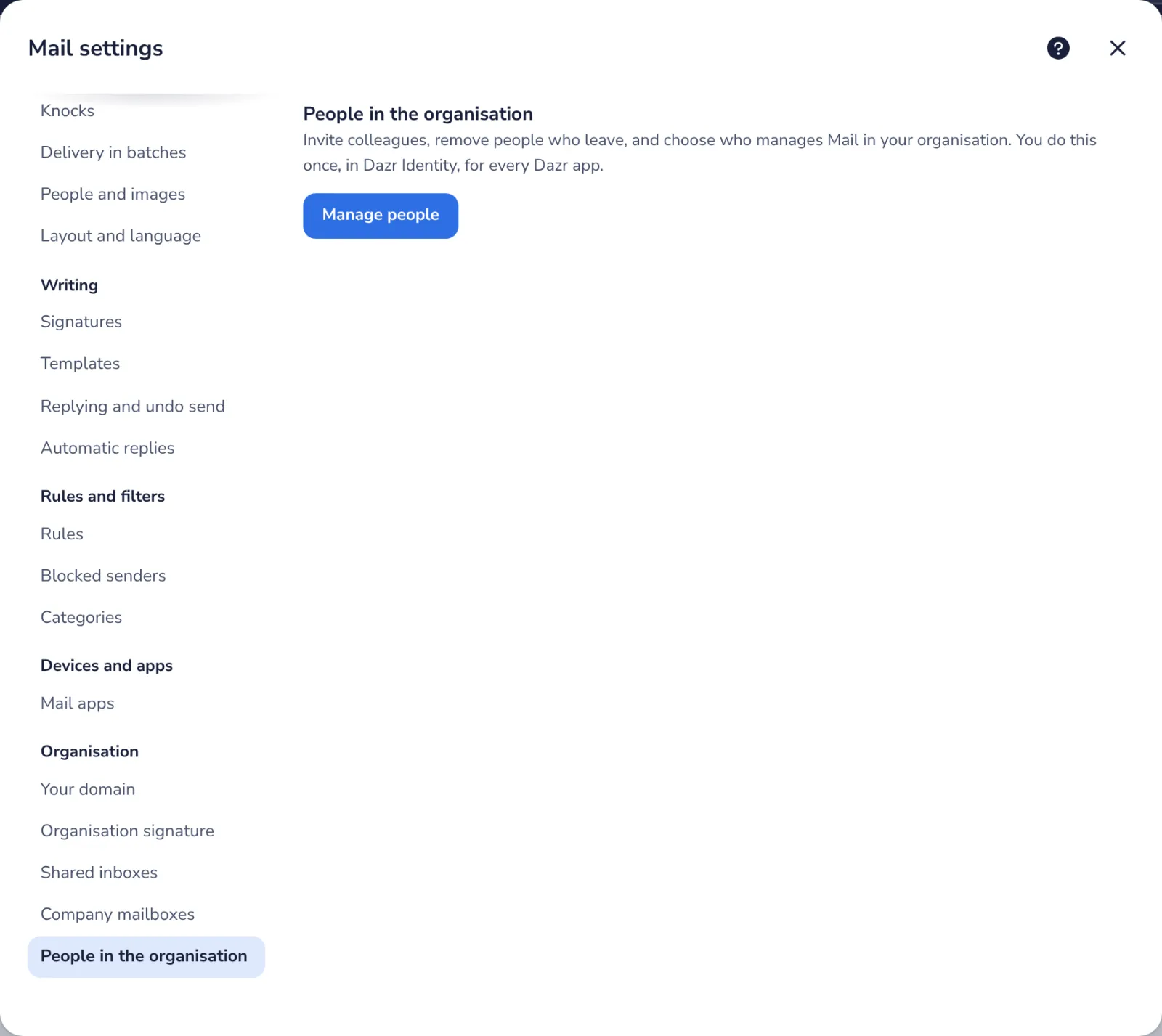
Invite your team
Invite people to your organisation. Colleagues join with an email invitation.
Stuck? Press ? at the top of Dazr Mail: Get started, a Show me tour for each step, and search. Or write to us: people answer, not a bot.
Was this helpful?
What was missing?
Thank you.
We count yes and no per article. Nothing about you is stored.