Choose your Dazr Mail address
The first time you open Dazr Mail, you choose your address. You choose it once, and it stays yours.
You needA Dazr account
- 1
Type the name you want
Type the part before the @. We check right away if it is free.
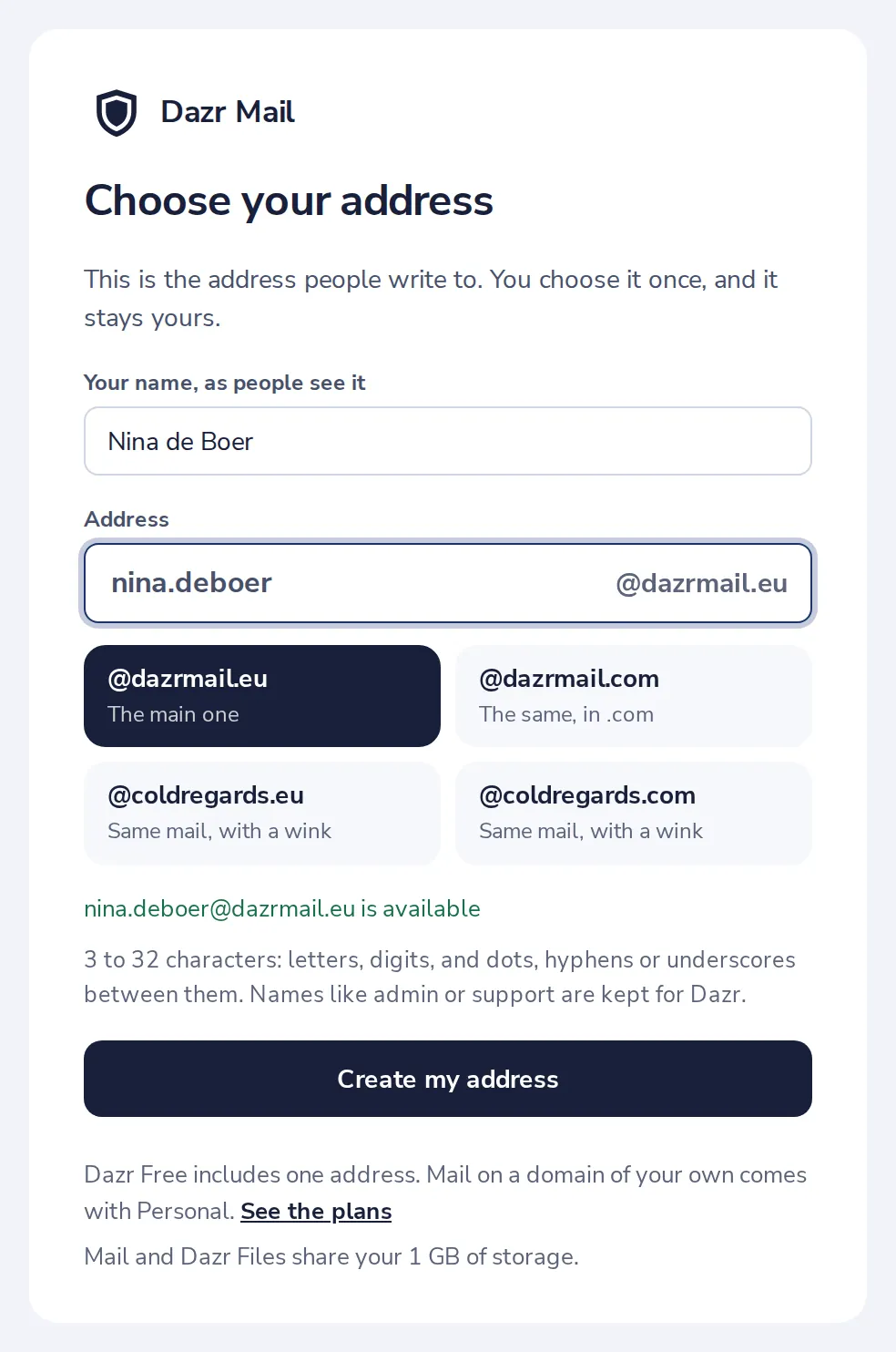
3 to 32 characters. Letters, digits, and dots, hyphens or underscores between them.
- 2
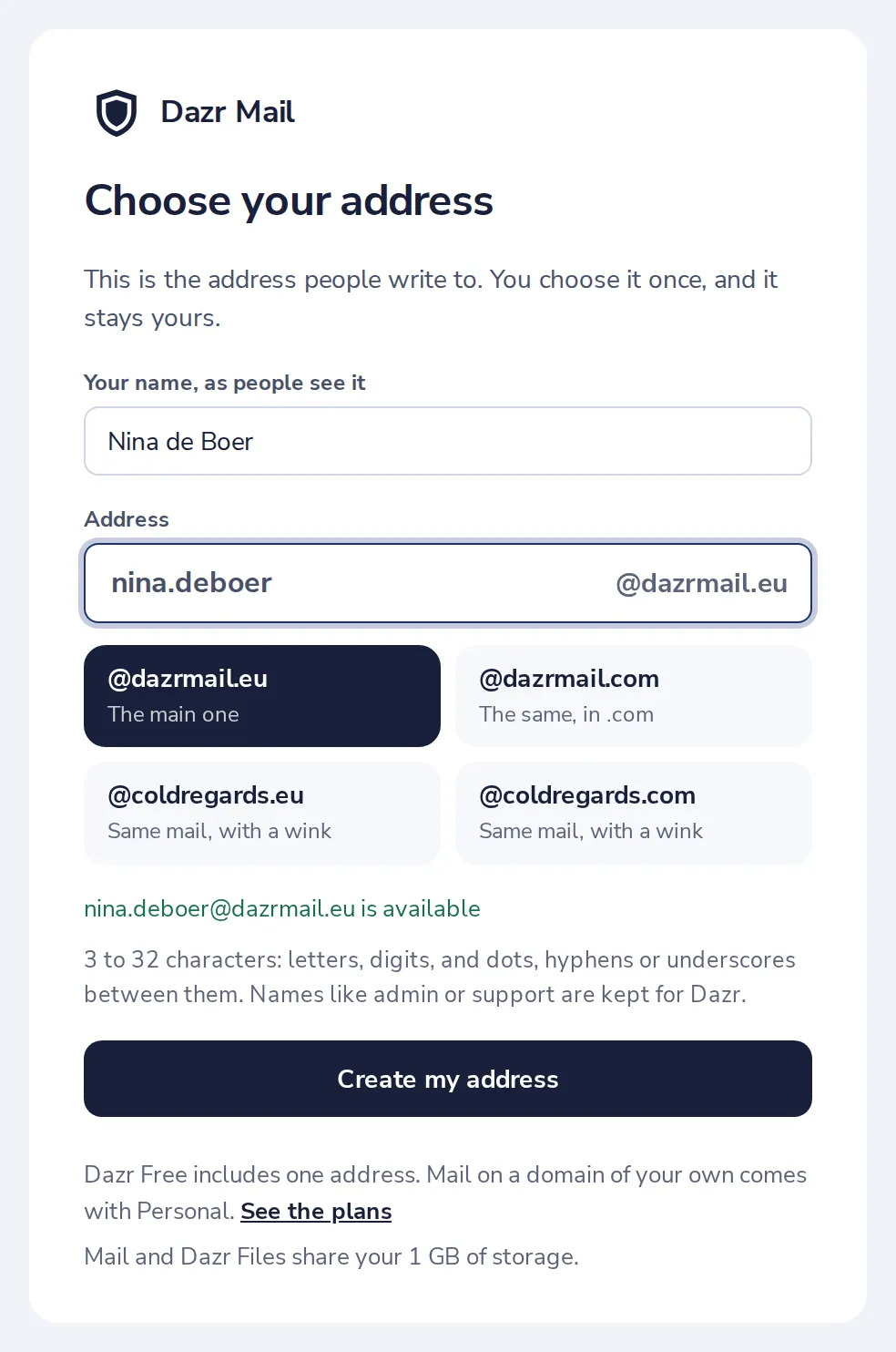
Pick the ending
Choose @dazrmail.eu, @dazrmail.com or one of the others. It is the same mailbox.
- 3
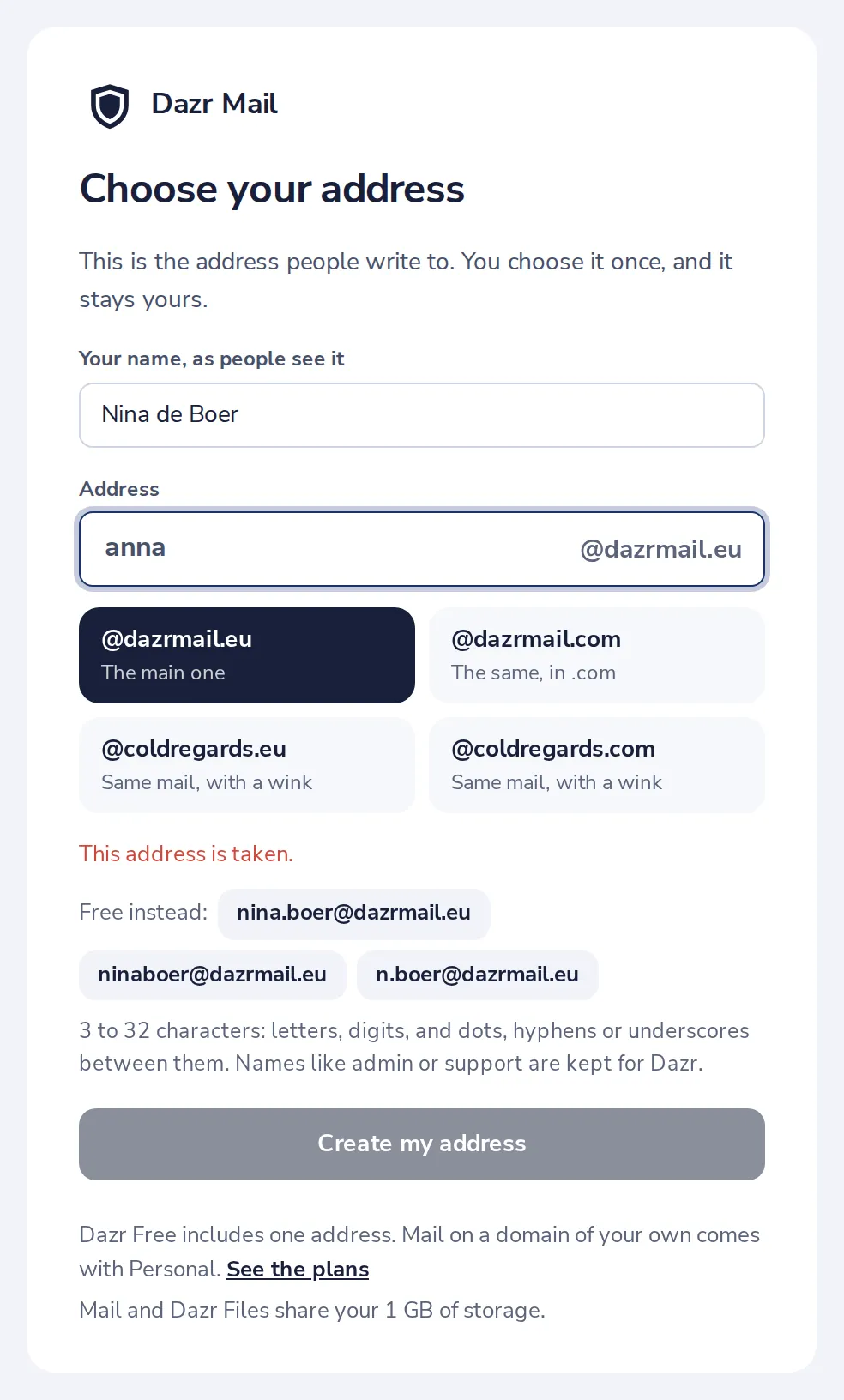
Taken? Pick a free one
If someone already has it, press one of the free addresses shown, or type another.
- 4
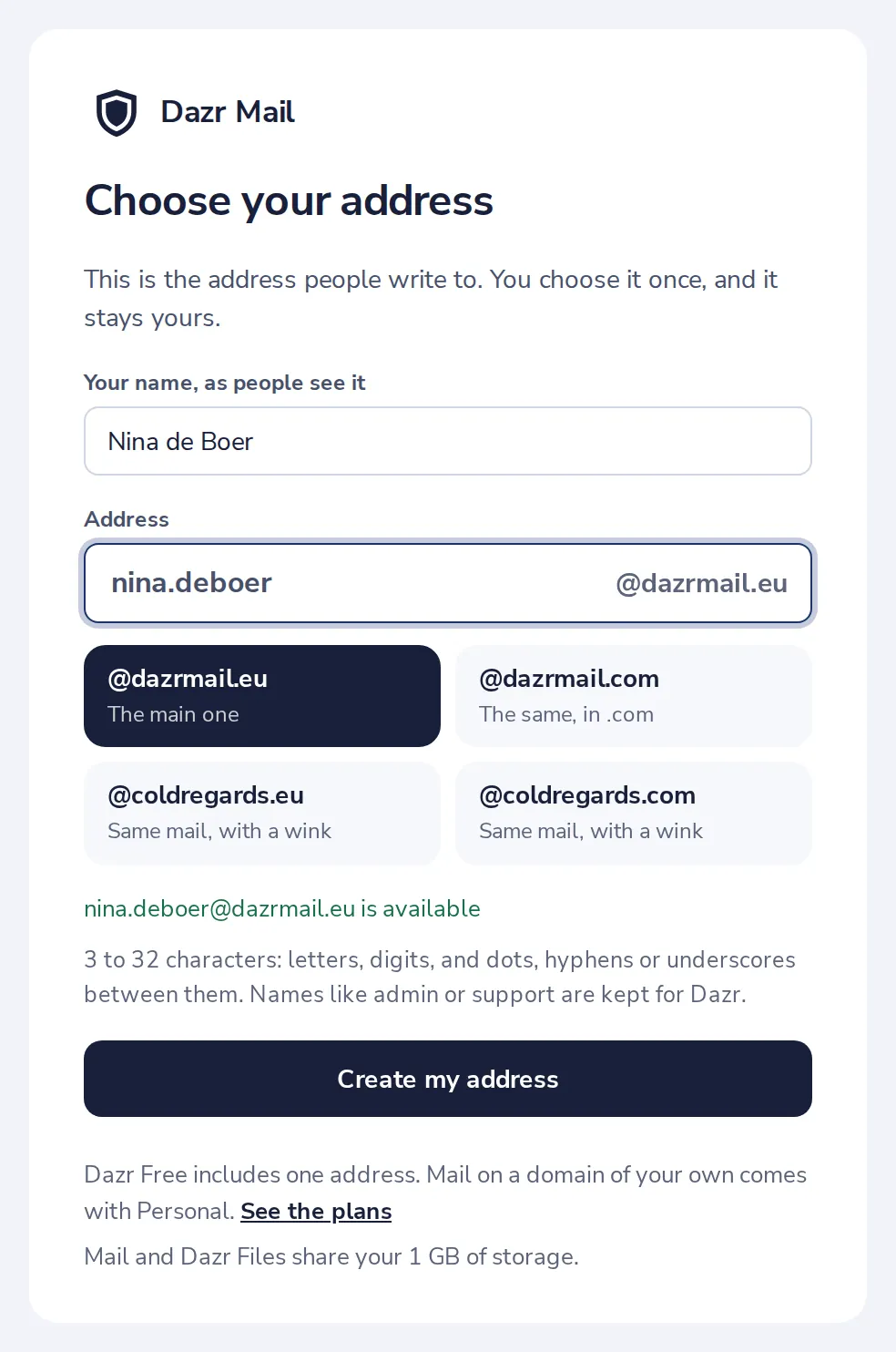
Press Create my address
The green line says your address is free. Then press Create my address.
- 5
Your inbox is ready
Dazr Mail opens with a short welcome and a checklist for your first days.
Was this helpful?
What was missing?
Thank you.
We count yes and no per article. Nothing about you is stored.