Keep notes on a chat
Every chat has a Notes tab. What you write there goes into Dazr Notes with a link back to the chat. Only you see it, unless you share it in Dazr Notes.
- 1
Open the Notes tab
At the top of the chat, next to Chat and Files.

- 2
Write your note
The first line is its title. It saves by itself into Dazr Notes while you type.
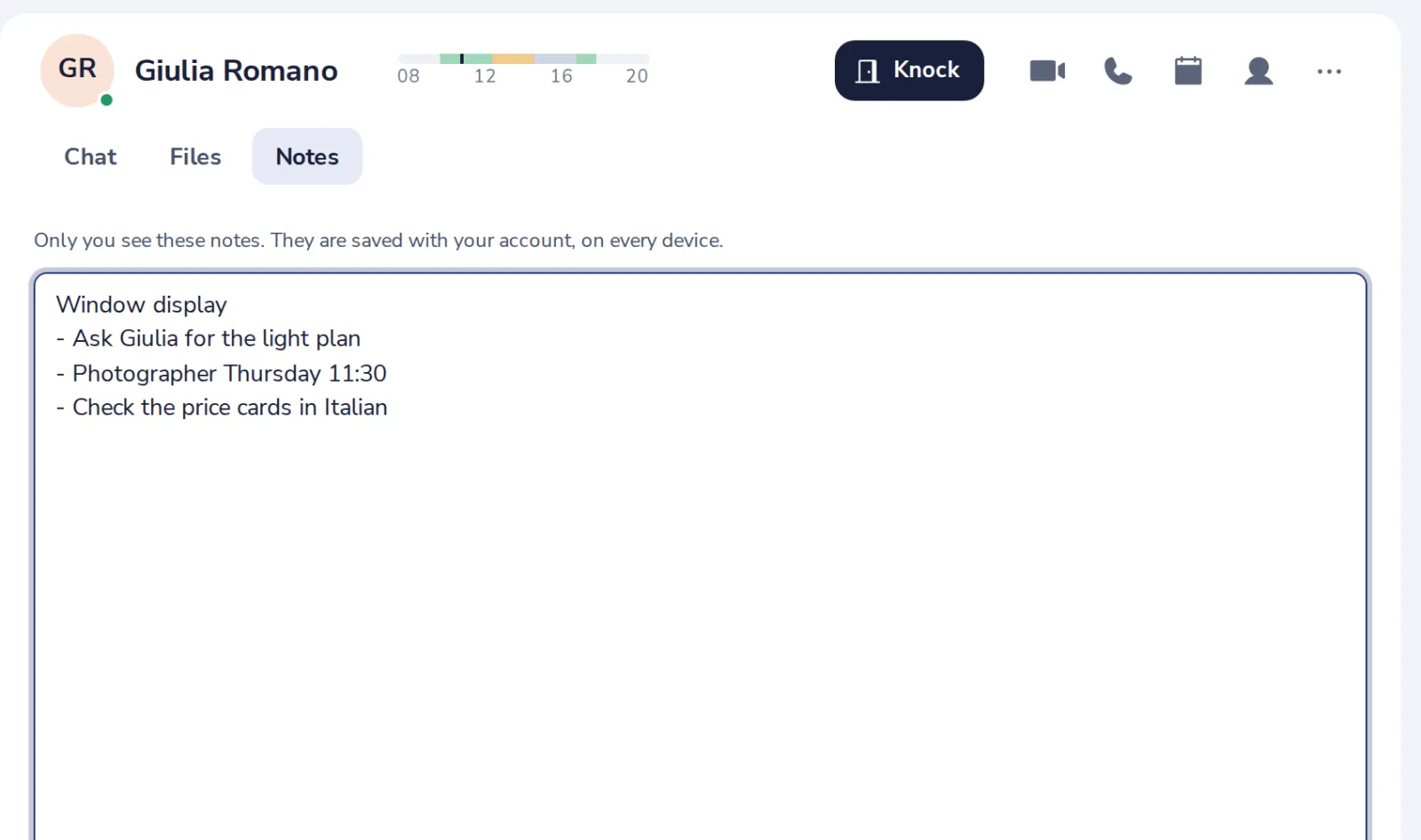
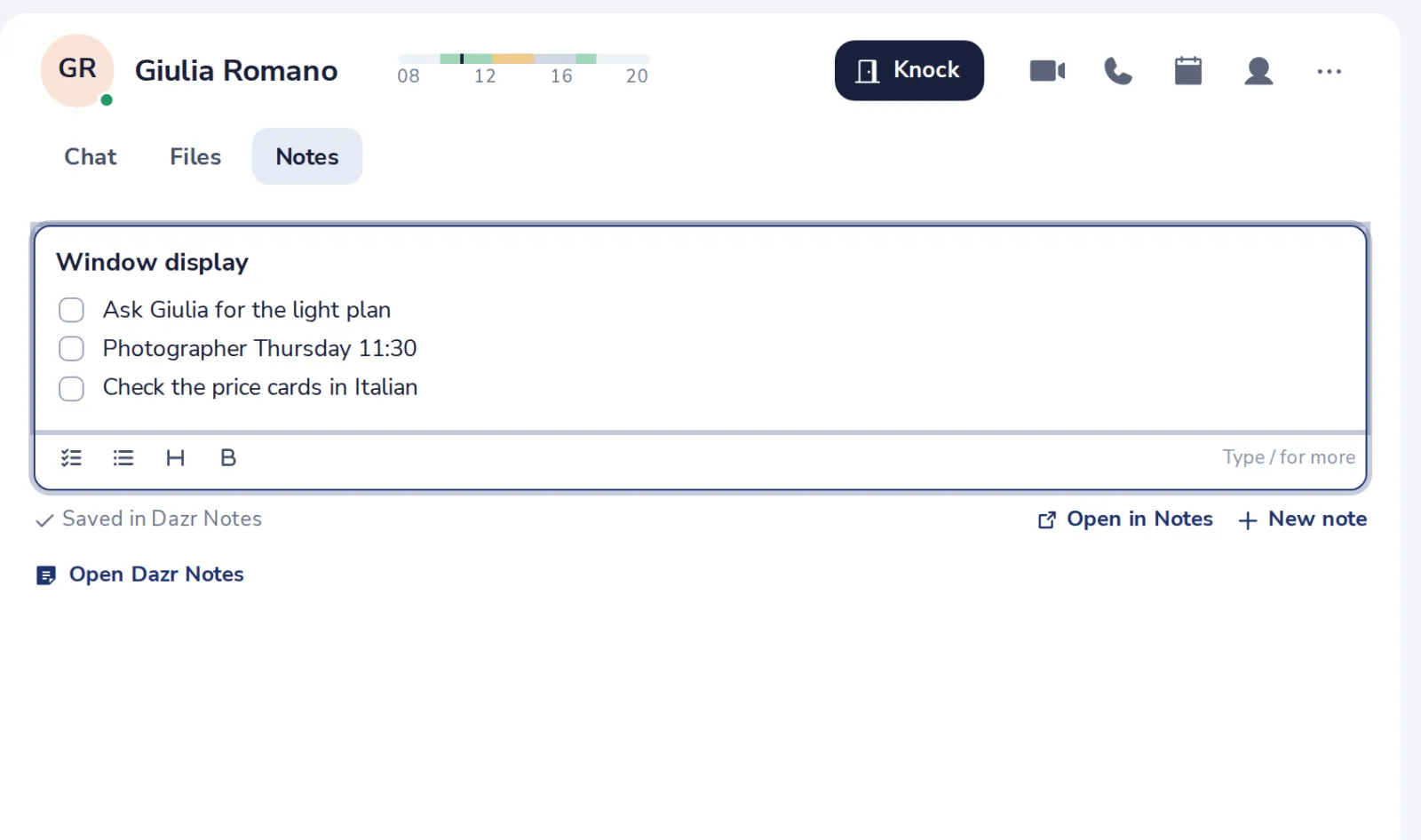
Start a line with [ ] for a to-do, or type / for a checklist, a heading or a list.
- 3
Open it in Dazr Notes
Your notes on the chat are listed under the box. Open in Notes shows the note with everything else you wrote.
Was this helpful?
What was missing?
Thank you.
We count yes and no per article. Nothing about you is stored.