Get started with Dazr Calendar
Your week, your focus, your meetings. These are the first things to do. The same list is in Help, under Get started, and ticks itself off as you go.
- 1
Your working hours
Set your working hours and time zone. Your days, hours, time zone and the way the week looks.
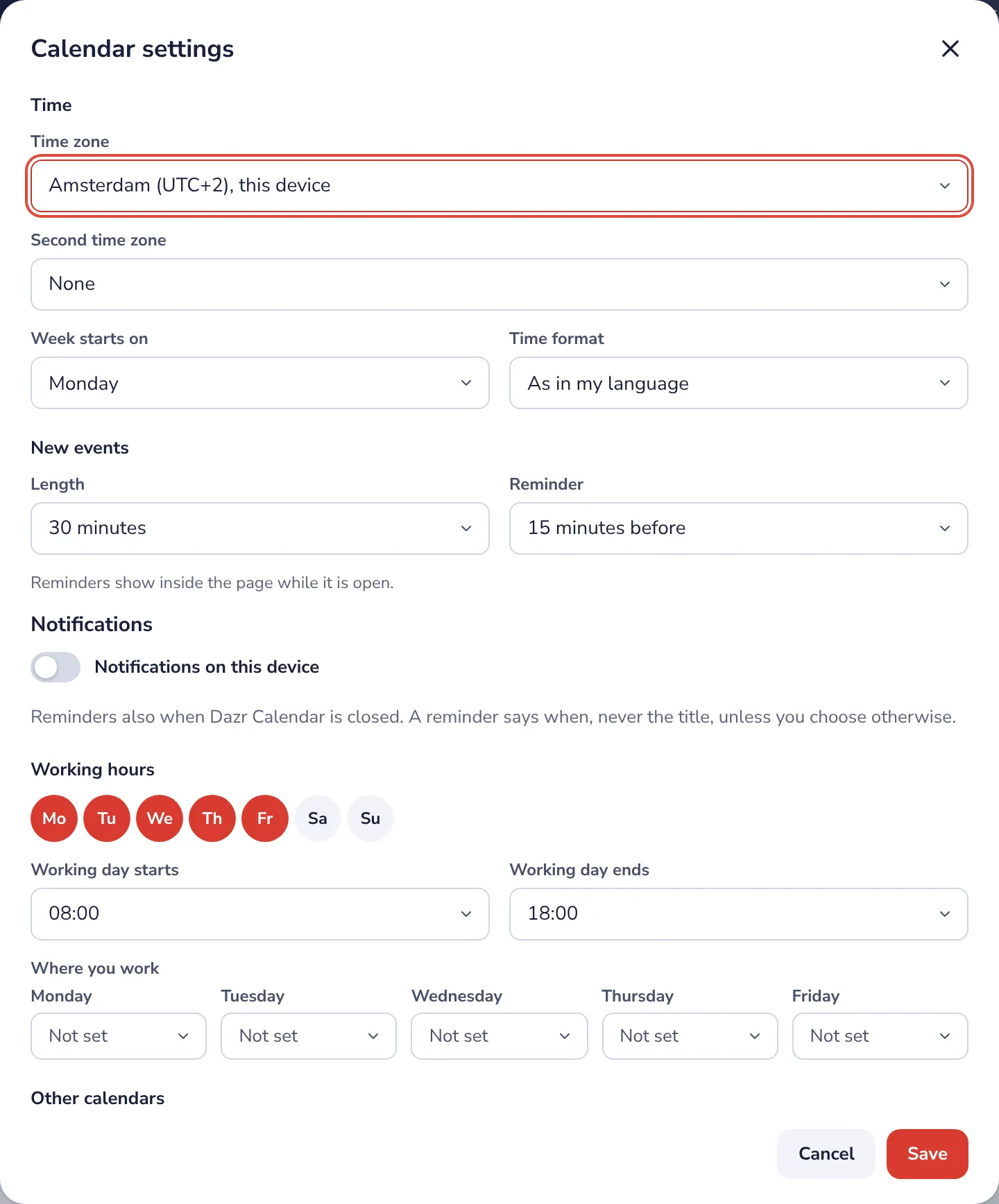
- 2
Create an event
Create your first meeting. Pick a time, invite people, send.
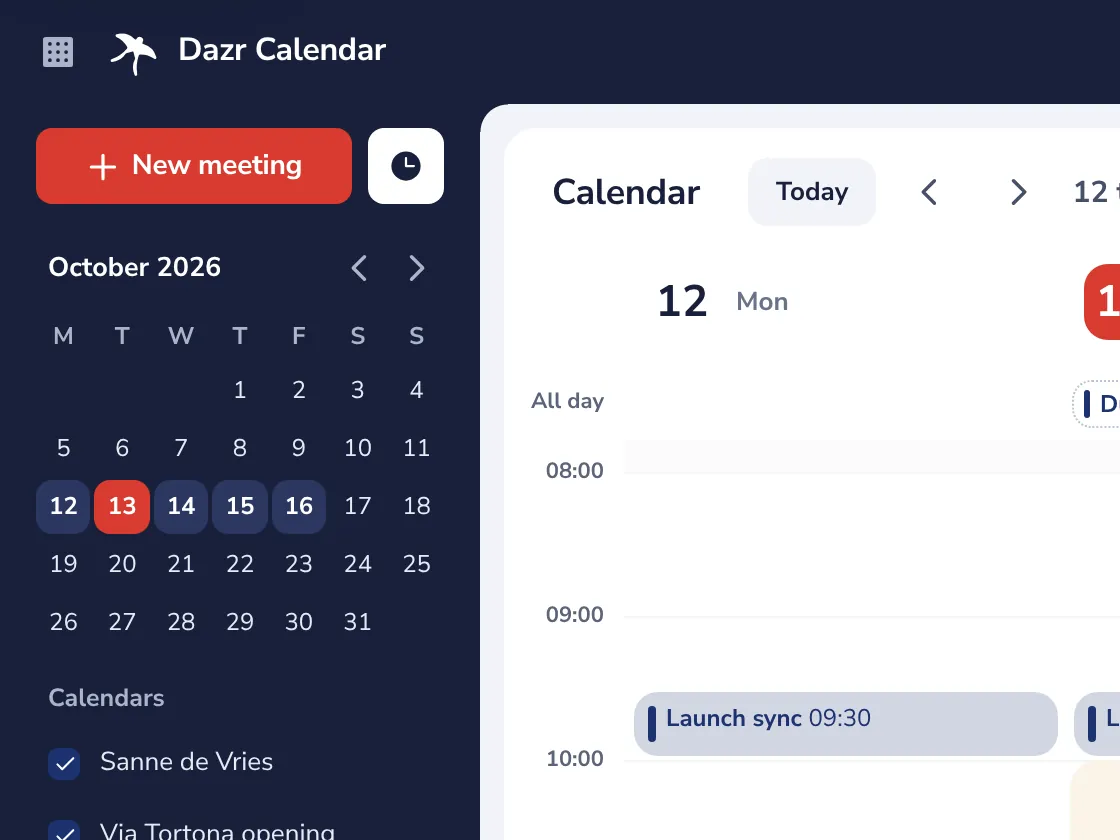
- 3
Your booking page
Set up a booking page. Let people book a time with you, without emails back and forth.
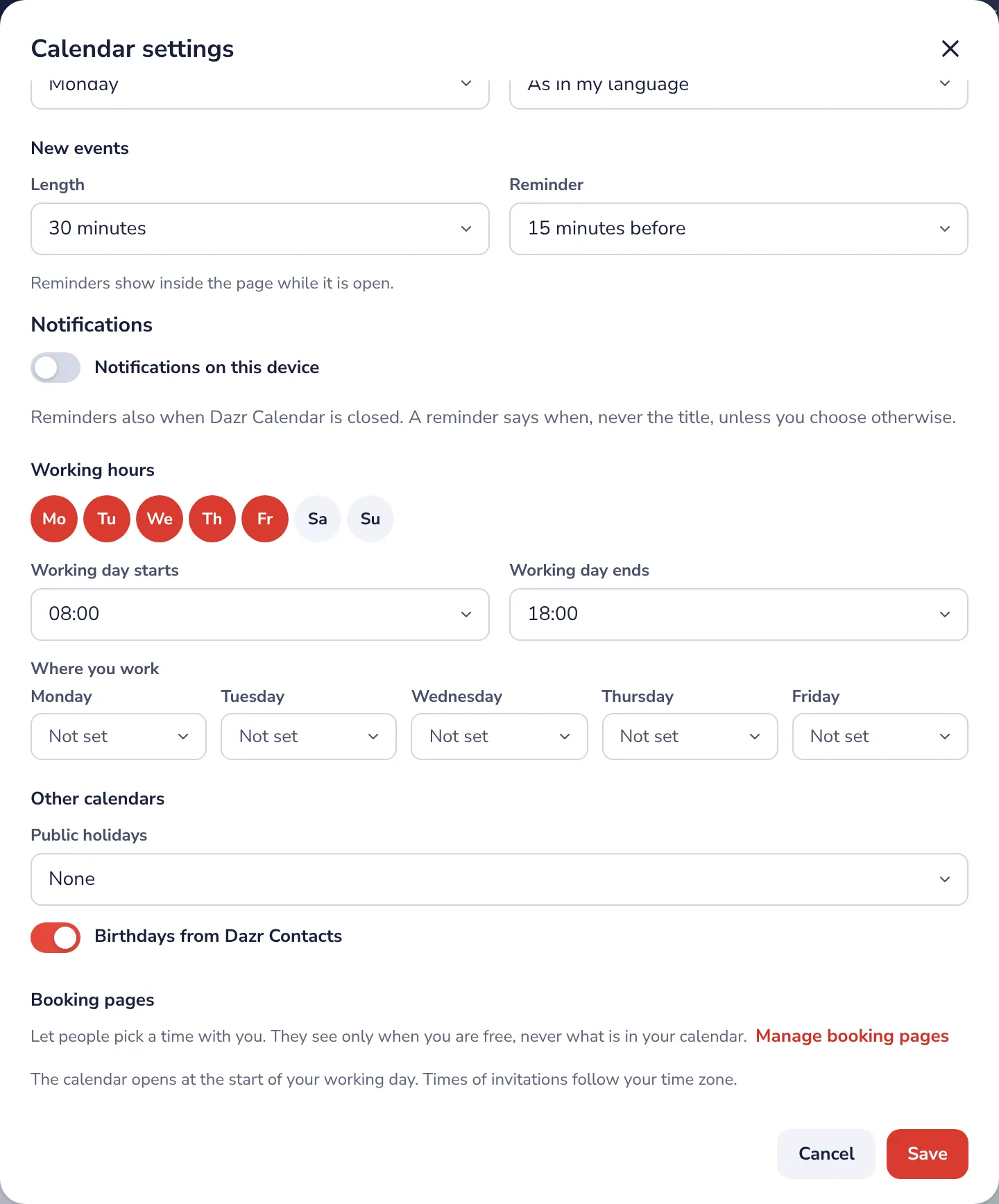
- 4
Bring your calendar
Import your Google or Outlook calendar. Bring your events over with a calendar file.
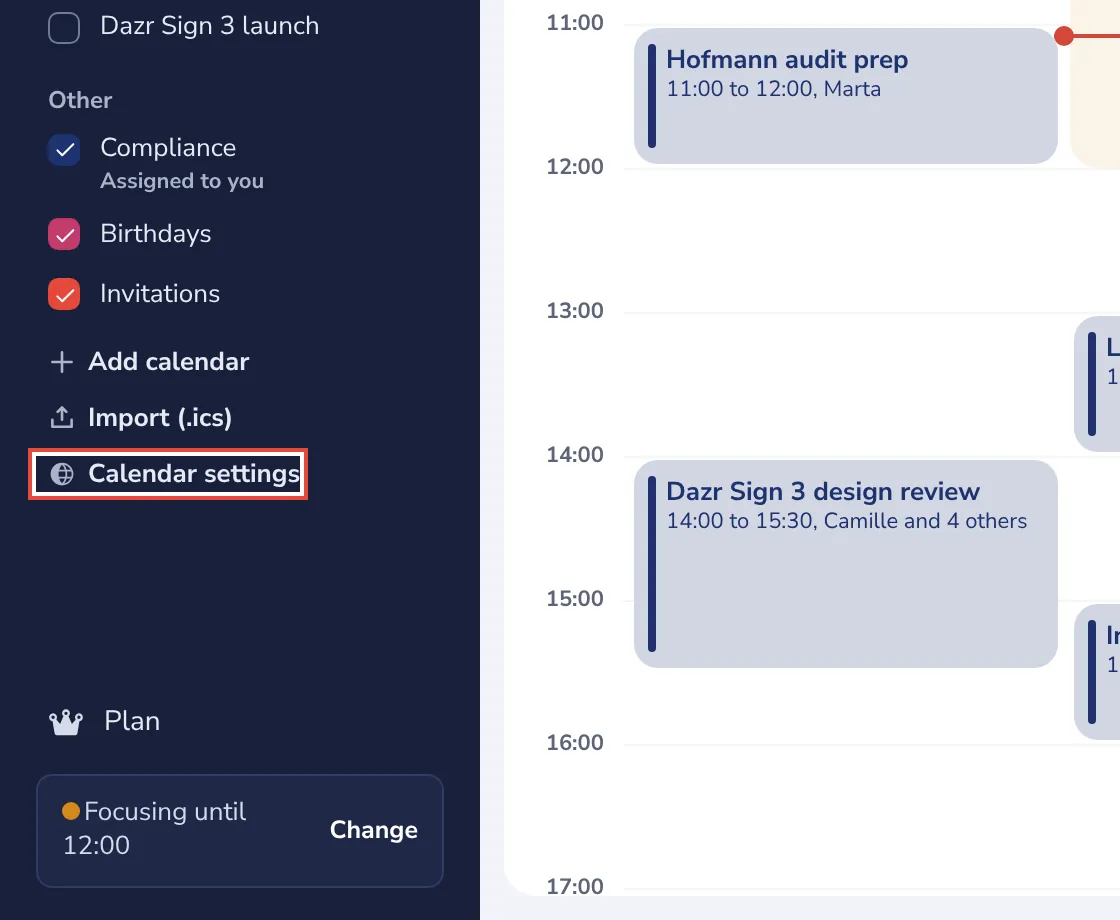
Stuck? Press ? at the top of Dazr Calendar: Get started, a Show me tour for each step, and search. Or write to us: people answer, not a bot.
Was this helpful?
What was missing?
Thank you.
We count yes and no per article. Nothing about you is stored.