Your first day with Dazr
One Dazr account opens every Dazr app. On your first day you sign up, set up your company, invite your team, connect your domain and open the app you came for. Each step takes a few minutes.
- 1
Your account
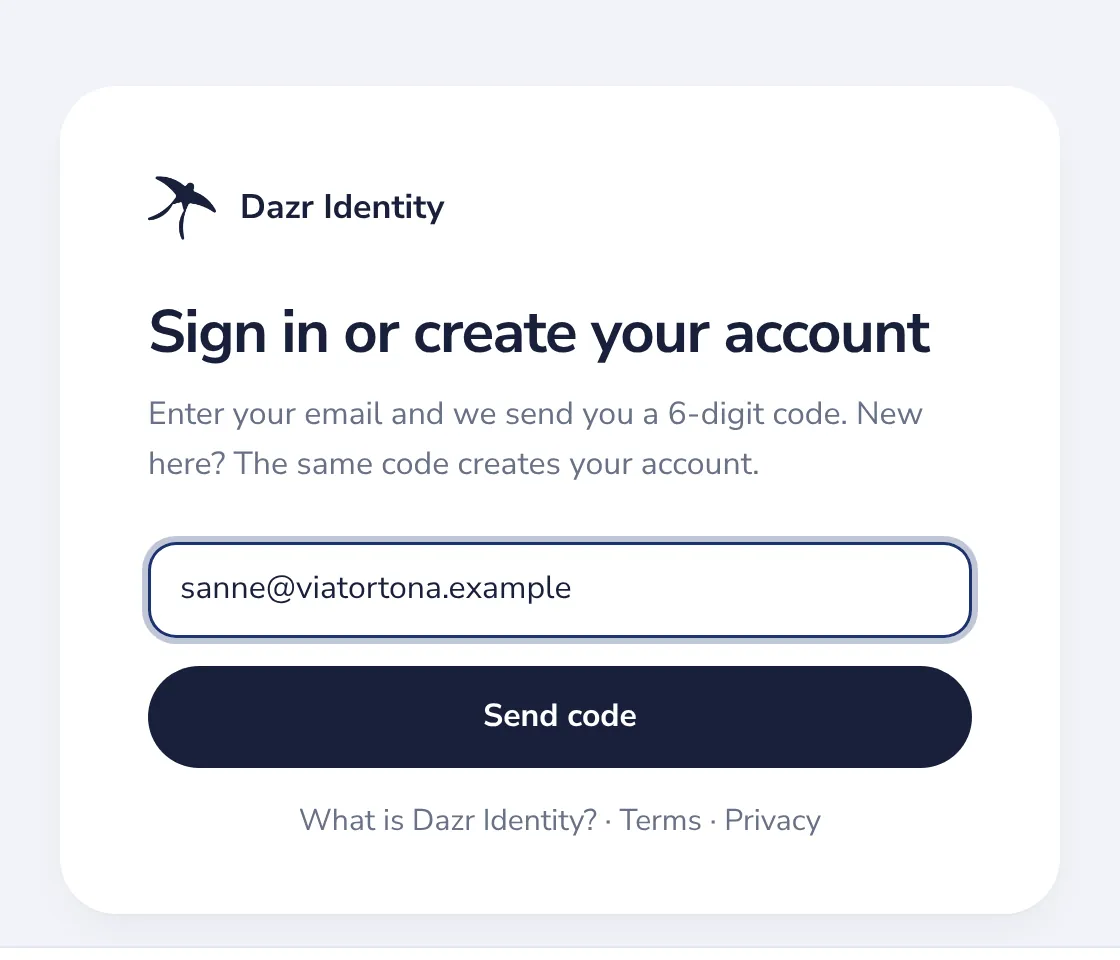
Press Start free, type your email and the 6-digit code we send, then your name. There is no password.
- 2
Your company
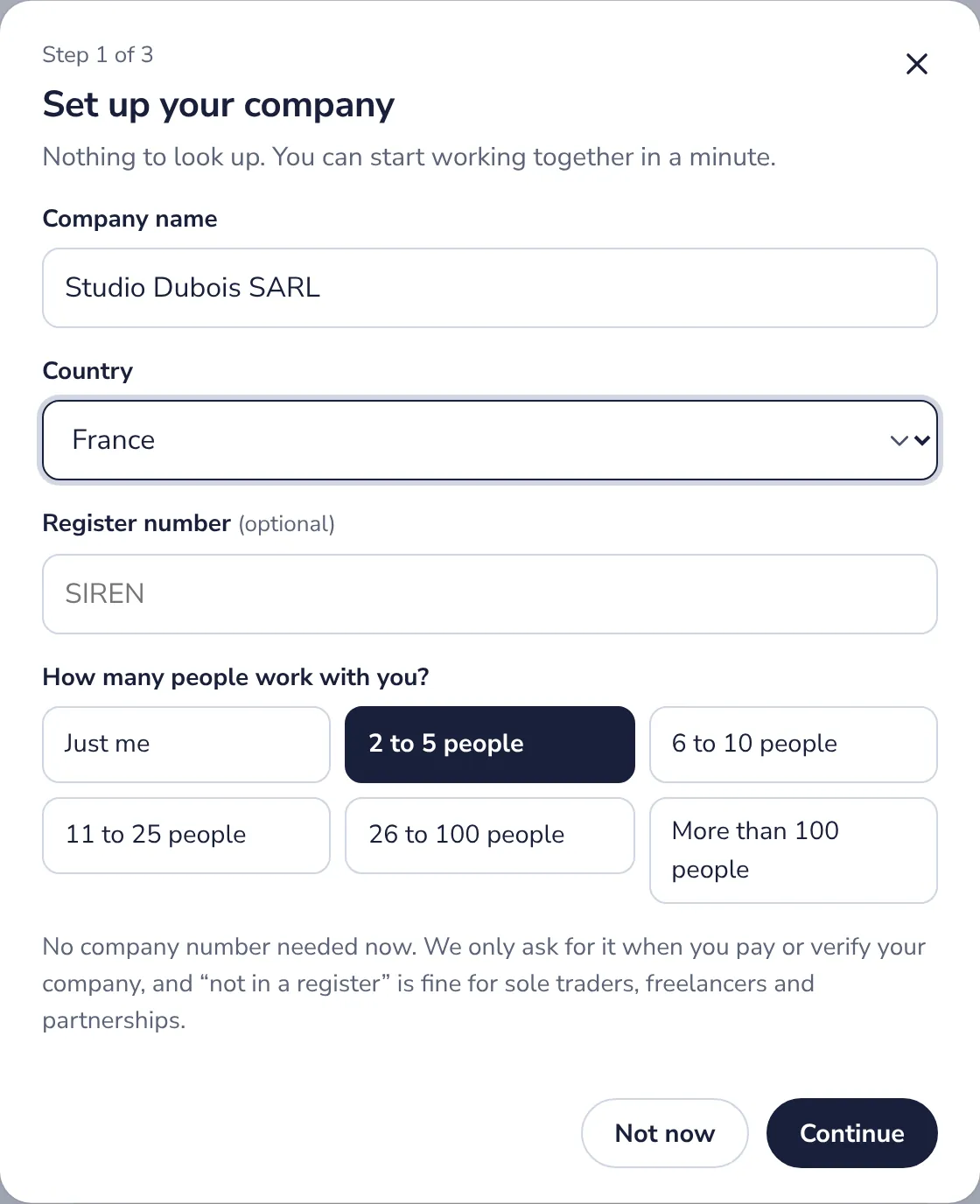
On the Plan page, press Set up your company. A name, a country and how many people work with you.
- 3
Your team
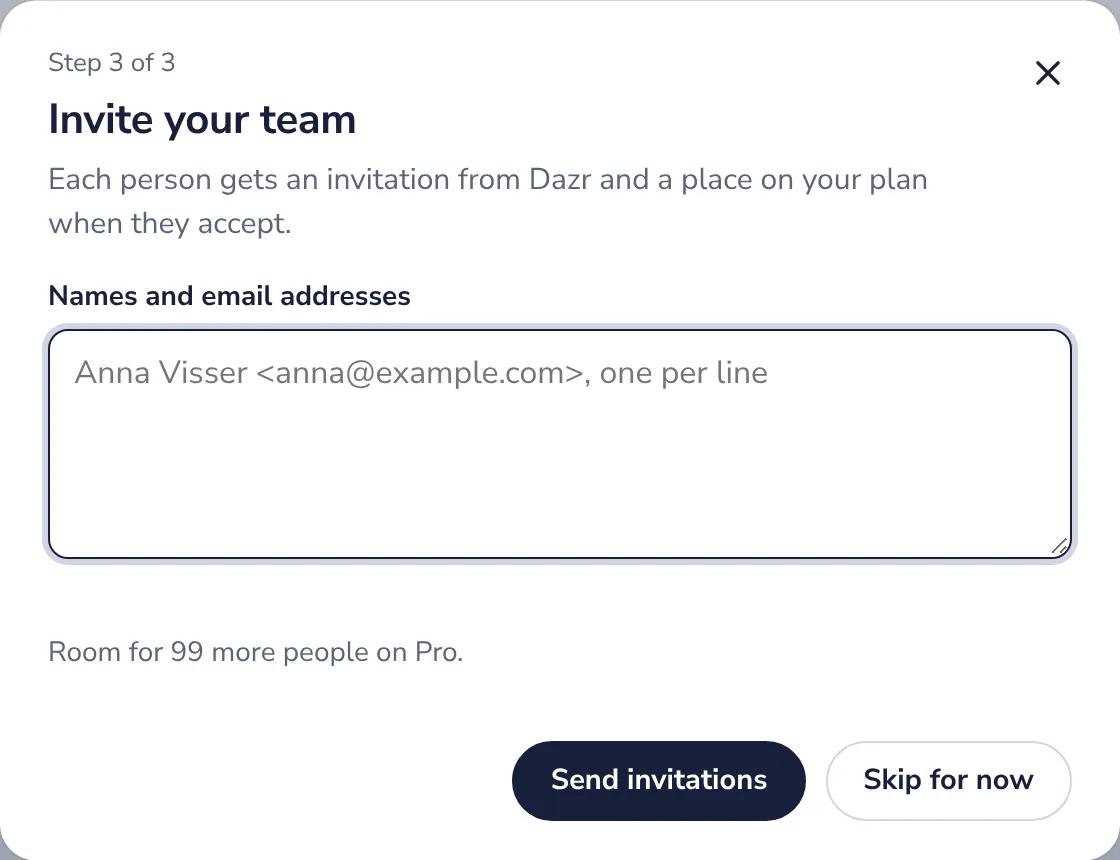
Try Pro free for 14 days if you like, then type your colleagues' names and addresses and send the invitations.
- 4
Your domain
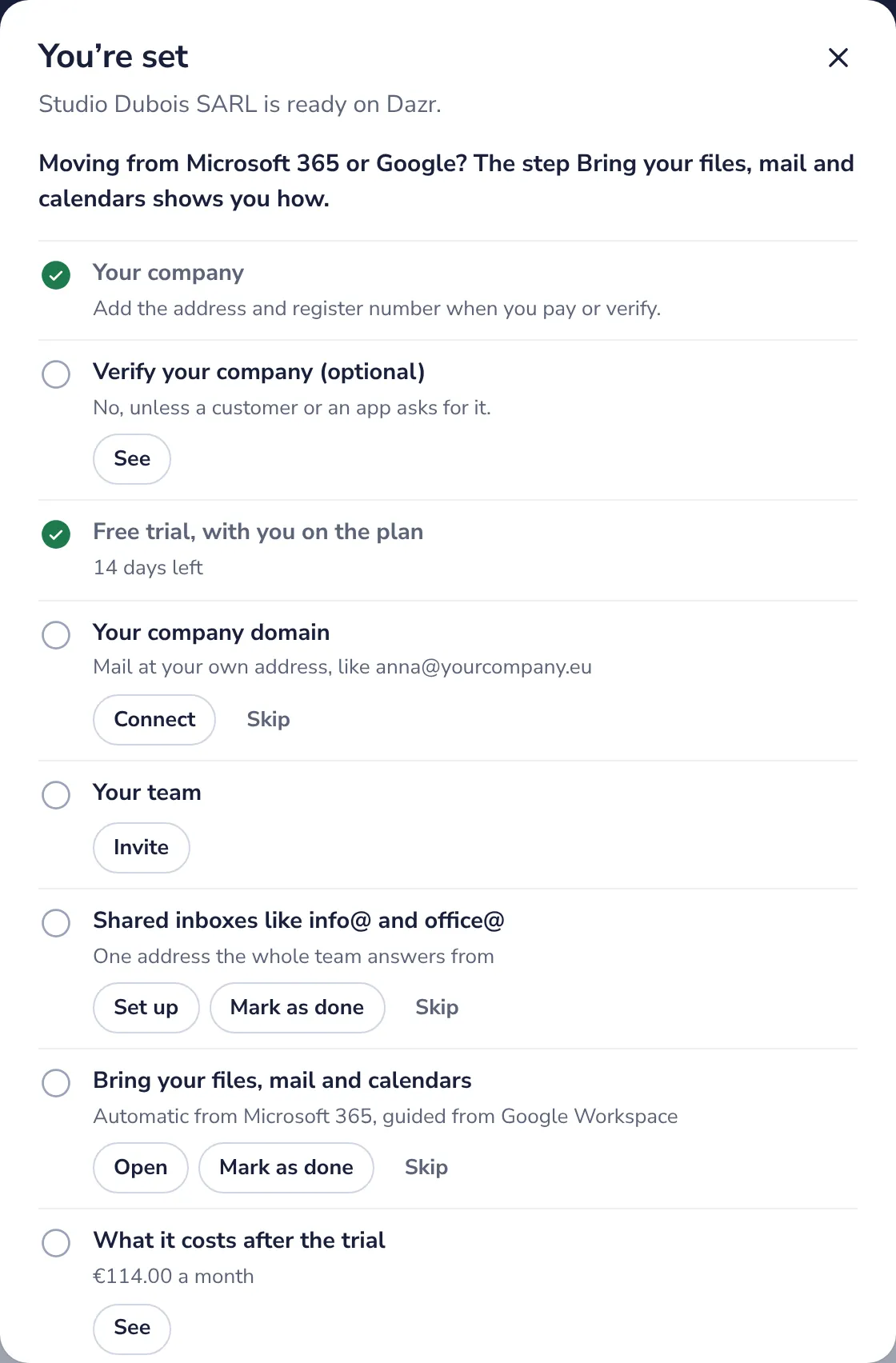
The checklist that follows starts with your company domain. Press Connect and Mail guides you through it.
- 5
Your first app
Open Mail, Teams, Files or any other app with the same account. It starts with its own welcome.
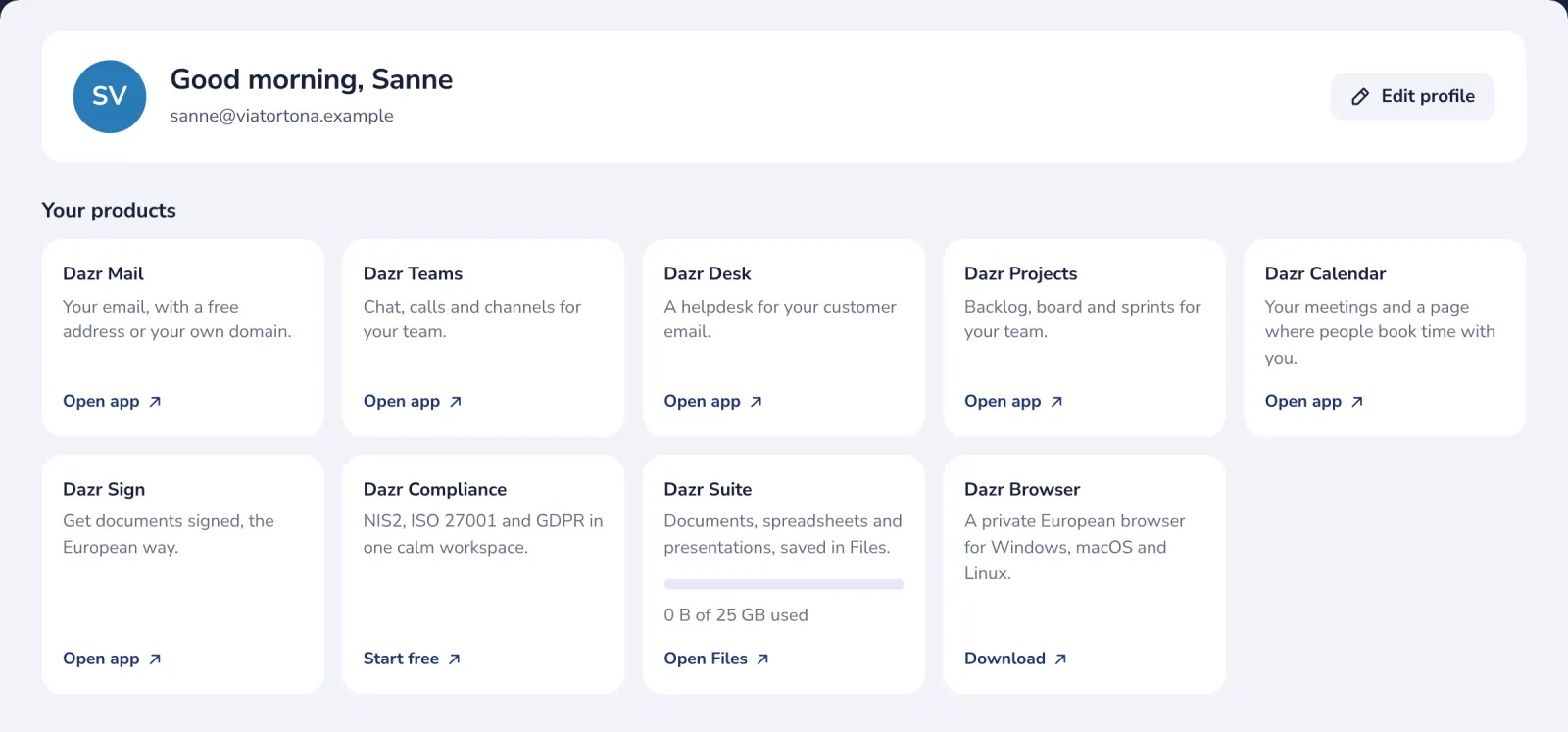
Every app then has its own welcome and its own Get started list, behind the ? at the top, and a guide in this help centre.
Was this helpful?
What was missing?
Thank you.
We count yes and no per article. Nothing about you is stored.