Get started with Dazr Teams
Chat, calls and meetings for your company. These are the first things to do. The same list is in Help, under Get started, and ticks itself off as you go.
- 1
Your team's channel
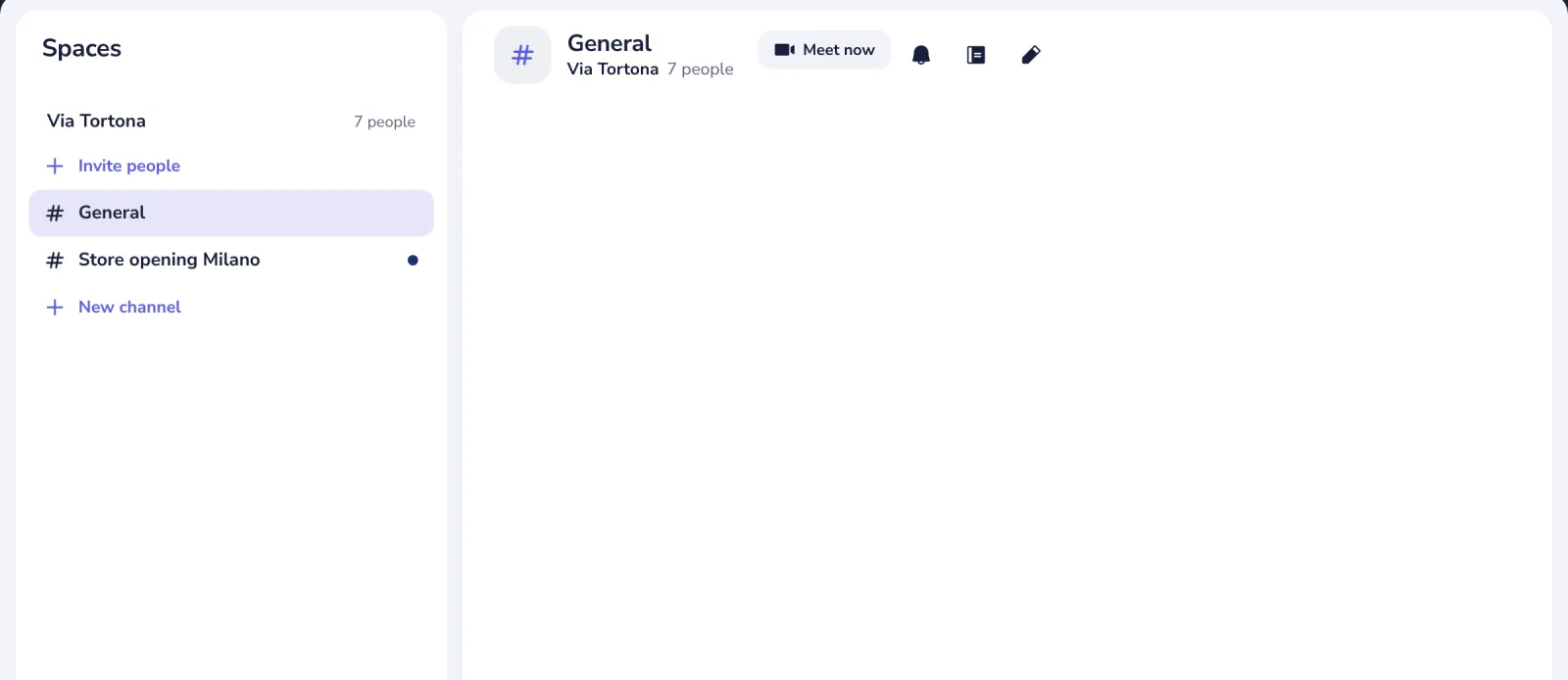
Open General in Spaces. Everyone in your company reads and writes there.
- 2
Send a message
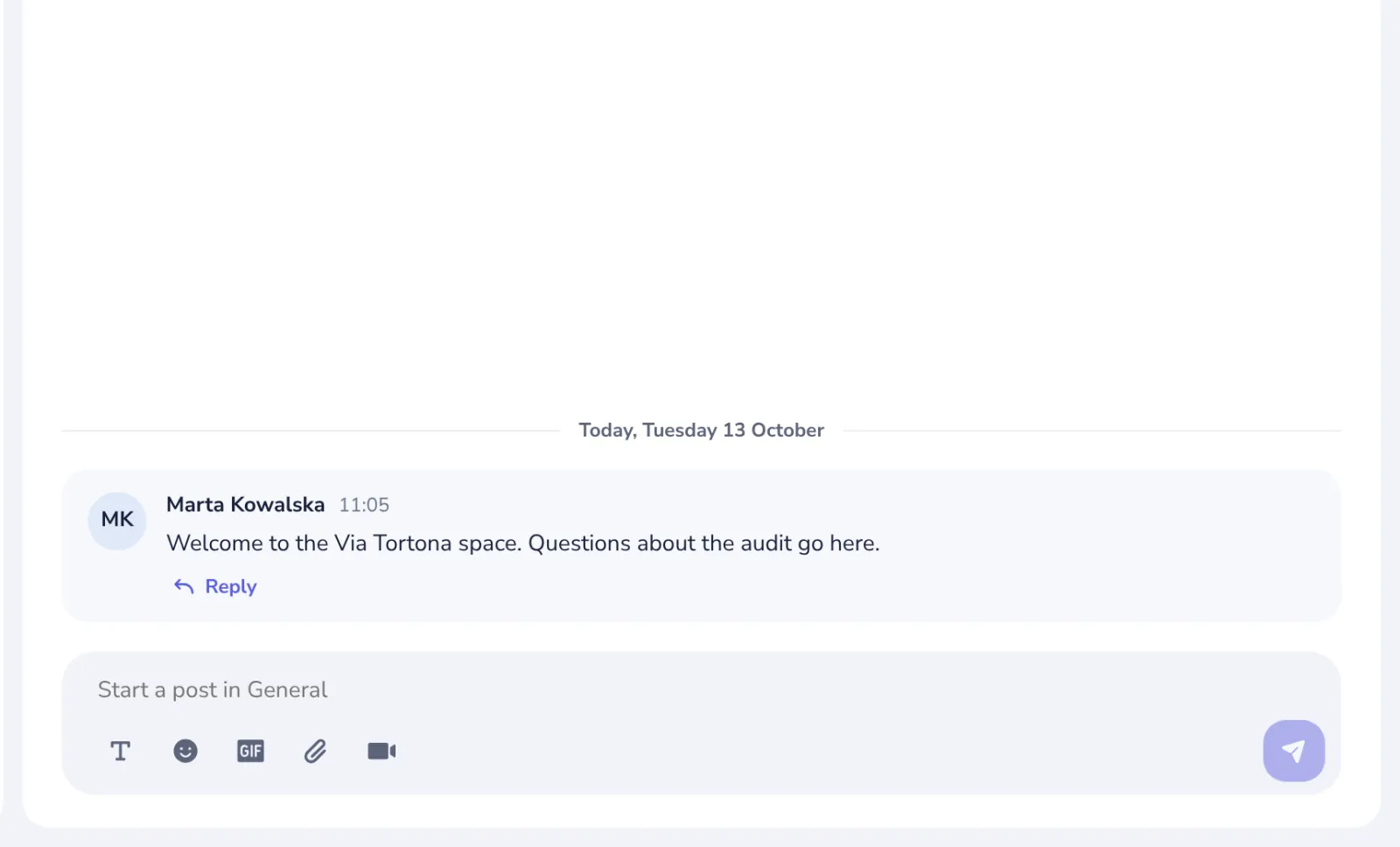
Type in the box at the bottom and press Enter. Say hello, or write to one colleague.
- 3
Start a call
Press Meet now in a channel, or the camera in a chat. You see yourself first, then join.
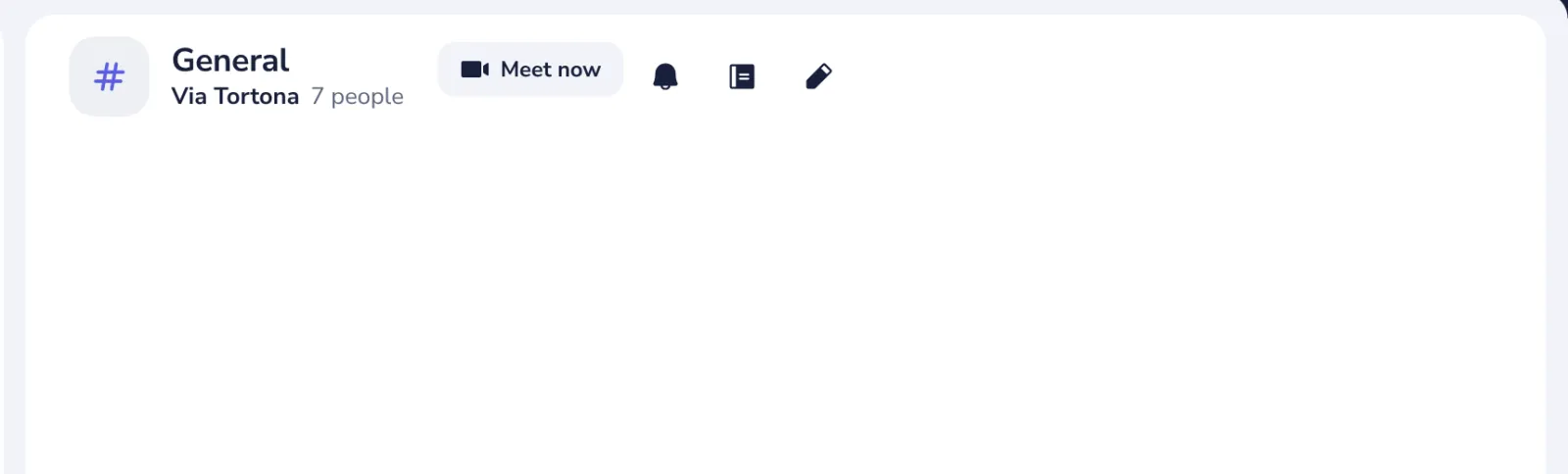
For people outside Dazr, start a meeting in Calls and send its link.
Stuck? Press ? at the top of Dazr Teams: Get started, a Show me tour for each step, and search. Or write to us: people answer, not a bot.
Was this helpful?
What was missing?
Thank you.
We count yes and no per article. Nothing about you is stored.